
Landing pages remain one of the most effective ways to generate leads, sell digital products, and improve marketing ROI. While many website builders include landing page functionality, dedicated conversion optimization platforms typically offer more advanced testing, analytics, and lead generation capabilities.
Leadpages has been a recognized name in this market for over a decade. Originally known as a drag-and-drop landing page builder, the platform has evolved into an AI-powered conversion optimization solution that combines page creation, A/B testing, personalization, analytics, and lead capture tools in one platform. Recent updates have introduced AI page generation, Smart Traffic, heatmaps, and automated optimization features designed for marketers without dedicated CRO teams.
But is Leadpages worth its premium pricing in 2026?
This unbiased review examines its features, pricing, strengths, weaknesses, competitors, and ideal use cases.
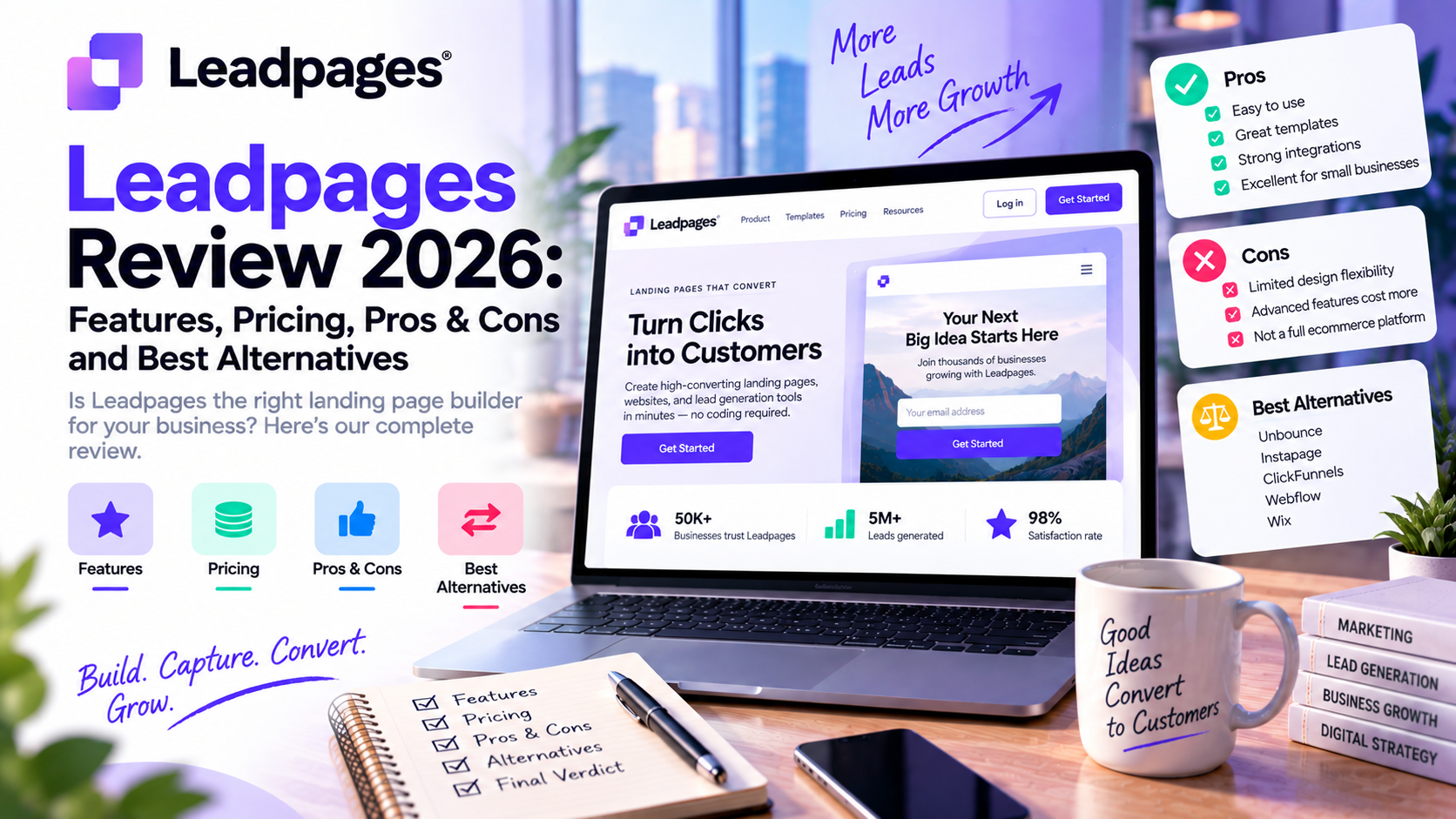
What is Leadpages?
Leadpages is a cloud-based landing page and conversion optimization platform that enables businesses to create high-converting landing pages without coding.
Unlike traditional website builders, Leadpages focuses specifically on helping marketers increase conversions through:
- Landing pages
- Lead capture forms
- Popups
- Conversion optimization
- A/B testing
- AI-assisted page generation
- Analytics
- Marketing integrations
The platform targets businesses that rely heavily on paid advertising, email marketing, webinars, lead generation, and digital product sales.
Today, Leadpages serves hundreds of thousands of marketers worldwide and positions itself as an AI-powered landing page builder with built-in CRO (Conversion Rate Optimization) capabilities.
Key Features
1. AI Landing Page Builder
One of Leadpages' biggest improvements is its AI page builder.
Users simply enter a prompt describing their business or campaign, and the platform automatically generates:
- Complete landing pages
- Marketing copy
- Layouts
- Calls-to-action
- Images and sections
- Mobile-responsive design
Instead of spending hours designing pages manually, marketers can publish campaigns much faster.
Ideal for:
- Startups
- Small businesses
- Solo marketers
- Agencies
2. Drag-and-Drop Visual Editor
After AI creates the page, users can customize everything using the visual editor.
Editing includes:
- Text
- Images
- Buttons
- Forms
- Videos
- Layout sections
- Colors
- Typography
- Branding
No coding knowledge is required.
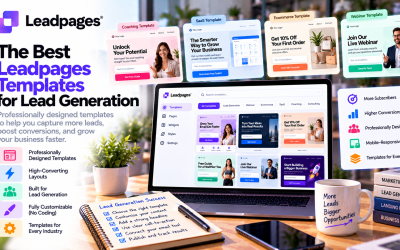
3. Conversion-Optimized Templates
Leadpages offers professionally designed templates for nearly every marketing objective.
Popular categories include:
- Webinar registration
- SaaS demos
- Product launches
- Ebook downloads
- Newsletter signup
- Lead magnets
- Coaching services
- Consulting businesses
- Online courses
- Ecommerce promotions
Templates follow established conversion optimization best practices.
4. Built-in A/B Testing
A/B testing is included across Leadpages plans, allowing marketers to compare multiple page variations without relying on third-party tools. Higher tiers expand testing capabilities and automation.
Users can test:
- Headlines
- CTA buttons
- Hero images
- Pricing sections
- Forms
- Entire layouts
This helps improve conversion rates through data rather than guesswork.
5. Smart Traffic
Available on higher-tier plans, Smart Traffic uses AI to automatically direct visitors toward the page variant most likely to convert based on visitor behavior and attributes.
Instead of splitting traffic evenly, Leadpages continuously optimizes routing.
This feature benefits advertisers running high-volume campaigns.
6. Heatmaps
Optimize and Scale plans include integrated heatmaps showing:
- Click activity
- Scroll depth
- Visitor attention
Heatmaps help identify:
- Confusing layouts
- Weak CTAs
- Sections users ignore
This removes the need for separate heatmap software.
7. Lead Capture Forms
Leadpages includes customizable forms supporting:
- Email collection
- Contact forms
- Lead magnets
- Newsletter signup
- Webinar registration
Collected leads can automatically sync with popular CRM and email marketing platforms.
8. Dynamic Text Replacement
Dynamic Text Replacement automatically matches landing page copy with ad keywords.
Benefits include:
- Better message consistency
- Improved Quality Scores
- Higher conversion rates
- More relevant user experiences
This is especially valuable for Google Ads campaigns.
9. Analytics Dashboard
The built-in dashboard tracks:
- Visitors
- Conversion rates
- Form submissions
- Campaign performance
- Traffic sources
Users can quickly identify high-performing landing pages.
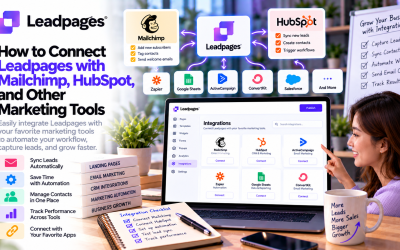
10. Marketing Integrations
Leadpages integrates with many popular marketing platforms, including:
- HubSpot
- Mailchimp
- ActiveCampaign
- Klaviyo
- Salesforce
- Shopify
- Stripe
- Calendly
- Zapier
- Hundreds of additional integrations via APIs and webhooks.
Pricing
Leadpages currently offers three primary plans, with discounts available for annual billing and a 7-day free trial.
| Plan | Monthly Price | Best For |
|---|---|---|
| Grow | $99/month | Solo marketers & small businesses |
| Optimize | $199/month | Growing marketing teams |
| Scale | $399/month | Agencies & enterprise teams |
Grow
Includes:
- Unlimited pages
- Unlimited traffic
- AI page creation
- A/B testing
- Analytics
- Dynamic text replacement
- Multiple custom domains
Optimize
Everything in Grow plus:
- Smart Traffic
- Heatmaps
- Auto-personalization
- More integrations
- Longer analytics retention
Scale
Everything in Optimize plus:
- AI auto-optimization
- Team collaboration
- Workspaces
- Audit logs
- Dedicated customer success support
Compared to entry-level website builders, Leadpages is more expensive, but it bundles advanced CRO tools that would otherwise require separate subscriptions.
Pros & Cons
Pros
✅ Easy for beginners
✅ AI page generation saves significant setup time
✅ Excellent landing page templates
✅ Powerful A/B testing
✅ Smart Traffic optimization
✅ Built-in heatmaps
✅ Unlimited traffic
✅ Large integration ecosystem
✅ Fast page publishing
✅ Strong focus on conversion optimization
Cons
❌ Higher starting price than many competitors
❌ Advanced optimization features require premium plans
❌ Better suited to landing pages than full website management
❌ Teams with highly customized design requirements may prefer platforms with deeper developer flexibility
User Experience
Leadpages emphasizes simplicity.
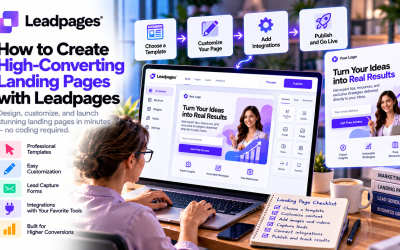
Setup typically involves:
- Choosing a template or AI prompt
- Editing content
- Connecting a domain
- Publishing
The interface is modern and intuitive, making it accessible to non-technical users.
Performance highlights include:
- Fast page loading
- Responsive editor
- Minimal learning curve
- Reliable publishing workflow
Advanced users also benefit from integrations, personalization features, and analytics without needing multiple third-party tools.
Alternatives
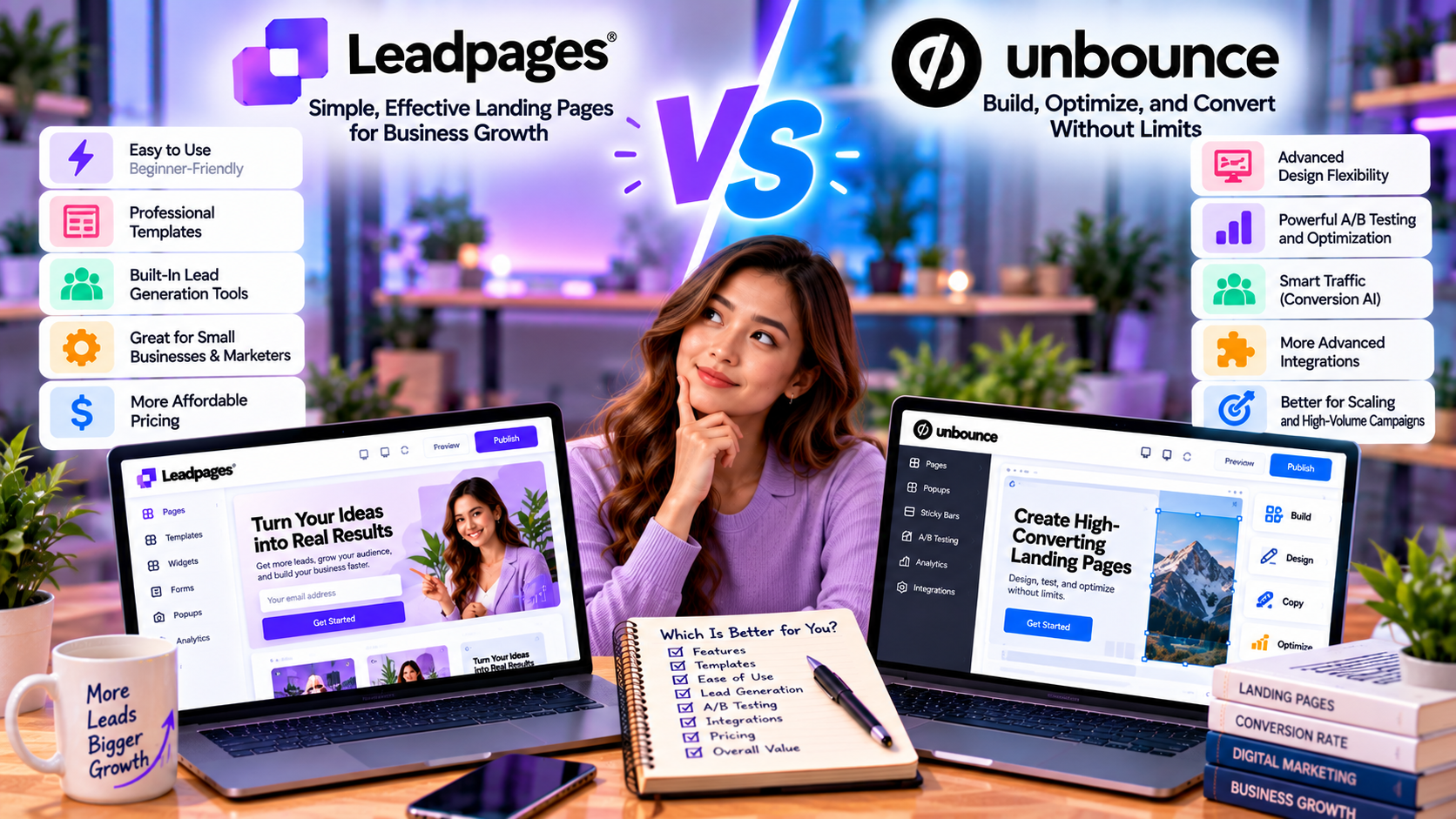
1. Unbounce
Best for:
- Enterprise marketers
- Advanced optimization
- AI copy generation
- High-volume paid advertising
Advantages:
- More sophisticated testing
- Stronger AI optimization
- Enterprise-focused features
Disadvantages:
- More expensive
- Slightly steeper learning curve
2. Instapage
Best for:
- Large advertising teams
- Enterprise collaboration
Strengths:
- Excellent personalization
- AdMap visualization
- Team workflow tools
Weakness:
- Premium pricing
3. ClickFunnels
Best for:
- Sales funnels
- Online courses
- Membership businesses
Better if your business depends on multi-step sales funnels rather than standalone landing pages.
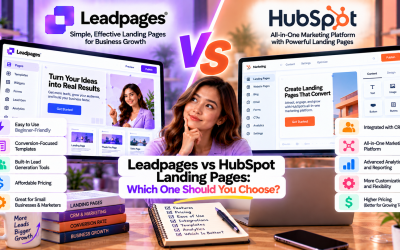
4. HubSpot Landing Pages
Ideal for businesses already using HubSpot CRM.
Advantages include:
- Native CRM integration
- Marketing automation
- Email workflows
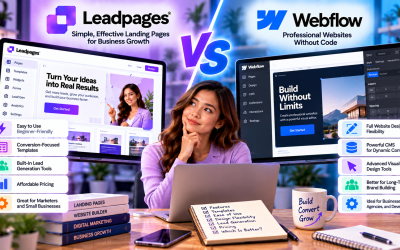
5. Webflow
Best for:
- Designers
- Developers
- Custom websites
Offers greater design flexibility but requires more expertise.
Real-World Use Cases
Leadpages works well across many industries:
SaaS Companies
- Free trial signup pages
- Product launch campaigns
- Demo booking
Marketing Agencies
- Client landing pages
- Lead generation
- Campaign optimization
Ecommerce Brands
- Seasonal promotions
- Product launches
- Discount campaigns
Coaches & Consultants
- Webinar registration
- Discovery call booking
- Lead magnets
Content Creators
- Newsletter growth
- Ebook downloads
- Online course enrollment
Local Businesses
- Appointment booking
- Event registration
- Promotional campaigns
Who Should Use Leadpages?
Leadpages is an excellent fit for:
- Small businesses
- Digital marketers
- SaaS startups
- Marketing agencies
- Freelancers
- Coaches
- Consultants
- Ecommerce brands
- Course creators
- Businesses running paid advertising campaigns
It may be less suitable for organizations seeking a full-featured CMS or highly customized web applications, where platforms like Webflow or traditional development stacks may be more appropriate.
Final Verdict
Leadpages has evolved from a straightforward landing page builder into a comprehensive AI-powered conversion optimization platform. Its combination of AI page generation, built-in A/B testing, Smart Traffic, heatmaps, lead capture, and extensive integrations makes it a compelling choice for marketers focused on improving conversion rates rather than simply publishing web pages.
The primary drawback is pricing: the entry-level plan starts at $99/month, which may be difficult to justify for hobbyists or very small businesses. However, for organizations investing in paid acquisition, email marketing, or lead generation, consolidating multiple CRO tools into one platform can provide meaningful value.
Overall Rating: 4.6/5
Best For: Marketing teams, agencies, SaaS companies, and businesses that prioritize conversion optimization over general website building.
Write Your Review
No reviews yet. Be the first to share your experience!