
Choosing the right platform for your online presence depends on your business goals. If your objective is to generate leads through high-converting landing pages, you may be considering Leadpages. If you need to build a fully customized website with advanced design capabilities, Webflow is one of the strongest no-code website builders available.
Although both platforms allow users to create professional web pages without traditional coding, they are designed for very different purposes.
Leadpages specializes in landing page creation and conversion optimization, making it ideal for marketers, entrepreneurs, and businesses running advertising campaigns.
Webflow is a visual website builder and content management system (CMS) that gives designers and developers complete control over website structure, animations, content management, and SEO.
This comparison explores the strengths and weaknesses of both platforms, helping you determine whether a dedicated landing page builder or a complete website builder is the better choice for your business.
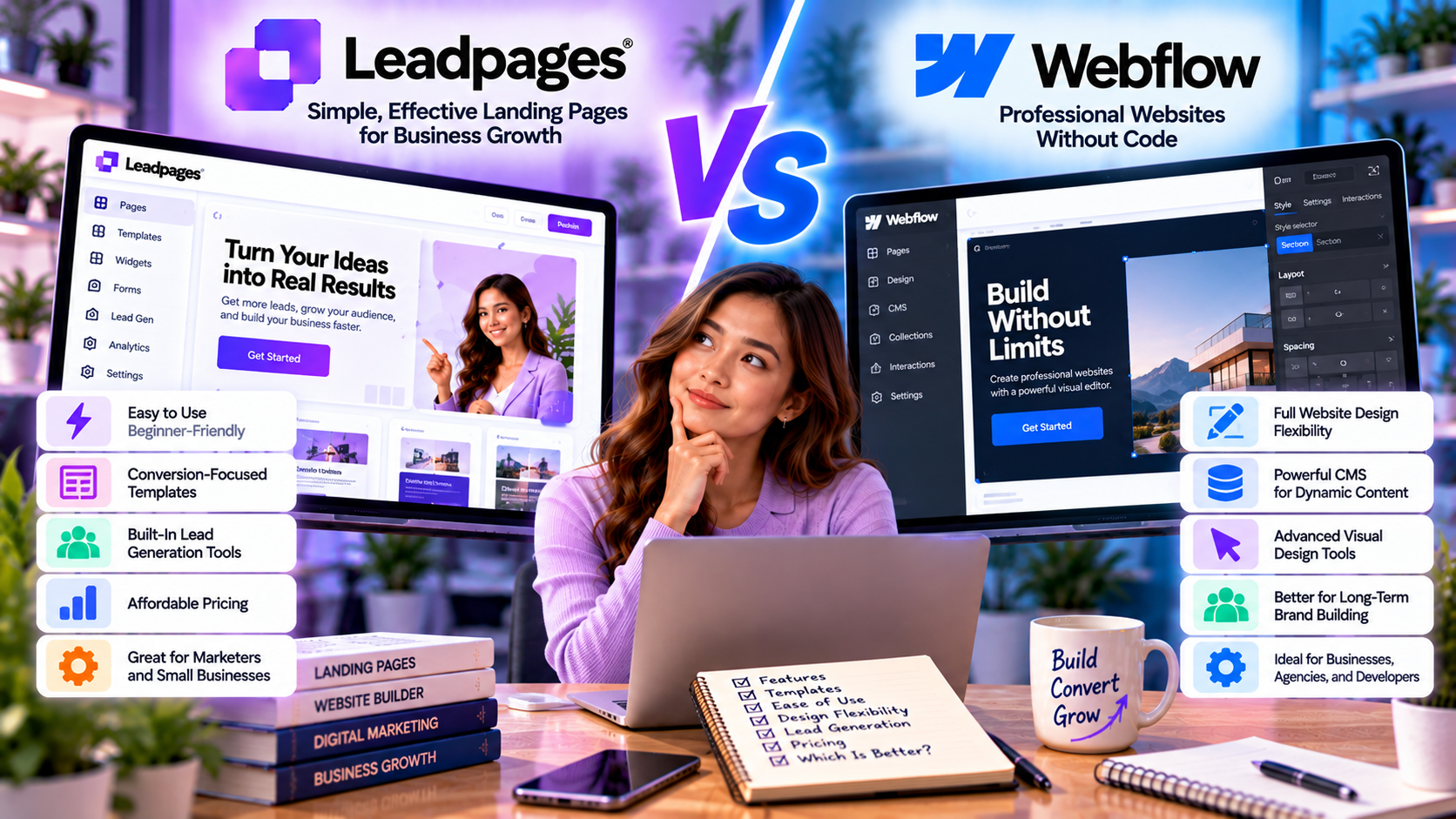
Quick Comparison
| Feature | Leadpages | Webflow |
|---|---|---|
| Primary Purpose | Landing Pages | Website Builder & CMS |
| Ease of Use | ⭐⭐⭐⭐⭐ | ⭐⭐⭐⭐☆ |
| Design Flexibility | Good | Excellent |
| Landing Page Builder | Excellent | Very Good |
| Website Builder | Basic | Excellent |
| CMS | No | Yes |
| SEO Features | Good | Excellent |
| Ecommerce | Limited | Yes |
| AI Features | Good | Limited |
| Best For | Lead Generation | Business Websites |
| Pricing | Affordable | Flexible |
Platform Overview
What is Leadpages?
Leadpages is a no-code landing page platform designed to help businesses generate leads and improve conversion rates.
Key features include:
- Drag-and-drop editor
- AI-powered page generation
- Landing page templates
- Pop-ups
- Alert bars
- Lead capture forms
- A/B testing
- Marketing integrations
It is ideal for:
- Small businesses
- SaaS startups
- Coaches
- Consultants
- Marketing agencies
- Ecommerce campaigns
What is Webflow?
Webflow is a visual website builder that combines design, CMS functionality, hosting, and advanced customization into one platform.
Its core capabilities include:
- Responsive website builder
- CMS
- Ecommerce
- Animations
- Custom interactions
- SEO tools
- Team collaboration
- Hosting
Webflow is commonly used by:
- Designers
- Agencies
- Startups
- Enterprise companies
- Creative professionals
Landing Pages
Leadpages
Landing pages are the platform's primary focus.
Users can quickly create:
- Lead generation pages
- Webinar registrations
- Product launches
- Free trial pages
- Consultation booking pages
- Sales pages
Templates are built around proven conversion optimization principles.
Webflow
Webflow can also create landing pages.
However, they usually require:
- More design work
- Manual optimization
- Greater familiarity with Webflow's interface
While highly flexible, it is not specifically optimized for rapid landing page creation.
Winner: Leadpages
Website Building
This is where Webflow excels.
Leadpages
Provides basic website functionality suitable for simple marketing sites.
However, it lacks:
- Advanced CMS
- Dynamic content
- Large-scale website management
- Sophisticated navigation
Webflow
Allows users to build:
- Company websites
- Blogs
- Portfolios
- SaaS websites
- Ecommerce stores
- Enterprise websites
Its visual editor provides almost unlimited creative flexibility.
Winner: Webflow
Design Flexibility
Leadpages
Offers customizable templates that balance flexibility with simplicity.
Users can easily modify:
- Colors
- Fonts
- Images
- Layouts
- Forms
- Buttons
Perfect for marketers without design experience.
Webflow
Provides pixel-level control over virtually every design element.
Users can customize:
- Layouts
- Animations
- Interactions
- CSS-like styling
- Responsive behavior
This level of control makes Webflow a favorite among professional designers.
Winner: Webflow
Content Management
Leadpages
Designed primarily for standalone landing pages.
Content management capabilities are limited.
Webflow
Includes a powerful CMS that allows businesses to manage:
- Blog posts
- Team pages
- Product catalogs
- Case studies
- Resource centers
- Dynamic collections
The CMS is one of Webflow's biggest advantages.
Winner: Webflow
SEO Features
SEO is essential for long-term organic traffic.
Leadpages
Supports:
- Meta titles
- Meta descriptions
- Custom URLs
- Mobile optimization
- Fast hosting
These features cover the basics required for SEO-friendly landing pages.
Webflow
Offers advanced SEO capabilities, including:
- Custom schema support
- Automatic sitemaps
- Canonical tags
- CMS SEO controls
- Image optimization
- Redirect management
- Clean semantic code
These tools make Webflow particularly attractive for content-driven websites.
Winner: Webflow
Ecommerce
Leadpages
Can support basic product promotions and integrate with payment processors.
However, it is not intended to replace a dedicated ecommerce platform.
Webflow
Includes built-in ecommerce functionality with support for:
- Product catalogs
- Shopping carts
- Checkout pages
- Inventory management
- Custom product pages
Suitable for many small and medium-sized online stores.
Winner: Webflow
Integrations
Both platforms integrate with popular business software.
Common integrations include:
- Zapier
- HubSpot
- Mailchimp
- Google Analytics
- Stripe
- Salesforce
Leadpages emphasizes marketing automation, while Webflow supports a broader range of website-related workflows.
Winner: Tie
Ease of Use
Leadpages
Designed specifically for marketers.
Most users can create a landing page within minutes.
No coding knowledge is required.
Webflow
Although no coding is necessary, understanding layout systems, responsive design, and CMS concepts helps users unlock the platform's full potential.
The learning curve is noticeably steeper.
Winner: Leadpages
Pricing
Leadpages
Offers affordable pricing for businesses focused on:
- Landing pages
- Lead generation
- Marketing campaigns
Excellent value for startups and small businesses.
Webflow
Pricing varies depending on:
- Website type
- CMS usage
- Ecommerce features
- Hosting requirements
While flexible, costs can increase as websites grow.
Winner: Leadpages (for landing pages)
Pros and Cons
Leadpages
Pros
- Extremely easy to use
- Excellent landing page templates
- AI-powered page creation
- Built-in conversion tools
- Affordable pricing
- Fast campaign deployment
- Great for lead generation
Cons
- Limited website-building capabilities
- No advanced CMS
- Less design flexibility
Webflow
Pros
- Powerful website builder
- Advanced CMS
- Exceptional design flexibility
- Strong SEO tools
- Ecommerce support
- Professional animations
- Scalable architecture
Cons
- Steeper learning curve
- More time required to build pages
- Higher complexity for beginners
Which Platform Should You Choose?
Choose Leadpages if:
- Your primary goal is lead generation.
- You run paid advertising campaigns.
- You need landing pages quickly.
- You're a marketer rather than a designer.
- You prefer an affordable, no-code solution.
- You want built-in conversion optimization tools.
Choose Webflow if:
- You need a complete business website.
- Content marketing is a major priority.
- You require a CMS.
- Design flexibility is essential.
- You want full control over SEO and website structure.
- You manage a growing website with many pages.
Real-World Use Cases
SaaS Companies
Use Webflow to build the corporate website and blog, while using Leadpages to create dedicated campaign landing pages for product launches, demos, and paid advertising.
Marketing Agencies
Webflow is ideal for designing client websites, whereas Leadpages enables agencies to quickly launch high-converting landing pages for individual marketing campaigns.
Ecommerce Brands
Build a branded online storefront with Webflow and use Leadpages for seasonal promotions, product launches, and lead capture campaigns.
Coaches and Consultants
Leadpages provides an easy way to create consultation booking pages, webinar registrations, and lead magnets, while Webflow supports a professional website showcasing services, testimonials, and blog content.
Content Creators
Webflow offers a powerful CMS for publishing articles and managing a growing content library, while Leadpages can be used alongside it to grow email lists through dedicated opt-in pages.
Final Verdict
Leadpages and Webflow are not direct competitors—they solve different problems.
Leadpages is purpose-built for marketers who want to create high-converting landing pages quickly. Its intuitive drag-and-drop editor, AI-powered page creation, extensive template library, and conversion-focused features make it an excellent choice for businesses running advertising campaigns, generating leads, and growing email lists. It delivers outstanding value for startups, entrepreneurs, coaches, consultants, and small businesses that prioritize speed and simplicity.
Webflow, by contrast, is a comprehensive website-building platform. Its advanced design tools, powerful CMS, flexible SEO capabilities, ecommerce features, and scalable architecture make it one of the best no-code solutions for creating professional business websites. While it requires more time to learn, it provides unmatched creative freedom for designers and growing organizations.
For many businesses, the ideal solution is not choosing one over the other but using both together. Webflow can serve as the primary website and content hub, while Leadpages powers dedicated marketing campaigns with optimized landing pages designed to maximize conversions.

Write Your Review
No reviews yet. Be the first to share your experience!