
A landing page is one of the most powerful tools for turning website visitors into leads and customers. Unlike a traditional webpage filled with navigation menus and multiple links, a landing page focuses on one objective—encouraging visitors to take a specific action, such as downloading an eBook, registering for a webinar, signing up for a free trial, or requesting a product demo.
Building a high-converting landing page used to require web developers and designers. Today, platforms like Leadpages make the process simple enough for anyone, regardless of technical experience.
With its AI-powered page builder, drag-and-drop editor, professionally designed templates, and built-in marketing integrations, Leadpages allows businesses to launch landing pages in minutes instead of days.
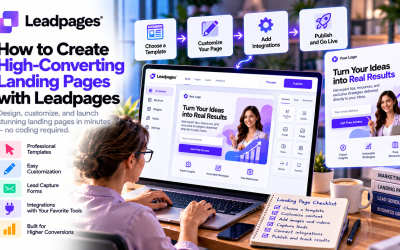
In this guide, we'll walk through every step of creating your first landing page with Leadpages.
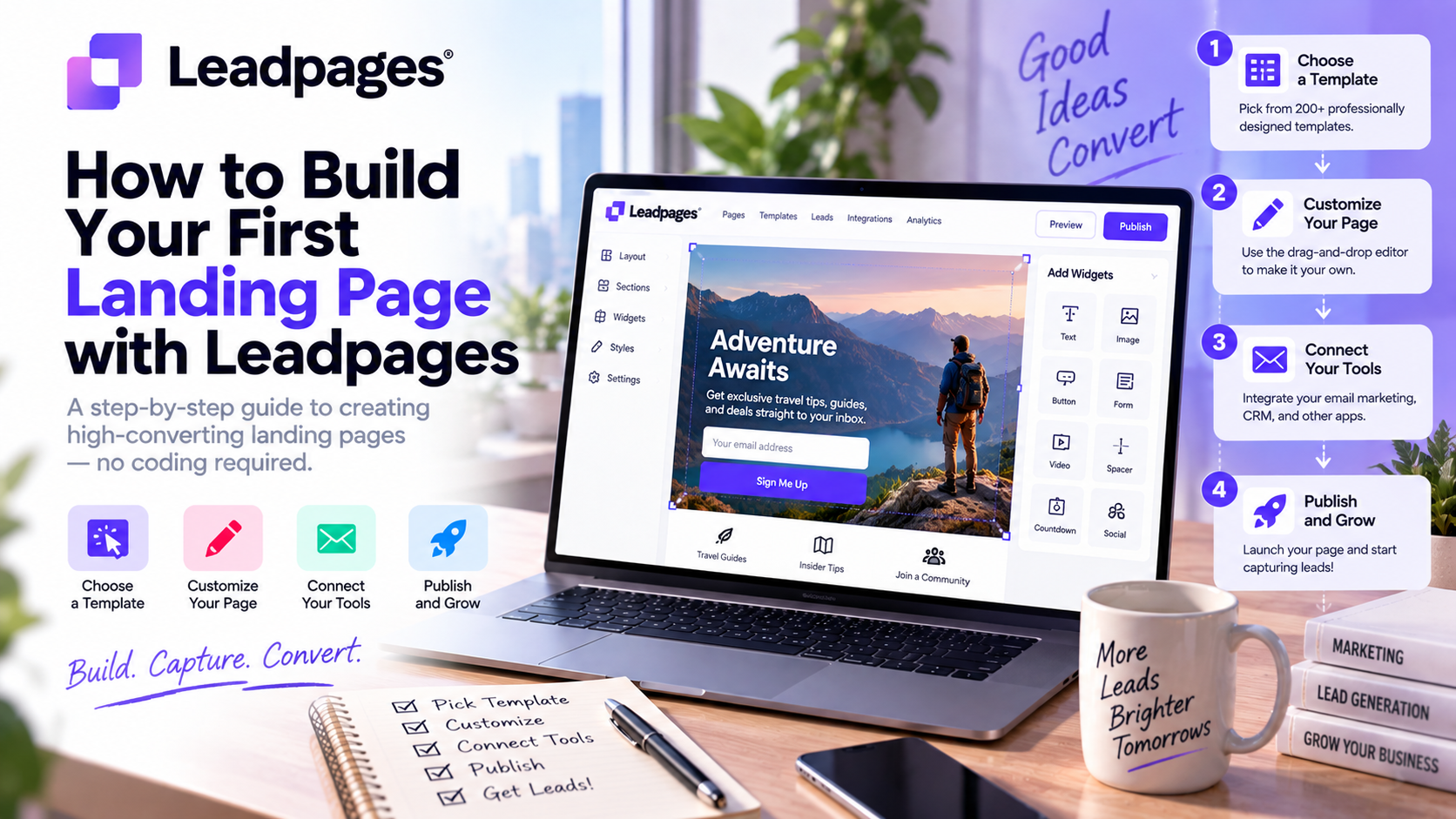
Step 1: Define Your Landing Page Goal
Before opening the page builder, identify the primary objective of your campaign.
Common landing page goals include:
- Collect email subscribers
- Offer a free ebook or guide
- Generate product demo requests
- Promote a webinar
- Book consultation calls
- Sell a digital product
- Launch a new service
- Capture leads from paid advertising
A successful landing page focuses on one clear goal. Trying to achieve multiple objectives often reduces conversion rates.
Pro Tip: Ask yourself, “What is the one action I want visitors to take?” Everything on the page should support that action.
Step 2: Choose a Conversion-Focused Template
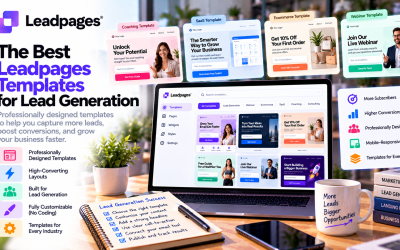
Leadpages offers a large collection of professionally designed templates categorized by campaign type.
Popular categories include:
- Lead Generation
- Webinar Registration
- Product Launch
- SaaS Demo
- Ebook Download
- Online Course
- Coaching Services
- Event Registration
- Ecommerce Promotions
Choose a template that closely matches your campaign instead of building from scratch. This saves time and ensures your page follows proven conversion principles.
Step 3: Customize the Landing Page
Once you've selected a template, use the drag-and-drop editor to personalize your page.
Update key elements such as:
- Business logo
- Headline
- Subheadline
- Hero image
- Product screenshots
- Call-to-action button
- Brand colors
- Fonts
- Testimonials
- Contact information
The visual editor allows you to move sections, resize images, and edit content without writing any code.
Step 4: Write a Strong Headline
Your headline is the first thing visitors notice.
An effective headline should:
- Clearly explain the offer
- Highlight the main benefit
- Capture attention quickly
- Encourage visitors to continue reading
Weak Example
“Welcome to Our Website”
Better Example
“Generate More Qualified Leads in Less Time with AI-Powered Landing Pages”
Focus on solving a problem rather than describing your product.
Step 5: Add a Clear Call-to-Action (CTA)
Every landing page should guide visitors toward one specific action.
Examples include:
- Start Free Trial
- Download Now
- Get My Free Guide
- Book a Demo
- Register Today
- Schedule a Consultation
Keep CTA buttons:
- Visible
- Action-oriented
- Benefit-focused
Avoid vague phrases like “Submit” whenever possible.
Step 6: Create an Effective Lead Capture Form
Lead generation depends on collecting visitor information.
Leadpages allows you to customize forms by adding fields such as:
- Name
- Phone number
- Company
- Job title
- Custom questions
Keep forms as short as possible.
For most campaigns, requesting only a name and email address results in higher conversion rates.
Only ask for additional information if it's necessary for your sales process.
Step 7: Build Trust with Social Proof
Visitors are more likely to convert when they see evidence that others trust your business.
Consider adding:
- Customer testimonials
- Five-star reviews
- Client logos
- Success stories
- Case studies
- Awards
- Certifications
Social proof reduces hesitation and increases credibility.
Step 8: Optimize for Mobile Devices
More than half of internet traffic now comes from smartphones.
Leadpages automatically creates responsive pages, but it's still important to review your landing page on mobile devices.
Check:
- Button sizes
- Font readability
- Image alignment
- Form usability
- Page loading speed
A poor mobile experience can significantly reduce conversion rates.
Step 9: Connect Your Marketing Tools
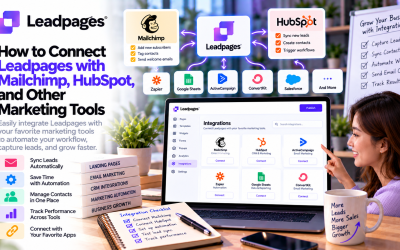
One of Leadpages' biggest strengths is its extensive integration ecosystem.
Connect your landing page with tools like:
- Mailchimp
- HubSpot
- ActiveCampaign
- Salesforce
- Stripe
- Shopify
- Google Analytics
- Zapier
Automating lead collection ensures new contacts are immediately added to your CRM or email marketing platform for follow-up campaigns.
Step 10: Publish Your Landing Page
After reviewing your content and design, it's time to publish.
Leadpages offers several publishing options:
- Custom domain
- Existing website
- WordPress integration
- Leadpages-hosted URL
Before publishing, double-check:
- Spelling and grammar
- CTA functionality
- Form submissions
- Mobile responsiveness
- SEO settings
- Tracking codes
A final review helps avoid costly mistakes after launch.
Step 11: Test and Improve Performance
Launching your page is only the beginning.
Leadpages includes built-in A/B testing, allowing you to compare multiple versions of your landing page.
Experiment with:
- Headlines
- CTA button text
- Images
- Form length
- Testimonials
- Layout variations
- Color schemes
Even small changes can improve conversion rates over time.
Successful marketers treat landing pages as ongoing optimization projects rather than one-time designs.
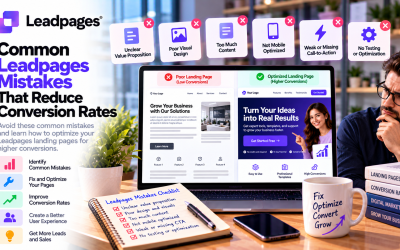
Common Landing Page Mistakes to Avoid
Many beginners make the same mistakes when creating landing pages.
Avoid these common issues:
❌ Too much text
❌ Multiple calls-to-action
❌ Slow-loading images
❌ Long lead capture forms
❌ Weak headlines
❌ No customer testimonials
❌ Generic stock photos
❌ Poor mobile experience
❌ Missing thank-you page
❌ Not testing page variations
Eliminating these mistakes can dramatically improve campaign performance.
Best Practices for Higher Conversion Rates
To maximize results with Leadpages:
- Focus on one conversion goal.
- Use a compelling headline that highlights benefits.
- Keep your copy concise and easy to scan.
- Use high-quality visuals.
- Place your CTA above the fold.
- Add trust signals such as reviews and customer logos.
- Minimize the number of form fields.
- Continuously run A/B tests.
- Monitor analytics and optimize based on real data.
- Follow up with leads quickly using email automation.
These practices help transform more visitors into qualified prospects.
Final Verdict
Leadpages makes building landing pages accessible to everyone, from solo entrepreneurs to growing marketing teams. Its intuitive drag-and-drop editor, AI-powered page generation, and professionally designed templates eliminate much of the complexity traditionally associated with landing page creation.
However, creating a landing page is only the first step. The highest-performing campaigns come from continuous testing, clear messaging, and a deep understanding of your audience's needs.
If you're looking for an easy-to-use platform that combines speed, flexibility, and conversion-focused features, Leadpages is an excellent choice. By following the steps outlined in this guide, you can build your first landing page with confidence and start generating more leads for your business.
Write Your Review
No reviews yet. Be the first to share your experience!