
As businesses continue to embrace hybrid work, digital transformation, and cross-functional collaboration, choosing the right work management platform has become more important than ever. Teams no longer need a simple task manager—they need a solution that connects people, projects, data, and automation in one place.
That's exactly what monday.com aims to deliver.
Known as a Work Operating System (Work OS), monday.com enables organizations to build customized workflows, manage projects, automate repetitive work, and gain complete visibility into daily operations. Today, companies of all sizes—from startups to Fortune 500 enterprises—use the platform to coordinate marketing campaigns, product development, sales pipelines, HR processes, and customer support.
But what makes monday.com stand out in such a competitive market?
In this article, we'll explore the 10 most valuable monday.com features that help businesses improve productivity, reduce manual work, and collaborate more efficiently.
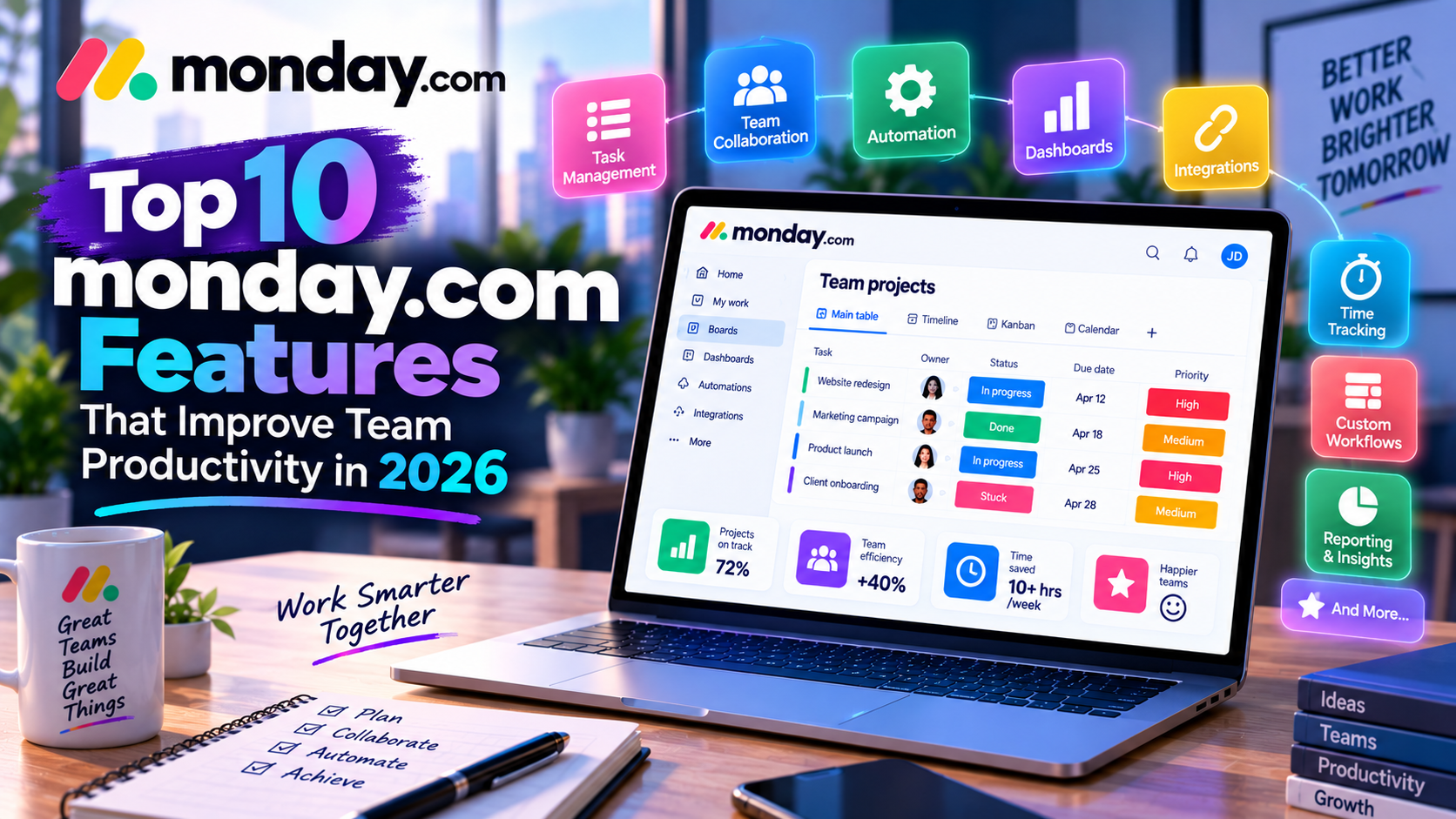
1. Fully Customizable Project Boards
The heart of monday.com is its flexible board system.
Unlike traditional project management software that forces teams to follow predefined workflows, monday.com allows users to design boards based on their own business processes.
Each board can include customizable columns such as:
- Task Name
- Owner
- Status
- Due Date
- Priority
- Budget
- Timeline
- Progress
- Files
- Formula fields
For example, a digital marketing agency can create a campaign board with stages like:
Planning → Content Creation → Design → Review → Approval → Publishing → Reporting
Meanwhile, a software company can build an entirely different workflow for feature development and bug tracking.
This flexibility allows every department to work in a way that suits its unique processes rather than adapting to rigid software limitations.
2. Multiple Project Views for Every Team
Every team prefers a different way of visualizing work.
Instead of offering only one layout, monday.com provides multiple project views that allow users to switch perspectives instantly.
Kanban View
Perfect for Agile teams managing work in progress.
Example:
- To Do
- In Progress
- Review
- Completed
Timeline View
Ideal for planning product launches, marketing campaigns, and long-term projects.
Managers can easily identify scheduling conflicts and overlapping deadlines.
Calendar View
Useful for content creators and marketing teams managing editorial calendars, social media posts, and event schedules.
Gantt View
A favorite among project managers because it visualizes task dependencies, milestones, and overall project timelines.
Dashboard View
Executives and managers can monitor project performance, team workload, budgets, and KPIs from a single screen.
These flexible views ensure that every stakeholder—from individual contributors to executives—has access to the information they need.
3. Powerful No-Code Workflow Automation
One of monday.com's biggest productivity advantages is its automation engine.
Instead of spending valuable time on repetitive administrative tasks, users can create automation rules using simple “if this, then that” logic.
Popular automations include:
- Automatically assign new tasks
- Send deadline reminders
- Move items when status changes
- Notify managers after approvals
- Create recurring tasks
- Trigger follow-up actions
For example:
When a sales opportunity is marked as “Won,” automatically create an onboarding project and notify the customer success team.
This reduces manual work, minimizes errors, and ensures consistent execution across teams.
4. AI-Powered Productivity Tools
Artificial intelligence is becoming an essential part of modern work management, and monday.com has introduced AI-powered features to simplify everyday tasks.
These tools can help users:
- Generate task descriptions
- Summarize long project updates
- Draft emails and internal communications
- Organize information
- Create workflow suggestions
Imagine a project manager returning from vacation.
Instead of reading hundreds of comments, AI can generate a concise summary highlighting completed work, pending tasks, and upcoming deadlines.
This helps teams save time while improving decision-making.
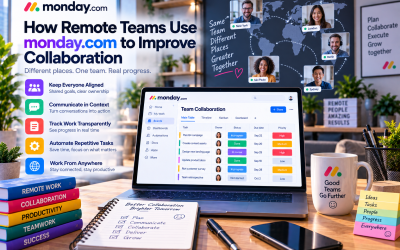
5. Centralized Team Collaboration
Successful projects depend on effective communication.
Rather than relying on long email threads or scattered chat conversations, monday.com centralizes collaboration directly inside each task.
Team members can:
- Leave comments
- Mention colleagues
- Share files
- Ask questions
- Track discussions
- Receive notifications
Because every conversation stays connected to the relevant task, employees spend less time searching for information and more time completing meaningful work.
For distributed and remote teams, this creates greater transparency and accountability.
6. Ready-to-Use Templates
Starting a new project from scratch can be time-consuming.
To speed up implementation, monday.com provides hundreds of professionally designed templates for different industries and departments.
Popular templates include:
- Marketing Campaign Planner
- CRM Pipeline
- Product Roadmap
- Employee Onboarding
- Event Planning
- IT Help Desk
- Content Calendar
- Recruitment Tracker
Instead of spending hours designing workflows, businesses can customize existing templates and begin working immediately.
This feature is particularly valuable for small businesses that lack dedicated project management specialists.
7. Extensive Integrations
Modern businesses rarely depend on a single software platform.
monday.com integrates with hundreds of popular business applications, allowing teams to connect their existing technology stack.
Common integrations include:
- Slack
- Microsoft Teams
- Google Workspace
- Outlook
- Zoom
- Salesforce
- HubSpot
- Jira
- Dropbox
- Zapier
For example, a sales team can automatically create follow-up tasks in monday.com whenever a deal is updated in Salesforce.
Similarly, marketing teams can synchronize campaign deadlines with Google Calendar or Microsoft Outlook.
These integrations eliminate duplicate data entry and create a more connected digital workplace.
8. Advanced Dashboards and Reporting
Managers need accurate data to make informed business decisions.
monday.com dashboards provide real-time insights into project performance using visual widgets such as:
- Charts
- Progress bars
- Workload reports
- Budget tracking
- Time tracking
- KPI metrics
Instead of manually collecting reports from multiple departments, leaders can monitor organizational performance through a centralized dashboard.
For example, a Chief Marketing Officer can instantly review:
- Campaign completion rates
- Team capacity
- Budget utilization
- Content production
- Lead generation performance
This level of visibility improves planning and enables faster decision-making.
9. Workload and Resource Management
One common challenge in growing businesses is balancing workloads across teams.
Some employees become overloaded while others have available capacity.
monday.com's Workload View helps managers visualize resource allocation and identify potential bottlenecks before they impact project deadlines.
Managers can quickly answer questions such as:
- Who has too many tasks?
- Which department needs additional support?
- Are deadlines realistic?
- Can work be redistributed?
This feature promotes healthier workloads, improves productivity, and reduces employee burnout.
10. Enterprise-Level Security and Scalability
As organizations grow, they require stronger governance and security controls.
monday.com offers enterprise-grade capabilities including:
- Role-based permissions
- Single Sign-On (SSO)
- Audit logs
- Advanced user management
- Data governance
- Administrative controls
These features make the platform suitable for large organizations managing multiple teams, departments, and international operations.
Whether a company has 20 employees or 20,000, monday.com can scale alongside business growth.
Why These Features Matter
Individually, each feature offers meaningful value. Together, they create a comprehensive work management platform that supports nearly every stage of a project lifecycle.
Businesses using monday.com can:
- Improve collaboration across departments
- Reduce repetitive manual work
- Increase project visibility
- Make better data-driven decisions
- Scale operations without adding unnecessary complexity
The platform's flexibility also means organizations can continuously adapt workflows as their business evolves.
Final Verdict
monday.com has earned its reputation as one of the leading Work Operating Systems because it combines ease of use with enterprise-level capabilities.
Its standout features—including customizable boards, automation, dashboards, AI assistance, integrations, and resource management—make it a powerful solution for organizations looking to improve productivity without overwhelming users.
While some advanced features require higher-tier plans, the overall value proposition is strong, especially for growing businesses that need a scalable platform capable of supporting multiple departments.
If your organization is searching for a modern work management solution that balances flexibility, collaboration, and automation, monday.com remains one of the best choices in 2026.

Write Your Review
No reviews yet. Be the first to share your experience!