
Managing multiple client projects is one of the biggest challenges agencies face. Whether you're running a digital marketing agency, creative studio, branding firm, software development company, or consulting business, your success depends on delivering high-quality work while balancing deadlines, resources, budgets, and client expectations.
As agencies grow, spreadsheets and email threads quickly become inadequate. Teams often struggle to track project status, communicate effectively, allocate resources, and provide clients with timely updates. Without a centralized project management system, small mistakes can lead to missed deadlines, unhappy clients, and lost revenue.
This is where monday.com has become a popular solution for agencies worldwide.
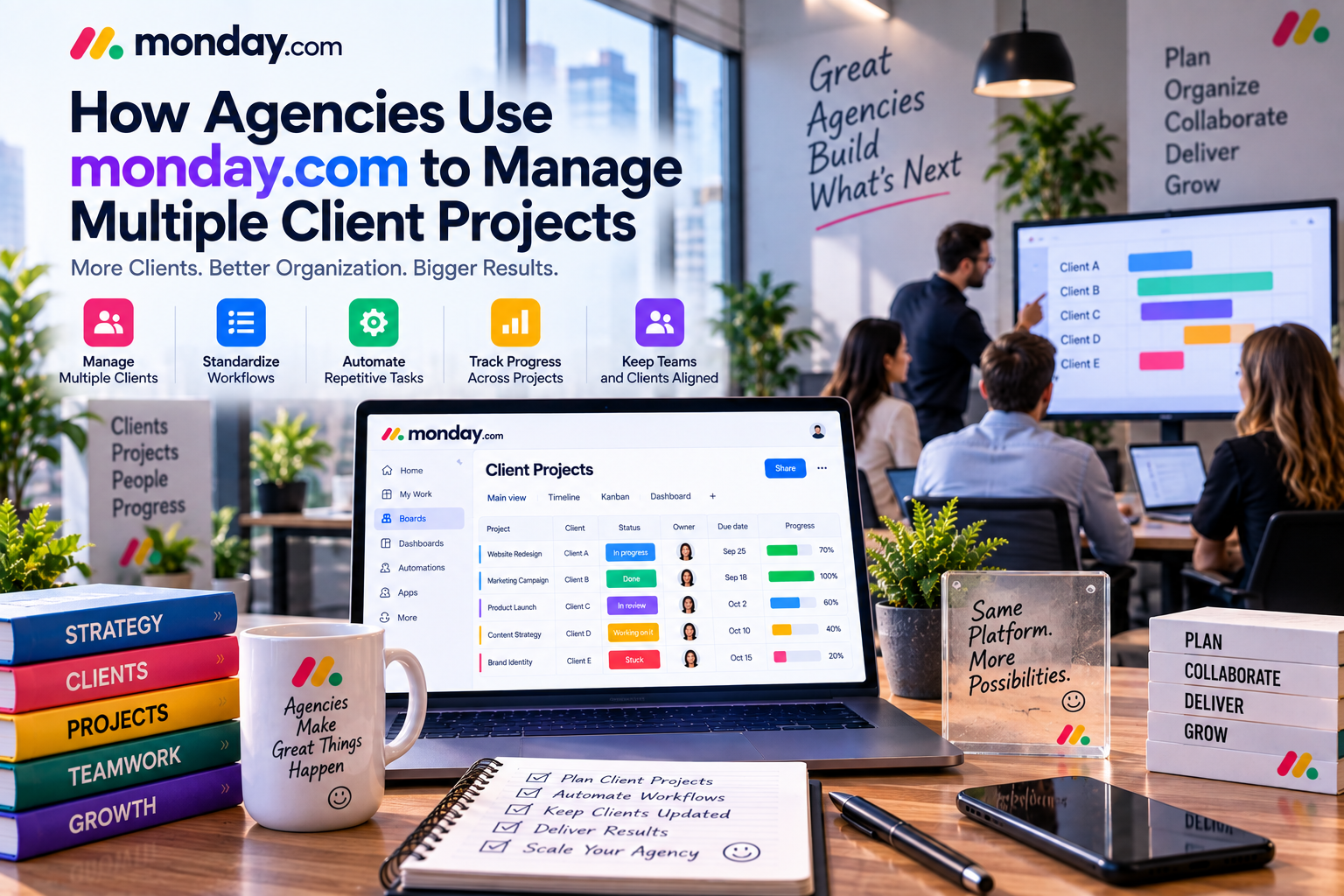
As a flexible Work Operating System (Work OS), monday.com enables agencies to organize projects, standardize workflows, automate repetitive tasks, manage resources, and monitor performance across multiple clients—all within a single platform.
In this review, we'll explore how agencies use monday.com to streamline operations, improve collaboration, and successfully manage multiple client projects without sacrificing quality or efficiency.
Why Agencies Need Better Project Management
Agency work is fundamentally different from managing internal company projects.
Instead of focusing on one business, agencies simultaneously handle dozens—or even hundreds—of client accounts.
Each client has unique:
- Goals
- Budgets
- Deadlines
- Approval processes
- Communication preferences
- Deliverables
Meanwhile, internal teams must coordinate designers, writers, developers, account managers, strategists, and freelancers.
Without a structured system, agencies commonly experience:
- Missed deadlines
- Poor resource planning
- Communication breakdowns
- Scope creep
- Duplicate work
- Inconsistent reporting
A centralized project management platform helps agencies maintain organization while improving both internal efficiency and client satisfaction.
Building a Client-Centered Workspace
One of monday.com's biggest advantages is its flexibility.
Agencies can organize work using separate boards for each client or create centralized workspaces containing multiple client projects.
A typical client workspace might include:
- Campaign planning
- Task management
- Budget tracking
- Creative assets
- Approvals
- Reporting
- Meeting notes
- Client requests
This structure allows account managers to quickly understand the status of every engagement.
Managing Multiple Projects Simultaneously
Agency teams rarely work on a single project.
For example, a digital marketing agency may simultaneously manage:
- SEO campaigns
- Content production
- Google Ads
- Facebook Ads
- Website redesigns
- Email marketing
- Social media management
Using monday.com, each project receives its own workflow while managers maintain an executive dashboard showing overall agency performance.
This eliminates the need to switch between different software tools or spreadsheets.
Standardizing Client Workflows
Every new client follows a similar process.
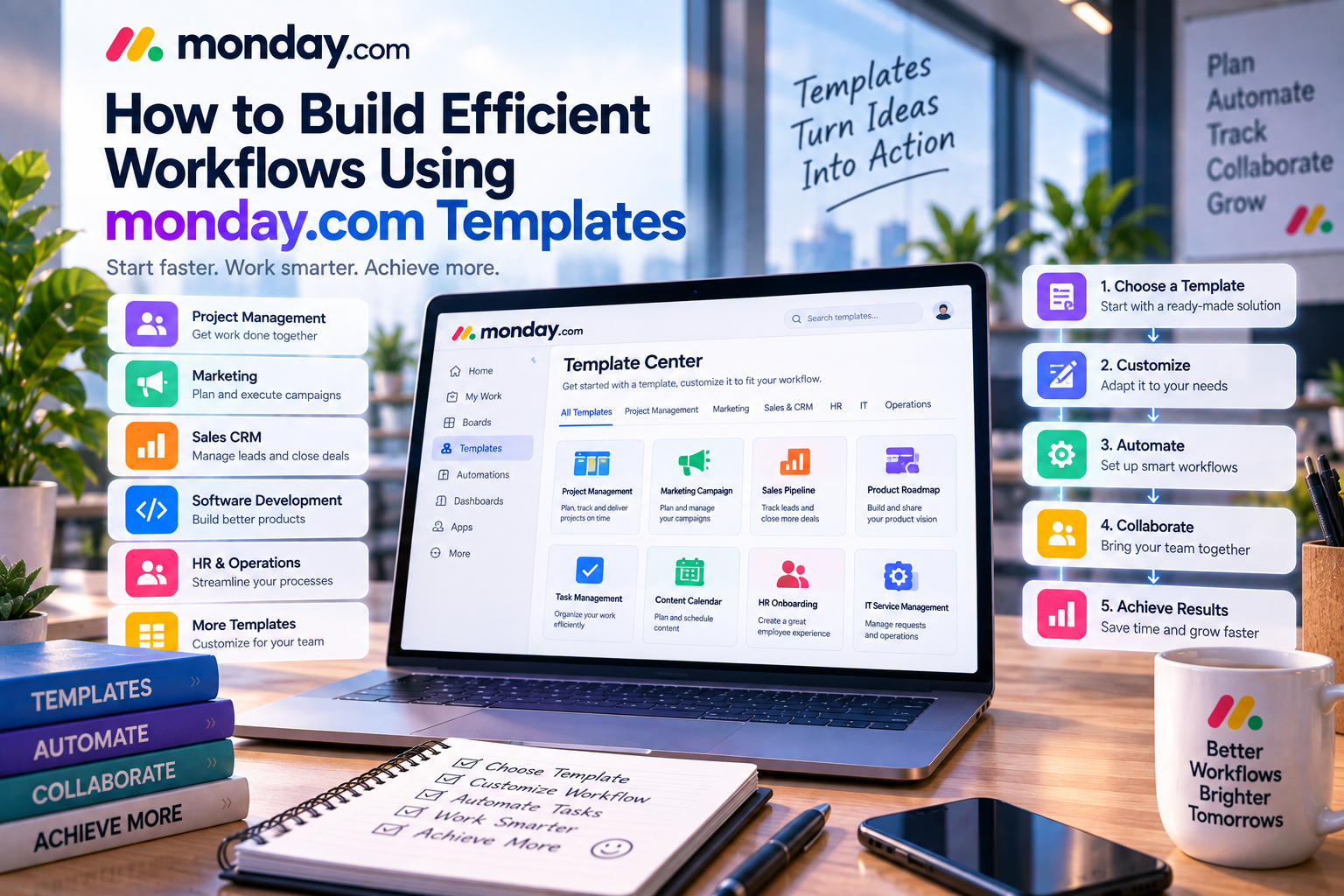
Instead of creating workflows manually, agencies can build reusable templates.
For example:
Website Development
Discovery → Planning → Wireframes → Design → Development → Testing → Launch
SEO Campaign
Website Audit → Keyword Research → Content Planning → Optimization → Link Building → Monthly Reporting
Social Media Management
Planning → Content Creation → Design → Approval → Scheduling → Performance Analysis
Templates reduce onboarding time while ensuring every client receives a consistent experience.
Improving Team Collaboration
Agency work requires constant communication.
Designers collaborate with copywriters.
Developers coordinate with project managers.
Account managers communicate with clients.
Instead of relying on long email conversations, monday.com keeps communication connected directly to each task.
Employees can:
- Mention teammates
- Upload design files
- Request revisions
- Share updates
- Track approvals
- Record client feedback
Everyone has access to the latest project information without searching through multiple communication channels.
Automating Repetitive Agency Tasks
Administrative work consumes valuable time.
Fortunately, monday.com's no-code automation helps agencies eliminate repetitive processes.
Common automations include:
- Assigning new client requests
- Sending deadline reminders
- Updating project status
- Notifying account managers
- Creating recurring monthly reports
- Triggering approval requests
For example:
When a designer marks artwork as complete → Automatically notify the client success manager for review.
Automation ensures work continues moving without manual follow-up.
Managing Agency Resources
Resource allocation is critical for profitable agencies.
Project managers must balance workloads across designers, writers, developers, and consultants.
monday.com's Workload View helps managers answer questions such as:
- Who has available capacity?
- Which employees are overloaded?
- Which projects require additional support?
- Can deadlines realistically be achieved?
Balanced workloads improve employee satisfaction while reducing burnout and missed deadlines.
Tracking Client Deadlines
Agencies often manage hundreds of deadlines every month.
Calendar View and Timeline View allow project managers to visualize:
- Campaign launches
- Content publication
- Design approvals
- Website releases
- Monthly reports
Managers can quickly identify scheduling conflicts before they become problems.
Automated reminders further reduce the risk of missed deadlines.
Managing Creative Assets
Creative agencies generate thousands of digital files every year.
These include:
- Logos
- Brand guidelines
- Website mockups
- Videos
- Advertising graphics
- Presentations
Instead of storing files separately, monday.com allows attachments to remain connected to each task.
Design revisions, comments, and approvals are stored together, making collaboration significantly easier.
Dashboards for Agency Leadership
Agency owners need visibility into business performance.
Custom dashboards provide real-time reporting on:
- Active projects
- Team workload
- Revenue pipeline
- Budget utilization
- Campaign progress
- Project completion rates
Rather than requesting updates from every department, leadership can monitor agency health from a single dashboard.
Integrating Agency Software
Most agencies rely on multiple business applications.
monday.com integrates with popular tools including:
- Slack
- Microsoft Teams
- Google Workspace
- Zoom
- HubSpot
- Salesforce
- Dropbox
- Adobe Creative Cloud (through integrations)
- Zapier
For example:
A new lead captured in HubSpot can automatically generate a project board in monday.com after the contract is signed.
These integrations reduce manual work while keeping information synchronized across systems.
Real-World Agency Example
Imagine a creative agency managing ten clients simultaneously.
Each client requires:
- Weekly blog articles
- Social media campaigns
- Landing page optimization
- Graphic design
- Monthly performance reports
Instead of tracking work through spreadsheets, the agency creates individual client boards linked to a master dashboard.
Automation assigns writers, designers, and SEO specialists as new requests arrive.
Dashboards monitor workload, while executives track project profitability and client satisfaction.
The result is improved organization, faster delivery, and better communication across the entire agency.
Best Practices for Agencies
Create Standard Templates
Use reusable templates for recurring services to improve consistency and reduce setup time.
Separate Internal and Client Work
Maintain internal planning boards while providing client-facing updates through structured reporting.
Automate Repetitive Processes
Reduce manual administration by automating assignments, reminders, approvals, and recurring tasks.
Monitor Resource Utilization
Review workload dashboards regularly to prevent employee burnout and maintain project quality.
Conduct Regular Project Reviews
Weekly project reviews help identify risks early and ensure client expectations remain aligned with project progress.
Advantages of monday.com for Agencies
✔ Manage unlimited client workflows
✔ Excellent project visibility
✔ Strong collaboration features
✔ Powerful automation
✔ Resource management
✔ Custom dashboards
✔ Flexible templates
✔ Scalable as the agency grows
Potential Limitations
Although monday.com is highly flexible, agencies should consider a few factors:
- Advanced reporting and automation features may require Standard or Pro plans.
- Large agencies may need governance to organize multiple workspaces effectively.
- Client portal functionality is not as extensive as some dedicated agency management platforms.
However, these limitations are generally outweighed by the platform's flexibility and ease of use.
monday.com vs Traditional Agency Management
| Feature | monday.com | Spreadsheets & Email |
|---|---|---|
| Project Tracking | ✔ Excellent | Limited |
| Team Collaboration | ✔ Centralized | Fragmented |
| Automation | ✔ No-code | Manual |
| Dashboards | ✔ Real-time | Manual reporting |
| Resource Planning | ✔ Advanced | Difficult |
| Scalability | ✔ High | Poor |
As agencies grow, the benefits of a centralized work management platform become increasingly valuable.
Final Verdict
Managing multiple client projects requires organization, transparency, and efficient collaboration.
monday.com provides agencies with a flexible platform capable of supporting everything from project planning and resource allocation to workflow automation and executive reporting.
Its customizable boards, reusable templates, automation, dashboards, and integrations make it an excellent solution for agencies looking to improve operational efficiency while delivering exceptional client experiences.
Whether you're running a boutique creative studio or a growing digital marketing agency, monday.com offers the scalability and flexibility needed to manage dozens of client engagements without losing visibility or control.
For agencies seeking to replace spreadsheets and disconnected communication tools, monday.com remains one of the strongest project management solutions available in 2026.
Write Your Review
No reviews yet. Be the first to share your experience!