
Running a small business requires wearing many hats. Business owners often manage sales, marketing, customer service, finance, operations, and project management simultaneously. As the business grows, keeping everything organized becomes increasingly difficult.
Many small businesses initially rely on spreadsheets, email threads, sticky notes, and messaging apps to coordinate work. While these tools may work for a team of two or three people, they quickly become inefficient as more employees, projects, and customers are added.
Missed deadlines, unclear responsibilities, duplicate work, and communication gaps are common challenges for growing businesses.
This is where a modern work management platform like monday.com can make a significant difference.
Designed as a flexible Work Operating System (Work OS), monday.com helps businesses organize projects, automate repetitive tasks, improve collaboration, and gain real-time visibility into daily operations. But with subscription costs to consider, many small business owners ask the same question:
Is monday.com really worth the investment?
In this review, we'll examine its features, pricing, advantages, limitations, and practical business use cases to help you decide whether monday.com is the right solution for your business.
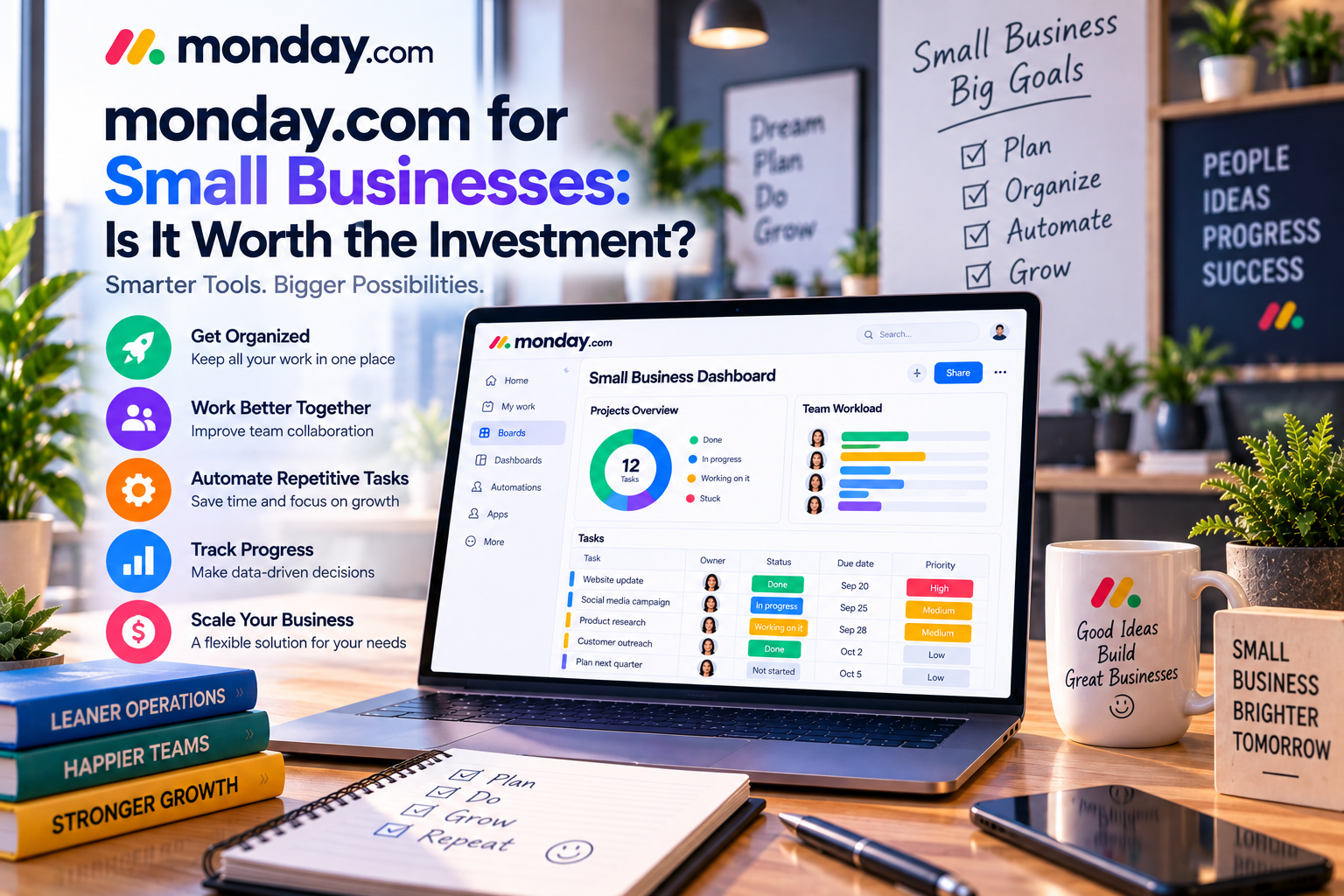
Why Small Businesses Need a Work Management Platform
Small businesses often operate with limited staff and resources. Every employee may be responsible for multiple roles, making efficiency essential.
Without a centralized system, teams often struggle with:
- Disorganized project tracking
- Missed deadlines
- Poor communication
- Lost files
- Duplicate work
- Limited project visibility
- Difficulty prioritizing tasks
As the business expands, these problems become more costly.
A work management platform centralizes tasks, projects, files, communication, and reporting into one collaborative workspace.
Instead of constantly searching through emails or spreadsheets, employees know exactly what they need to do and when it needs to be completed.
What Makes monday.com Attractive for Small Businesses?
Unlike many enterprise-focused platforms, monday.com combines powerful functionality with an intuitive interface.
Small businesses can begin with simple workflows and gradually expand as their needs become more sophisticated.
Key strengths include:
- Easy-to-use interface
- Highly customizable boards
- No-code automation
- Real-time dashboards
- Multiple project views
- AI-powered productivity tools
- Hundreds of integrations
- Scalable pricing
This flexibility allows businesses to adopt the platform without completely changing how they work.
Features That Deliver the Most Value
1. Customizable Project Boards
Every small business has unique workflows.
A marketing agency manages campaigns differently than a construction company or an accounting firm.
With monday.com, businesses can build custom boards tailored to their operations.
For example, a small digital agency may organize work like this:
Lead → Proposal → Contract → Content Creation → Design → Client Review → Published → Reporting
Each stage includes assigned employees, deadlines, priorities, and files.
The result is complete project visibility.
2. Workflow Automation
Administrative work consumes valuable time.
monday.com's no-code automation helps eliminate repetitive tasks.
Examples include:
- Automatic task assignments
- Deadline reminders
- Status updates
- Approval notifications
- Recurring projects
Instead of manually following up with employees, workflows continue automatically.
This saves hours every week.
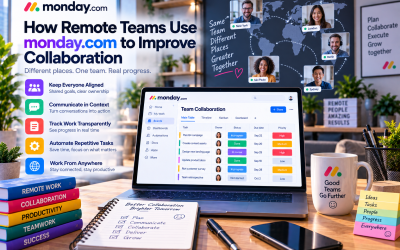
3. Team Collaboration
Rather than communicating across multiple platforms, monday.com centralizes discussions within each task.
Employees can:
- Comment
- Mention teammates
- Upload files
- Share updates
- Track conversations
Keeping communication connected to specific tasks reduces confusion and improves accountability.
4. Dashboards and Reporting
Business owners need quick answers to important questions:
- Which projects are delayed?
- Who has too much work?
- Are deadlines being met?
- Which clients require attention?
Dashboards display this information through visual reports that update automatically.
This allows owners to make informed decisions without preparing manual reports.
5. AI Features
monday.com's AI capabilities continue to expand.
AI can assist with:
- Writing task descriptions
- Summarizing updates
- Organizing information
- Improving communication
Although AI should not replace human decision-making, it can significantly reduce administrative work for busy teams.
Pricing Considerations
Pricing is one of the most important factors for small businesses.
monday.com offers multiple subscription plans designed for organizations of different sizes.
Smaller teams can begin with lower-tier plans and upgrade as additional automation, integrations, reporting, and AI capabilities become necessary.
While the platform may appear more expensive than basic task management apps, it often replaces several separate tools, including:
- Project management software
- Shared spreadsheets
- Task trackers
- Status reporting systems
- Workflow documentation
When evaluating cost, businesses should consider the total value rather than subscription price alone.
Real-World Use Cases
Marketing Agency
A five-person agency manages:
- Client campaigns
- Blog production
- Social media
- Paid advertising
- Monthly reports
Instead of using spreadsheets and email, monday.com centralizes every campaign.
Automation sends reminders while dashboards track project progress.
The agency spends less time managing work and more time serving clients.
IT Consulting Company
An IT consulting firm tracks:
- Client onboarding
- Infrastructure projects
- Technical support
- Software deployments
Custom workflows improve visibility while reducing missed deadlines.
Professional Services Firm
An accounting firm manages tax preparation, bookkeeping, payroll, and consulting engagements.
Recurring tasks ensure deadlines are never forgotten.
Dashboards help partners monitor workload during busy seasons.
Online Retail Business
An e-commerce company uses monday.com to manage:
- Product launches
- Supplier communication
- Marketing campaigns
- Inventory planning
- Customer service improvements
The platform connects departments that previously worked independently.
Advantages for Small Businesses
Easy to Learn
Most employees become productive quickly thanks to the intuitive interface.
Highly Flexible
Businesses can customize workflows without programming knowledge.
Reduces Administrative Work
Automation eliminates repetitive manual processes.
Improves Collaboration
Everyone works from one centralized system.
Supports Business Growth
As companies hire more employees, monday.com scales without requiring a completely new platform.
Potential Drawbacks
No software is perfect.
Small businesses should also consider the following:
Subscription Costs
Compared to free project management tools, monday.com represents an ongoing investment.
Businesses should ensure the productivity improvements justify the expense.
Learning Curve for Advanced Features
Basic functionality is straightforward.
However, advanced automation, dashboards, integrations, and AI features require some initial training.
Higher-Tier Features
Some advanced capabilities—including increased automation limits and enhanced reporting—are available only on Standard, Pro, or Enterprise plans.
Growing businesses should consider future requirements before selecting a subscription.
monday.com vs Basic Task Management Tools
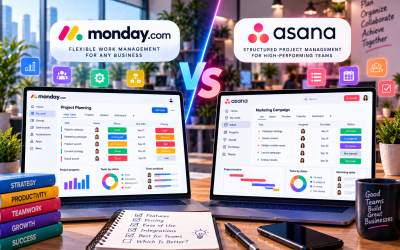
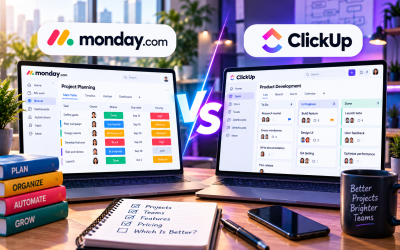
Many small businesses compare monday.com with simpler solutions such as Trello or spreadsheet-based systems.
| Feature | monday.com | Basic Task Apps |
|---|---|---|
| Custom Workflows | ✔ Extensive | Limited |
| Automation | ✔ Advanced | Basic |
| Dashboards | ✔ Included | Often unavailable |
| Reporting | ✔ Real-time | Minimal |
| Collaboration | ✔ Comprehensive | Basic |
| Scalability | ✔ Excellent | Moderate |
For businesses expecting long-term growth, monday.com provides significantly more flexibility.
Tips for Small Businesses Getting Started
If you're considering monday.com, follow these recommendations:
Start with One Department
Implement the platform in one team before expanding company-wide.
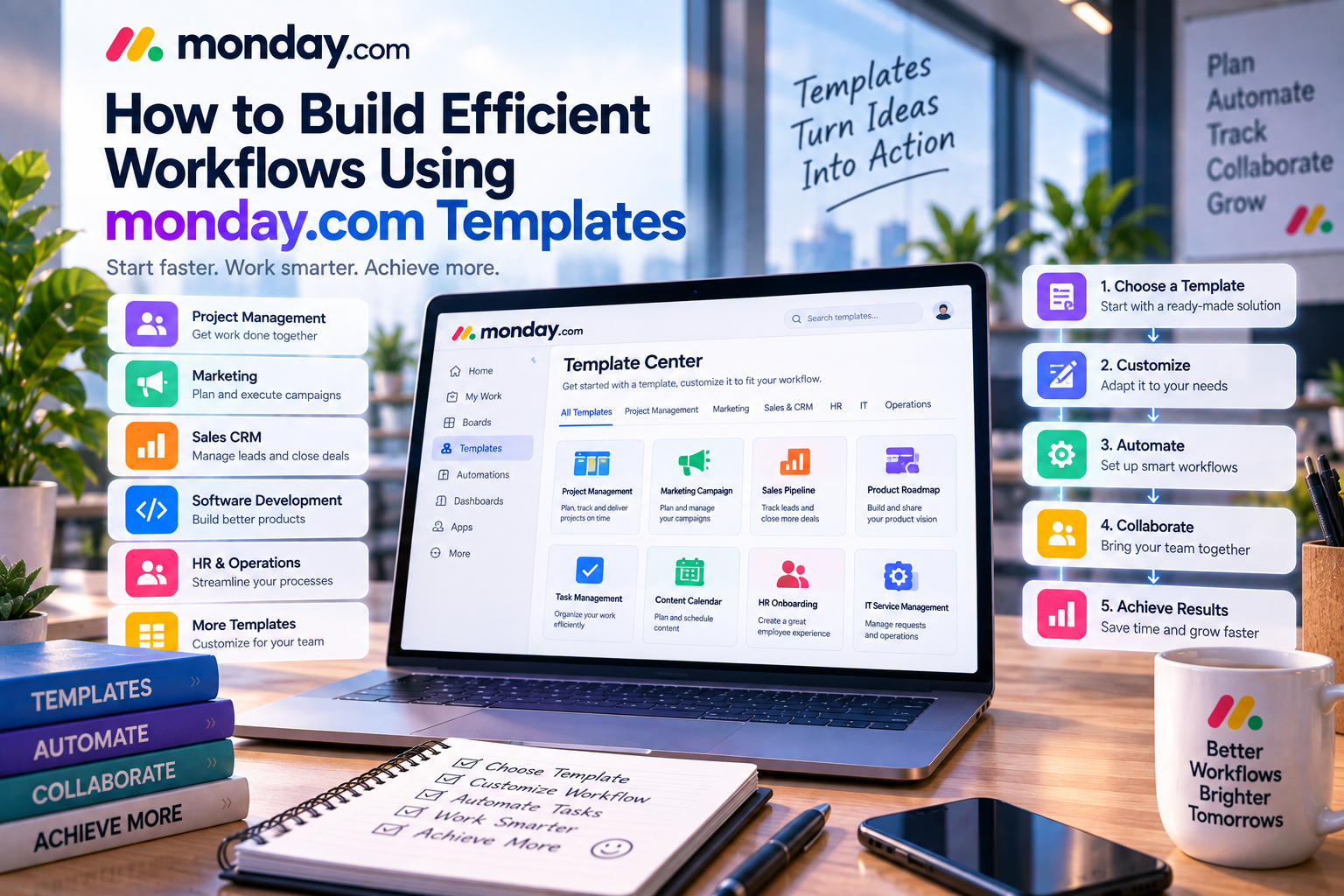
Use Templates
Leverage pre-built templates instead of creating workflows from scratch.
Automate Repetitive Tasks
Identify administrative work that consumes time and automate it early.
Train Employees
A short onboarding session helps maximize adoption and reduces resistance to change.
Review Workflows Regularly
As your business evolves, continue refining boards, dashboards, and automation.
Continuous improvement delivers greater long-term value.
Who Should Use monday.com?
monday.com is particularly well suited for:
- Marketing agencies
- Consulting firms
- Creative teams
- Technology startups
- Professional service companies
- E-commerce businesses
- Construction companies
- Growing SMBs
Organizations managing multiple projects simultaneously will benefit the most from its flexibility and collaboration features.
Final Verdict
For small businesses looking to move beyond spreadsheets and disconnected communication tools, monday.com is a worthwhile investment.
Its customizable workflows, automation, dashboards, AI capabilities, and collaboration features help teams work more efficiently while providing managers with greater visibility into daily operations.
Although subscription costs may initially seem higher than simpler alternatives, the productivity gains, reduced administrative effort, and ability to scale often justify the investment over time.
Businesses that manage multiple projects, collaborate across departments, or expect continued growth will likely find monday.com to be one of the most valuable work management platforms available in 2026.
If your goal is to improve organization, increase efficiency, and build repeatable business processes, monday.com deserves serious consideration.


Write Your Review
No reviews yet. Be the first to share your experience!