
monday.com has become one of the leading work management platforms for businesses, offering customizable workflows, automation, dashboards, AI-powered features, and collaboration tools. Its flexibility makes it suitable for marketing teams, agencies, startups, IT departments, and enterprise organizations.
However, no single platform is perfect for every business. Some teams may prioritize advanced documentation, while others need stronger Agile development tools, spreadsheet-style databases, or lower pricing.
Fortunately, the project management market offers several excellent alternatives, each with unique strengths.
In this guide, we'll compare the best monday.com alternatives in 2026, highlighting their features, advantages, limitations, and ideal use cases.
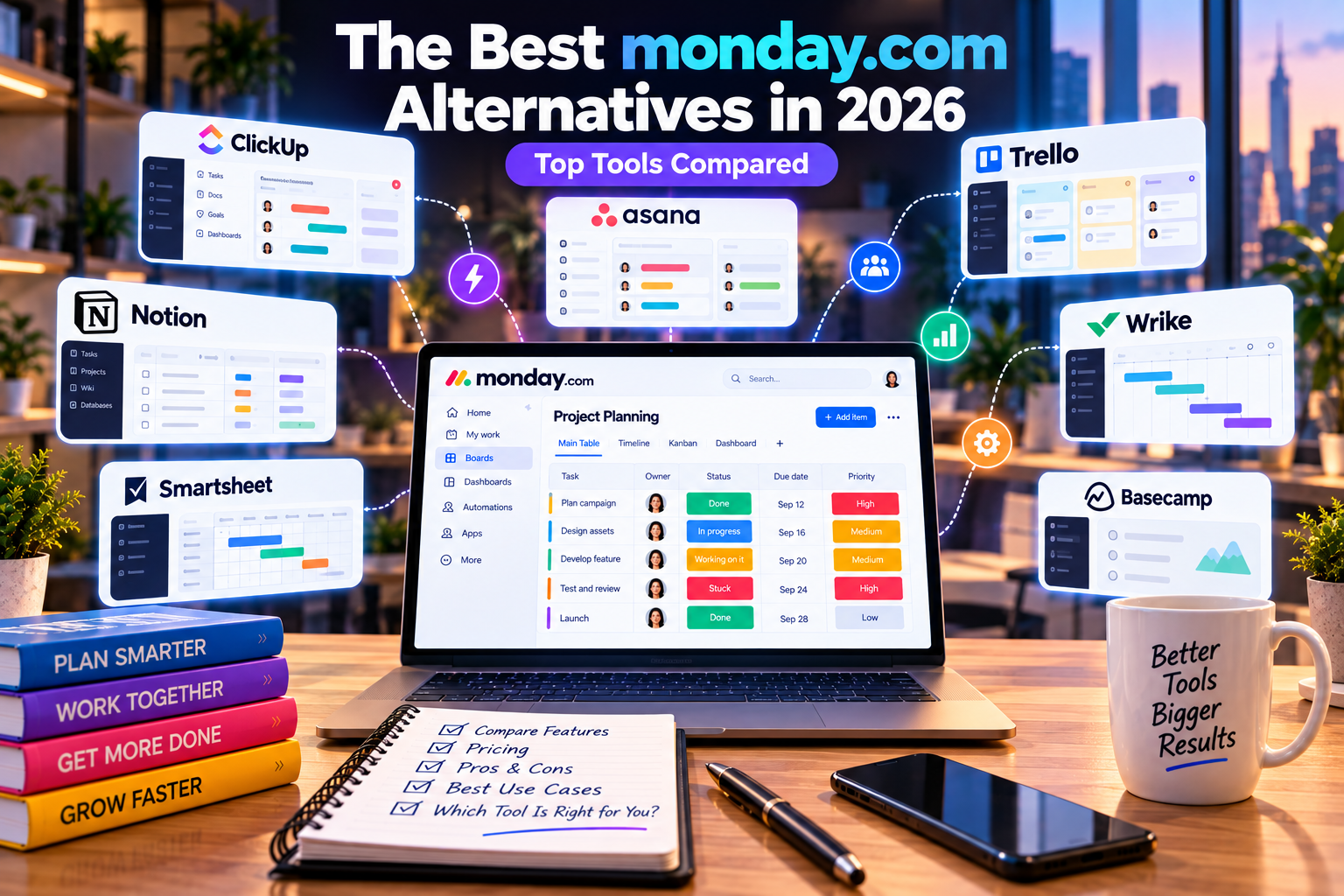
What Makes a Good monday.com Alternative?
Before choosing another platform, consider the features that matter most to your organization.
Key evaluation criteria include:
- Ease of use
- Workflow customization
- Automation
- Collaboration
- Reporting
- AI capabilities
- Integrations
- Scalability
- Pricing
- Industry-specific features
The right platform should support your team's workflow while remaining easy to adopt and scale.
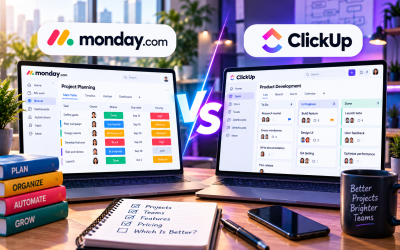
1. ClickUp
Best for: All-in-one productivity and software development teams
ClickUp has grown rapidly by positioning itself as a comprehensive productivity platform. In addition to project management, it includes built-in documents, whiteboards, goals, time tracking, and AI-powered assistance.
Strengths
- Highly customizable workflows
- Powerful ClickUp Brain AI
- Built-in Docs and Whiteboards
- Advanced automation
- Excellent task hierarchy
- Strong Agile support
Limitations
- Steeper learning curve
- Interface can feel overwhelming for new users
Choose ClickUp if your team wants an all-in-one workspace with extensive customization and advanced productivity features.
2. Asana
Best for: Structured project planning and enterprise collaboration
Asana is one of the most mature project management platforms available.
It focuses on helping organizations plan, organize, and execute projects through structured workflows and portfolio management.
Strengths
- Clean interface
- Excellent task management
- Timeline planning
- Goal tracking
- Strong enterprise capabilities
Limitations
- Less workflow flexibility than monday.com
- Advanced features require higher-tier plans
Choose Asana if your organization values structured project planning and long-term strategic execution.
3. Trello
Best for: Individuals and small teams
Trello popularized Kanban project management with its simple drag-and-drop interface.
It remains an excellent choice for lightweight task management.
Strengths
- Extremely easy to learn
- Fast setup
- Excellent Kanban boards
- Affordable entry point
Limitations
- Limited reporting
- Basic automation
- Less suitable for complex projects
Choose Trello if you need a simple and affordable solution for personal productivity or small teams.
4. Notion
Best for: Documentation and knowledge management
Notion combines note-taking, documentation, databases, project management, and collaboration within one workspace.
It is especially popular among startups, creators, and remote teams.
Strengths
- Outstanding documentation
- Flexible databases
- Wiki creation
- AI writing assistance
- Highly customizable pages
Limitations
- Less advanced project reporting
- Workflow automation is more limited than monday.com
Choose Notion if documentation and internal knowledge sharing are your highest priorities.
5. Wrike
Best for: Large enterprises and marketing operations
Wrike provides sophisticated work management tools designed for organizations handling complex projects across multiple departments.
Strengths
- Enterprise-grade security
- Advanced reporting
- Resource management
- Workflow customization
- Strong marketing project support
Limitations
- Higher pricing
- More complex implementation
Choose Wrike if your organization manages large-scale projects with extensive reporting requirements.
6. Airtable
Best for: Database-driven workflows
Airtable combines the familiarity of spreadsheets with the functionality of relational databases.
Many organizations use it to manage content calendars, CRM systems, inventory, and operational workflows.
Strengths
- Flexible database structure
- Custom views
- Automation
- API support
- Excellent data organization
Limitations
- Less intuitive for traditional project management
- Requires planning to maximize its capabilities
Choose Airtable if your work revolves around structured data rather than traditional task management.
7. Smartsheet
Best for: Spreadsheet-oriented project management
Smartsheet appeals to businesses transitioning from Excel while needing stronger collaboration and reporting.
Strengths
- Familiar spreadsheet interface
- Automation
- Dashboards
- Enterprise reporting
- Portfolio management
Limitations
- Less visually engaging
- Learning advanced formulas can take time
Choose Smartsheet if your organization relies heavily on spreadsheet-based workflows.
Feature Comparison
| Platform | Best For | Ease of Use | Automation | AI | Scalability |
|---|---|---|---|---|---|
| monday.com | Cross-functional teams | ⭐⭐⭐⭐⭐ | ⭐⭐⭐⭐⭐ | ⭐⭐⭐⭐⭐ | ⭐⭐⭐⭐⭐ |
| ClickUp | All-in-one productivity | ⭐⭐⭐⭐ | ⭐⭐⭐⭐⭐ | ⭐⭐⭐⭐⭐ | ⭐⭐⭐⭐⭐ |
| Asana | Structured planning | ⭐⭐⭐⭐ | ⭐⭐⭐⭐ | ⭐⭐⭐⭐ | ⭐⭐⭐⭐⭐ |
| Trello | Simple task management | ⭐⭐⭐⭐⭐ | ⭐⭐⭐ | ⭐⭐ | ⭐⭐⭐ |
| Notion | Documentation | ⭐⭐⭐⭐ | ⭐⭐⭐ | ⭐⭐⭐⭐ | ⭐⭐⭐⭐ |
| Wrike | Enterprise projects | ⭐⭐⭐ | ⭐⭐⭐⭐⭐ | ⭐⭐⭐ | ⭐⭐⭐⭐⭐ |
| Airtable | Database workflows | ⭐⭐⭐⭐ | ⭐⭐⭐⭐ | ⭐⭐⭐ | ⭐⭐⭐⭐ |
| Smartsheet | Spreadsheet management | ⭐⭐⭐ | ⭐⭐⭐⭐ | ⭐⭐⭐ | ⭐⭐⭐⭐⭐ |
How to Choose the Right Platform
The best choice depends on your business goals rather than the number of available features.
Consider these questions:
- Do you need simple task management or enterprise project management?
- Will multiple departments use the platform?
- Is automation a priority?
- How important are dashboards and reporting?
- Does your team require built-in documentation?
- Will the platform need to scale as your business grows?
Answering these questions helps narrow your options significantly.
Which Platform Is Best for Different Teams?
| Team Type | Recommended Platform |
|---|---|
| Startup | monday.com / ClickUp |
| Marketing Agency | monday.com |
| Software Development | ClickUp |
| Creative Team | monday.com |
| Enterprise PMO | Asana / Wrike |
| Consultants | monday.com |
| Freelancers | Trello / Notion |
| Operations Team | monday.com |
| Data Management | Airtable |
| Finance Team | Smartsheet |
Final Verdict
While many excellent work management platforms exist, monday.com remains one of the most balanced solutions available in 2026. Its combination of intuitive design, customizable workflows, automation, dashboards, AI features, and extensive integrations makes it suitable for organizations of almost any size.
That said, the best alternative depends on your priorities:
- Choose ClickUp if you want an all-in-one productivity platform with deep customization.
- Choose Asana if your focus is structured project planning and portfolio management.
- Choose Trello for lightweight Kanban task management.
- Choose Notion if documentation and knowledge management are essential.
- Choose Wrike for enterprise-scale project management.
- Choose Airtable for database-driven workflows.
- Choose Smartsheet if your team prefers spreadsheet-based project management.
Evaluate your workflows, team size, budget, and future growth plans before making a decision. The right platform should simplify work—not add unnecessary complexity.

Write Your Review
No reviews yet. Be the first to share your experience!