
Project management software has become an essential part of modern business operations. Whether you're coordinating marketing campaigns, managing product development, or organizing company-wide initiatives, the right platform can significantly improve collaboration and productivity.
Among the leading solutions, monday.com and Asana consistently rank as two of the most trusted project management platforms. Both help teams organize work, automate repetitive tasks, and monitor project progress, but they take different approaches to workflow management.
monday.com emphasizes flexibility, visual customization, and cross-functional collaboration, while Asana focuses on structured task management and project planning. Choosing between them depends on your team's size, workflow complexity, and preferred working style.
In this comparison, we'll examine the strengths and weaknesses of both platforms to help you determine which solution is the best fit for your business.
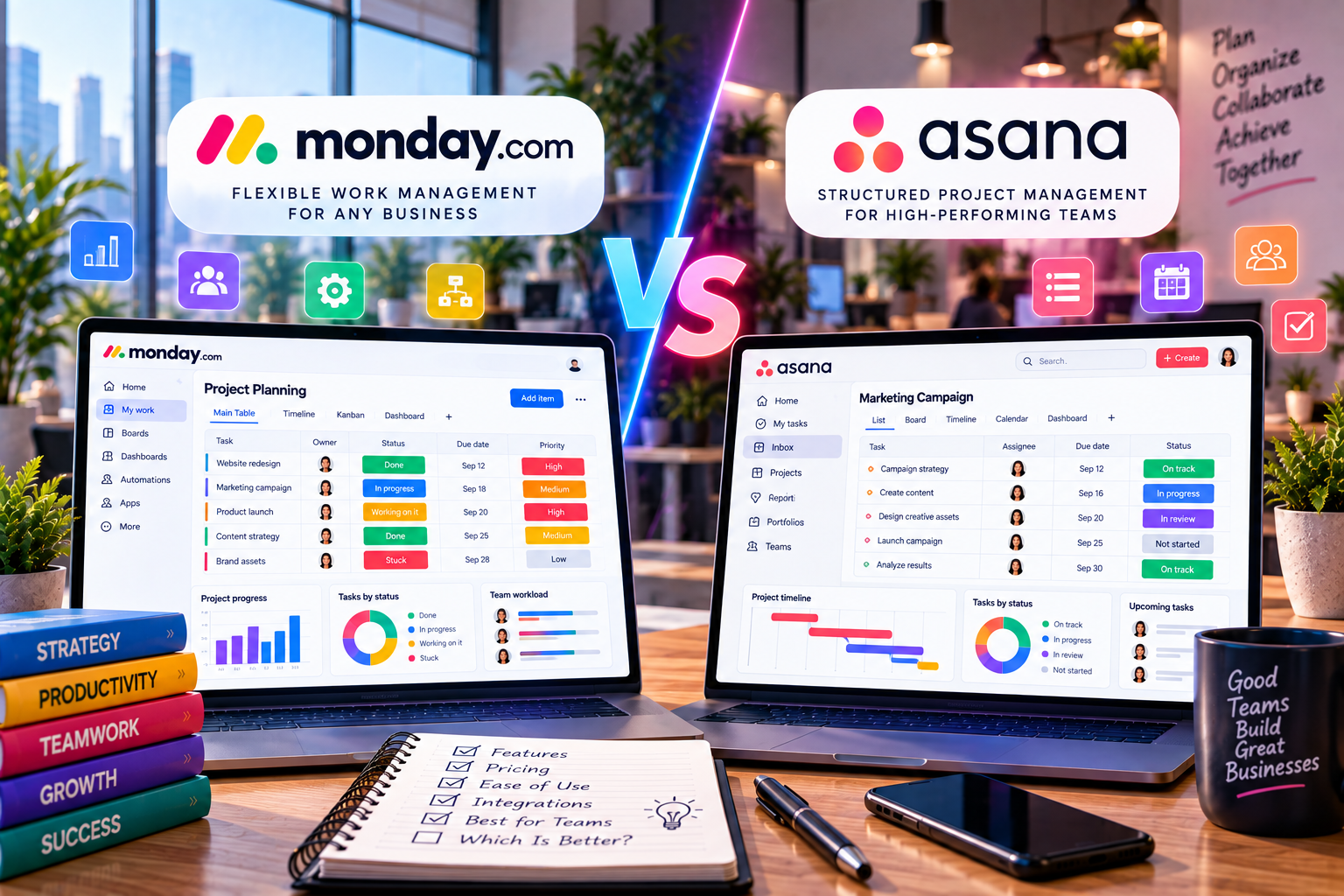
Quick Comparison
| Feature | monday.com | Asana |
|---|---|---|
| Best For | Cross-functional teams | Project-focused teams |
| Ease of Use | ⭐⭐⭐⭐⭐ | ⭐⭐⭐⭐ |
| Workflow Customization | ⭐⭐⭐⭐⭐ | ⭐⭐⭐⭐ |
| Automation | ⭐⭐⭐⭐⭐ | ⭐⭐⭐⭐ |
| AI Features | Excellent | Excellent |
| Reporting | Advanced | Good |
| Collaboration | Excellent | Excellent |
| Learning Curve | Low | Moderate |
Both platforms are excellent choices, but they prioritize different user experiences.
User Interface
monday.com
monday.com offers a colorful, highly visual interface that allows users to organize work through customizable boards, timelines, calendars, dashboards, and Kanban views.
The layout is intuitive, making it easy for new users to become productive with minimal training.
Asana
Asana has a clean and professional interface focused on task organization.
Projects are typically structured around lists, timelines, boards, and goals. While navigation is straightforward, users may need additional time to understand advanced project dependencies and workflow settings.
Winner: monday.com
Project Management Features
Both platforms support essential project management capabilities including:
- Task assignments
- Due dates
- Milestones
- Dependencies
- Recurring tasks
- Multiple project views
- File attachments
monday.com
One of monday.com's biggest strengths is flexibility. Businesses can create highly customized workflows for departments such as marketing, HR, operations, sales, finance, and customer support.
Instead of forcing teams into predefined structures, monday.com adapts to existing business processes.
Asana
Asana excels in structured project planning.
Its timeline, workload management, and goal tracking features make it particularly useful for organizations managing long-term strategic initiatives.
Winner: Tie
Workflow Automation
Automation reduces repetitive work and helps projects move forward automatically.
monday.com
Automation recipes are simple to configure using a no-code builder.
Examples include:
- Assign tasks automatically
- Notify team members
- Update statuses
- Trigger approvals
- Send deadline reminders
Even non-technical users can build sophisticated workflows quickly.
Asana
Asana also supports workflow automation through customizable rules.
Users can automate task assignments, approvals, notifications, and recurring work.
However, the automation interface is generally less visual than monday.com's.
Winner: monday.com
AI Capabilities
Artificial intelligence is becoming increasingly important for productivity.
monday.com AI
AI assists users by:
- Generating task descriptions
- Summarizing updates
- Organizing workflows
- Improving project communication
These features integrate naturally into existing workflows.
Asana AI
Asana Intelligence focuses on:
- Project summaries
- Smart status updates
- Risk identification
- Goal tracking
- Work recommendations
Its AI capabilities are particularly valuable for larger organizations managing complex projects.
Winner: Tie
Collaboration
Effective collaboration is critical for modern businesses.
Both platforms provide:
- Task comments
- File sharing
- Team mentions
- Activity history
- Notifications
- Shared workspaces
monday.com
Collaboration feels more visual and flexible, especially for creative and cross-functional teams.
Asana
Asana provides excellent collaboration within structured project environments and supports strong communication around project milestones.
Winner: Tie
Reporting and Dashboards
Managers need visibility into project performance.
monday.com
Dashboards display:
- Project progress
- Budget tracking
- Workload
- Team performance
- KPIs
- Resource allocation
Reports are highly customizable.
Asana
Asana offers reporting focused on:
- Project progress
- Goals
- Workload
- Portfolio management
Enterprise users benefit from additional reporting capabilities.
Winner: monday.com
Integrations
Both platforms integrate with popular business applications including:
- Google Workspace
- Microsoft Teams
- Slack
- Zoom
- Salesforce
- HubSpot
- Dropbox
- Zapier
Integration support is excellent on both platforms.
Winner: Tie
Pricing
Both monday.com and Asana provide multiple subscription tiers designed for individuals, small businesses, and enterprise organizations.
Higher-tier plans unlock advanced features such as:
- Automation
- AI capabilities
- Reporting
- Administration
- Security controls
Businesses should compare available features rather than selecting solely based on monthly pricing.
Pros and Cons
monday.com
Pros
- Extremely intuitive interface
- Highly customizable workflows
- Excellent dashboards
- Strong automation
- Easy onboarding
- Suitable for many departments
Cons
- Advanced features require premium plans
- Some enterprise capabilities require additional configuration
Asana
Pros
- Strong task management
- Excellent timeline planning
- Goal tracking
- Mature project management features
- Reliable performance
Cons
- Less flexible workflow customization
- Learning advanced features may take time
Which Platform Should You Choose?
Choose monday.com if you:
- Need flexible workflows
- Manage multiple departments
- Want visual project management
- Prefer easy onboarding
- Run a marketing agency, startup, or growing business
Choose Asana if you:
- Focus on structured project planning
- Manage long-term strategic initiatives
- Need advanced portfolio management
- Already use Asana within your organization
Best Use Cases
| Business Type | Recommended Platform |
|---|---|
| Marketing Agency | monday.com |
| Creative Team | monday.com |
| HR Department | monday.com |
| Startup | monday.com |
| Software Company | Tie |
| Enterprise Project Office | Asana |
| Consulting Firm | monday.com |
| Product Management | Asana |
Both platforms perform exceptionally well, but their strengths vary depending on the business environment.
Final Verdict
Both monday.com and Asana are excellent project management solutions capable of supporting businesses of all sizes.
monday.com stands out for its flexibility, visual interface, customizable workflows, and user-friendly automation. It is particularly well suited for organizations that need a platform adaptable to different departments and business processes.
Asana excels in structured project planning, portfolio management, and long-term strategic initiatives. Its organized approach makes it an excellent option for teams that prioritize task dependencies and detailed project execution.
If your organization values ease of use, workflow flexibility, and cross-functional collaboration, monday.com is the stronger choice.
If your primary focus is traditional project planning and structured execution, Asana remains an outstanding alternative.






Write Your Review
No reviews yet. Be the first to share your experience!