
When businesses choose a SaaS platform, features and pricing are important, but user experience often determines long-term success.
A powerful tool can fail if employees find it difficult to use. Complex interfaces, confusing workflows, and poor collaboration features can reduce adoption and create additional workload for teams.
This is why monday.com has focused heavily on creating a simple, visual, and user-friendly experience.
Known for its colorful interface and flexible workflow design, monday.com aims to make project management accessible for everyone—from individual users and small businesses to large enterprise teams.
But how does monday.com perform in real-world usage?
This review analyzes the platform’s interface, learning curve, collaboration experience, performance, mobile application, and overall usability.
First Impression: A Visual and Modern Interface
One of the first things users notice about monday.com is its visual design.
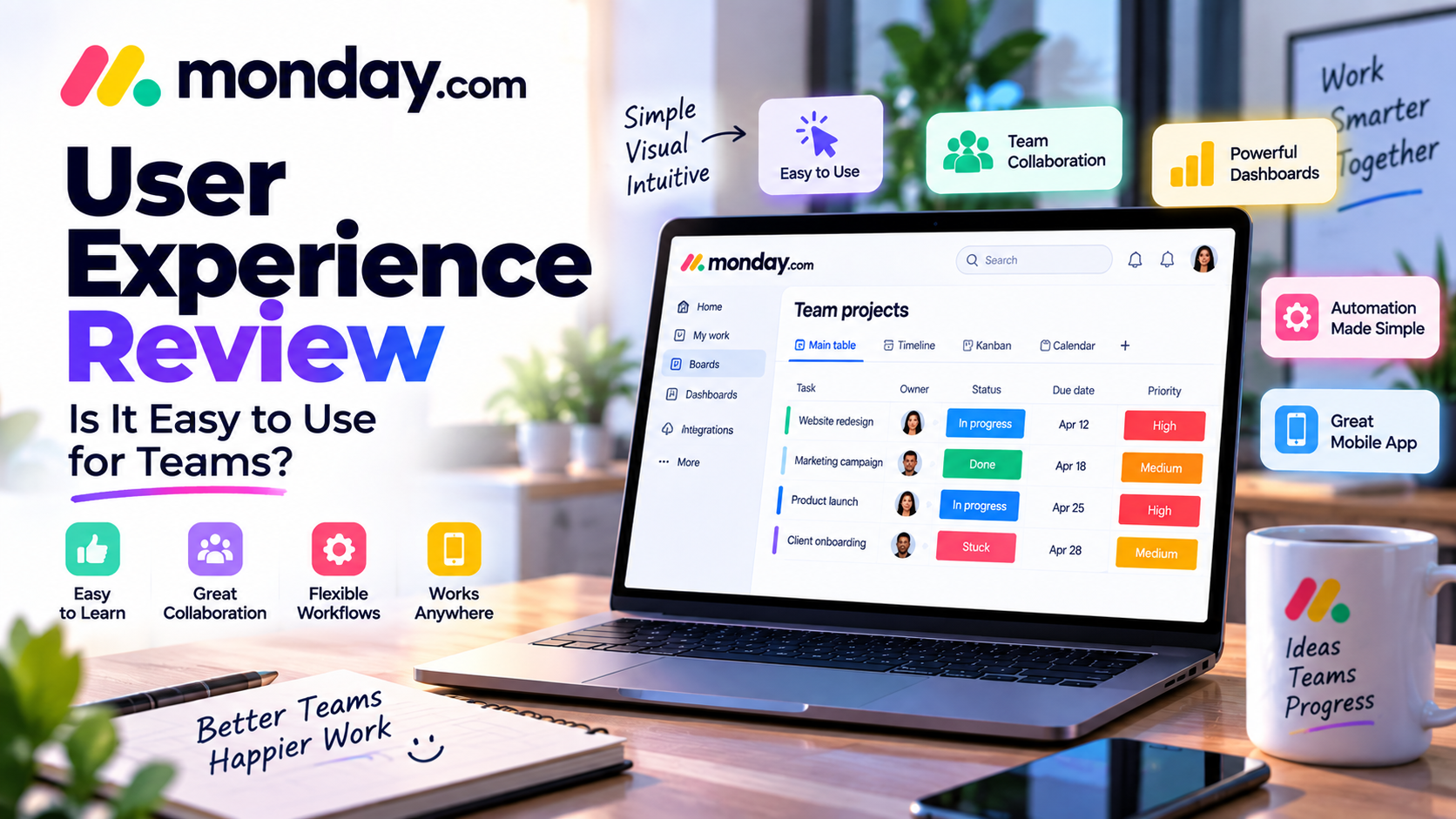
Unlike traditional project management tools that rely heavily on text-based lists, monday.com uses a colorful board-based interface.
The platform displays information through:
- Status labels
- Progress indicators
- Timeline views
- Dashboards
- Visual workflows
This approach makes it easier for users to understand project progress at a glance.
For example, a project manager can immediately see:
- Which tasks are completed
- Which projects are delayed
- Who is responsible for each task
- What requires attention
The visual structure reduces the time needed to interpret information.
User Interface (UI) Review
Design and Navigation
The monday.com interface is designed around simplicity.
The main navigation includes:
- Workspaces
- Boards
- Dashboards
- Templates
- Integrations
Users can quickly move between different projects and departments.
The layout feels similar to familiar productivity tools, making adoption easier for new users.
Visual Organization
The platform uses visual elements to organize complex information.
Examples:
Status Colors
Teams can instantly identify progress:
- Not started
- In progress
- Completed
- Delayed
Progress Tracking
Managers can monitor project completion without opening every individual task.
Dashboards
Important business information can be displayed in one place.
This makes monday.com especially effective for managers and team leaders.
Ease of Learning: Is monday.com Beginner-Friendly?
Short Learning Curve
One of monday.com's biggest strengths is accessibility.
Most users can understand the basic workflow within a few hours.
New users can quickly learn:
- Creating boards
- Adding tasks
- Assigning responsibilities
- Updating statuses
- Communicating with teams
The platform does not require technical knowledge.
Templates Improve Adoption
For beginners, building workflows from scratch can be challenging.
monday.com solves this with ready-made templates.
Users can start with templates for:
- Marketing campaigns
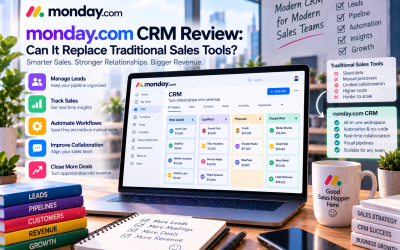
- Sales pipelines
- Project planning
- Employee onboarding
- Product development
This reduces setup time and helps teams follow proven processes.
Customization Experience
One of monday.com's strongest UX advantages is customization.
Different teams work differently.
A marketing department may need:
- Content calendars
- Campaign tracking
- Publishing schedules
A sales team may need:
- Customer pipelines
- Lead management
- Revenue tracking
monday.com allows users to customize:
- Columns
- Views
- Automations
- Dashboards
- Workflows
This creates a personalized experience for each department.
Collaboration Experience
Modern teams need more than task management. They need effective communication.
monday.com integrates collaboration directly into workflows.
Comments and Discussions
Team members can discuss tasks directly inside projects.
Benefits:
- Less email communication
- Easier information tracking
- Better context
Mentions
Users can tag teammates to:
- Request feedback
- Assign responsibility
- Ask questions
Example:
“@John please review the campaign report before Friday.”
File Sharing
Teams can attach:
- Documents
- Images
- Reports
- Project files
This keeps important resources connected to the related tasks.
Automation Experience
Automation improves the overall user experience by reducing repetitive actions.
Without automation, employees must manually:
- Update statuses
- Send reminders
- Assign tasks
- Notify team members
monday.com allows users to create simple automation rules.
Examples:
“When a task is completed → notify the project owner.”
“When a deadline arrives → remind the responsible person.”
The no-code approach makes automation accessible even for non-technical users.
Dashboard and Reporting Experience
Managers often need a high-level overview of business performance.
monday.com dashboards provide visual reporting.
Users can track:
- Project progress
- Team workload
- Deadlines
- Performance metrics
The dashboard experience is especially useful for:
- Team leaders
- Operations managers
- Business executives
Instead of collecting reports manually, managers can monitor information in real time.
Mobile App Experience
Modern professionals often work remotely or need access while traveling.
The monday.com mobile application allows users to manage work from anywhere.
Users can:
- Check project updates
- Update tasks
- Respond to comments
- Receive notifications
- Monitor progress
Mobile App Advantages
✅ Easy task updates
✅ Real-time notifications
✅ Useful for remote teams
Mobile Limitations
Some advanced configurations are easier on desktop.
For example:
- Creating complex workflows
- Managing large dashboards
- Building automation rules
are better suited for the web version.
Performance and Reliability
For most business workflows, monday.com provides strong performance.
The platform works well for:
- Small teams
- Medium businesses
- Enterprise departments
However, very large organizations with thousands of users and extremely complex databases may need careful workspace optimization.
Performance can depend on:
- Number of boards
- Automation volume
- Data complexity
Security and Enterprise Experience
For larger organizations, security is a critical factor.
monday.com provides enterprise-level capabilities including:
- User permissions
- Access control
- Administrative management
- Data protection features
These features help organizations maintain control over sensitive business information.
monday.com UX Compared With Competitors
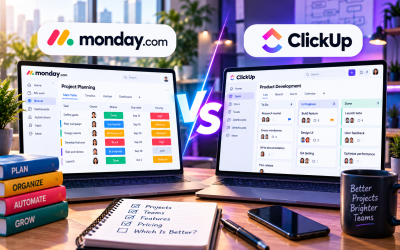
monday.com vs ClickUp
monday.com Advantages:
- Simpler interface
- Easier onboarding
- Better visual experience
ClickUp Advantages:
- More features included
- Greater customization depth
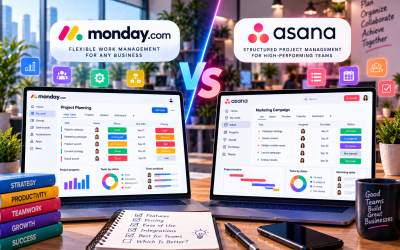
monday.com vs Asana
monday.com Advantages:
- More visual customization
- Flexible workflows
Asana Advantages:
- Structured project management approach
monday.com vs Trello
monday.com Advantages:
- More powerful automation
- Better reporting
Trello Advantages:
- Simpler for basic task management
User Experience Pros and Cons
Pros
✅ Beautiful and intuitive interface
✅ Easy onboarding for beginners
✅ Strong customization options
✅ Excellent collaboration experience
✅ Powerful dashboards
✅ Good mobile support
Cons
❌ Advanced customization requires learning time
❌ Large workflows can become complex
❌ Some features require higher pricing plans
❌ Mobile app is less powerful than desktop version
monday.com User Experience Rating
| Category | Rating |
|---|---|
| Interface Design | ⭐⭐⭐⭐⭐ |
| Ease of Use | ⭐⭐⭐⭐⭐ |
| Collaboration | ⭐⭐⭐⭐⭐ |
| Customization | ⭐⭐⭐⭐⭐ |
| Mobile Experience | ⭐⭐⭐⭐☆ |
| Enterprise Management | ⭐⭐⭐⭐☆ |
Overall UX Score: 9/10
Final Verdict: Is monday.com Easy to Use?
monday.com is one of the most user-friendly project and workflow management platforms available today.
Its biggest advantage is combining enterprise-level capabilities with a simple visual experience.
Unlike many complex business software solutions, monday.com allows non-technical users to quickly create workflows and collaborate effectively.
The platform is especially suitable for:
✅ Small and medium businesses
✅ Marketing teams
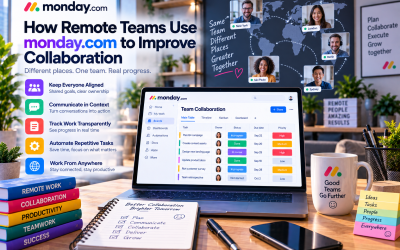
✅ Remote teams
✅ Agencies
✅ Growing organizations
However, companies should invest time in planning their workflows to avoid unnecessary complexity as they scale.
Final Recommendation:
If your team needs a flexible, visually engaging, and easy-to-adopt work management platform, monday.com is one of the strongest options available in 2026.

Write Your Review
No reviews yet. Be the first to share your experience!