
Building an email list is one of the smartest investments any creator can make. Unlike social media followers, your email subscribers are an audience you own, allowing you to communicate directly without worrying about changing algorithms or declining organic reach.
However, attracting subscribers requires more than simply adding a signup form to your website. You need a dedicated page with one clear goal—encouraging visitors to join your email list.
That's where Kit Landing Pages come in.
Kit (formerly ConvertKit) includes a built-in landing page builder that enables creators to design professional, high-converting pages without coding or expensive third-party software. Whether you're offering a free guide, promoting a webinar, or launching a newsletter, Kit Landing Pages make it easy to convert visitors into loyal subscribers.
In this guide, you'll learn how Kit Landing Pages work, why they are effective, and how to optimize them for maximum conversions.
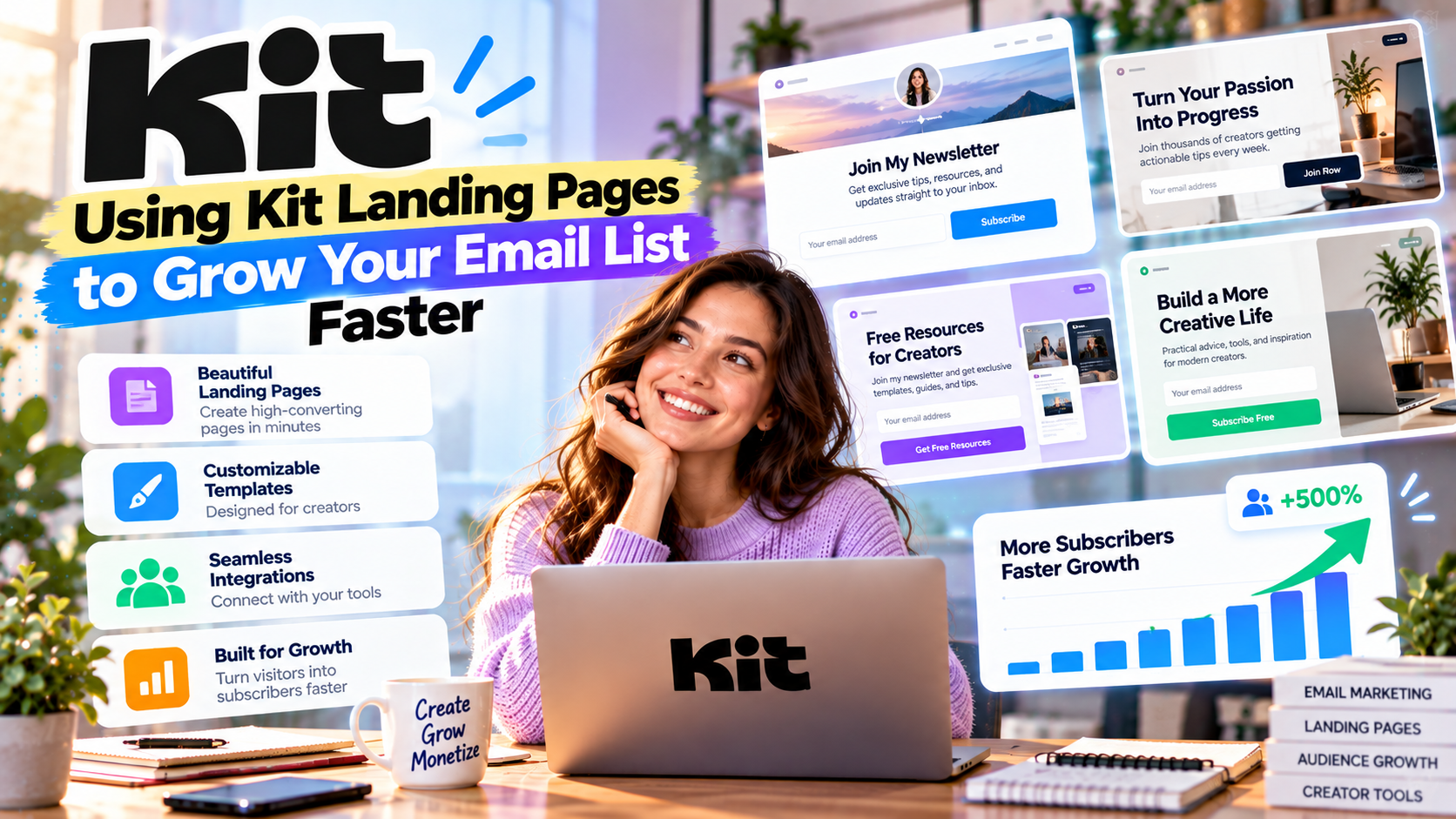
What Are Kit Landing Pages?
A landing page is a standalone web page designed around a single objective.
Unlike a traditional website filled with menus, blog posts, and multiple navigation options, a landing page focuses entirely on one action.
Examples include:
- Subscribe to a newsletter
- Download a free eBook
- Register for a webinar
- Join a waitlist
- Access a free course
- Claim a discount
- Request a consultation
By eliminating distractions, landing pages typically convert at much higher rates than regular website pages.
Why Use Kit Landing Pages?
Many creators use separate landing page software alongside their email marketing platform.
Kit simplifies this process by including landing pages directly within its ecosystem.
Benefits include:
- No coding required
- Mobile-responsive templates
- Fast page publishing
- Direct integration with email automation
- Built-in subscriber management
- Seamless analytics
Everything works together automatically, reducing technical complexity and saving time.
Choosing the Right Landing Page Goal
Before creating a page, identify one specific objective.
Common goals include:
Newsletter Signups
Grow your email audience with exclusive content, weekly insights, or industry news.
Lead Magnets
Offer something valuable in exchange for an email address.
Popular lead magnets include:
- eBooks
- Checklists
- Templates
- Swipe files
- Prompt libraries
- Free mini-courses
Webinar Registration
Collect registrations for live events while automatically sending reminder emails through Kit Automation.
Product Launch Waitlists
Generate excitement before launching a product or service.
Subscribers receive updates automatically as your launch approaches.
Course Enrollment
Capture leads interested in your online course and guide them through an automated sales funnel.
Designing a High-Converting Landing Page
Great landing pages follow a simple structure.
1. Write a Clear Headline
Your headline should immediately explain the benefit.
Examples:
- Grow Your Business with Weekly AI Marketing Tips
- Download the Free Affiliate Marketing Starter Guide
- Learn How to Build a Profitable Newsletter
Avoid vague headlines that don't communicate value.
2. Focus on Benefits
Visitors care more about outcomes than features.
Instead of saying:
“Weekly newsletter.”
Say:
“Receive practical marketing strategies that help you attract more subscribers and increase online revenue.”
Benefits motivate action.
3. Use One Call-to-Action
Every landing page should encourage one primary action.
Examples include:
- Subscribe Now
- Download Free Guide
- Join the Newsletter
- Reserve Your Seat
- Start Learning Today
Multiple competing actions reduce conversion rates.
4. Build Trust
Visitors are more likely to subscribe when they feel confident.
Trust signals include:
- Testimonials
- Subscriber counts
- Client logos
- Awards
- Success stories
- Privacy reassurance
Even a simple statement like “No spam. Unsubscribe anytime.” can improve conversions.
5. Keep the Form Simple
The fewer fields you ask visitors to complete, the higher your conversion rate is likely to be.
For most creators, requesting only:
- First Name
- Email Address
is enough.
Additional fields should only be added if absolutely necessary.
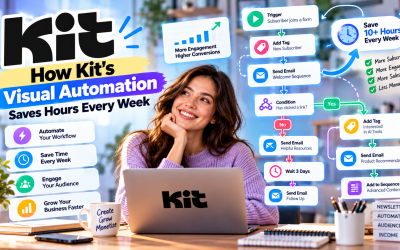
Connect Landing Pages with Kit Automation
One of Kit's biggest advantages is its seamless integration between landing pages and automation.
For example:
Visitor downloads a free guide
↓
Kit sends the download instantly
↓
Subscriber enters a welcome sequence
↓
Receives educational emails
↓
Receives product recommendations
↓
Becomes a customer
No manual work is required after setup.
Segment New Subscribers
Not every visitor is interested in the same content.
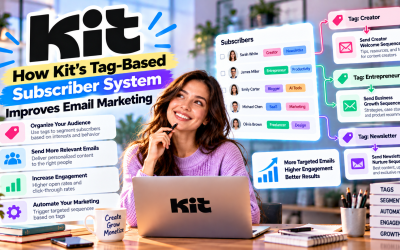
Kit automatically tags subscribers based on:
- Landing page source
- Interests
- Downloads
- Products
- Campaigns
For example:
Visitors downloading an AI guide receive AI-related newsletters.
Visitors joining through an affiliate marketing page receive affiliate-focused content.
Segmentation makes future campaigns far more relevant.
Optimize for Mobile Users
A significant percentage of visitors will access your landing page using smartphones.
Fortunately, Kit templates are fully responsive.
To improve mobile performance:
- Use short paragraphs.
- Keep headlines concise.
- Avoid large blocks of text.
- Place the signup form near the top.
- Use clear buttons.
A fast-loading mobile experience can dramatically improve conversions.
Measure Performance
Kit provides analytics that help creators improve their landing pages over time.
Monitor metrics such as:
- Page views
- Conversion rate
- Subscriber growth
- Traffic sources
- Form completion rate
If conversions are low, test:
- Different headlines
- New call-to-action buttons
- Alternative lead magnets
- Shorter forms
- Different page layouts
Small improvements often lead to significant gains.
Best Use Cases
Kit Landing Pages work particularly well for:
Bloggers
Offer free guides and grow your newsletter audience.
Affiliate Marketers
Build email lists before promoting affiliate products.
Coaches
Collect leads for consultations and webinars.
Course Creators
Capture prospective students before enrollment opens.
Newsletter Publishers
Build a loyal subscriber base with focused signup pages.
Pros
- Easy drag-and-drop editor
- Professional templates
- Mobile-responsive design
- Integrated with Kit Automation
- Built-in subscriber tagging
- No coding required
- Fast publishing
- Ideal for lead generation
Cons
- Fewer design customization options than dedicated landing page builders.
- Advanced design flexibility may require custom CSS.
- Some premium templates and features depend on your Kit plan.

Write Your Review
No reviews yet. Be the first to share your experience!