
An email list is one of the most valuable assets for any creator or online business—but simply collecting subscribers isn't enough. To turn subscribers into loyal readers, customers, and advocates, you need a well-designed email funnel.
With Kit (formerly ConvertKit), you can build automated email funnels that nurture leads, deliver valuable content, and promote products without manually sending every email. Once your funnel is live, it works around the clock, helping you grow your business while you focus on creating content.
In this guide, you'll learn how to build an effective automated email funnel using Kit.
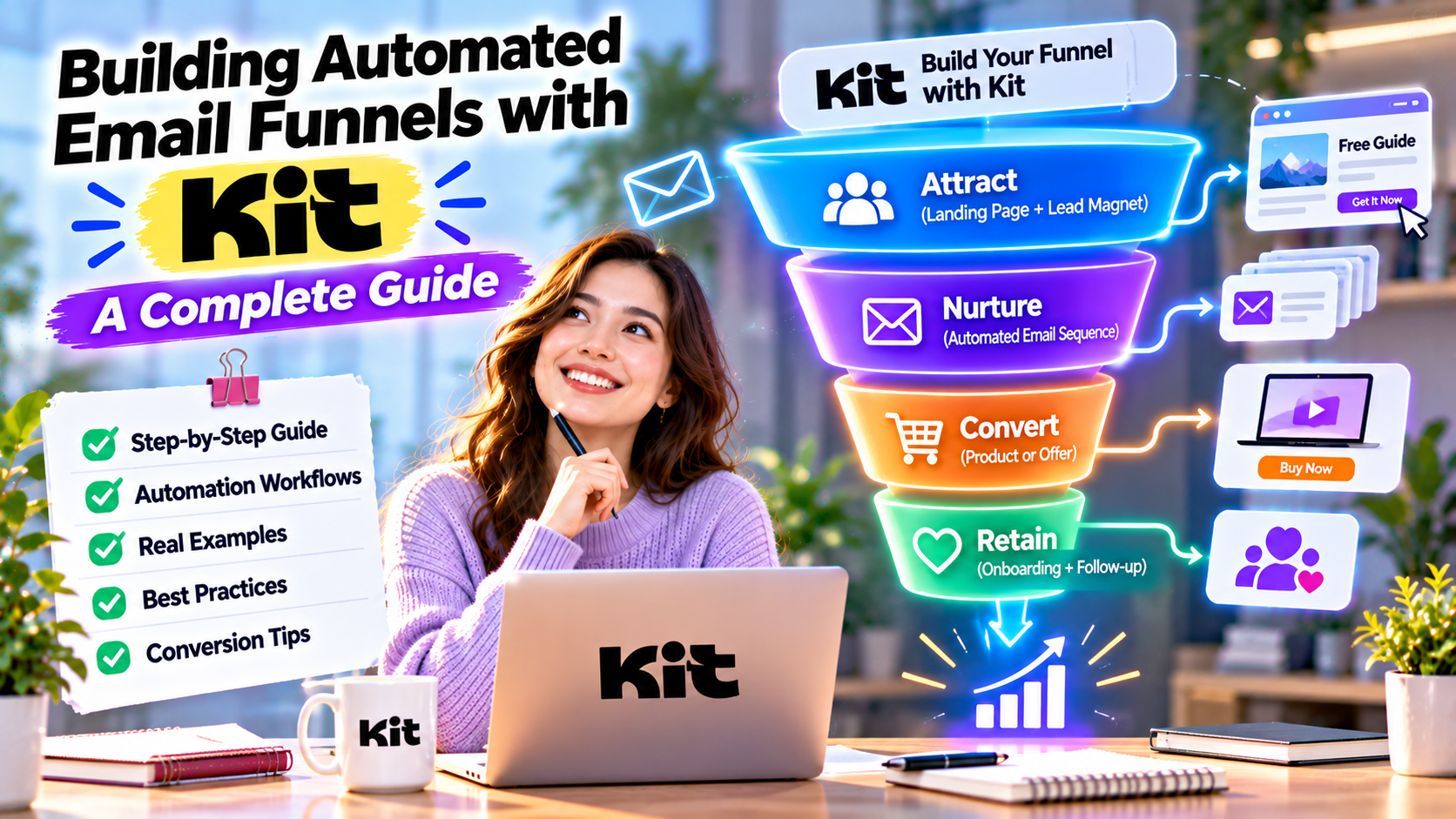
What Is an Automated Email Funnel?
An automated email funnel is a sequence of emails triggered by a subscriber's actions. Instead of sending emails manually, Kit automatically delivers the right message at the right stage of the customer journey.
A typical funnel looks like this:
Visitor → Subscriber → Lead → Customer → Loyal Customer
Each stage is supported by relevant, automated communication.
Step 1: Create a Lead Magnet
Every successful funnel starts with a compelling reason for visitors to subscribe.
Popular lead magnets include:
- Free eBooks
- AI prompt libraries
- Checklists
- Templates
- Mini courses
- Webinar registrations
- Exclusive newsletters
Offer something that solves a real problem for your target audience.
Step 2: Build a Landing Page
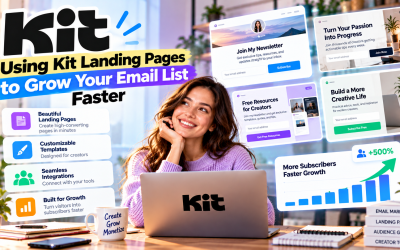
Use Kit's Landing Page Builder to create a dedicated signup page.
A high-converting landing page should include:
- A clear headline
- Strong value proposition
- Simple signup form
- One call-to-action
- Trust signals such as testimonials or subscriber counts
Once visitors subscribe, Kit automatically adds them to your funnel.
Step 3: Create a Welcome Email Sequence
The welcome sequence is the foundation of every email funnel.
Example:
Email 1: Welcome and deliver the lead magnet.
Email 2: Share your story and build trust.
Email 3: Provide educational content.
Email 4: Introduce your product or service.
Email 5: Invite readers to take the next step.
This sequence builds relationships before making a sales offer.
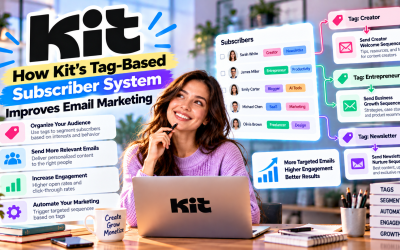
Step 4: Use Tags and Segmentation
Kit's tag-based system allows you to personalize the funnel.
For example:
- AI Beginner
- Affiliate Marketer
- Customer
- Webinar Attendee
- Course Student
Subscribers receive emails based on their interests and actions, creating a more relevant experience.
Step 5: Automate the Customer Journey
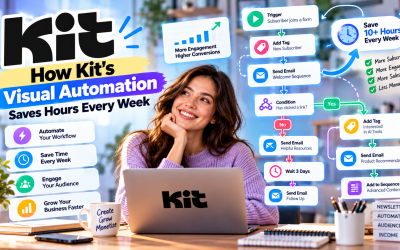
With Kit's Visual Automation, you can connect triggers and actions into one seamless workflow.
Example:
Visitor downloads a free guide
↓
Receives welcome email
↓
Completes educational sequence
↓
Clicks product page
↓
Receives promotional emails
↓
Purchases product
↓
Moves to customer onboarding
Everything happens automatically without manual intervention.
Step 6: Measure and Optimize
A funnel should continuously improve over time.
Track key metrics such as:
- Open rates
- Click-through rates
- Conversion rates
- Subscriber growth
- Sales generated
- Unsubscribe rates
Experiment with different subject lines, email timing, and calls-to-action to improve results.
Best Practices
To build a successful Kit email funnel:
- Deliver immediate value after signup.
- Keep emails conversational and helpful.
- Focus on solving subscriber problems.
- Avoid aggressive sales pitches too early.
- Personalize content using tags and automation.
- Regularly review analytics and optimize performance.
Consistency and relevance are the keys to long-term success.
Pros
- Fully automated lead nurturing
- Easy visual workflow builder
- Personalized subscriber journeys
- Improved engagement and conversions
- Saves hours of manual work
- Scales with your business
Cons
- Initial setup requires planning.
- Advanced funnels may need ongoing optimization.
- Premium automation features may require a paid Kit plan.
Frequently Asked Questions
Can beginners build email funnels with Kit?
Yes. Kit's visual automation builder makes it easy for beginners to create professional email funnels without coding.
How many emails should a funnel include?
Most welcome funnels contain 5–7 emails, but the ideal length depends on your audience and business goals.
Can I sell products through a Kit funnel?
Absolutely. Kit is widely used to promote digital products, online courses, memberships, coaching services, and affiliate offers.
Final Verdict
Kit makes building automated email funnels simple, even for creators with little marketing experience. Its combination of landing pages, subscriber tagging, visual automation, and analytics allows you to create personalized customer journeys that generate engagement and sales around the clock.
Whether you're growing a newsletter, promoting affiliate products, or selling digital courses, a well-designed Kit funnel can become one of the most valuable assets in your business. By investing time in creating an effective funnel today, you'll build a marketing system that continues working for you long into the future.
Overall Rating: 5/5 ⭐

Write Your Review
No reviews yet. Be the first to share your experience!