
Not every receipt is captured with a mobile phone. Many businesses receive digital receipts and invoices by email after making online purchases, booking travel, or paying for software subscriptions.
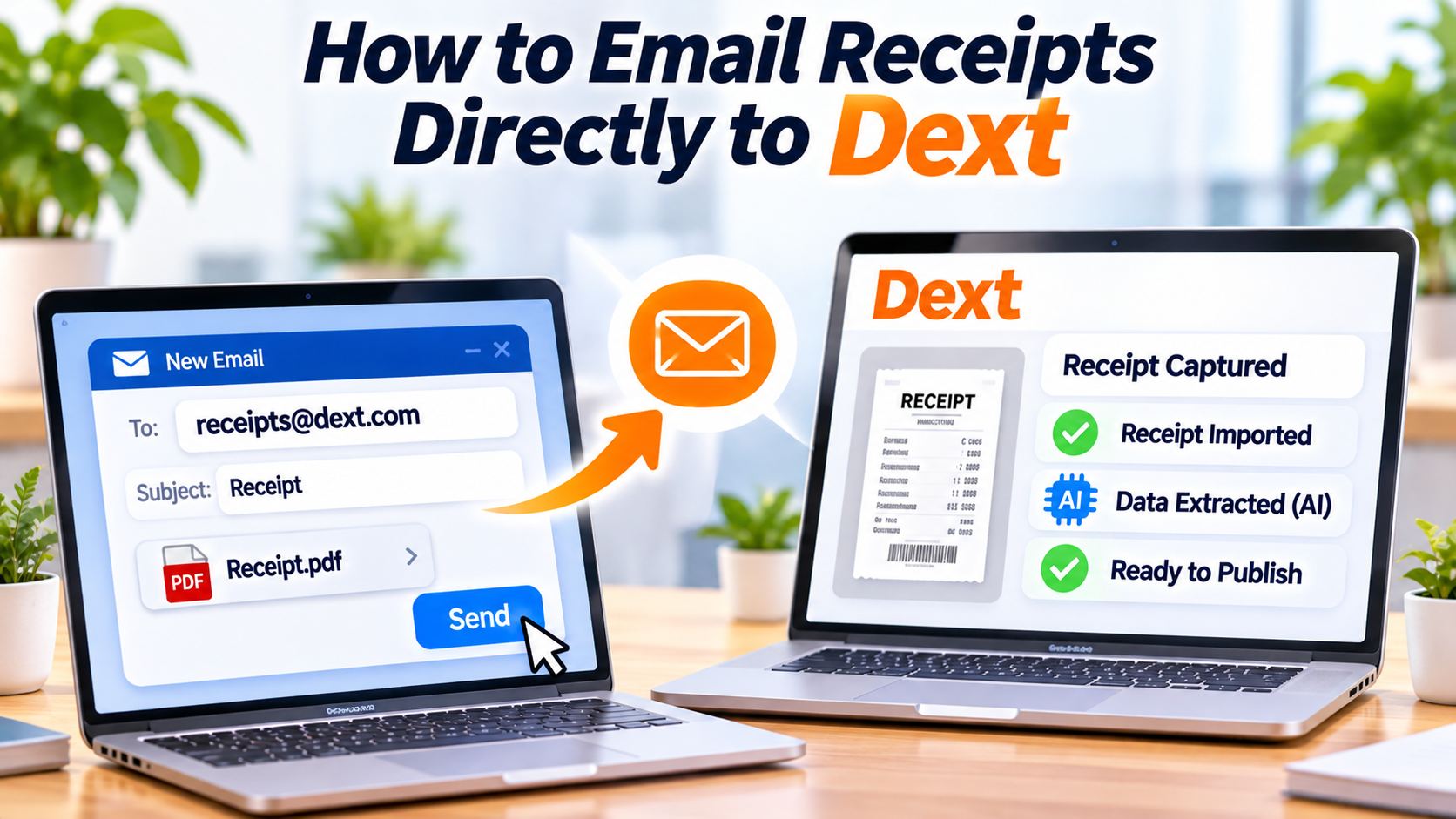
Instead of downloading each attachment and uploading it manually, Dext allows you to forward receipts directly to your dedicated Dext email address. The platform automatically imports the document, extracts the financial data using AI, and prepares it for bookkeeping.
Here's how to use email receipt forwarding in Dext.
Why Use Email Receipt Forwarding?
Email forwarding is one of the easiest ways to collect digital receipts.
It's ideal for:
- Online shopping
- SaaS subscriptions
- Travel bookings
- Hotel invoices
- Utility bills
- Vendor invoices
- Employee expense receipts
By forwarding receipts as soon as they arrive, businesses can keep bookkeeping up to date without additional administrative work.
Step 1: Find Your Dext Email Address
Every Dext account includes a unique receipt submission email address.
To locate it:
- Sign in to your Dext account.
- Open your account or submission settings.
- Copy your personal Dext receipt email address.
This email acts as your secure inbox for financial documents.
Step 2: Forward Your Receipt
When you receive a receipt or invoice via email:
- Open the email.
- Click Forward.
- Enter your Dext receipt email address.
- Keep the attachment included.
- Send the email.
There's no need to rename files or download attachments first.
Dext automatically detects supported document formats, including PDF and image files.
Step 3: AI Processes the Receipt
After the email arrives, Dext automatically imports the attachment.
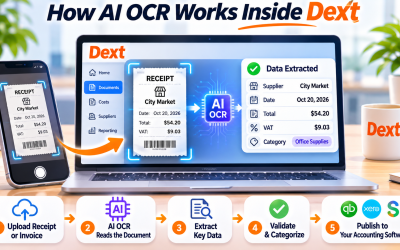
Using Artificial Intelligence (AI) and Optical Character Recognition (OCR), the platform extracts important details such as:
- Merchant or supplier
- Purchase date
- Invoice number (if applicable)
- Total amount
- Tax or VAT
- Currency
This process usually takes only a few moments.
Step 4: Review the Extracted Information
Although Dext's AI is highly accurate, reviewing each document is recommended before publishing.
Check:
- Supplier name
- Expense amount
- Tax values
- Transaction date
- Currency
- Receipt image
Any necessary corrections can be made quickly within Dext.
Step 5: Categorize the Expense
Dext may automatically recommend an expense category based on previous bookkeeping activity.
Examples include:
- Software subscriptions
- Office expenses
- Travel
- Marketing
- Professional services
- Utilities
Correct categorization helps produce more accurate financial reports.
Step 6: Publish to Your Accounting Software
Once approved, the receipt can be published directly into your connected accounting software.
Dext supports integrations with:
- QuickBooks Online
- Xero
- Sage
- FreeAgent
- Zoho Books
This eliminates duplicate data entry and keeps your financial records synchronized.
Best Practices for Emailing Receipts
To maximize efficiency:
- Forward receipts immediately after receiving them.
- Keep original attachments intact.
- Avoid forwarding unrelated email content.
- Review AI-extracted information before publishing.
- Organize suppliers consistently for better reporting.
These practices help maintain clean and accurate bookkeeping records.
Final Thoughts
Email receipt forwarding is one of the most convenient features in Dext. Instead of manually downloading and uploading digital receipts, businesses can send them directly from their inbox and let AI handle the rest.
Whether you're managing software subscriptions, travel expenses, or supplier invoices, emailing receipts to Dext helps automate bookkeeping, reduce manual work, and improve financial accuracy.
Frequently Asked Questions
Can I email PDF receipts to Dext?
Yes. Dext accepts PDF receipts, invoices, and other supported document attachments sent to your dedicated receipt email address.
Does Dext automatically process emailed receipts?
Yes. After receiving the email, Dext uses AI and OCR technology to extract the financial information automatically.
Can multiple employees email receipts to Dext?
Yes. Businesses can configure workflows that allow team members to submit receipts while maintaining appropriate permissions and approval processes.
Are emailed receipts stored securely?
Yes. All imported receipts are securely stored in Dext's cloud platform, making them easy to search, retrieve, and share when needed.






Write Your Review
No reviews yet. Be the first to share your experience!