
Bookkeeping often involves processing hundreds of receipts, invoices, and financial documents every month. Manually entering information from these documents can be slow, repetitive, and prone to errors.
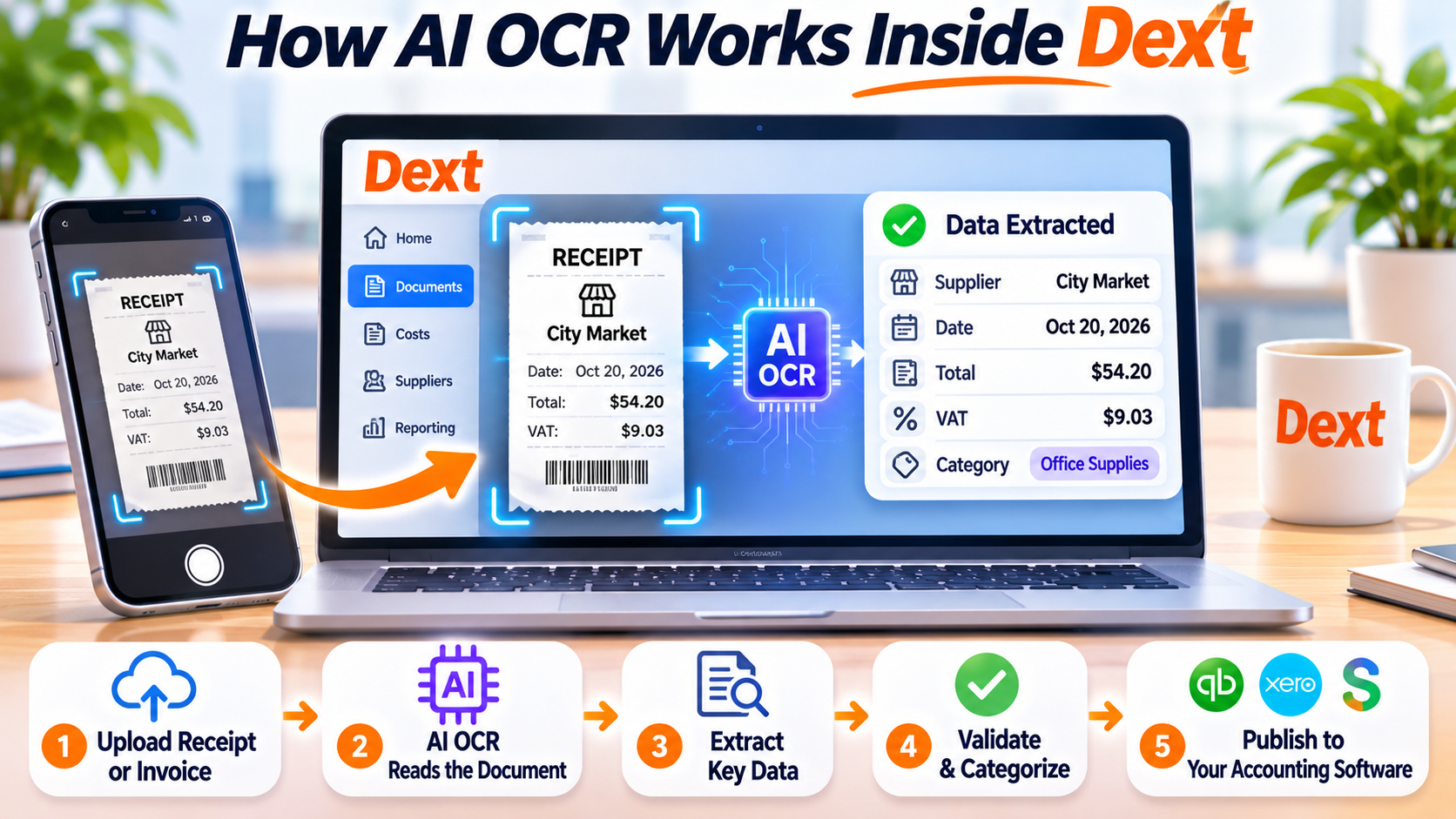
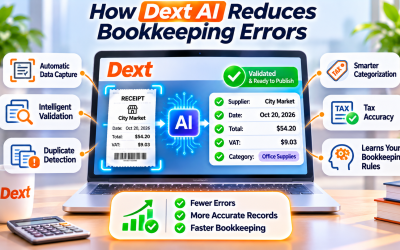
Dext solves this challenge by combining Optical Character Recognition (OCR) with Artificial Intelligence (AI) to automate document processing. Instead of typing data by hand, users simply upload a receipt or invoice, and Dext extracts the key information within seconds.
Let's take a closer look at how AI OCR works inside Dext.
What Is OCR?
Optical Character Recognition (OCR) is a technology that converts printed or handwritten text in an image into digital text.
For bookkeeping, OCR allows software to read information from documents such as:
- Receipts
- Supplier invoices
- Bills
- Expense reports
- Purchase orders
Traditional OCR simply recognizes text, but it often struggles with poor image quality, unusual layouts, or different receipt formats.
That's where AI makes a significant difference.
How Dext Combines AI with OCR
Dext doesn't rely on OCR alone. Instead, it combines OCR with machine learning and AI to understand financial documents more intelligently.
Rather than just recognizing characters, Dext identifies the meaning of the information.
For example, it can distinguish between:
- Merchant name
- Invoice number
- Purchase date
- Total amount
- Tax or VAT
- Currency
- Payment method
- Supplier information
This intelligent recognition produces more accurate bookkeeping data than traditional OCR systems.
Step 1: Upload a Financial Document
Users can submit documents through several methods, including:
- Mobile app
- Email forwarding
- Desktop upload
- Drag-and-drop
- PDF import
Once uploaded, Dext automatically begins processing the document.
No manual formatting or preparation is required.
Step 2: AI Reads the Document
Dext scans the uploaded image using advanced OCR technology.
Its AI then analyzes:
- Text placement
- Document structure
- Financial terminology
- Receipt layouts
- Invoice formats
Even if different suppliers use different templates, Dext can accurately identify the important bookkeeping information.
Step 3: Extract Financial Data
Within seconds, Dext extracts essential information, including:
- Supplier or merchant
- Receipt date
- Invoice number
- Total cost
- Tax amount
- Currency
- Payment type
The extracted data is automatically organized into structured fields that are ready for bookkeeping.
This eliminates the need for manual typing.
Step 4: AI Validates the Information
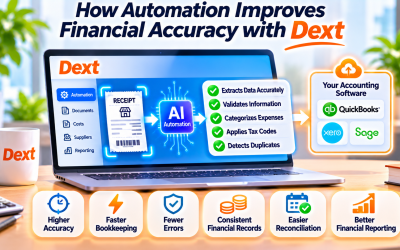
Unlike basic OCR software, Dext performs intelligent validation before presenting the data.
Its AI checks for:
- Missing values
- Duplicate documents
- Inconsistent totals
- Invalid dates
- Tax calculation issues
If something appears unusual, users can review and edit the information before publishing.
This additional validation improves overall bookkeeping accuracy.
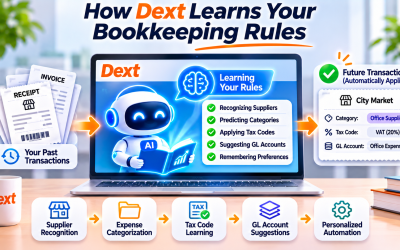
Step 5: Learn from Previous Transactions
One of Dext's biggest strengths is continuous learning.
As more documents are processed, the AI recognizes recurring:
- Suppliers
- Expense categories
- Tax codes
- General ledger accounts
- Bookkeeping preferences
Over time, the system becomes faster and more accurate for each business.
Publish to Your Accounting Software
After review, transactions can be published directly into supported accounting platforms such as:
- QuickBooks Online
- Xero
- Sage
- FreeAgent
- Zoho Books
The original receipt or invoice is attached to the accounting record, making future audits and document retrieval much easier.
Benefits of AI OCR in Dext
Businesses using Dext benefit from:
- Faster document processing
- Reduced manual data entry
- Higher bookkeeping accuracy
- Fewer typing mistakes
- Better expense tracking
- Improved tax compliance
- Secure digital document storage
- More efficient month-end closing
These advantages allow finance teams to spend less time on repetitive administrative tasks and more time analyzing business performance.
Final Thoughts
Dext's AI-powered OCR technology transforms the way businesses manage financial documents. Instead of manually entering receipt and invoice data, users simply upload documents and let intelligent automation do the work.
By combining OCR, machine learning, and AI validation, Dext delivers a faster, more accurate bookkeeping process that saves time and reduces errors.
For businesses looking to modernize their accounting workflow, Dext's AI OCR is one of its most valuable features.
Frequently Asked Questions
What is AI OCR in Dext?
AI OCR combines Optical Character Recognition with Artificial Intelligence to automatically read, understand, and extract financial data from receipts, invoices, and other accounting documents.
How accurate is Dext's OCR technology?
Dext's AI continuously improves through machine learning, allowing it to recognize suppliers, expense categories, tax information, and document layouts with high accuracy.
What documents can Dext process?
Dext supports receipts, invoices, bills, supplier documents, expense reports, and other financial records submitted as images or PDF files.
Does Dext require manual data entry?
Very little. After AI extracts the information, users simply review the results, make any necessary adjustments, and publish the transaction to their accounting software.






Write Your Review
No reviews yet. Be the first to share your experience!