
Artificial intelligence has evolved far beyond answering questions or generating text. Today's AI platforms are expected to perform meaningful work, collaborate with employees, and automate business processes.
One of the features that sets Lindy.ai apart is its collection of AI Skills.
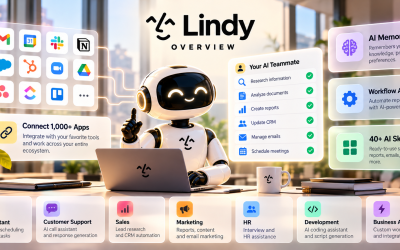
Instead of functioning as a general-purpose chatbot, Lindy.ai equips AI teammates with specialized skills that enable them to perform real-world business tasks—from writing emails and analyzing documents to managing CRM records, researching information, and coordinating workflows.
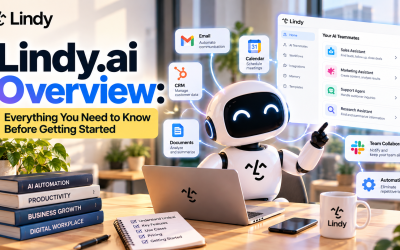
In this article, we'll explore what Lindy.ai AI Skills are, how they work, and how businesses can use them to increase productivity.
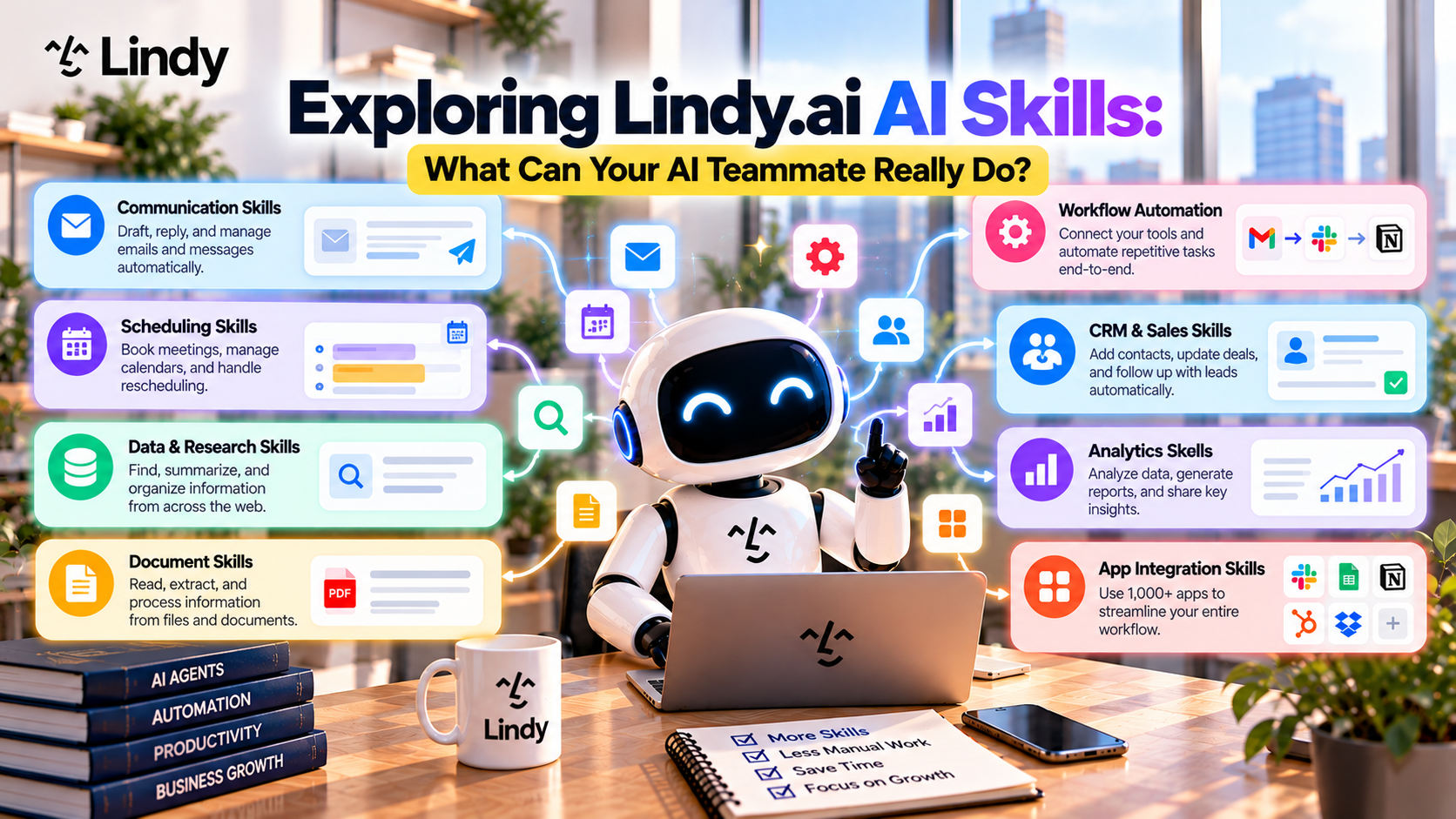
Table of Contents
- What Are Lindy.ai AI Skills?
- How AI Skills Work
- Top AI Skills Available in Lindy.ai
- Real Business Use Cases
- Why AI Skills Matter
- Best Practices
- Final Verdict
- Frequently Asked Questions
What Are Lindy.ai AI Skills?
AI Skills are reusable capabilities that enable Lindy.ai's AI teammates to perform specific business tasks.
Instead of building every workflow from scratch, users can assign one or more AI Skills to an AI agent.
Think of them as professional abilities that employees develop over time.
For example:
A sales representative knows how to:
- qualify leads
- prepare proposals
- update CRM systems
Similarly, an AI teammate can be equipped with those same capabilities using AI Skills.
This makes AI agents faster to deploy and easier to customize.
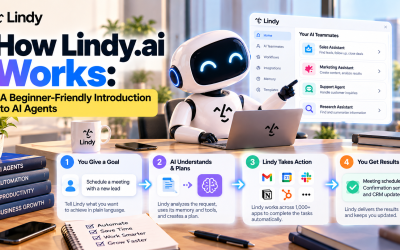
How AI Skills Work
Each AI Skill follows a simple process.
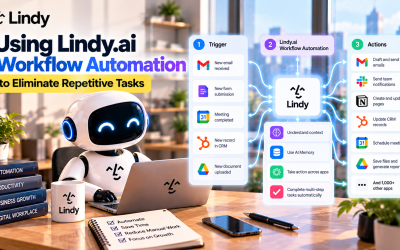
Step 1 – Receive a Task
The AI receives an instruction or workflow trigger.
Examples include:
- A new customer email arrives.
- A meeting has finished.
- A sales lead is created.
- A document is uploaded.
- A report is requested.
Step 2 – Gather Context
The AI retrieves relevant information from connected applications such as:
- Gmail
- Slack
- Google Drive
- HubSpot
- Salesforce
- Notion
- Google Calendar
AI Memory also provides company knowledge and previous interactions.
Step 3 – Execute the Skill
The AI performs its assigned task.
For example:
- Analyze data
- Generate reports
- Draft emails
- Summarize meetings
- Update CRM records
- Schedule appointments
Step 4 – Complete the Workflow
The results can then be:
- Shared in Slack
- Saved to Notion
- Uploaded to Google Drive
- Sent by email
- Added to a CRM
- Assigned as project tasks
Everything happens automatically.
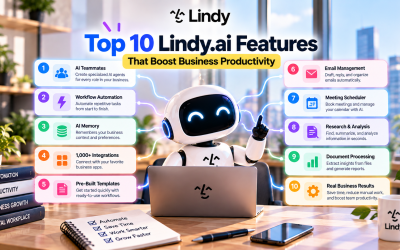
Top AI Skills Available in Lindy.ai
1. Research Assistant
Research often consumes hours of valuable time.
Lindy.ai can quickly:
- Collect information
- Compare sources
- Summarize findings
- Highlight important insights
Ideal For
- Marketing teams
- Business analysts
- Consultants
- Product managers
2. Email Writing
AI can create professional emails for:
- Customer support
- Sales outreach
- Internal communication
- Follow-up sequences
- Appointment confirmations
Because AI remembers company information, emails remain consistent with your brand voice.
3. Meeting Summarization
After every meeting, AI can automatically generate:
- Meeting summaries
- Key decisions
- Action items
- Follow-up tasks
- Executive reports
Employees no longer need to spend time taking manual notes.
4. CRM Management
AI teammates can:
- Create contacts
- Update opportunities
- Record interactions
- Log meeting notes
- Track sales progress
Sales representatives spend more time selling instead of entering data.
5. Report Generation
Lindy.ai can prepare:
- Weekly reports
- Sales reports
- Marketing dashboards
- Executive summaries
- Performance updates
Reports can even be scheduled automatically.
6. Document Analysis
Instead of manually reviewing lengthy files, AI can:
- Read documents
- Extract important information
- Identify key points
- Generate summaries
- Answer questions
This dramatically reduces research time.
7. Customer Support
AI teammates can:
- Classify tickets
- Draft responses
- Retrieve knowledge articles
- Escalate urgent issues
- Update support systems
Support teams deliver faster and more consistent service.
8. Calendar & Scheduling
Managing calendars becomes much easier.
AI can:
- Schedule meetings
- Check availability
- Send invitations
- Reschedule appointments
- Create reminders
This is especially valuable for executives and sales professionals.
9. Workflow Coordination
Rather than handling individual tasks, AI can coordinate complete workflows by:
- Triggering automations
- Updating multiple systems
- Sending notifications
- Creating project tasks
- Monitoring progress
This transforms AI into a workflow manager.
10. Coding Assistance
For technical teams, Lindy.ai can assist with:
- Code generation
- Documentation
- Bug explanations
- Technical summaries
- Development research
Developers spend less time on repetitive coding tasks.
Real Business Use Cases
Sales Teams
AI Skills help sales teams:
- Research prospects
- Qualify leads
- Schedule demos
- Update CRM systems
- Draft follow-up emails
Result:
More selling, less administration.
Marketing Departments
Marketing teams use AI Skills to:
- Research competitors
- Generate campaign reports
- Summarize analytics
- Draft blog outlines
- Create email campaigns
Result:
Faster content production and better reporting.
Customer Support
Support departments automate:
- Ticket routing
- Response drafting
- Knowledge searches
- Customer follow-ups
Result:
Improved response time and customer satisfaction.
Human Resources
HR professionals automate:
- Candidate communication
- Interview scheduling
- Employee onboarding
- Internal documentation
Result:
Reduced administrative workload.
Executive Teams
Executives rely on AI teammates for:
- Calendar management
- Meeting summaries
- Email organization
- Weekly reports
- Task reminders
Result:
More focus on strategic leadership.
Why AI Skills Matter
Many AI platforms provide one large language model capable of answering questions.
Lindy.ai takes a different approach.
Instead of relying on one general-purpose assistant, AI teammates can develop specialized capabilities tailored to different business roles.
This approach offers several advantages.
Better Accuracy
Specialized AI performs better because it focuses on clearly defined responsibilities.
Reusability
The same AI Skill can be reused across multiple workflows and departments.
Faster Automation
Businesses can deploy AI teammates more quickly without rebuilding every workflow.
Easier Scaling
As organizations grow, additional AI Skills can be added without redesigning existing automations.
Best Practices
To maximize Lindy.ai AI Skills:
Build Role-Specific AI Teammates
Create separate AI teammates for:
- Sales
- Marketing
- Customer Support
- HR
- Finance
- Operations
Combine Multiple Skills
One AI teammate can combine:
- Research
- Email writing
- CRM updates
- Reporting
- Scheduling
This creates powerful end-to-end workflows.
Use AI Memory
Persistent memory makes every AI Skill more intelligent by providing historical context and company knowledge.
Continue Improving
Review workflow performance regularly and refine AI instructions as your business evolves.
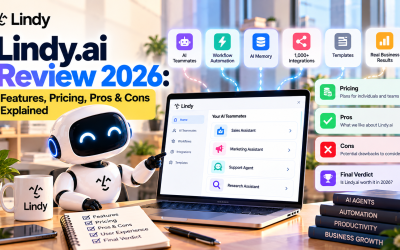
Final Verdict
Lindy.ai AI Skills transform AI from a simple conversational assistant into a capable digital teammate. By combining specialized capabilities with workflow automation, AI Memory, and integrations across more than 1,000 business applications, organizations can automate repetitive work while improving accuracy and consistency.
Whether you need help managing customer relationships, generating reports, organizing meetings, researching information, or coordinating projects, Lindy.ai AI Skills provide the building blocks for intelligent business automation.
As AI agents become a standard part of the workplace, specialized AI Skills will play a crucial role in helping businesses scale operations, reduce administrative work, and empower employees to focus on innovation and growth.

Write Your Review
No reviews yet. Be the first to share your experience!