
Artificial intelligence has evolved far beyond chatbots that simply answer questions. Today, businesses are looking for AI solutions that can actively complete work, automate repetitive tasks, and integrate seamlessly with their existing software. That's exactly where Lindy.ai comes in.
Rather than functioning as a conversational assistant, Lindy.ai introduces the concept of an AI teammate—an intelligent agent capable of performing real business tasks, coordinating workflows, managing information, and working across hundreds of applications.
Whether you're a freelancer, startup founder, sales manager, or enterprise team leader, Lindy.ai aims to reduce manual work so you can focus on higher-value activities.
In this beginner's guide, we'll explore what Lindy.ai is, how it works, its major features, pricing, and whether it's the right AI platform for your business.
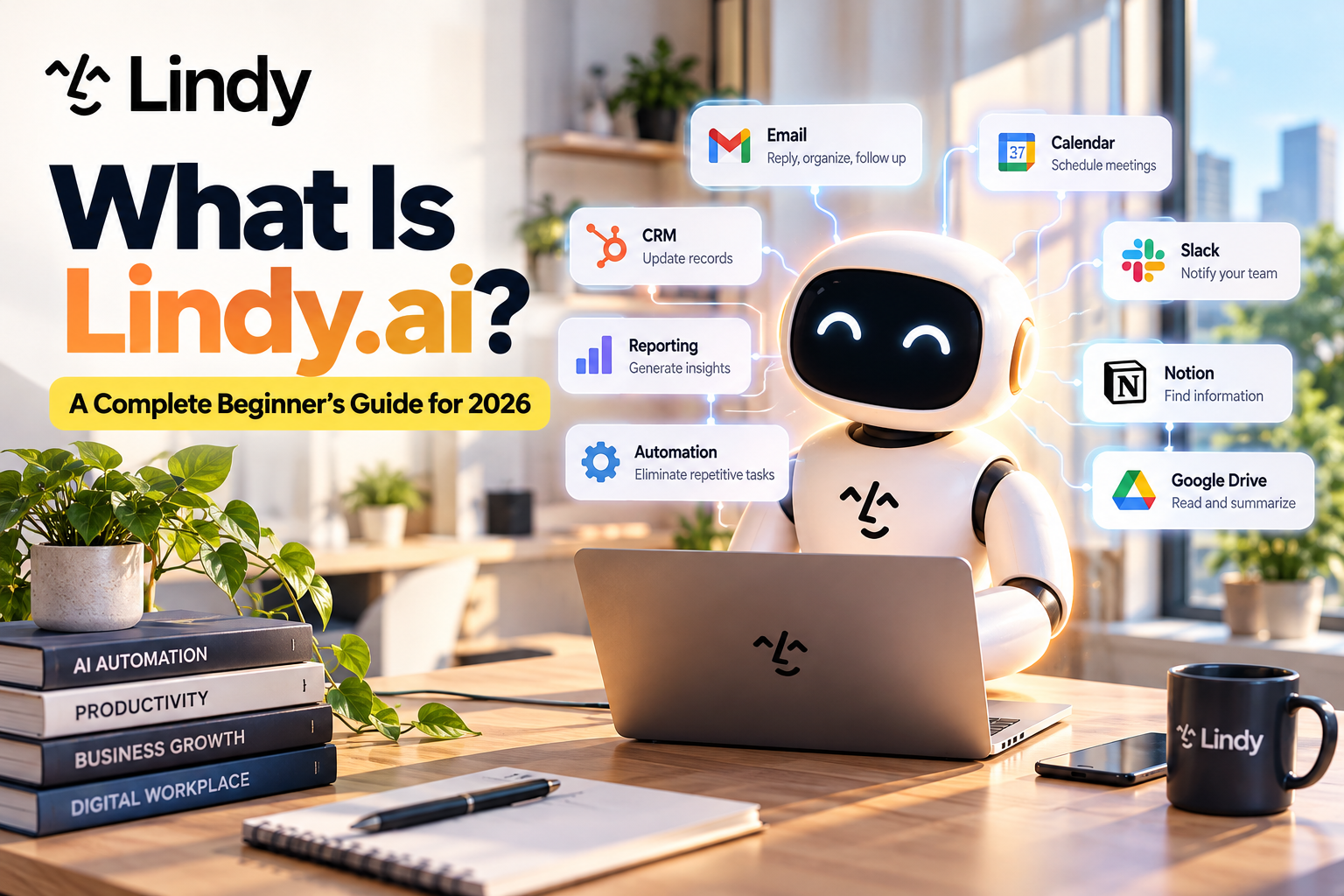
Table of Contents
- What Is Lindy.ai?
- How Does Lindy.ai Work?
- Key Features
- AI Agents vs Traditional Chatbots
- Popular Business Use Cases
- Integrations
- Pricing
- Pros and Cons
- Who Should Use Lindy.ai?
- Final Verdict
- Frequently Asked Questions
What Is Lindy.ai?
Lindy.ai is an AI agent platform designed to automate business workflows through intelligent digital teammates.
Unlike traditional AI chatbots that simply generate responses, Lindy.ai can complete tasks from start to finish. It combines large language models with workflow automation, application integrations, and persistent memory to perform real business operations.
Think of Lindy as a virtual employee that can:
- Research information
- Summarize meetings
- Draft emails
- Update CRM records
- Schedule appointments
- Generate reports
- Search company knowledge
- Coordinate business processes
- Connect multiple software tools together
Instead of opening five different applications yourself, Lindy.ai can complete the entire workflow automatically.
How Does Lindy.ai Work?
Lindy.ai operates through AI agents.
Each AI agent is designed to perform one or more business functions.
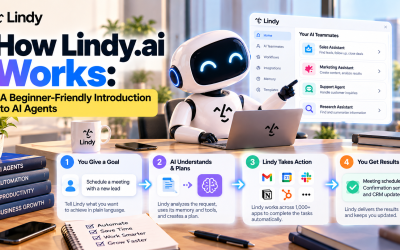
A typical workflow looks like this:
- A trigger starts the workflow.
- Lindy gathers information from connected applications.
- AI analyzes the data.
- The agent makes decisions based on instructions.
- Actions are automatically completed.
- Results are delivered through your preferred apps.
For example:
A customer books a meeting.
↓
Lindy checks your calendar.
↓
Creates the meeting.
↓
Sends confirmation emails.
↓
Updates your CRM.
↓
Notifies your sales team in Slack.
↓
Generates meeting notes afterward.
The entire process happens with little or no manual work.
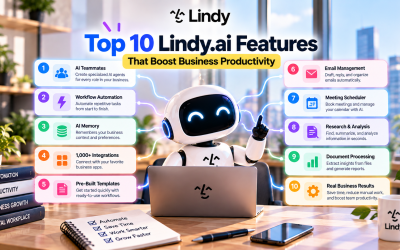
Key Features of Lindy.ai
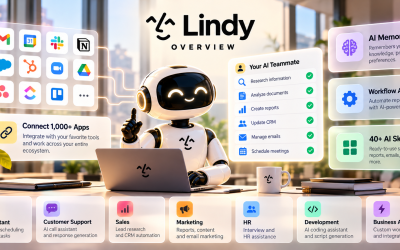
1. AI Teammates
Instead of interacting with one general-purpose chatbot, Lindy allows you to create AI teammates dedicated to specific jobs.
Examples include:
- Sales Assistant
- Marketing Assistant
- Customer Support Agent
- Executive Assistant
- Recruiting Assistant
- Operations Coordinator
Each agent can be customized to match your workflow.
2. Workflow Automation
Lindy combines AI reasoning with automation.
Instead of simple “if-this-then-that” rules, the platform understands context and makes decisions during workflows.
Common automations include:
- Email follow-ups
- CRM updates
- Lead qualification
- Daily reports
- Meeting summaries
- Calendar scheduling
- Internal notifications
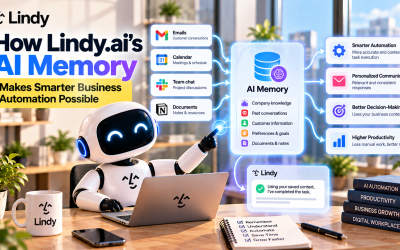
3. AI Memory
One of Lindy's biggest advantages is persistent memory.
The platform can remember:
- Company knowledge
- Customer information
- Internal processes
- Team preferences
- Previous conversations
- Workflow history
This enables AI agents to provide more personalized and consistent assistance over time.
4. Extensive Integrations
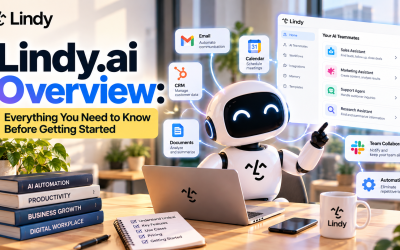
Lindy connects with more than 1,000 business applications, allowing AI agents to work across your existing software stack.
Popular integrations include:
- Gmail
- Google Calendar
- Slack
- Notion
- HubSpot
- Salesforce
- Zoom
- Google Drive
- Dropbox
- Airtable
- GitHub
- ClickUp
- Asana
- monday.com
- Stripe
These integrations eliminate manual data entry and reduce context switching between applications.
5. AI Skills
Lindy includes dozens of built-in AI skills, including:
- Document analysis
- Research
- Email writing
- Meeting summarization
- Data extraction
- Report generation
- Coding assistance
- CRM management
Organizations can also create reusable custom skills for their teams.
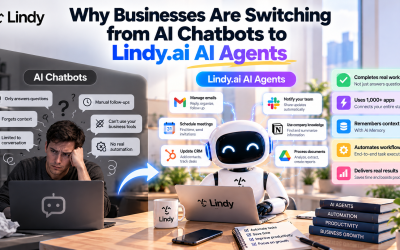
AI Agents vs Traditional Chatbots
Many people compare Lindy.ai with ChatGPT, but they serve different purposes.
| Traditional AI Chatbot | Lindy.ai AI Agent |
|---|---|
| Answers questions | Completes tasks |
| Requires user interaction | Works autonomously |
| Limited memory | Persistent business memory |
| Mostly text generation | End-to-end workflow execution |
| Single conversation | Multi-step automation |
| Minimal integrations | Connects with 1,000+ apps |
Instead of acting as a search assistant, Lindy functions like a digital employee.
Popular Business Use Cases
Sales Teams
Sales representatives use Lindy to:
- Qualify leads
- Update CRM systems
- Schedule meetings
- Prepare sales reports
- Summarize customer calls
Marketing Teams
Marketing professionals automate:
- Campaign reporting
- Content research
- Email drafting
- Performance summaries
- Workflow coordination
Customer Support
Support teams use Lindy to:
- Answer customer inquiries
- Summarize support tickets
- Route requests
- Create knowledge articles
- Draft responses
Human Resources
HR departments automate:
- Interview scheduling
- Candidate communication
- Employee onboarding
- Internal documentation
- Recruitment workflows
Executive Assistants
Executives can delegate routine administrative work such as:
- Calendar management
- Meeting preparation
- Travel planning
- Email organization
- Weekly reporting
Pricing
Lindy.ai uses a credit-based pricing model.
Plans generally include:
- Free
- Plus / Team
- Pro
- Max
- Enterprise
Instead of paying only for conversations, users consume credits based on the AI tasks their agents perform. Businesses can scale usage by purchasing additional credits or upgrading to higher-tier plans.
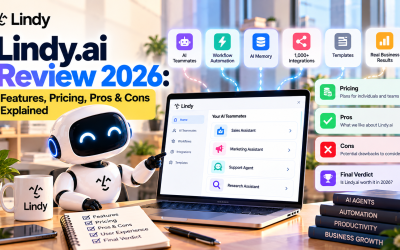
Pros and Cons
Pros
- Easy-to-build AI workflows
- Supports over 1,000 integrations
- Persistent AI memory
- Powerful workflow automation
- Enterprise-ready security
- Custom AI teammates
- Flexible business use cases
Cons
- Advanced workflows require some setup
- Credit-based pricing may be difficult for new users to estimate
- Some enterprise features are only available on higher-tier plans
- Learning automation concepts may take time for beginners
Who Should Use Lindy.ai?
Lindy.ai is an excellent choice for:
- Entrepreneurs
- Startups
- Small businesses
- Marketing agencies
- Sales organizations
- Customer support teams
- HR departments
- Operations managers
- Growing enterprises
If your business spends hours every week on repetitive administrative tasks, Lindy.ai can significantly improve efficiency through AI-powered automation.
Final Verdict
Lindy.ai represents the next generation of business AI. Rather than acting as another chatbot, it serves as an intelligent digital teammate capable of completing real work across your software ecosystem.
Its combination of AI agents, workflow automation, persistent memory, and extensive integrations makes it one of the most versatile productivity platforms available in 2026.
For organizations looking to reduce manual work, streamline operations, and improve productivity, Lindy.ai is a compelling solution worth exploring.
Write Your Review
No reviews yet. Be the first to share your experience!