
A landing page can determine the success or failure of your digital marketing campaign. Even with an excellent product and a substantial advertising budget, a poorly designed landing page can result in low conversion rates and wasted marketing spend.
Today's customers expect fast-loading, visually appealing pages that clearly communicate value and make it easy to take action. Businesses that optimize their landing pages consistently outperform competitors by converting more visitors into leads and customers.
Leadpages is one of the most popular landing page builders because it combines ease of use with powerful conversion optimization features. Whether you're promoting a SaaS product, running an ecommerce campaign, collecting email subscribers, or booking consultations, Leadpages provides the tools needed to build professional landing pages without coding.
In this guide, you'll learn how to create high-converting landing pages with Leadpages using proven best practices that can improve your marketing results.
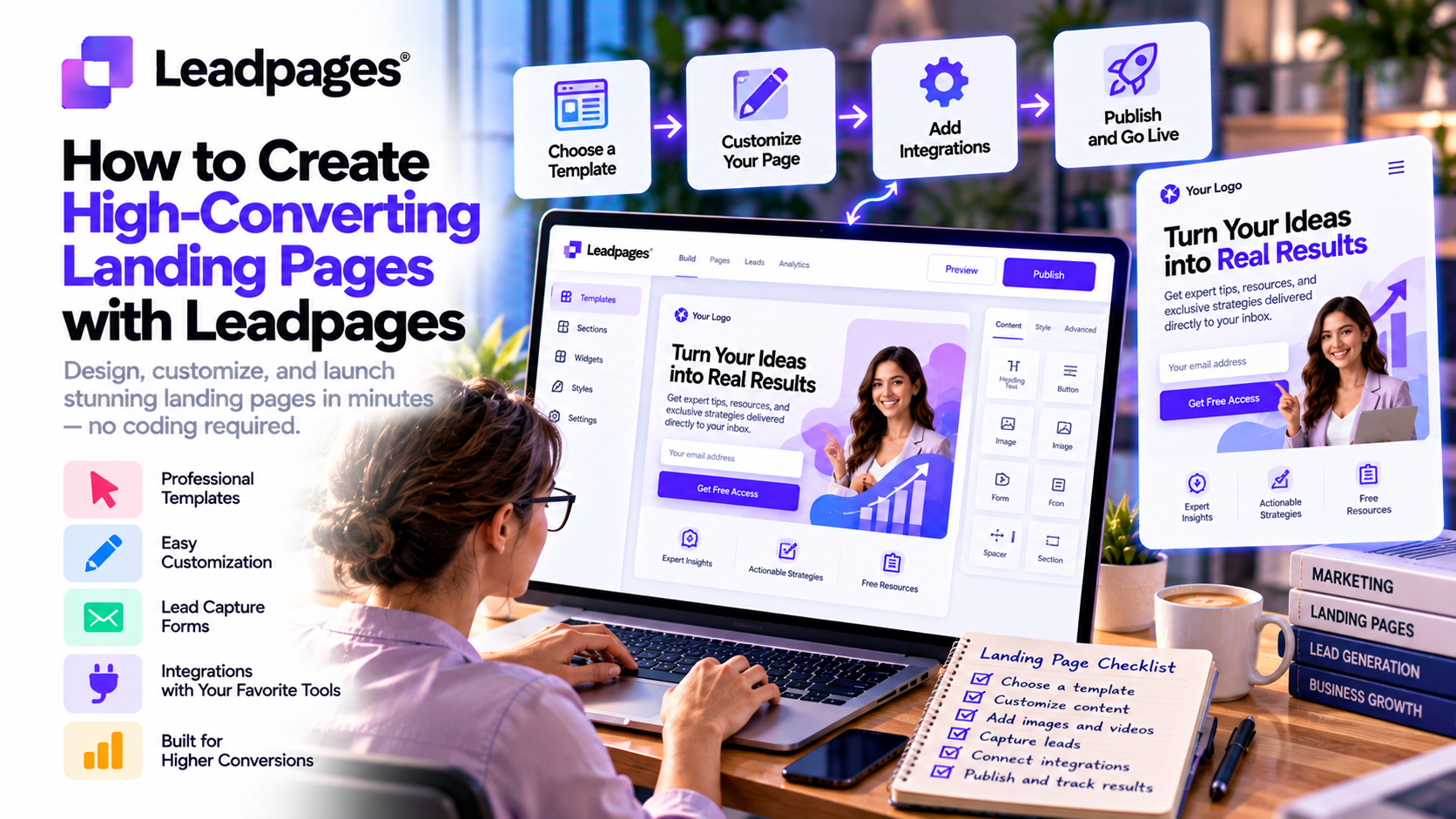
Why Landing Pages Matter
Unlike a homepage, a landing page is designed around a single marketing objective.
Instead of encouraging visitors to browse multiple sections of a website, it focuses attention on one action, such as:
- Starting a free trial
- Downloading an eBook
- Booking a consultation
- Registering for a webinar
- Claiming a discount
- Purchasing a product
This focused approach reduces distractions and increases the likelihood of conversion.
Step 1: Define One Clear Goal
Before opening Leadpages, identify the purpose of your landing page.
Examples include:
- Generate email subscribers
- Collect demo requests
- Sell a digital product
- Promote a webinar
- Offer a free consultation
- Launch a new product
Avoid trying to achieve multiple goals on a single page.
A landing page with one clear objective almost always performs better than one with several competing calls-to-action.
Step 2: Choose the Right Leadpages Template
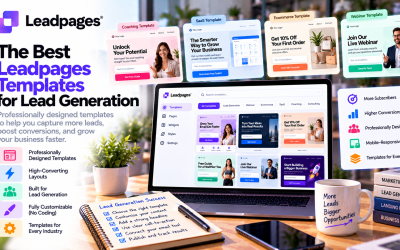
Leadpages offers hundreds of professionally designed templates built around proven conversion principles.
Popular template categories include:
- Lead Generation
- SaaS
- Ecommerce
- Webinar Registration
- Coaching
- Consulting
- Online Courses
- Product Launches
- Local Services
Choose a template that closely matches your campaign to reduce setup time and ensure a conversion-focused structure.
Step 3: Write a Powerful Headline
Your headline is the first message visitors see.
A strong headline should:
- Capture attention
- Explain the offer
- Highlight the primary benefit
- Encourage visitors to continue reading
For example:
Weak Headline
“Welcome to Our Website”
Better Headline
“Generate More Qualified Leads with AI-Powered Landing Pages”
Focus on solving a customer problem rather than describing your company.
Step 4: Highlight Benefits Instead of Features
Many businesses spend too much time describing product features.
Visitors care more about outcomes.
Instead of saying:
“Includes AI Automation.”
Explain the benefit:
“Save Hours Every Week by Automating Repetitive Tasks.”
Ask yourself:
“How does this feature improve the customer's life or business?”
Benefit-driven messaging increases engagement and conversions.
Step 5: Use Strong Visual Content
Visual elements significantly influence first impressions.
Include:
- Product screenshots
- Professional photography
- Demonstration videos
- Icons
- Illustrations
- Brand graphics
Avoid generic stock photos whenever possible.
Authentic visuals build credibility and improve user trust.
Step 6: Add Social Proof
People trust other customers more than marketing copy.
Leadpages allows you to easily include:
- Customer testimonials
- Case studies
- Client logos
- Five-star reviews
- Industry awards
- Success metrics
Examples include:
- “Trusted by 15,000+ businesses.”
- “Rated 4.8/5 by over 2,000 customers.”
- “Helped companies generate over $50 million in sales.”
Social proof reduces hesitation and increases confidence.
Step 7: Create a Clear Call-to-Action
Your CTA is one of the most important parts of the landing page.
Good CTA examples include:
- Start Free Trial
- Book Your Demo
- Download the Free Guide
- Get Started Today
- Claim Your Discount
- Schedule a Consultation
Avoid vague buttons like:
- Submit
- Continue
- Click Here
Action-oriented language typically performs better.
Step 8: Keep Forms Simple
Long forms create friction.
Only request information you actually need.
For most campaigns:
- Name
- Email address
is enough.
If additional information is necessary, consider collecting it after the initial conversion.
Reducing form fields often increases submission rates.
Step 9: Optimize for Mobile Devices
More than half of web traffic now comes from mobile devices.
Leadpages automatically creates responsive landing pages, but marketers should still review:
- Mobile layout
- Button size
- Image scaling
- Text readability
- Form usability
A poor mobile experience can dramatically reduce conversions.
Step 10: Improve Performance with A/B Testing
Even well-designed pages can perform better through testing.
Leadpages includes built-in A/B testing that allows you to compare:
- Headlines
- Images
- CTA buttons
- Form length
- Testimonials
- Pricing sections
- Layouts
Small improvements can produce significant increases in conversion rates over time.
Optimization should be an ongoing process.
Step 11: Analyze Visitor Behavior
After publishing your landing page, monitor performance using:
- Conversion analytics
- Heatmaps
- Scroll behavior
- Click tracking
These insights help identify:
- Which sections attract attention
- Where visitors lose interest
- Which CTA performs best
- Opportunities for improvement
Data-driven optimization consistently outperforms guesswork.
Best Practices for High-Converting Landing Pages
To maximize results, follow these proven recommendations:
Focus on One Message
Every landing page should communicate one clear offer.
Avoid unrelated content that distracts visitors.
Match Your Ad Copy
Ensure your landing page reflects the messaging used in:
- Google Ads
- Facebook Ads
- LinkedIn Ads
- Email campaigns
Consistency improves user experience and conversion rates.
Build Trust
Include trust signals such as:
- Customer reviews
- Security badges
- Privacy statements
- Money-back guarantees
- Industry certifications
Trust reduces uncertainty during the buying process.
Improve Page Speed
Fast-loading pages improve both user experience and SEO.
Compress images, remove unnecessary elements, and avoid clutter.
Leadpages provides optimized hosting to help maintain strong performance.
Continue Optimizing
The highest-converting landing pages are rarely perfect on launch day.
Continue testing:
- Headlines
- Offers
- Images
- CTA wording
- Layout variations
Incremental improvements compound over time.
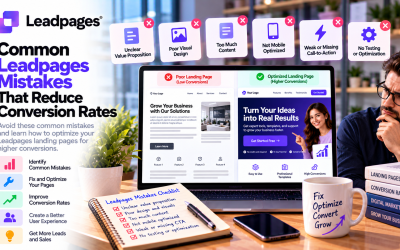
Common Mistakes to Avoid
Many businesses reduce conversions by making avoidable mistakes.
Watch out for:
❌ Multiple calls-to-action
❌ Long paragraphs
❌ Weak headlines
❌ Poor mobile experience
❌ Too many form fields
❌ Generic stock photos
❌ Slow loading speeds
❌ No customer testimonials
❌ Ignoring A/B testing
❌ Not reviewing analytics
Eliminating these issues can significantly improve landing page performance.
Real-World Use Cases
SaaS Companies
Generate more free trial registrations through focused product landing pages.
Ecommerce Brands
Promote seasonal sales with dedicated promotional pages.
Marketing Agencies
Build client-specific campaign pages that improve advertising ROI.
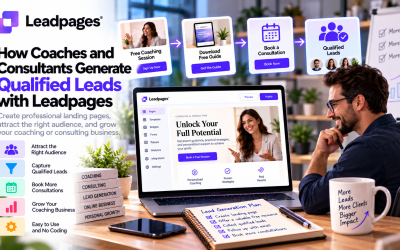
Coaches and Consultants
Increase consultation bookings using optimized lead capture pages.
Local Businesses
Collect appointment requests and service inquiries with simple, conversion-focused landing pages.
Final Verdict
Creating a high-converting landing page requires more than attractive design—it requires a strategic focus on user experience, clear messaging, and continuous optimization. Leadpages simplifies this process by providing AI-powered page creation, professionally designed templates, built-in A/B testing, analytics, and conversion-focused tools that help businesses launch campaigns quickly and improve performance over time.
Whether you're generating leads, promoting a webinar, launching a product, or growing your email list, Leadpages offers everything needed to build landing pages that convert. By following the best practices outlined in this guide—defining a clear goal, writing benefit-driven copy, simplifying forms, adding social proof, and regularly testing page variations—you can create landing pages that consistently turn visitors into customers.
For marketers, entrepreneurs, and growing businesses, Leadpages remains one of the most effective platforms for building high-converting landing pages in 2026.
Write Your Review
No reviews yet. Be the first to share your experience!