
Choosing the right project management platform can have a major impact on your team's productivity. Among the many options available, monday.com and ClickUp consistently rank among the most popular solutions for businesses of all sizes.
Both platforms offer task management, workflow automation, dashboards, AI-powered features, and extensive integrations. However, they take different approaches to organizing work. monday.com focuses on flexibility and ease of use, while ClickUp aims to provide an all-in-one productivity platform with an extensive feature set.
So, which platform is the better choice in 2026?
This comparison examines their key differences to help you choose the solution that best fits your team's needs.
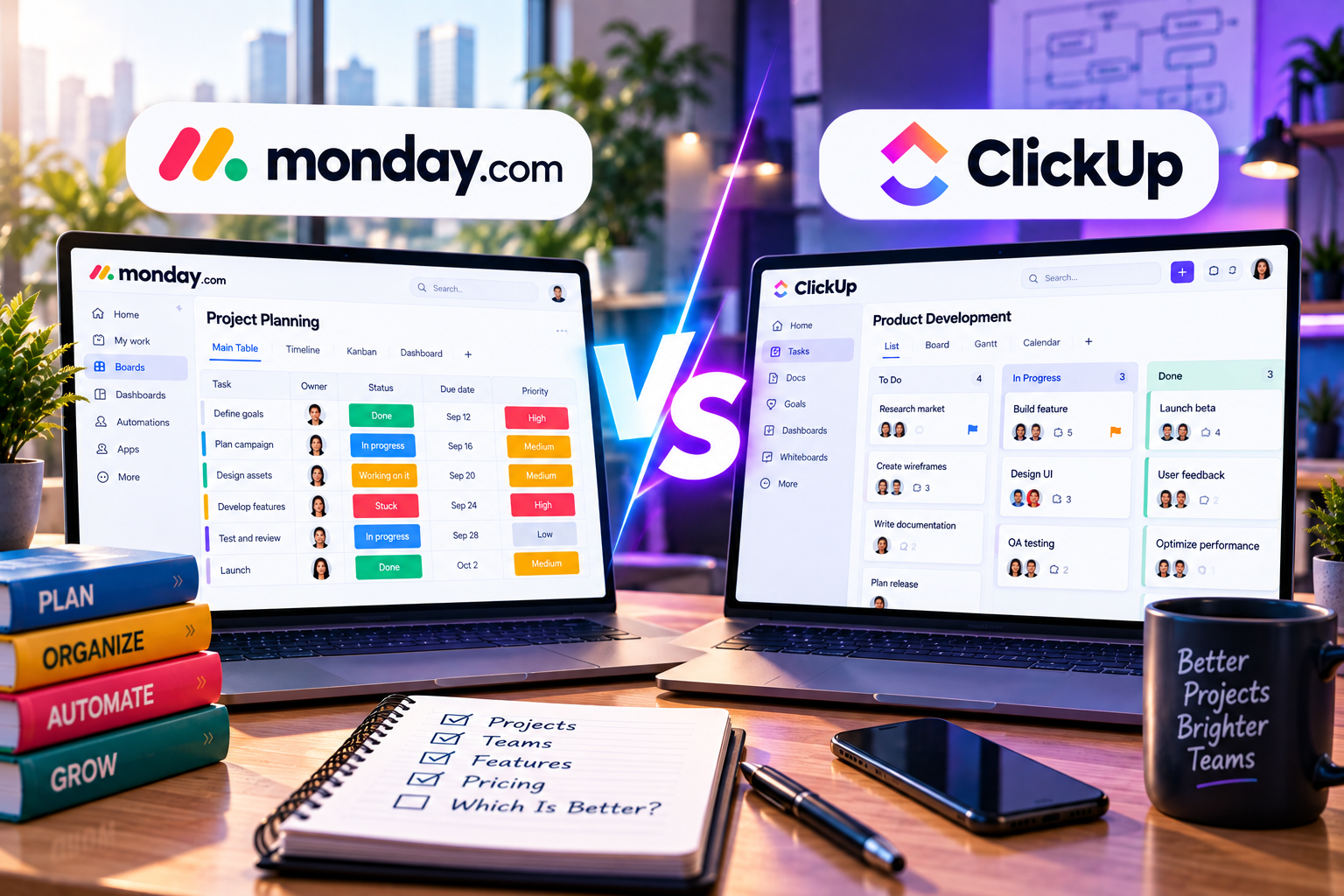
Quick Overview
| Feature | monday.com | ClickUp |
|---|---|---|
| Best For | Business teams, agencies, SMBs | Power users, IT teams, startups |
| Ease of Use | ⭐⭐⭐⭐⭐ | ⭐⭐⭐⭐ |
| Customization | ⭐⭐⭐⭐⭐ | ⭐⭐⭐⭐⭐ |
| AI Features | Excellent | Excellent |
| Automation | Advanced | Advanced |
| Collaboration | Excellent | Excellent |
| Learning Curve | Low | Moderate |
| Free Plan | Available | Available |
Both tools are highly capable, but their strengths appeal to different types of users.
User Interface
monday.com
monday.com is known for its clean, colorful, and intuitive interface. New users can quickly create boards, assign tasks, and customize workflows with minimal training.
Its visual design makes it particularly attractive for marketing, HR, operations, and business teams.
ClickUp
ClickUp offers tremendous flexibility but presents more options on screen. While experienced users appreciate its depth, beginners may find the interface overwhelming during the initial setup.
Winner: monday.com
Project Management Features
Both platforms include:
- Task management
- Subtasks
- Dependencies
- Due dates
- Milestones
- Kanban boards
- Calendar views
- Timeline views
- Gantt charts
monday.com
Emphasizes customizable workflows that adapt to different departments.
ClickUp
Provides additional built-in features such as Docs, Whiteboards, Goals, and Mind Maps.
Winner: ClickUp (for feature depth)
Automation
Automation saves teams countless hours by eliminating repetitive work.
monday.com
Users can easily create no-code automation such as:
- Assign tasks automatically
- Notify team members
- Update statuses
- Trigger recurring workflows
The automation builder is simple and user-friendly.
ClickUp
ClickUp offers highly customizable automation with hundreds of triggers and actions, making it ideal for complex workflows.
Winner: Tie
Both platforms provide powerful automation suitable for most organizations.
AI Features
Artificial intelligence has become a major differentiator.
monday.com AI
AI assists users by:
- Drafting task descriptions
- Summarizing updates
- Creating workflows
- Generating content suggestions
Its AI tools integrate naturally into everyday work.
ClickUp AI
ClickUp Brain includes:
- Document writing
- Meeting summaries
- Task generation
- Knowledge retrieval
- AI-powered search
ClickUp places a stronger emphasis on AI-assisted productivity.
Winner: ClickUp
Collaboration
Effective collaboration is essential for distributed teams.
Both platforms support:
- Comments
- Mentions
- File sharing
- Real-time updates
- Notifications
monday.com stands out for its visual simplicity, while ClickUp provides more advanced documentation and collaboration tools.
Winner: Tie
Reporting and Dashboards
Managers rely on dashboards to monitor progress.
monday.com
Offers customizable dashboards that display:
- Workload
- Budget
- KPIs
- Project progress
- Team performance
ClickUp
Provides detailed reporting with customizable widgets and advanced analytics.
Both platforms deliver excellent reporting capabilities.
Winner: Tie
Integrations
Each platform integrates with popular business tools including:
- Slack
- Microsoft Teams
- Google Workspace
- Zoom
- Dropbox
- Zapier
- HubSpot
- Salesforce
Integration libraries are extensive on both platforms.
Winner: Tie
Pricing
Both monday.com and ClickUp offer multiple pricing tiers, including free plans for individuals or small teams.
As businesses grow, paid plans unlock:
- More automation
- Advanced dashboards
- AI features
- Additional integrations
- Security and administration controls
Instead of choosing based solely on price, evaluate which platform provides the features your team will actually use.
Pros and Cons
monday.com
Pros
- Extremely easy to learn
- Beautiful visual interface
- Flexible workflows
- Excellent dashboards
- Strong automation
- Ideal for cross-functional teams
Cons
- Some advanced features require higher-tier plans
- Fewer built-in productivity tools than ClickUp
ClickUp
Pros
- Feature-rich platform
- Excellent AI capabilities
- Built-in Docs and Whiteboards
- Highly customizable
- Powerful task hierarchy
Cons
- Steeper learning curve
- Interface can feel overwhelming for new users
Which Tool Is Best for Different Teams?
Choose monday.com if you:
- Manage marketing campaigns
- Run a creative agency
- Need an intuitive interface
- Want fast onboarding
- Prefer visual project management
- Collaborate across multiple departments
Choose ClickUp if you:
- Need an all-in-one productivity platform
- Manage software development projects
- Require advanced customization
- Want built-in documentation
- Have experienced project managers
Final Verdict
Both monday.com and ClickUp are among the best project management platforms available in 2026, but they serve different audiences.
monday.com excels in usability, visual workflows, and cross-functional collaboration. Its intuitive interface makes it an excellent choice for marketing teams, agencies, operations departments, and growing businesses that want to become productive quickly.
ClickUp, on the other hand, is ideal for organizations that prioritize deep customization, extensive built-in features, and AI-powered productivity. Teams willing to invest more time in setup will benefit from its comprehensive capabilities.
If your priority is simplicity, flexibility, and ease of adoption, monday.com is the better option.
If your team values maximum functionality and an all-in-one workspace, ClickUp is an excellent alternative.
Ultimately, the best choice depends on your team's workflow, technical expertise, and long-term growth plans.




Write Your Review
No reviews yet. Be the first to share your experience!