
Whether you're launching a startup, growing an online store, or running digital marketing campaigns, one thing remains essential: converting visitors into customers. While driving traffic to your website is important, success ultimately depends on how effectively you capture leads and encourage users to take action.
This is where Leadpages comes in. Designed specifically for lead generation and conversion optimization, Leadpages helps businesses create professional landing pages without writing a single line of code. With AI-powered page creation, customizable templates, built-in A/B testing, and seamless integrations with popular marketing tools, Leadpages has become a trusted solution for entrepreneurs and marketers alike.
In this beginner's guide, you'll learn what Leadpages is, how it works, its standout features, and whether it's the right platform for your business in 2026.
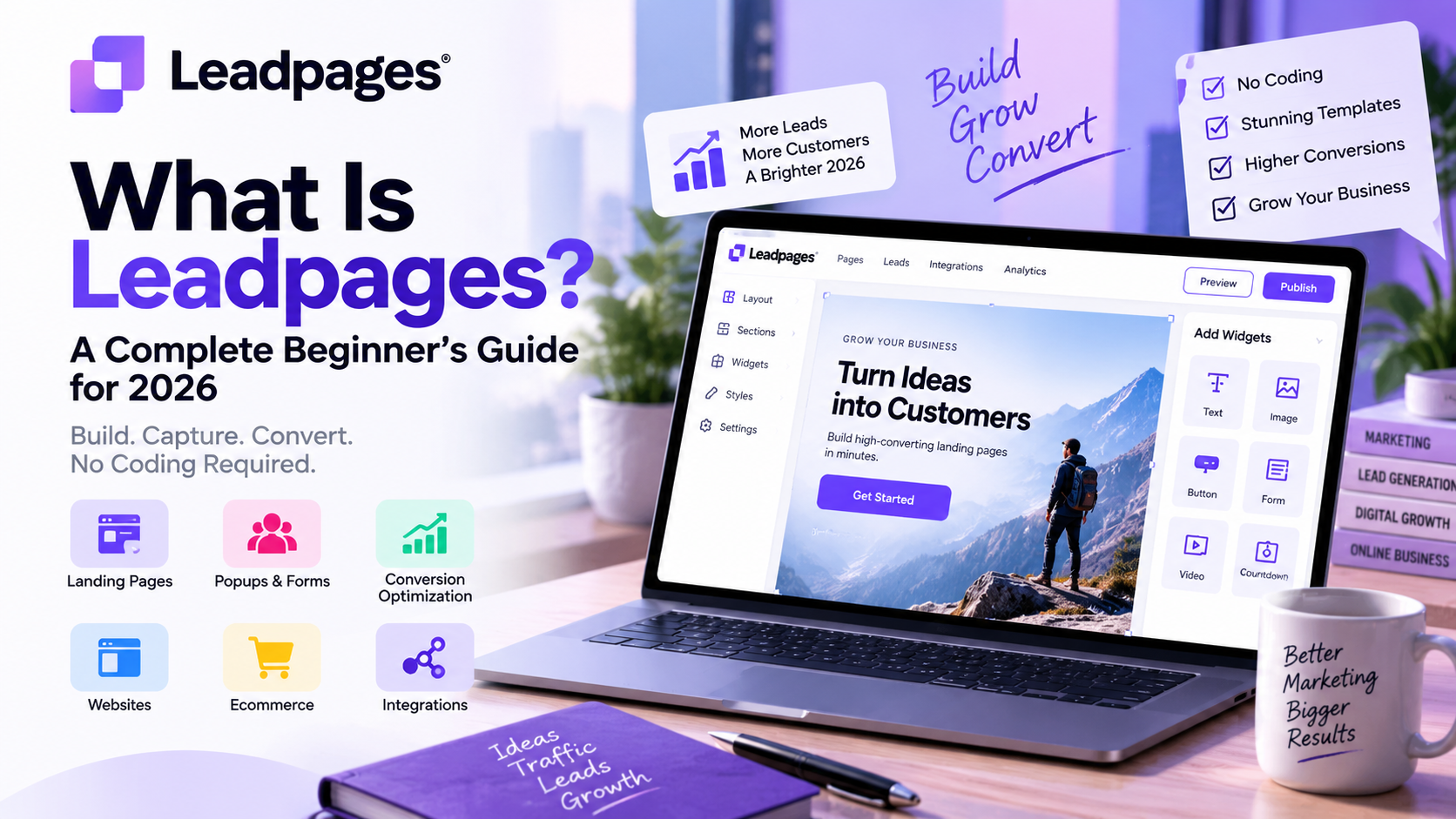
What Is Leadpages?
Leadpages is a cloud-based landing page builder that enables businesses to create high-converting landing pages, lead capture forms, pop-ups, and marketing websites through an intuitive drag-and-drop interface.
Unlike traditional website builders that focus on creating complete websites, Leadpages is built with one primary goal: increasing conversions. Every feature is designed to help visitors take a specific action, such as subscribing to a newsletter, downloading an eBook, registering for a webinar, or requesting a product demo.
Because the platform is hosted in the cloud, users don't need to install software or manage web servers. Simply sign in, choose a template, customize the design, and publish your page using a custom domain or Leadpages' hosting.
How Does Leadpages Work?
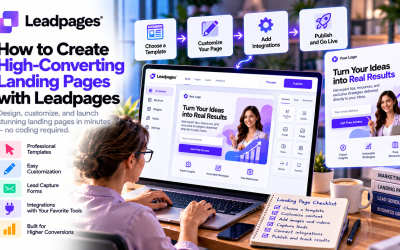
Leadpages simplifies the landing page creation process into a few easy steps.
1. Choose a Template
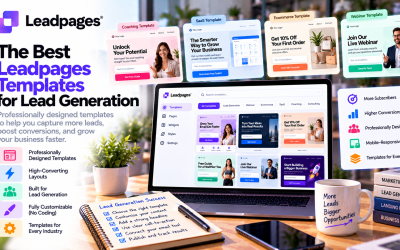
The platform offers professionally designed templates for various industries and campaign types, including:
- Lead generation
- Webinar registration
- SaaS product launches
- Online courses
- Consulting services
- Ecommerce promotions
- Event registrations
These templates are optimized for conversions and mobile responsiveness.
2. Customize Your Page
Using the drag-and-drop editor, you can easily modify:
- Headlines
- Images
- Buttons
- Forms
- Videos
- Colors
- Fonts
- Layout sections
No coding skills are required, making it accessible even for first-time users.
3. Publish Your Landing Page
Once your page is ready, you can publish it using:
- A custom domain
- A WordPress website
- Leadpages hosting
The platform also provides SSL security and optimized page performance.
4. Collect and Manage Leads
Leadpages automatically collects visitor information through customizable forms. These leads can be sent directly to your CRM or email marketing platform, allowing you to automate follow-up campaigns.
Key Features of Leadpages
AI Landing Page Builder
One of Leadpages' biggest innovations is its AI-powered page builder. Instead of starting from scratch, users can describe their business or campaign, and the AI generates a complete landing page with suggested layouts, headlines, and calls to action.
This feature helps marketers launch campaigns much faster while reducing design effort.
Drag-and-Drop Editor
The visual editor makes customization simple. You can rearrange sections, edit content, and adjust branding without technical expertise.
Conversion-Optimized Templates
Leadpages includes hundreds of professionally designed templates based on proven conversion principles. These templates save time while improving the chances of turning visitors into leads.
Built-in A/B Testing
Testing different versions of a landing page is essential for improving performance. Leadpages allows users to compare headlines, images, buttons, and layouts to determine which version converts better.
Lead Capture Forms
Integrated forms allow businesses to collect customer information, offer downloadable resources, and grow their email lists without additional plugins.
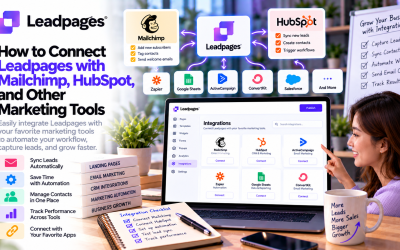
Marketing Integrations
Leadpages connects with many popular tools, including:
- Mailchimp
- HubSpot
- ActiveCampaign
- Salesforce
- Stripe
- Shopify
- Zapier
- Google Analytics
These integrations streamline marketing workflows and eliminate manual data entry.
Who Should Use Leadpages?
Leadpages is suitable for businesses of all sizes, but it provides the greatest value for organizations focused on lead generation.
It is especially useful for:
- Small businesses
- Startups
- SaaS companies
- Marketing agencies
- Freelancers
- Coaches and consultants
- Ecommerce brands
- Content creators
- Digital marketers
If your goal is to collect leads, schedule appointments, or increase online sales, Leadpages offers the tools needed to achieve those objectives efficiently.
Benefits of Using Leadpages
Businesses choose Leadpages because it combines ease of use with powerful marketing capabilities.
Some of its biggest advantages include:
- No coding required
- Fast landing page creation
- AI-assisted design
- Mobile-responsive templates
- Built-in conversion optimization
- Reliable hosting
- Extensive third-party integrations
- Easy A/B testing
- Professional appearance
- Scalable for growing businesses
These features help marketers spend less time building pages and more time optimizing campaigns.
Are There Any Limitations?
While Leadpages is an excellent landing page platform, it's important to understand its limitations.
Some users may find:
- Pricing is higher than basic website builders.
- Advanced optimization features are reserved for higher-tier plans.
- It is designed primarily for landing pages rather than complex websites.
- Businesses needing highly customized web applications may require a more flexible development platform.
For most marketing-focused businesses, however, these limitations are outweighed by the platform's conversion-focused capabilities.
Tips for Beginners
If you're just getting started with Leadpages, consider these best practices:
- Start with a proven template instead of designing from scratch.
- Focus on one clear call-to-action per landing page.
- Keep forms short to improve conversion rates.
- Use compelling headlines and concise copy.
- Add testimonials or customer reviews to build trust.
- Test different page variations using A/B testing.
- Connect your email marketing platform before publishing.
Following these practices can significantly improve your campaign results.
Final Verdict
Leadpages remains one of the most beginner-friendly landing page builders available in 2026. Its intuitive drag-and-drop editor, AI-powered page creation, professionally designed templates, and built-in conversion optimization tools make it an excellent choice for businesses looking to generate more leads without hiring developers.
Although it may not replace a full-featured website builder, Leadpages excels at what it was designed to do: helping businesses create high-converting landing pages quickly and efficiently.
If you're serious about improving lead generation, growing your email list, or increasing sales from paid advertising campaigns, Leadpages is a platform well worth considering.
Write Your Review
No reviews yet. Be the first to share your experience!