
Managing projects, teams, and business workflows has become increasingly complex as organizations adopt remote work, automation, and digital collaboration. Traditional spreadsheets and email-based processes often create communication gaps, missed deadlines, and inefficient workflows.
monday.com has emerged as one of the most popular Work Operating System (Work OS) platforms, helping businesses manage projects, customer relationships, software development, marketing campaigns, and operational processes in one centralized workspace.

This review analyzes monday.com’s features, pricing, usability, advantages, disadvantages, competitors, and real-world applications to help you decide whether it is the right SaaS solution for your team.
What Is monday.com?
monday.com is a cloud-based work management platform designed to help teams organize projects, automate workflows, track tasks, and collaborate more effectively.
Unlike traditional project management tools that focus only on task lists, monday.com provides a flexible visual workspace where teams can create customized workflows using boards, dashboards, automation rules, integrations, and reporting tools.
The platform has expanded beyond project management into several specialized products:
- monday Work Management – Project and workflow management
- monday CRM – Sales pipeline and customer relationship management
- monday dev – Software development workflows
- monday service – Customer support and service operations
The core idea behind monday.com is to create a single platform where teams can manage everything from daily tasks to complex enterprise operations.
Key Features of monday.com
1. Visual Project Management Boards
The most recognizable feature of monday.com is its visual board system.
Users can create customizable boards to manage:
- Projects
- Tasks
- Marketing campaigns
- Sales pipelines
- Product launches
- Employee workflows
Each board contains items, columns, statuses, deadlines, owners, priorities, and custom fields.
Example:
A marketing team can create a campaign board:
| Task | Owner | Status | Deadline |
|---|---|---|---|
| Blog writing | Content Team | In Progress | Sep 25 |
| SEO Review | SEO Manager | Pending | Sep 28 |
| Social Promotion | Marketing | Complete | Oct 1 |
This visual approach makes project progress easy to understand.
2. Multiple Project Views
monday.com allows users to visualize work in different formats:
Kanban View
Useful for agile workflows and task pipelines.
Timeline View
Helps teams understand schedules and dependencies.
Calendar View
Useful for marketing campaigns, events, and publishing plans.
Gantt Charts
Useful for project planning and milestone tracking.
Dashboard View
Provides high-level reporting across multiple projects.
These flexible views make monday.com suitable for both simple tasks and complex projects.
3. Workflow Automation
One of monday.com's strongest features is no-code automation.
Users can create automation rules such as:
- Automatically assign tasks
- Notify team members when deadlines approach
- Move tasks between stages
- Update statuses
- Create recurring workflows
Example:
“When a task status changes to Completed → notify the project manager.”
Automation reduces repetitive administrative work and improves consistency.
4. AI-Powered Features
monday.com integrates AI capabilities to improve productivity.
Common AI applications include:
- Generating task descriptions
- Summarizing project updates
- Creating content ideas
- Analyzing workflow information
- Improving communication efficiency
For teams adopting AI-assisted workflows, monday.com provides additional productivity benefits.
5. Integrations
monday.com connects with many popular business applications:
- Slack
- Google Workspace
- Microsoft Teams
- Zoom
- Salesforce
- HubSpot
- Jira
- Zapier
These integrations allow companies to connect their existing technology ecosystem.
6. Templates
monday.com provides ready-made templates for:
- Marketing campaigns
- Product roadmaps
- Sales CRM
- HR onboarding
- Software development
- Customer support
Templates help teams start quickly without building workflows from scratch.
monday.com Pricing
monday.com offers multiple pricing tiers depending on team size and required features. Pricing is structured around seats and product packages.
Typical plans include:
Free Plan
Best for:
- Individuals
- Small teams testing the platform
Limitations:
- Basic features
- Limited automation
- Limited dashboards
Basic Plan
Suitable for:
- Small businesses
- Simple project tracking
Includes:
- Unlimited boards
- Unlimited viewers
- Basic collaboration features
Standard Plan
Best value option for many teams.
Includes:
- Timeline and Gantt views
- Automations
- Integrations
- Advanced dashboards
Recommended for:
- Marketing teams
- Operations teams
- Growing companies
Pro Plan
Designed for advanced workflows.
Includes:
- More automation capacity
- Advanced reporting
- Time tracking
- Complex workflow management
Enterprise Plan
Designed for large organizations.
Includes:
- Enterprise security
- Advanced permissions
- Governance features
- Dedicated support
Pricing can vary based on region, billing cycle, and number of users. Teams should evaluate total cost as they scale because per-user pricing can become significant.
Pros and Cons of monday.com
Pros
1. Extremely User-Friendly Interface
One of monday.com's biggest advantages is usability.
The colorful visual interface makes it easy for non-technical users to understand workflows quickly.
Compared with many enterprise project management tools, monday.com has a shorter learning curve.
2. Highly Customizable
Teams can customize:
- Columns
- Workflows
- Dashboards
- Automations
- Templates
This flexibility allows monday.com to adapt to many industries.
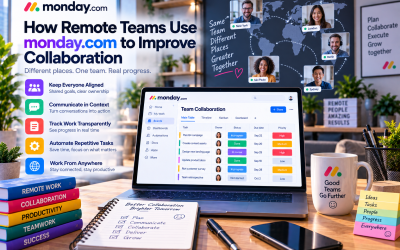
3. Strong Collaboration Features
Teams can collaborate through:
- Comments
- Mentions
- File sharing
- Notifications
- Real-time updates
This reduces communication problems across departments.
4. Powerful Automation
Automation capabilities help businesses reduce repetitive manual work and improve operational efficiency.
5. Supports Multiple Business Functions
Unlike many project management tools, monday.com can support:
- Marketing
- Sales
- HR
- Product teams
- Customer service
- Operations
Cons
1. Pricing Can Become Expensive
While monday.com is attractive for small teams, costs can increase significantly as organizations add more users and require advanced features.
Several comparisons note that competitors may offer broader feature sets at lower costs for some team sizes.
2. Advanced Features Require Higher Plans
Some advanced capabilities are locked behind premium tiers.
Companies may need upgrades when they require:
- Advanced reporting
- More automation
- Enterprise controls
- Complex permissions
3. Not Ideal for Highly Technical Development Teams
Software engineering teams requiring:
- Sprint planning
- Advanced issue tracking
- Developer workflows
may prefer specialized tools such as Jira or Linear.
4. Can Become Complex at Scale
Because monday.com is highly customizable, poorly designed workflows can become difficult to manage in large organizations.
User Experience
Interface
★★★★★ (5/5)
monday.com offers one of the most visually appealing interfaces among project management platforms.
The drag-and-drop workflow design makes adoption easier for non-technical users.
Ease of Learning
★★★★★ (4.5/5)
Most teams can start using basic features within hours.
Advanced automation and enterprise configurations require more training.
Performance
★★★★☆ (4/5)
The platform performs well for most business workflows, although very large databases and complex dashboards may require optimization.
Mobile Experience
★★★★☆ (4.5/5)
The mobile application allows users to:
- Update tasks
- Receive notifications
- Monitor dashboards
- Communicate with teams
Real-World Use Cases
1. Marketing Teams
Marketing departments use monday.com for:
- Content calendars
- SEO campaigns
- Advertising projects
- Social media planning
Example workflow:
Content idea → Writing → SEO review → Publishing → Promotion
2. Software Development Teams
Development teams use monday.com for:
- Product roadmaps
- Bug tracking
- Feature planning
- Release management
However, teams requiring advanced agile development may prefer specialized tools.
3. Sales Teams
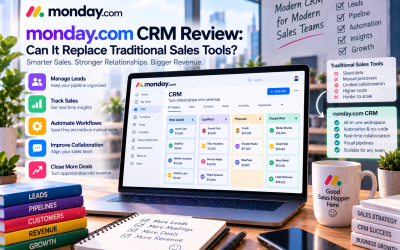
Sales organizations use monday CRM to manage:
- Leads
- Deals
- Customer communication
- Sales pipelines
4. Agencies
Creative agencies use monday.com to manage:
- Client projects
- Deadlines
- Team workload
- Deliverables
5. Small Businesses
Small companies benefit from monday.com because it replaces scattered spreadsheets, emails, and disconnected tools.
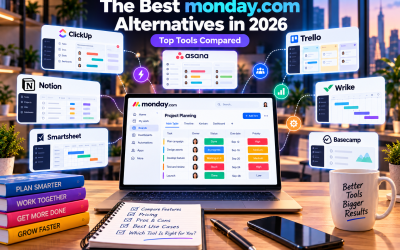
monday.com Alternatives
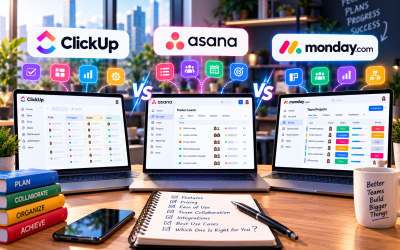
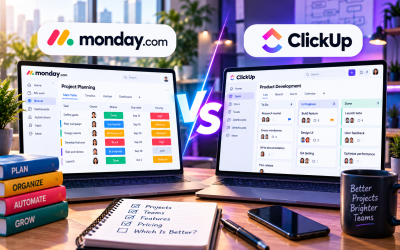
1. ClickUp
ClickUp is one of the strongest monday.com alternatives.
Advantages:
- More features included
- Strong document management
- Better value for feature-heavy teams
Disadvantages:
- More complex interface
- Longer learning curve
Best for:
Teams wanting an all-in-one productivity platform.
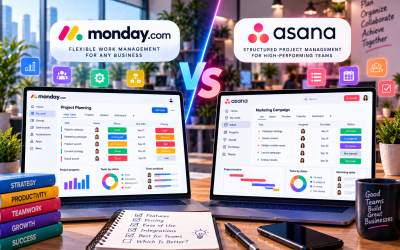
2. Asana
Asana focuses on structured task management.
Advantages:
- Excellent workflow organization
- Strong enterprise adoption
- Good automation
Disadvantages:
- Less customizable visually
Best for:
Marketing, operations, and enterprise teams.
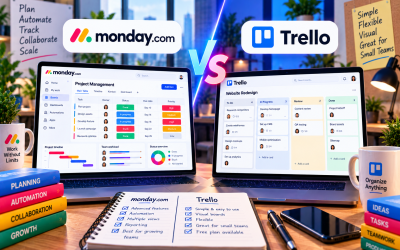
3. Trello
Trello is a simpler Kanban-based alternative.
Advantages:
- Easy to learn
- Affordable
- Great for small projects
Disadvantages:
- Limited advanced reporting
Best for:
Individuals and small teams.
4. Jira
Jira is designed for engineering teams.
Advantages:
- Agile development features
- Issue tracking
- Developer-focused workflows
Disadvantages:
- Less friendly for non-technical teams
Best for:
Software development organizations.
Who Should Use monday.com?
monday.com is a strong choice for:
✅ Small and medium businesses
✅ Marketing teams
✅ Remote teams
✅ Agencies
✅ Operations departments
✅ Companies replacing spreadsheets
✅ Organizations needing flexible workflows
It may not be the best choice for:
❌ Solo users needing a simple task app
❌ Budget-conscious teams requiring many users
❌ Engineering teams needing advanced agile tools
Final Verdict: Is monday.com Worth It?
monday.com is one of the best visual work management platforms available today.
Its biggest strengths are:
- Excellent user experience
- Flexible customization
- Powerful automation
- Strong collaboration
- Broad business applications
The main weaknesses are pricing scalability and limitations for highly technical workflows.
Overall Rating: 8.8/10
Best For:
Businesses that want a flexible, easy-to-use platform for managing projects, teams, and workflows.
Avoid If:
You need a highly specialized engineering tool or the lowest-cost solution for a large number of users.
For most growing companies, monday.com provides an excellent balance between usability, flexibility, and business productivity.



Write Your Review
No reviews yet. Be the first to share your experience!