
If you've been researching email marketing tools, you've probably come across Kit. Formerly known as ConvertKit, Kit has become one of the most popular marketing platforms for creators, bloggers, coaches, authors, and online entrepreneurs.
Unlike traditional email marketing software designed primarily for businesses, Kit focuses on helping creators grow their audience, build meaningful relationships, and monetize their expertise. Whether you're launching a newsletter, selling digital products, or growing a personal brand, Kit provides an easy-to-use platform that combines email marketing, automation, landing pages, and audience management.
In this beginner's guide, we'll explain what Kit is, how it works, its key features, and why so many creators are choosing it in 2026.
What Is Kit?
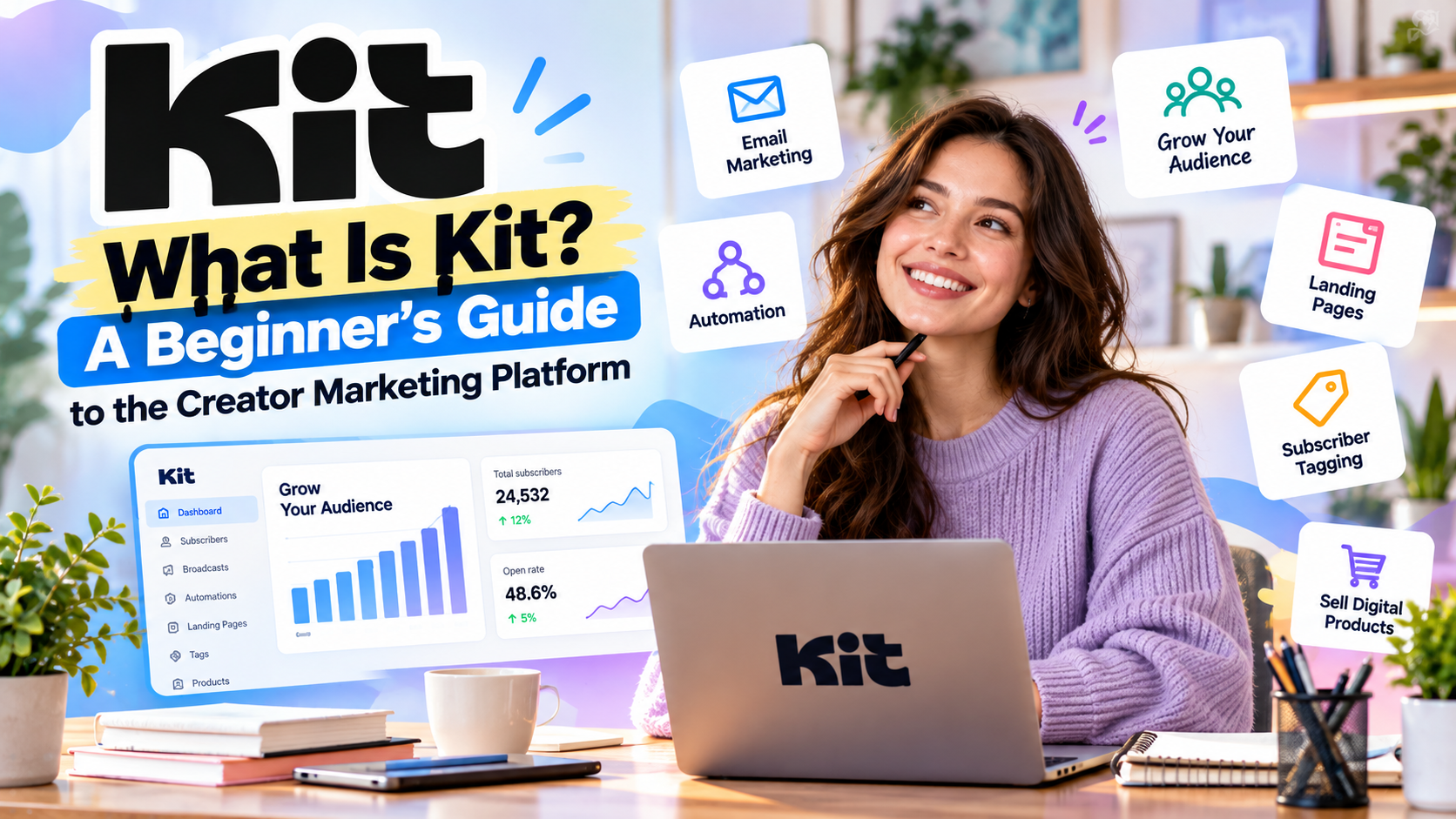
Kit is an all-in-one email marketing and creator growth platform. It helps creators collect email subscribers, send newsletters, automate communication, and generate income from their audience.
Originally launched in 2013 as ConvertKit, the platform quickly gained popularity because it was designed specifically for creators rather than large corporations. In 2024, the company rebranded to Kit, reflecting its broader mission of providing everything creators need to grow an online business.
Today, millions of creators worldwide use Kit to manage their email marketing and audience engagement.
Who Is Kit Designed For?
Kit is built for people whose businesses depend on building an audience.
It is particularly well suited for:
- Bloggers
- YouTubers
- Newsletter publishers
- Podcasters
- Online coaches
- Authors
- Freelancers
- Affiliate marketers
- Course creators
- Consultants
- Solopreneurs
- Small online businesses
If your goal is to build trust with an audience instead of managing complex corporate sales pipelines, Kit is an excellent fit.
How Does Kit Work?
Kit simplifies online marketing into four core steps:
Step 1: Grow Your Audience
You can create beautiful landing pages and signup forms to collect email subscribers. These pages are fully responsive and require no coding experience.
Step 2: Organize Subscribers
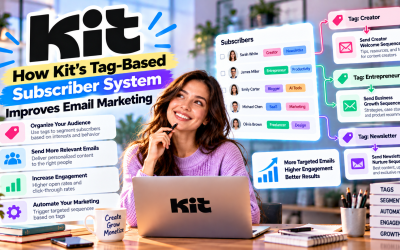
Instead of using multiple email lists, Kit organizes contacts with tags and custom fields.
For example, subscribers can be tagged based on:
- Interests
- Products purchased
- Downloaded resources
- Webinar attendance
- Email engagement
This allows you to send highly targeted campaigns.
Step 3: Send Emails
Kit lets you create:
- Newsletters
- Product announcements
- Welcome emails
- Promotional campaigns
- Educational email series
Its clean editor keeps the focus on writing content rather than designing complicated layouts.
Step 4: Automate Your Marketing
Automation is one of Kit's biggest strengths.
Using the visual automation builder, you can create workflows that automatically respond to subscriber behavior.
For example:
A visitor downloads your free eBook.
↓
Kit sends a welcome email.
↓
Two days later, it delivers additional educational content.
↓
Subscribers who click a product link receive a special offer.
↓
Customers are automatically tagged for future campaigns.
This automation saves time while creating a better experience for subscribers.
Key Features
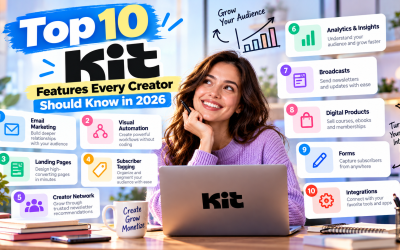
Email Marketing
Kit provides all the essential tools needed for professional email marketing, including:
- Unlimited email broadcasts
- Email scheduling
- Personalization
- Templates
- A/B testing
- Analytics
Its straightforward interface makes campaign creation fast and beginner-friendly.
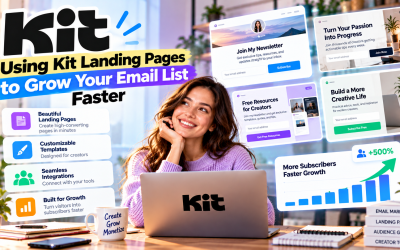
Landing Pages
Every Kit account includes access to a landing page builder.
You can create:
- Lead generation pages
- Newsletter signup pages
- Webinar registration pages
- Product launch pages
- Waitlists
These pages can be published instantly without requiring a website.
Forms
Kit offers multiple opt-in form styles:
- Inline forms
- Pop-up forms
- Slide-in forms
- Sticky bars
These forms integrate easily with websites, blogs, and online stores.
Visual Automation
One reason creators love Kit is its intuitive automation builder.
Common automation workflows include:
- Welcome sequences
- Product launches
- Lead nurturing
- Customer onboarding
- Re-engagement campaigns
- Affiliate promotions
Even beginners can build advanced workflows without technical knowledge.
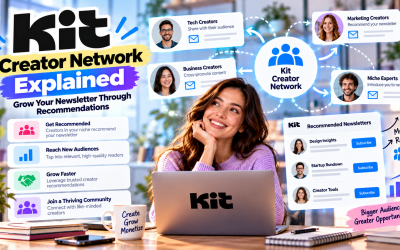
Creator Network
One of Kit's unique advantages is Creator Network.
This feature allows creators to recommend each other's newsletters, helping everyone gain new subscribers through trusted recommendations instead of paid advertising.
It's an excellent audience growth tool that sets Kit apart from many competitors.
Selling Digital Products
Kit also supports monetization.
Creators can sell:
- eBooks
- Courses
- Templates
- Memberships
- Digital downloads
- Paid newsletters
This makes Kit more than just an email platform—it becomes part of your online business infrastructure.
Why Beginners Love Kit
Many email marketing platforms include hundreds of features that can overwhelm new users.
Kit takes a different approach.
Its interface is clean, intuitive, and focused on the tasks creators perform every day.
Instead of spending hours learning complicated software, beginners can quickly:
- Build landing pages
- Collect subscribers
- Send newsletters
- Create automations
- Sell products
This ease of use has helped Kit become one of the most recommended platforms for first-time creators.
Pricing Overview
Kit offers three primary plans.
Free
Perfect for beginners.
Includes:
- Up to 10,000 subscribers
- Unlimited email broadcasts
- Landing pages
- Forms
- Basic automation
- Digital product selling
Creator
Adds:
- Unlimited automations
- Email sequences
- Premium integrations
- RSS campaigns
- AI-powered features
- SMS marketing
Pro
Includes:
- Advanced analytics
- Referral program
- Team collaboration
- Deliverability reports
- Advanced testing
- Subscriber insights
As your audience grows, pricing scales based on subscriber count.
Pros
- Easy for beginners
- Built specifically for creators
- Excellent email automation
- Modern landing page builder
- Powerful subscriber tagging
- Digital product selling
- Creator-focused growth tools
- Strong email deliverability
- Generous free plan
Cons
- Pricing increases as your list grows
- Limited CRM functionality
- Some advanced features require paid plans
- Fewer eCommerce features than enterprise marketing platforms


Write Your Review
No reviews yet. Be the first to share your experience!