
Every business relies on internal tools to manage daily operations. From employee directories and CRM systems to project trackers and inventory management, these applications keep teams organized and productive. However, developing custom software has traditionally required significant time, technical expertise, and investment.
Softr changes that by offering a no-code platform that enables businesses to build internal tools quickly without writing code. With AI-powered development, drag-and-drop design, and built-in integrations, organizations can create secure, scalable applications in days instead of months.
Here's why more businesses are choosing Softr in 2026.

What Are Internal Tools?
Internal tools are applications used by employees rather than customers. They help teams manage workflows, share information, and automate repetitive tasks.
Common examples include:
- Employee directories
- CRM systems
- Project management apps
- Inventory trackers
- Sales dashboards
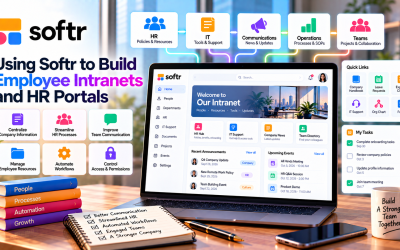
- HR portals
- Approval workflows
- Knowledge bases
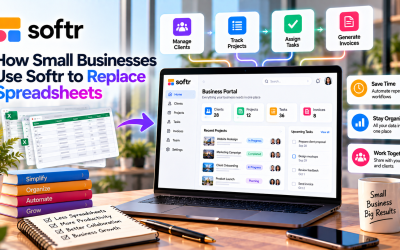
Instead of relying on spreadsheets or disconnected software, businesses can centralize operations in one customized application.
Faster Development Without Coding
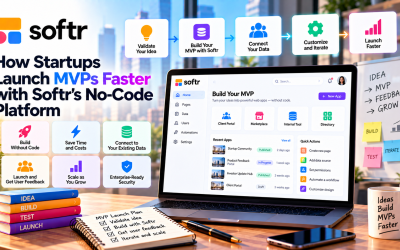
One of Softr's biggest advantages is speed.
Traditional software projects often require developers, designers, and months of planning. With Softr, non-technical users can create applications using a visual editor and ready-made components.
Most internal tools can be built in just a few hours or days, allowing businesses to respond quickly to changing operational needs.
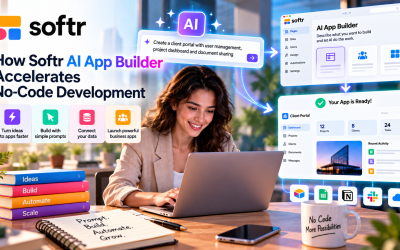
AI-Powered App Builder
Softr's AI App Builder makes development even easier.
Users simply describe the type of application they want, and the platform automatically generates:
- Pages
- Navigation
- Forms
- Database structure
- User roles
- Initial layouts
This significantly reduces setup time and allows teams to focus on customizing the application instead of building everything manually.
Easy Customization
Every business has unique workflows.
Softr's drag-and-drop editor allows users to customize applications without coding. Teams can easily modify:
- Branding
- Colors
- Dashboards
- Forms
- Tables
- Charts
- Navigation menus
This flexibility helps businesses create software that matches their specific processes.
Secure Access for Every Team
Internal applications often contain sensitive company information.
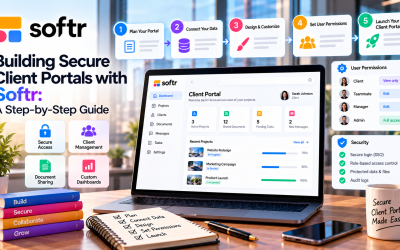
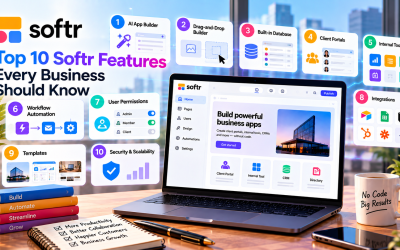
Softr includes built-in user authentication and role-based permissions, allowing administrators to control who can access specific pages or data.
Typical user roles include:
- Administrators
- Managers
- Employees
- Contractors
- Department teams
This improves both security and collaboration across the organization.
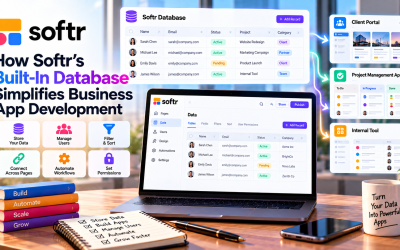
Connect Existing Business Data
Businesses don't have to migrate all of their data into a new system.
Softr integrates with popular platforms such as:
- Airtable
- Google Sheets
- Notion
- HubSpot
- Salesforce
- SmartSuite
This allows teams to continue using familiar tools while building a modern interface for managing information.
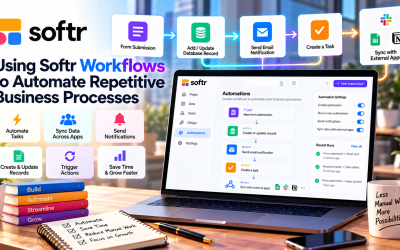
Automate Repetitive Work
Manual processes slow productivity.
With Softr, businesses can automate workflows such as:
- Employee requests
- Approval processes
- Data updates
- Notifications
- Task assignments
Automation reduces repetitive work, minimizes errors, and frees employees to focus on higher-value tasks.
Cost-Effective Alternative to Custom Software
Developing custom software can cost thousands of dollars and require ongoing maintenance.
Softr provides a more affordable alternative by offering:
- No-code development
- Built-in hosting
- Automatic updates
- Secure infrastructure
- Ready-made templates
This makes it especially attractive for startups and small businesses with limited budgets.
Common Business Use Cases
Organizations use Softr to build a variety of internal applications, including:
- Employee onboarding portals
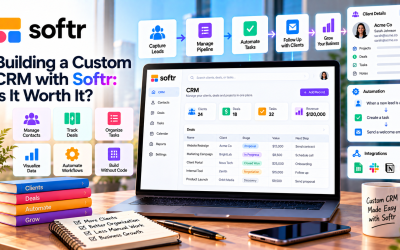
- Customer relationship management (CRM) systems
- Project tracking dashboards
- Inventory management tools
- Internal knowledge bases
- Sales reporting dashboards
- IT support request portals
- Operations management systems
These applications help teams work more efficiently while reducing reliance on spreadsheets and multiple disconnected tools.
Pros and Cons
Pros
- No coding required
- AI-powered app creation
- Fast deployment
- Built-in authentication
- Role-based permissions
- Extensive integrations
- Responsive design
- Affordable compared to custom development
Cons
- Less flexible than fully custom software
- Advanced workflows may require external automation tools
- Some advanced features are available only on higher-tier plans
Final Verdict
Businesses are increasingly choosing Softr because it removes many of the barriers associated with traditional software development. Instead of waiting months for custom applications, teams can build secure internal tools in a matter of days using AI, visual design, and ready-made templates.
Whether you need a CRM, HR portal, operations dashboard, or project management system, Softr offers a practical and cost-effective solution that empowers non-technical teams to create software tailored to their needs. For organizations looking to modernize internal operations without hiring developers, Softr is one of the strongest no-code platforms available in 2026.
Write Your Review
No reviews yet. Be the first to share your experience!