
Many businesses still spend hours every week on repetitive tasks such as updating records, sending emails, approving requests, and managing customer information. These manual processes not only consume valuable time but also increase the risk of human error.
Softr helps solve this problem with Workflows, a built-in automation feature that allows businesses to streamline routine tasks without writing code. Combined with Softr's visual app builder and integrations, Workflows make it easy to build applications that don't just store data—they actively support your business operations.
In this guide, we'll explore how Softr Workflows work and how they can improve productivity across your organization.
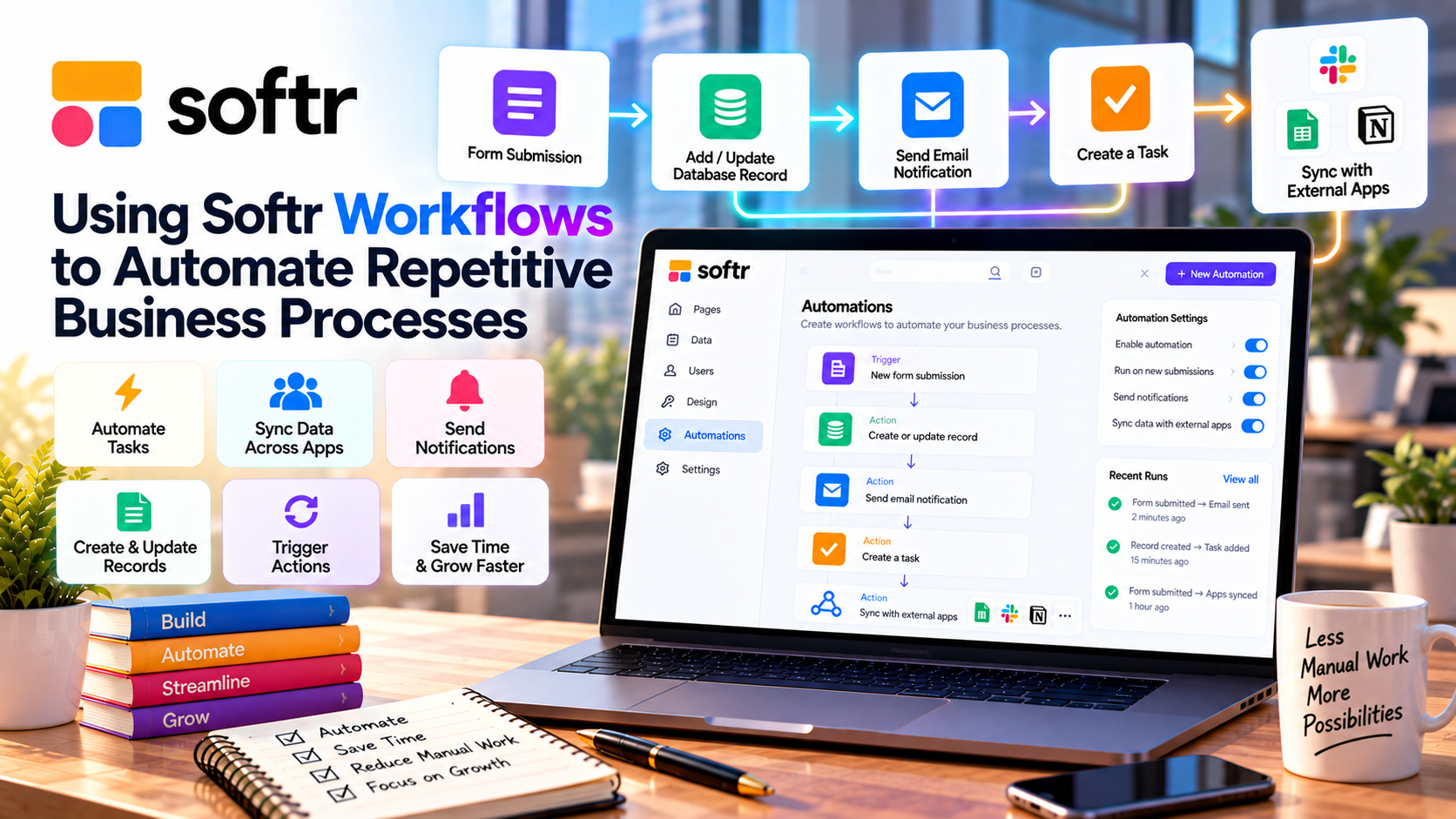
What Are Softr Workflows?
Softr Workflows are automated processes that perform specific actions when a trigger occurs.
Instead of manually completing repetitive tasks, you define a workflow once, and Softr handles the rest automatically.
Typical workflow components include:
- Trigger – The event that starts the workflow.
- Action – The task performed automatically.
- Condition – Optional rules that determine when an action should run.
This simple structure allows users to automate common business processes without technical expertise.
Common Workflow Automations
Businesses use Softr Workflows to automate a wide range of tasks, including:
- Creating new customer records
- Sending welcome emails
- Updating project status
- Assigning tasks to team members
- Processing approval requests
- Notifying staff about form submissions
- Managing support tickets
- Synchronizing business data
These automations reduce repetitive work and help teams respond more quickly.
How Workflows Improve Productivity
Automation allows employees to focus on meaningful work instead of administrative tasks.
Some of the biggest productivity benefits include:
- Fewer manual data entry tasks
- Faster response times
- Reduced human error
- Consistent business processes
- Improved collaboration
- Better customer experience
Even simple workflows can save hours of work every week.
Build Workflows Without Coding
One of Softr's biggest strengths is its no-code approach.
Using the visual interface, users can:
- Select a trigger.
- Choose one or more actions.
- Configure workflow conditions.
- Test the automation.
- Activate the workflow.
Because everything is managed visually, business teams can build automations without depending on developers.
Integrate with Your Existing Tools
Many businesses already rely on multiple software platforms.
Softr Workflows integrate with popular services such as:
- Airtable
- Google Sheets
- Notion
- HubSpot
- Stripe
- Zapier
- Make
- Salesforce
These integrations allow information to move automatically between systems, reducing duplicate work and keeping data synchronized.
Real-World Business Use Cases
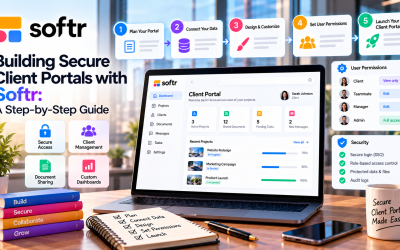
Client Portals
Automatically notify clients when project milestones are updated or new files are available.
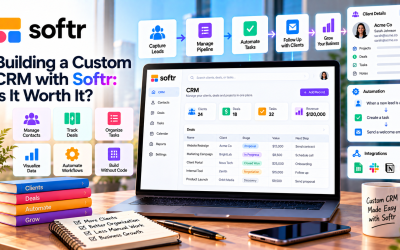
CRM Systems
Create customer records from online forms and assign new leads to sales representatives.
HR Portals
Automate employee onboarding tasks, document collection, and internal approval workflows.
Project Management
Update task status, notify stakeholders, and keep project dashboards current without manual intervention.
Membership Sites
Grant access to premium content automatically after user registration or payment confirmation.
Best Practices for Building Workflows
To get the most value from automation:
- Start with one simple workflow.
- Map your business process before automating it.
- Test workflows with sample data.
- Use clear naming conventions.
- Review workflows regularly as your business evolves.
- Monitor automation results to identify improvements.
Well-designed workflows are easier to maintain and scale.
Advantages of Softr Workflows
Businesses choose Softr Workflows because they offer:
- No-code automation
- Faster business operations
- Reduced manual work
- Seamless integration with Softr apps
- Easy setup through a visual interface
- Improved data consistency
- Better team collaboration
- Increased operational efficiency
These benefits make automation accessible even for non-technical teams.
Are There Any Limitations?
While Softr Workflows cover many everyday business needs, organizations with highly specialized processes may require external automation platforms or custom integrations.
For most small and medium-sized businesses, however, Softr provides more than enough functionality to automate common operational tasks.
Final Verdict
Softr Workflows make business automation simple, practical, and accessible. By eliminating repetitive tasks, improving data accuracy, and connecting with popular business tools, they help organizations operate more efficiently without writing code.
Whether you're managing customer onboarding, employee requests, sales pipelines, or project updates, Workflows allow your applications to do more than store information—they actively support your business processes.
For companies looking to increase productivity while reducing manual effort, Softr Workflows are one of the platform's most valuable features.



Write Your Review
No reviews yet. Be the first to share your experience!