
Choosing the right no-code platform is about more than just building apps without coding. Businesses need a solution that is easy to use, secure, scalable, and capable of supporting real-world workflows.
Softr has become one of the most popular no-code platforms because it combines an intuitive interface with powerful business features. Whether you're building a client portal, CRM, employee intranet, or internal dashboard, Softr provides everything needed to launch applications quickly.
Here are the 10 most valuable Softr features every business should know.
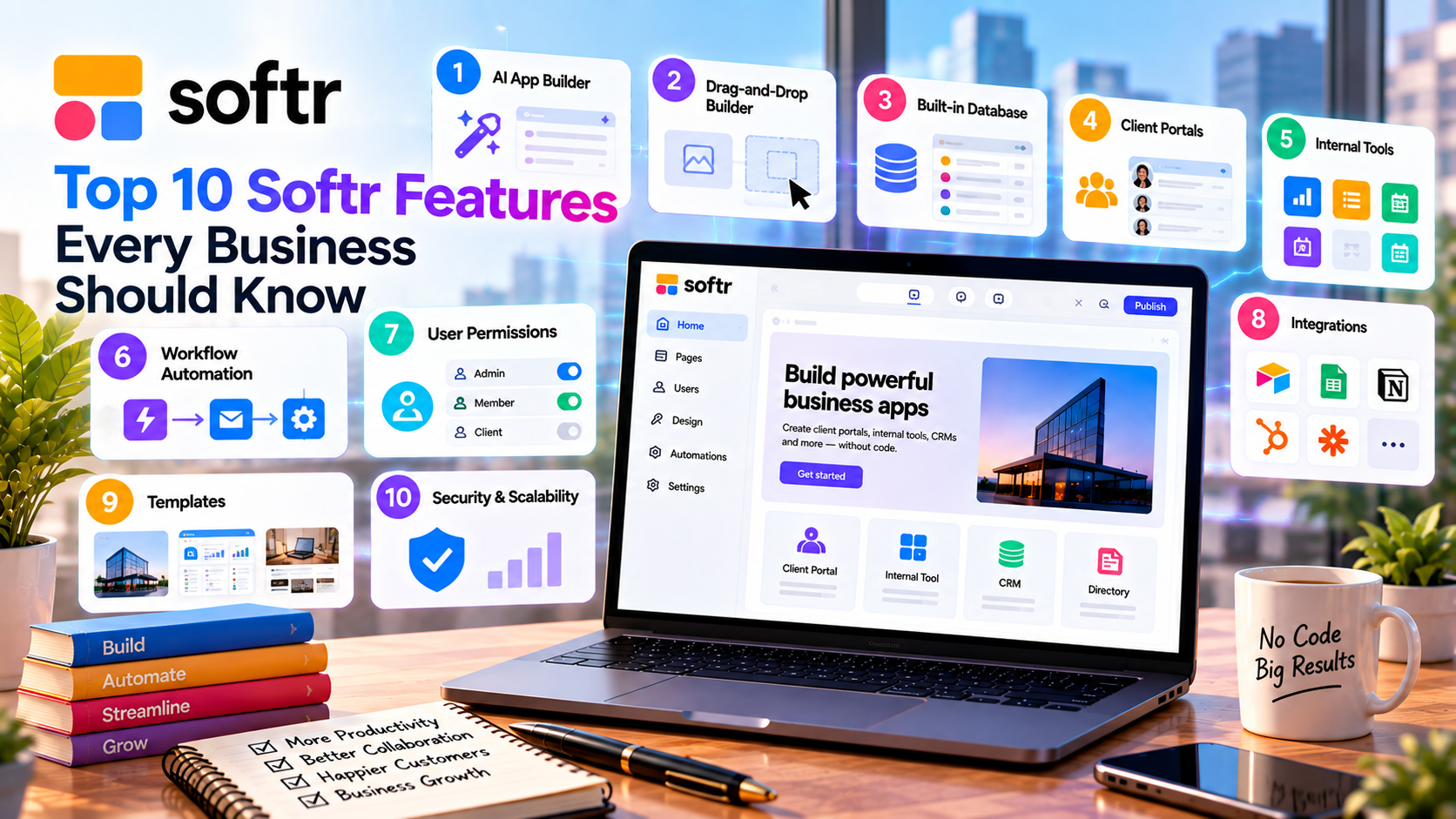
1. AI App Builder
Softr's AI App Builder helps users create applications in minutes.
Simply describe the app you want, and the AI generates:
- Pages
- Navigation
- Forms
- Database structure
- User roles
- Basic layouts
Instead of starting from scratch, businesses receive a functional application that can be customized further, saving hours of work.
2. Drag-and-Drop Builder
Softr's visual editor is designed for non-technical users.
You can build pages by dragging ready-made components such as:
- Forms
- Tables
- Lists
- Charts
- Calendars
- Kanban boards
- Buttons
- Dashboards
This makes app development simple and significantly reduces the learning curve.
3. Built-In Database
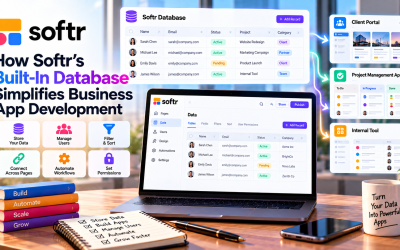
Softr includes its own native database, eliminating the need for external data storage for many projects.
Key benefits include:
- Easy data management
- Relational records
- Secure storage
- Better performance
- Faster setup
For businesses already using other tools, Softr also supports external databases.
4. Powerful Integrations
One of Softr's biggest strengths is its ability to connect with popular business platforms.
Supported integrations include:
- Airtable
- Google Sheets
- Notion
- HubSpot
- Salesforce
- Stripe
- Zapier
- Make
These integrations allow businesses to build modern applications while keeping existing workflows.
5. User Authentication
Security is essential for business applications.
Softr provides built-in authentication options such as:
- Email login
- Google Sign-In
- Magic Links
- One-Time Passwords (OTP)
- Enterprise Single Sign-On (SSO)
These features make it easy to create secure client and employee portals.
6. Role-Based Permissions
Different users often need different levels of access.
Softr allows administrators to assign custom roles, ensuring users only see the pages and data relevant to them.
Common roles include:
- Admin
- Employee
- Client
- Partner
- Manager
This improves both security and collaboration.
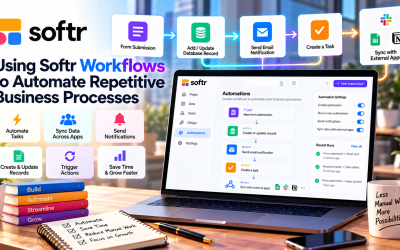
7. Workflow Automation
Automation helps eliminate repetitive manual work.
Businesses can automate tasks such as:
- Creating records
- Updating information
- Sending notifications
- Approval processes
- Workflow triggers
These automations increase productivity and reduce human error.
8. Responsive Design
Every Softr application automatically adapts to different screen sizes.
Apps work smoothly on:
- Desktop computers
- Tablets
- Smartphones
This responsive design ensures employees and customers can access applications from virtually anywhere.
9. Ready-to-Use Templates
Softr offers a growing collection of professionally designed templates.
Popular categories include:
- Client Portals
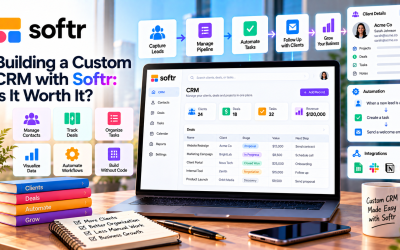
- CRM Systems
- Employee Intranets
- Membership Sites
- Business Dashboards
- Project Management
Templates help businesses launch projects much faster than building everything manually.
10. Fast Deployment
Traditional software projects can take months to complete.
With Softr, businesses can often launch an application in just a few hours or days.
The platform includes:
- Cloud hosting
- SSL security
- Custom domains
- Automatic updates
This allows teams to focus on their business instead of managing infrastructure.
Why These Features Matter
When combined, these features help businesses:
- Reduce software development costs
- Launch projects faster
- Improve team productivity
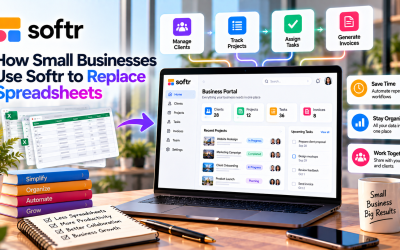
- Replace spreadsheets with modern applications
- Automate routine tasks
- Build secure customer and employee portals
For startups and small businesses, this means achieving enterprise-level functionality without enterprise-level budgets.
Pros and Cons
Pros
- Beginner-friendly interface
- AI-powered app creation
- Native database
- Excellent integrations
- Built-in authentication
- Workflow automation
- Responsive design
- Fast deployment
Cons
- Less customizable than fully coded applications
- Some advanced capabilities require higher-tier plans
- Complex business logic may require third-party automation
Final Verdict
Softr offers one of the most complete feature sets in the no-code market. Its combination of AI-powered development, drag-and-drop editing, built-in database, workflow automation, secure user management, and extensive integrations makes it an excellent platform for businesses of all sizes.
Whether you're building a CRM, client portal, employee intranet, or internal operations dashboard, these ten features provide everything needed to create professional business applications quickly and efficiently. For organizations looking to reduce development time and costs, Softr remains one of the best no-code solutions in 2026.


Write Your Review
No reviews yet. Be the first to share your experience!