
Email remains one of the most effective channels for B2B sales. However, manually following up with every prospect can be time-consuming and inconsistent. Missed follow-ups often result in lost opportunities, especially when sales teams manage hundreds of leads simultaneously.
Close CRM solves this challenge with powerful email automation features that help businesses send timely, personalized messages at scale. By combining email sequences, templates, tracking, and CRM data in one platform, sales representatives can nurture more prospects while spending less time on repetitive tasks.
In this guide, we'll explore how Close CRM's email automation works and how it can help increase your sales conversions.
Why Email Automation Matters
Successful sales rarely happen after a single email. Most prospects require multiple touchpoints before making a purchasing decision.
Without automation, sales teams often struggle to:
- Remember follow-up dates
- Maintain consistent communication
- Personalize outreach at scale
- Track email engagement
- Manage large prospect lists
Email automation ensures every lead receives timely communication throughout the sales journey.
Key Email Automation Features in Close CRM
1. Two-Way Email Sync
Close CRM integrates with Gmail and Outlook, allowing users to send and receive emails directly from the CRM. Every conversation is automatically saved to the contact timeline, giving the entire sales team complete visibility.
2. Email Sequences
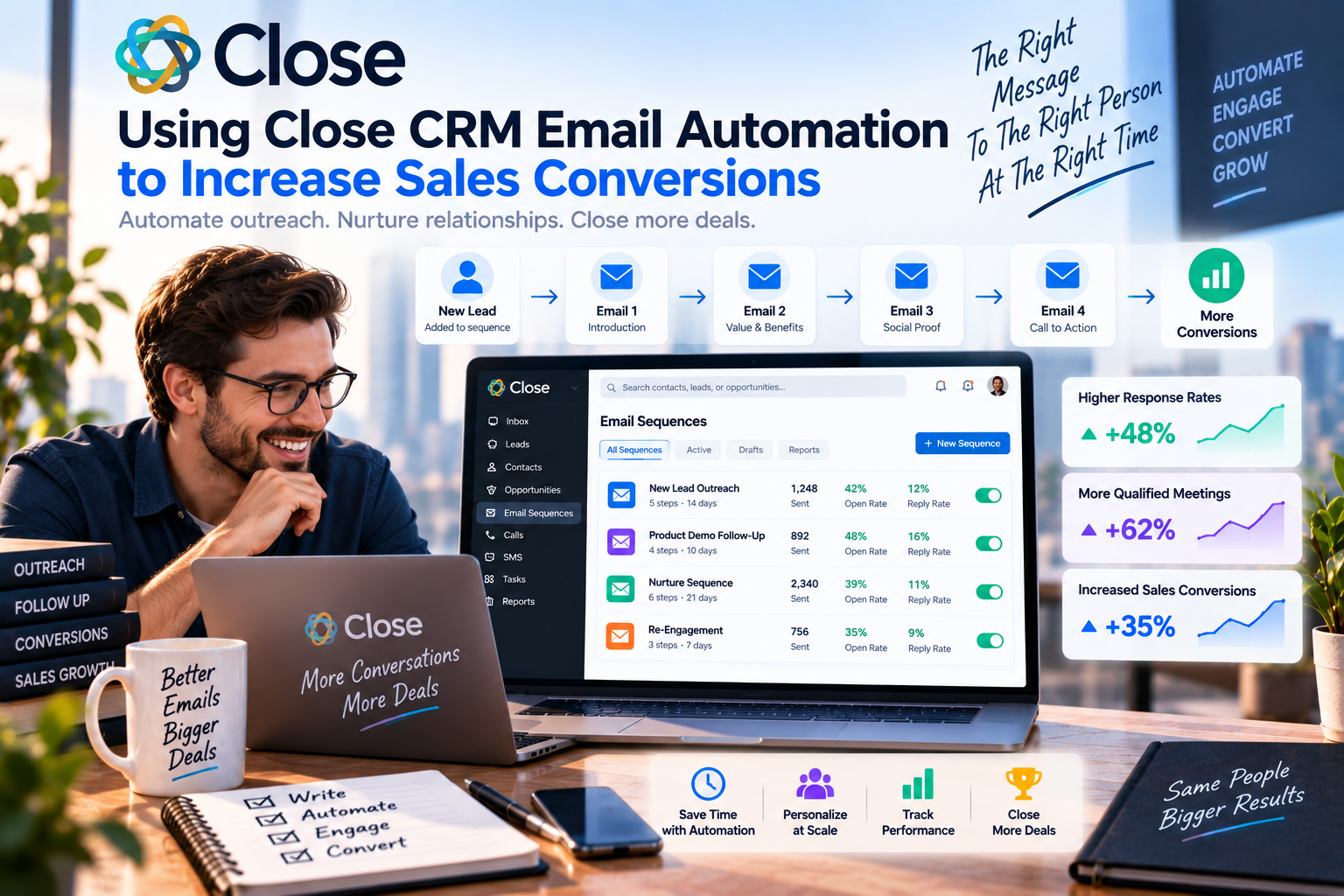
Email Sequences let you create a series of automated follow-up emails that are sent over a predefined schedule.
For example:
- Day 1: Introduction email
- Day 3: Product benefits
- Day 7: Customer success story
- Day 10: Meeting invitation
This keeps prospects engaged without requiring manual effort.
3. Personalized Templates
Instead of writing every email from scratch, Close CRM allows users to build reusable templates.
Dynamic fields automatically insert information such as:
- First name
- Company name
- Job title
- Sales representative name
Personalized emails often achieve higher open and response rates than generic messages.
4. Email Tracking
Close CRM tracks important engagement metrics, including:
- Email opens
- Link clicks
- Reply status
These insights help sales representatives identify interested prospects and prioritize follow-up activities.
5. AI Email Assistance
Close CRM's AI features can help rewrite emails, improve clarity, and generate more professional messaging. This saves time while ensuring consistent communication across the sales team.
Best Practices for Higher Conversions
Segment Your Audience
Different prospects have different needs. Group leads by industry, company size, or buying stage to deliver more relevant messages.
Personalize Every Email
Even when using automation, include personalized details such as the recipient's name, company, or recent business challenges. Personalized emails build stronger connections and improve engagement.
Focus on Value
Instead of immediately promoting your product, explain how your solution solves a specific problem. Educational content often generates better responses than aggressive sales pitches.
Include a Clear Call-to-Action
Each email should encourage one simple action, such as:
- Book a demo
- Schedule a call
- Download a guide
- Reply with questions
A clear CTA increases the likelihood of conversion.
Monitor Performance
Review open rates, click-through rates, replies, and conversions regularly. Testing different subject lines, messaging, and timing can help optimize your campaigns.
Real-World Use Cases
SaaS Companies
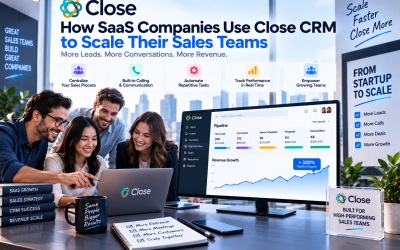
Automate trial onboarding, product education, and demo follow-ups to improve customer acquisition.
Sales Agencies
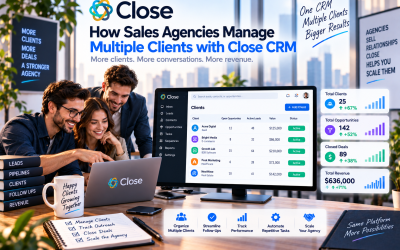
Manage outreach campaigns for multiple clients while maintaining consistent follow-up schedules.
Recruiting Firms
Keep candidates engaged throughout the hiring process with automated updates and interview reminders.
B2B Service Providers
Nurture long sales cycles by delivering relevant content and timely follow-ups without overwhelming the sales team.
Common Mistakes to Avoid
When using email automation, avoid these common errors:
- Sending generic, impersonal messages
- Creating sequences that are too frequent
- Ignoring prospect replies
- Failing to update email templates
- Not analyzing campaign performance
Automation should enhance human communication—not replace it.
Why Close CRM Stands Out
Unlike many CRM platforms that require separate email marketing tools, Close CRM integrates email automation directly into the sales workflow. Representatives can send emails, track engagement, manage follow-ups, and view customer history from a single interface.
This unified approach reduces administrative work, improves collaboration, and helps sales teams respond to prospects more effectively.
Final Verdict
Close CRM's email automation features are designed to help sales teams communicate consistently without sacrificing personalization. From automated email sequences and customizable templates to engagement tracking and AI-powered writing assistance, the platform provides everything businesses need to nurture leads efficiently.
For startups, SaaS companies, agencies, and B2B sales teams, Close CRM simplifies the follow-up process and helps ensure that no opportunity slips through the cracks. By combining automation with meaningful customer engagement, businesses can improve productivity and increase sales conversions over time.
Write Your Review
No reviews yet. Be the first to share your experience!