
Creating business applications once required coding expertise, large budgets, and months of development. Today, no-code platforms have changed that, allowing entrepreneurs, startups, and businesses to build powerful applications in a fraction of the time.
Among the leading no-code platforms, Softr stands out for its intuitive interface, AI-powered tools, and business-focused features. Whether you want to build a client portal, CRM, employee intranet, or internal dashboard, Softr enables anyone—even without technical skills—to create professional applications quickly.
In this article, we'll explore how Softr makes no-code app development easy for everyone.
Why No-Code Development Matters
Modern businesses need software that can adapt quickly to changing requirements. Traditional development often involves hiring developers, long project timelines, and significant costs.
No-code platforms solve these challenges by allowing users to build applications visually. This approach helps businesses:
- Reduce development costs
- Launch projects faster
- Improve collaboration between teams
- Test new ideas quickly
- Automate manual processes
Softr takes these benefits further by combining simplicity with powerful business features.
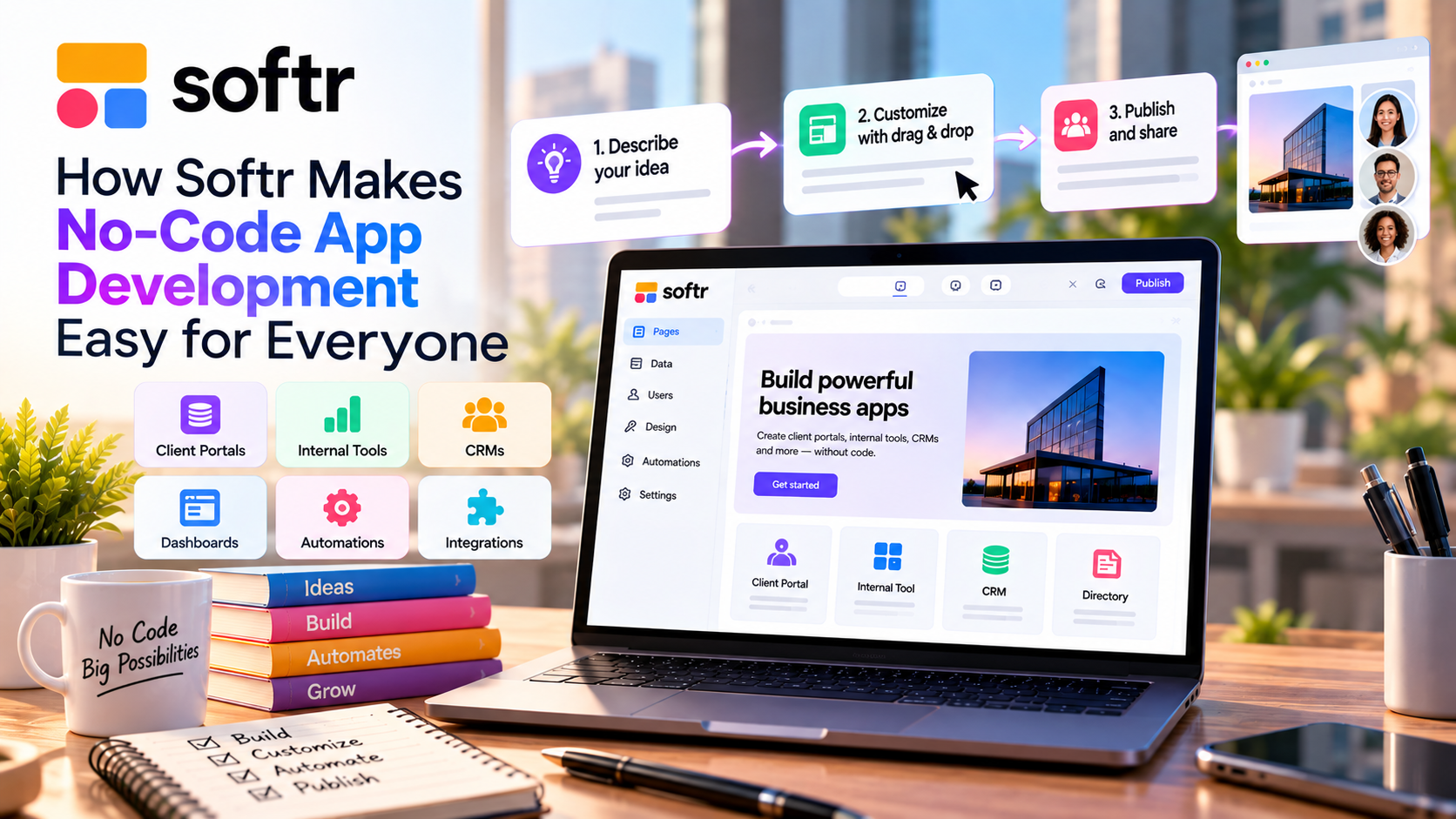
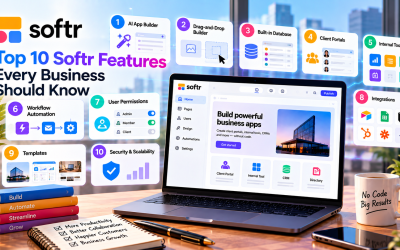
AI App Builder Speeds Up Development
One of Softr's biggest advantages is its AI App Builder.
Instead of starting with a blank page, users simply describe the application they want in plain English. Softr's AI then generates:
- Pages
- Navigation menus
- Forms
- Database structure
- User roles
- Basic workflows
This dramatically reduces setup time, allowing businesses to focus on customizing the app rather than building everything from scratch.
Drag-and-Drop Design
Softr's visual editor makes customization simple.
Users can build applications by arranging pre-designed blocks such as:
- Forms
- Tables
- Lists
- Cards
- Dashboards
- Charts
- Calendars
- Kanban boards
Because everything is drag and drop, changes can be made instantly without writing code.
Ready-to-Use Templates
Starting from scratch isn't always necessary.
Softr offers templates for common business applications, including:
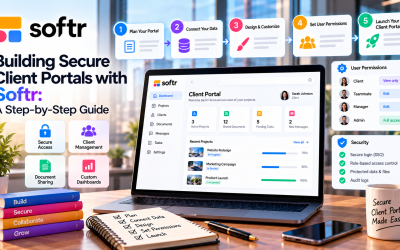
- Client portals
- Employee directories
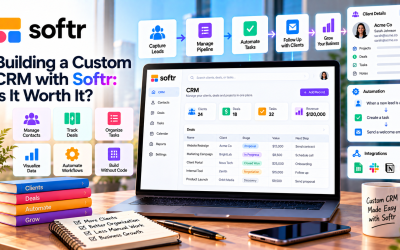
- CRM systems
- Project management
- Membership sites
- Knowledge bases
These templates provide a solid foundation, allowing users to launch projects much faster.
Built-In Database and Data Integrations
Managing business data is simple with Softr.
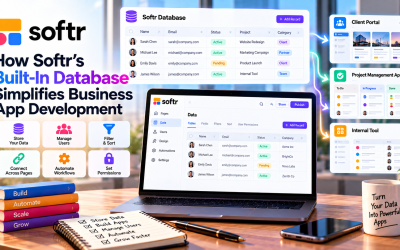
Users can store information in Softr's native database or connect external services such as:
- Airtable
- Google Sheets
- Notion
- HubSpot
- SmartSuite
- Salesforce
This flexibility allows businesses to continue using existing data while building modern applications.
Secure User Management
Many business applications require different levels of access.
Softr includes built-in authentication and role-based permissions, allowing administrators to control what each user can view or edit.
Common roles include:
- Administrators
- Employees
- Clients
- Partners
- Vendors
This makes Softr ideal for customer portals and internal business systems.
Workflow Automation
Manual tasks often slow businesses down.
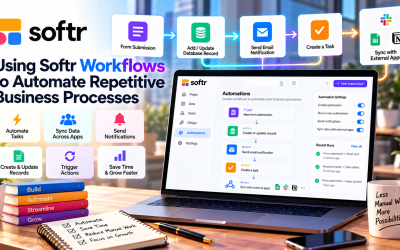
Softr helps automate repetitive processes such as:
- Sending notifications
- Updating records
- Managing approvals
- Creating workflows
- Triggering actions through integrations
Automation improves efficiency while reducing human error.
Fast Deployment
Traditional software projects may take months before launch.
With Softr, many applications can be built and published in just a few hours or days.
The platform also provides:
- Secure hosting
- SSL certificates
- Custom domains
- Responsive design
Businesses don't need to manage servers or infrastructure.
Who Can Benefit from Softr?
Softr is suitable for a wide range of users, including:
- Entrepreneurs launching new ideas
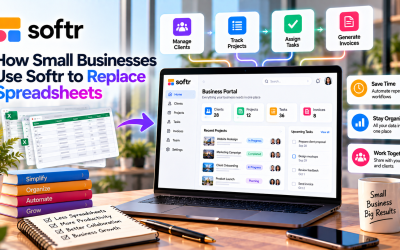
- Small businesses replacing spreadsheets
- Startups building MVPs
- Marketing agencies creating client portals
- HR teams managing employee resources
- Consultants sharing project information
- Operations teams building internal tools
Because coding isn't required, business teams can build solutions independently without relying on developers.
Advantages of Using Softr
Some of the platform's biggest strengths include:
- Easy for beginners
- AI-powered app generation
- Modern drag-and-drop interface
- Built-in database
- Secure user authentication
- Workflow automation
- Extensive integrations
- Fast deployment
- Responsive applications
- Scalable for growing businesses
Are There Any Limitations?
Although Softr is powerful, it may not fit every scenario.
Some limitations include:
- Less flexibility than fully custom software
- Advanced business logic may require APIs
- Some features are only available on higher-tier plans
- Not intended for highly complex consumer applications
For most internal business tools, however, these limitations are unlikely to be significant.
Final Thoughts
Softr has made no-code app development more accessible than ever. Its combination of AI-powered app generation, drag-and-drop design, built-in database, workflow automation, and secure user management enables businesses to build professional applications without coding.
Whether you're creating a client portal, CRM, employee intranet, or internal dashboard, Softr provides the tools needed to move from idea to deployment quickly. For organizations looking to save time, reduce development costs, and empower non-technical teams, Softr is one of the best no-code platforms available in 2026.

Write Your Review
No reviews yet. Be the first to share your experience!