
Most people think AI is only useful for writing articles or generating images.
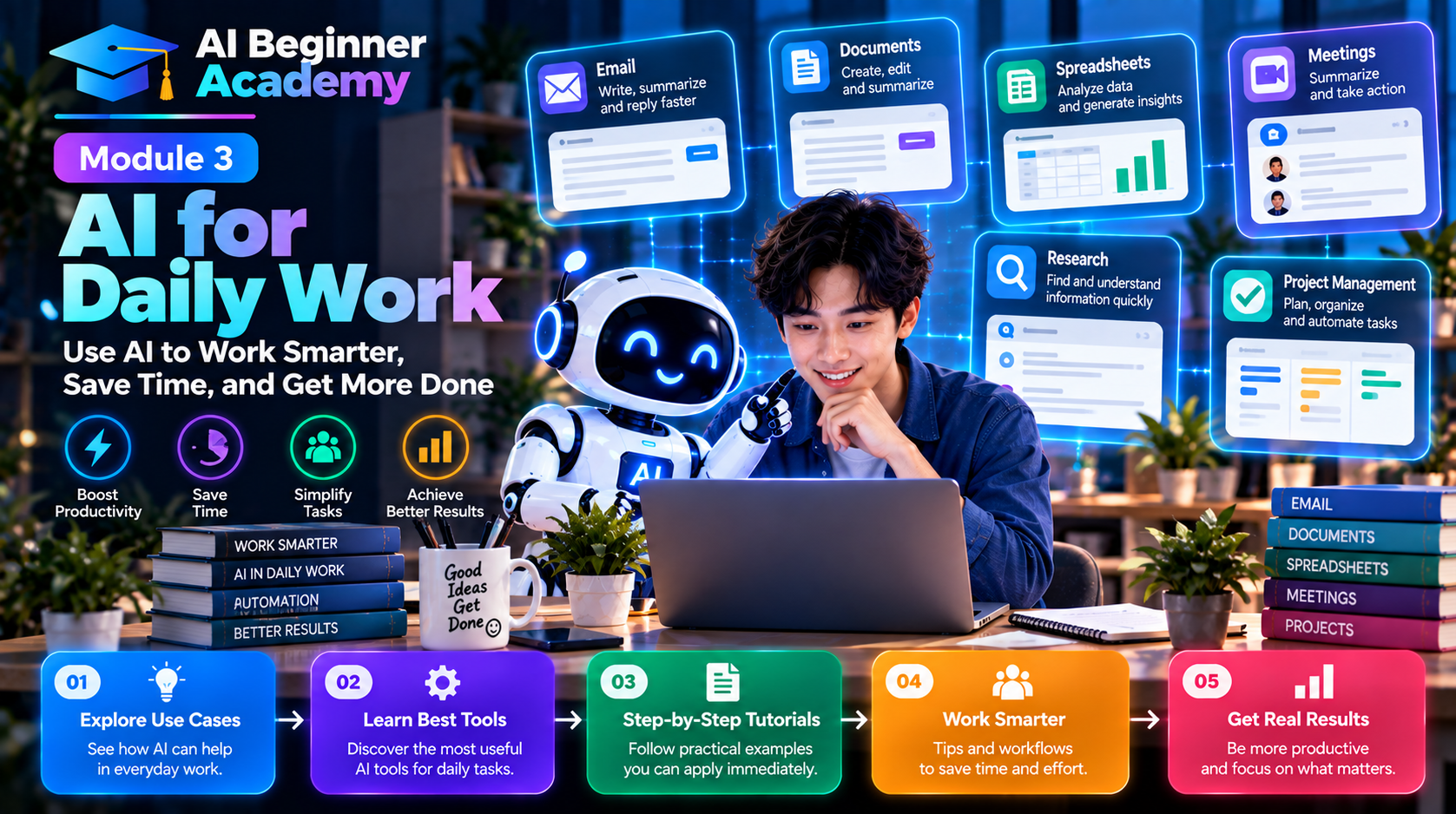
In reality, AI has become one of the most valuable productivity tools for everyday work. Whether you're replying to emails, preparing presentations, analyzing spreadsheets, writing reports, or organizing meetings, AI can help you complete tasks faster and with less effort.
The goal of AI isn't to replace your expertise—it's to eliminate repetitive work so you can focus on decisions, creativity, and problem-solving.
In this module, you'll learn 10 practical ways to use AI in your daily workflow, along with example prompts you can start using immediately.
1. Write Professional Emails in Minutes
Writing emails is one of the most common workplace tasks. AI can help you draft, rewrite, or improve emails while matching the tone you need.
Use AI to:
- Write professional emails
- Reply to customer inquiries
- Follow up after meetings
- Announce projects
- Decline requests politely
- Correct grammar and spelling
Example Prompt
Act as a business communication expert. Write a professional email informing a client that the project will be delayed by one week. Keep the tone polite, positive, and solution-oriented.
2. Summarize Long Documents
Instead of reading lengthy reports or articles, let AI identify the key points.
AI can summarize:
- PDFs
- Business reports
- Meeting notes
- Research papers
- Contracts
- Policies
Example Prompt
Summarize this report in five bullet points. Highlight the main findings, risks, and recommended actions.
3. Improve Your Writing
AI is an excellent writing assistant.
It can:
- Rewrite awkward sentences
- Improve grammar
- Adjust tone
- Simplify technical language
- Make content more persuasive
Example Prompt
Rewrite the following paragraph in a professional and concise tone while preserving its original meaning.
4. Brainstorm Ideas Faster
When you're stuck, AI can generate ideas in seconds.
Use it to brainstorm:
- Blog topics
- Marketing campaigns
- Product names
- Business ideas
- Presentation titles
- Social media content
Example Prompt
Generate 20 blog ideas about artificial intelligence for small business owners.
5. Research More Efficiently
AI won't replace critical thinking, but it can dramatically speed up research.
Use it to:
- Explain unfamiliar concepts
- Compare products
- Summarize industry trends
- Analyze competitors
- Organize information
Example Prompt
Compare the top project management software for remote teams. Present the results in a comparison table including pricing, features, pros, and cons.
6. Analyze Data and Spreadsheets
AI can help you understand numbers without spending hours creating formulas.
Common use cases include:
- Explaining Excel formulas
- Finding trends
- Cleaning data
- Creating charts
- Summarizing datasets
Example Prompt
Analyze this sales spreadsheet. Identify the top-performing products, sales trends, and three recommendations to improve revenue.
7. Create Presentations
Instead of starting with a blank slide, let AI create the first draft.
AI can help:
- Build presentation outlines
- Write speaker notes
- Suggest visuals
- Create executive summaries
- Simplify complex topics
Example Prompt
Create a 10-slide presentation explaining how AI improves customer service. Include key points for each slide.
8. Organize Meetings
AI makes meetings more productive by handling administrative tasks.
It can:
- Summarize discussions
- Capture action items
- Identify decisions
- Create follow-up emails
- Generate meeting minutes
Example Prompt
Summarize these meeting notes. List all decisions, assigned tasks, deadlines, and next steps.
9. Translate and Localize Content
Modern AI tools can translate content while preserving tone and context.
Use AI to:
- Translate emails
- Localize marketing content
- Adapt blog posts
- Prepare multilingual documentation
Example Prompt
Translate this article into Spanish while maintaining a professional tone and adapting idioms naturally for native speakers.
10. Build Personal Productivity Workflows
AI becomes even more powerful when integrated into your daily routine.
Example Workflow
Morning
- Summarize overnight emails
- Review calendar
- Prioritize today's tasks
During Work
- Draft emails
- Analyze documents
- Generate reports
- Research information
- Write presentations
End of Day
- Summarize completed work
- Create tomorrow's task list
- Draft follow-up messages
A consistent AI-assisted workflow can save hours every week.
Recommended AI Tools for Daily Work
| Task | Recommended Tools |
|---|---|
| Writing & Brainstorming | ChatGPT, Claude, Gemini |
| Research | Perplexity, NotebookLM |
| Email Assistance | ChatGPT, Microsoft Copilot |
| Documents | Gemini, Claude |
| Spreadsheets | ChatGPT, Gemini |
| Presentations | Gamma, Canva AI |
| Meeting Notes | Fireflies.ai, Otter.ai |
| Translation | ChatGPT, DeepL |
| Task Management | Notion AI, ClickUp AI |
| Workflow Automation | Zapier AI, Make, n8n |
Best Practices
To get the most value from AI at work:
- Start with repetitive tasks that consume the most time.
- Provide clear context in your prompts.
- Review AI-generated content before sharing it.
- Avoid pasting confidential information into public AI tools unless your organization has approved policies.
- Combine multiple AI tools to create efficient workflows.
- Use AI as an assistant—not as a replacement for your judgment.
Common Mistakes to Avoid
Expecting AI to Know Your Context
AI performs better when you provide background information.
Accepting Every Response Without Verification
Always verify facts, calculations, and business-critical information.
Using Only One AI Tool
Different tools excel at different tasks. Experiment to discover which combination works best for your workflow.
Ignoring Data Privacy
Be cautious when working with sensitive customer data, financial information, or confidential business documents.
Your 30-Day AI Productivity Challenge
Week 1:
- Use AI to write emails.
Week 2:
- Summarize documents and meeting notes.
Week 3:
- Create presentations and analyze spreadsheets.
Week 4:
- Build a daily AI-assisted workflow using your favorite tools.
By the end of the month, you'll have practical experience applying AI to real work—not just experimenting with prompts.
What's Next?
Now that you've learned how AI can improve your daily productivity, it's time to focus on one of its most popular applications: creating content.
In Module 4 – AI for Content Creators, you'll learn how to use AI to write blog posts, create social media content, generate YouTube scripts, optimize articles for SEO, and build a consistent content creation workflow.
Final Thoughts
AI is most valuable when it solves everyday problems.
You don't need to automate your entire job overnight. Start by identifying repetitive tasks that consume your time, then use AI to simplify or accelerate them.
Over time, these small improvements can add up to significant productivity gains—allowing you to spend less time on routine work and more time on strategic thinking, creativity, and delivering value.
The future of work isn't about humans versus AI.
It's about humans working smarter with AI.








Write Your Review
No reviews yet. Be the first to share your experience!