
A compelling image can capture attention faster than any paragraph of text.
Whether you're writing a blog, promoting a product, designing social media graphics, or building a brand, high-quality visuals are essential. Traditionally, creating professional images required design skills and expensive software. Today, AI image generators allow anyone to create stunning visuals in minutes using simple text prompts.
In this module, you'll learn how AI image generation works, how to write effective prompts, and how to create professional visuals for marketing, content creation, and business.
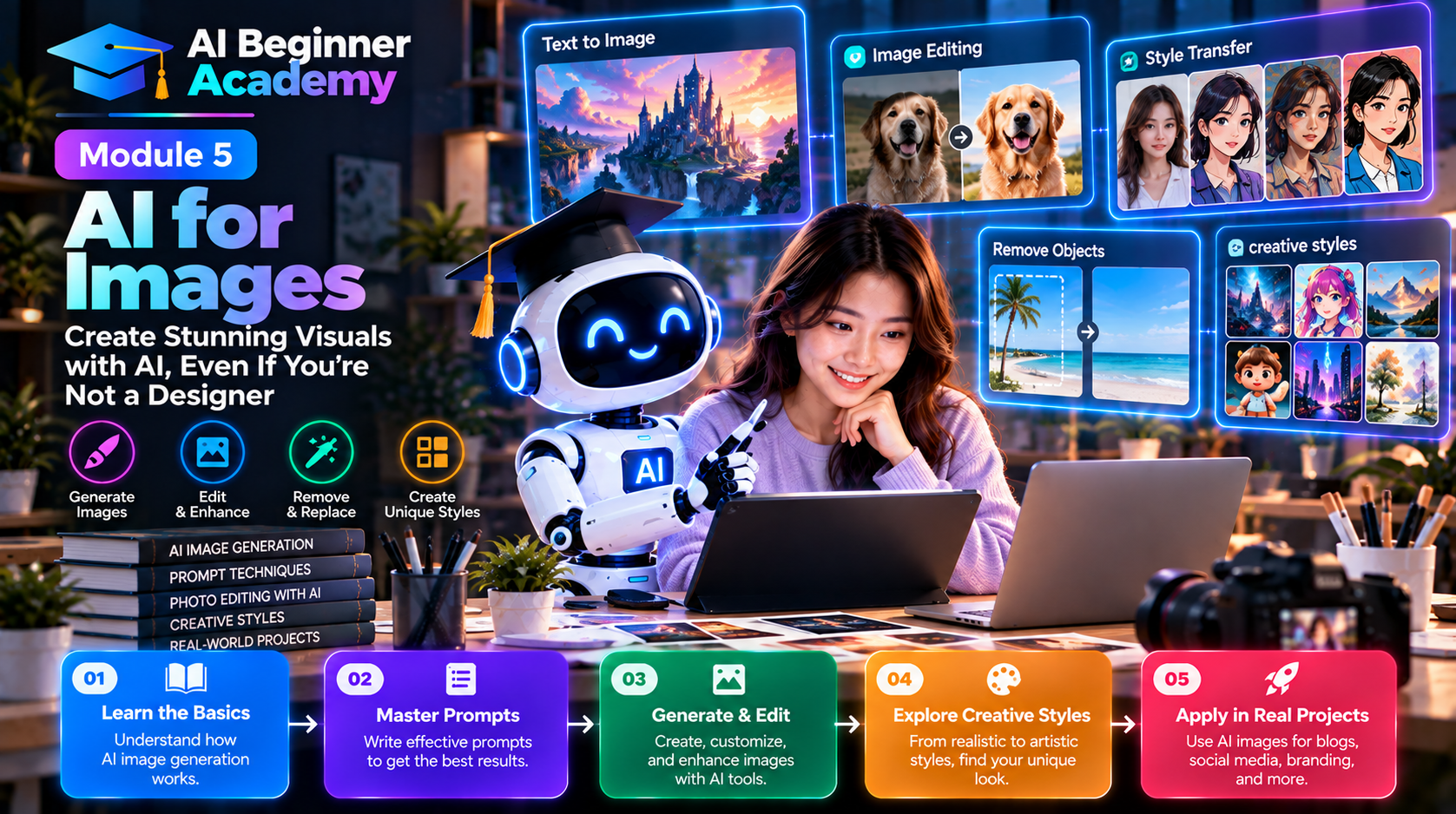
What Is AI Image Generation?
AI image generation uses artificial intelligence to create original images from text descriptions, known as text-to-image prompts.
Instead of drawing manually, you simply describe what you want.
For example:
A modern workspace with a laptop displaying an AI dashboard, blue neon lighting, futuristic office, ultra-realistic, 16:9 composition.
Within seconds, an AI model can generate multiple unique images based on your description.
How AI Image Generators Work
The basic workflow is straightforward:
Idea
   ↓
Text Prompt
   ↓
AI Image Model
   ↓
Generated Images
   ↓
Edit & Download
The quality of the result depends largely on the quality of your prompt.
Popular AI Image Tools
Different tools are optimized for different use cases.
| Tool | Best For |
|---|---|
| ChatGPT Image Generation | General-purpose image creation and editing |
| Adobe Firefly | Commercial design and marketing assets |
| Midjourney | Artistic and highly detailed illustrations |
| Ideogram | Posters, typography, and text within images |
| Leonardo AI | Game assets, concept art, product visuals |
| Canva AI | Social media graphics and marketing materials |
| FLUX-based tools | High-quality photorealistic images |
| Playground AI | Beginners and quick experimentation |
Choose the tool that best matches your project rather than assuming one tool fits every need.
Understanding Prompt Structure
A good image prompt usually includes several elements.
Subject
What is the main object?
Examples:
- Businesswoman
- Robot
- Modern office
- Sports car
- Coffee shop
Environment
Where does the scene take place?
Examples:
- Mountain landscape
- Corporate office
- Futuristic city
- Cozy living room
- Space station
Style
Specify the artistic style.
Examples:
- Photorealistic
- Cinematic
- Minimalist
- Watercolor
- Oil painting
- 3D render
- Anime
- Digital illustration
Lighting
Lighting dramatically affects mood.
Examples:
- Golden hour
- Soft natural light
- Studio lighting
- Neon lighting
- Sunset
- Dramatic shadows
Camera Angle
Useful for realistic compositions.
Examples:
- Close-up
- Wide shot
- Bird's-eye view
- Eye level
- Portrait
- Macro
Quality
Add quality modifiers.
Examples:
- Ultra realistic
- Highly detailed
- 8K
- Sharp focus
- Professional photography
Example Prompt
A confident entrepreneur working in a modern office with multiple AI dashboards on large monitors, cinematic lighting, realistic photography, shallow depth of field, ultra-detailed, professional business environment, 16:9 composition.
This level of detail helps the AI generate more accurate and visually appealing results.
Creating Different Types of Images
Blog Featured Images
Ideal for:
- Technology blogs
- Tutorials
- Product reviews
- News articles
Tips:
- Keep the composition clean.
- Leave space for titles if needed.
- Use colors that match your brand.
YouTube Thumbnails
Effective thumbnails should:
- Focus on one main subject.
- Use bold colors.
- Include expressive faces when appropriate.
- Maintain strong visual contrast.
Avoid overcrowding the design.
Social Media Graphics
AI can quickly create:
- Instagram posts
- LinkedIn banners
- Facebook covers
- Pinterest pins
- X (Twitter) graphics
Maintain a consistent visual style across platforms.
Product Mockups
Generate:
- Software mockups
- Mobile app screens
- Laptop displays
- Packaging concepts
- Product advertisements
These are useful for startups, SaaS companies, and affiliate marketers.
Logos and Brand Concepts
AI can generate initial concepts for:
- Company logos
- Brand mascots
- Icons
- Color palettes
- Visual identities
While AI is excellent for brainstorming, final logos should often be refined using professional design tools.
Infographics
AI can assist with creating:
- Process diagrams
- Comparison charts
- Educational visuals
- Workflow illustrations
These visuals improve engagement and simplify complex topics.
Tips for Writing Better Image Prompts
To improve image quality:
- Be specific.
- Describe the environment.
- Mention the desired style.
- Specify lighting conditions.
- Include camera perspective.
- State the aspect ratio when necessary.
- Experiment with multiple prompt variations.
Small prompt changes can produce dramatically different results.
Common Mistakes
Being Too Vague
Instead of:
A robot.
Try:
A friendly humanoid robot assisting office workers in a bright, modern workspace, photorealistic, cinematic lighting.
Including Too Many Unrelated Ideas
Avoid mixing multiple concepts into a single prompt unless they belong together.
Ignoring Composition
Think like a photographer.
Where should the main subject appear?
How much background should be visible?
Should there be space for text?
These details matter.
Practical Image Projects
Try creating:
- A blog hero image.
- A YouTube thumbnail.
- A LinkedIn banner.
- A product advertisement.
- A futuristic office scene.
- A business illustration.
- A mobile app mockup.
- A company logo concept.
- A travel poster.
- A book cover.
Each project helps you develop prompt-writing skills.
Recommended Workflow
A productive image creation process looks like this:
Define Goal
      ↓
Write Prompt
      ↓
Generate Images
      ↓
Select the Best Version
      ↓
Refine the Prompt
      ↓
Generate Again
      ↓
Final Editing
The best results usually come after one or two rounds of refinement.
Best Practices
- Keep prompts focused and descriptive.
- Generate multiple variations before choosing one.
- Match image style to your brand.
- Use high-resolution outputs for professional projects.
- Review generated images carefully for inconsistencies.
- Respect copyright, trademarks, and platform usage policies.
What's Next?
Now that you've learned how to create professional images with AI, it's time to bring them to life.
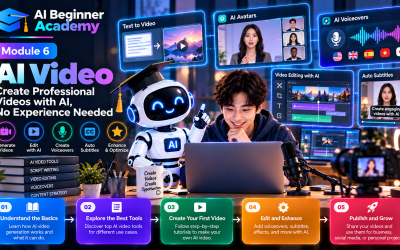
In Module 6 – AI for Video, you'll learn how to transform text and images into engaging videos, create AI-generated animations, produce marketing videos, generate voiceovers, and build short-form content for platforms like YouTube Shorts, TikTok, and Instagram Reels.
Final Thoughts
AI image generation has made visual design more accessible than ever before.
You no longer need years of design experience to create attractive graphics for blogs, social media, presentations, or marketing campaigns. By learning how to write clear prompts and understanding the strengths of different AI tools, you can produce professional-quality visuals in a fraction of the time.
Remember, the most effective images don't just look impressive—they communicate a message, support your content, and strengthen your brand. Combine AI's creative speed with your own ideas and judgment, and you'll be able to create visuals that capture attention and deliver real value.
Write Your Review
No reviews yet. Be the first to share your experience!