
As businesses grow, managing employees, company documents, and internal communication becomes increasingly challenging. Many organizations rely on emails, shared folders, and spreadsheets, which often lead to scattered information and inefficient workflows.
Softr offers a modern no-code solution for building employee intranets and HR portals. With its visual editor, built-in database, secure authentication, and workflow automation, companies can create a centralized workspace where employees access the information and resources they need every day.
This guide explains how Softr helps organizations build efficient HR portals without writing code.
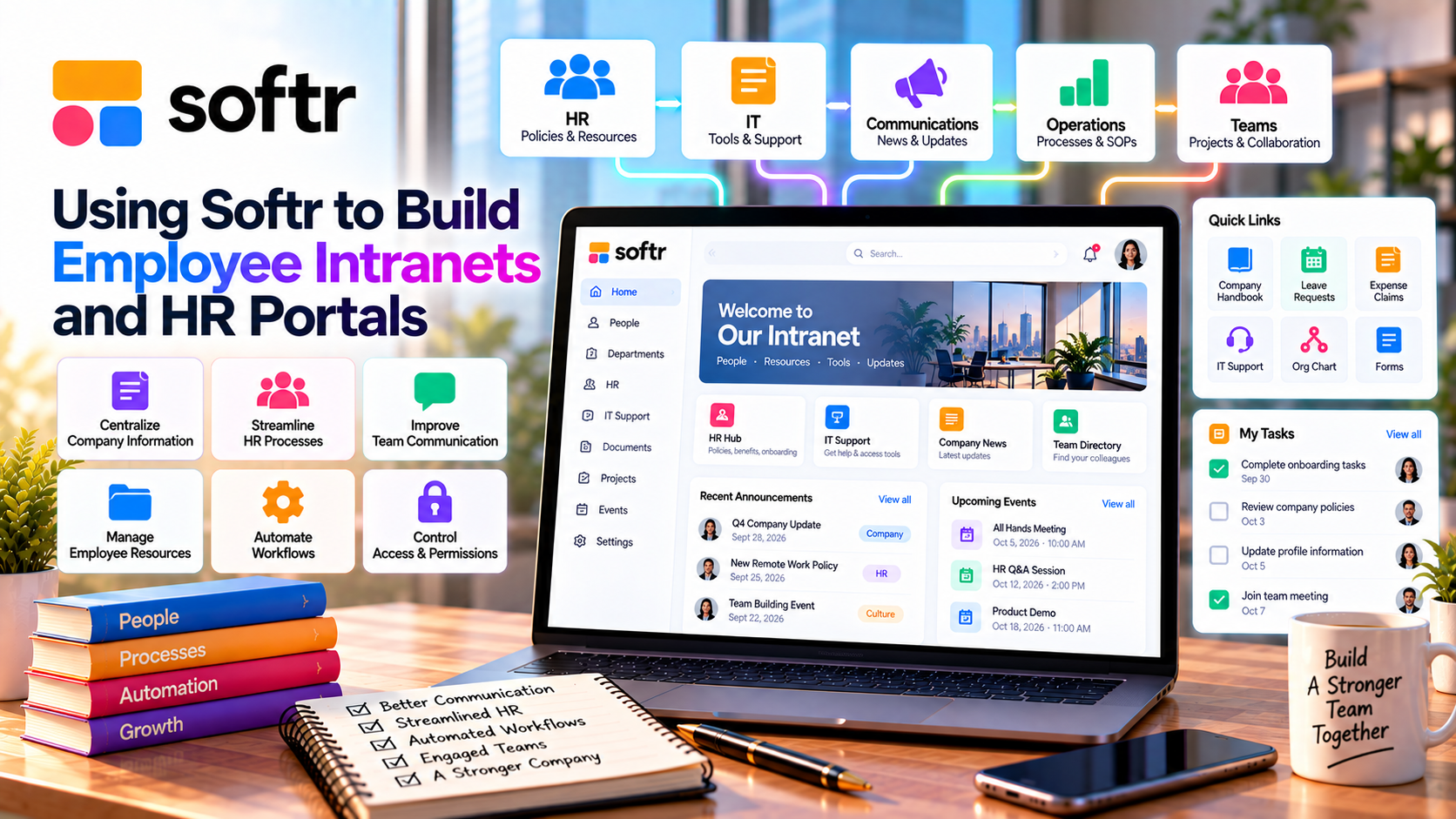
What Is an Employee Intranet?
An employee intranet is a private digital workspace used by employees to access company information and collaborate internally.
Typical intranet features include:
- Company announcements
- Employee directory
- HR policies
- Internal documents
- Training materials
- Team calendars
- Department resources
- Request forms
Instead of searching through emails or multiple systems, employees can find everything in one secure location.
Why Use Softr for HR Portals?
Softr is designed for building business applications quickly and affordably.
Key advantages include:
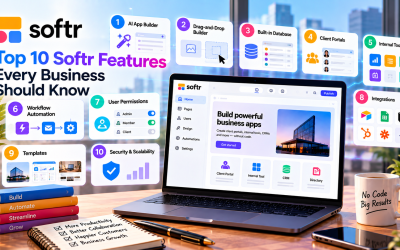
- No-code development
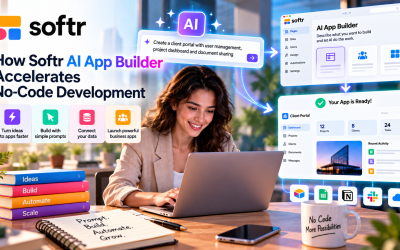
- AI App Builder
- Drag-and-drop editor
- Built-in user authentication
- Role-based permissions
- Workflow automation
- Ready-made templates
This allows HR teams to launch an internal portal without depending on software developers.
Essential Features of an HR Portal
A Softr HR portal can include a variety of tools that simplify employee management.
Employee Directory
Store employee profiles with information such as:
- Contact details
- Job titles
- Departments
- Office locations
- Emergency contacts
This makes it easier for staff to connect across the organization.
Company Knowledge Base
Centralize important documents, including:
- Employee handbook
- HR policies
- Standard operating procedures
- Benefits information
- IT guides
Employees always have access to the latest versions.
Onboarding Portal
Create a structured onboarding experience for new hires by providing:
- Welcome materials
- Required forms
- Training videos
- Task checklists
- Company policies
This helps new employees become productive more quickly.
Internal Request Forms
Employees can submit requests for:
- Leave applications
- Equipment
- IT support
- Expense reimbursement
- HR inquiries
Forms automatically organize requests and reduce administrative work.
Secure Employee Access
HR systems often contain sensitive information.
Softr protects employee data through:
- Email authentication
- Google Sign-In
- Magic Links
- Role-based permissions
- Secure cloud hosting
Access can be limited based on departments, job roles, or management responsibilities.
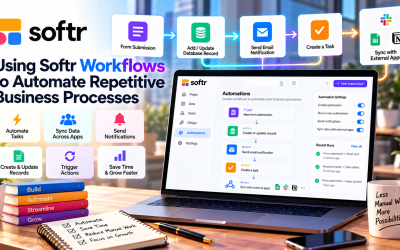
Automate HR Workflows
Automation improves efficiency by reducing repetitive administrative tasks.
Examples include:
- Employee onboarding
- Approval requests
- Notification emails
- Document collection
- Training reminders
- Status updates
These workflows help HR teams spend more time supporting employees and less time handling manual processes.
Connect with Existing HR Tools
Softr integrates with many business platforms, allowing organizations to continue using existing systems.
Popular integrations include:
- Google Sheets
- Airtable
- Notion
- HubSpot
- Zapier
- Make
- Slack
- Stripe (for membership-based organizations)
This flexibility helps businesses expand their HR systems without replacing existing tools.
Benefits for Businesses
Using Softr for employee intranets and HR portals offers several advantages:
- Centralized employee information
- Faster onboarding
- Better internal communication
- Improved document management
- Increased productivity
- Secure access control
- Lower software costs
- Easier process automation
These benefits support both growing businesses and established organizations.
Who Should Use Softr?
Softr is well suited for:
- Small businesses
- Startups
- Marketing agencies
- Consulting firms
- Nonprofit organizations
- Remote teams
- HR departments
- Operations teams
Any organization looking to improve employee communication and streamline HR processes can benefit from a Softr-powered intranet.
Pros and Cons
Pros
- No coding required
- Fast deployment
- AI-assisted app creation
- Secure authentication
- Workflow automation
- Flexible templates
- Easy integrations
- Affordable compared to custom HR software
Cons
- Large enterprises may require specialized HR platforms.
- Advanced HR analytics may require third-party tools.
- Some enterprise security features are available only on higher-tier plans.
Final Verdict
Softr makes it easy for businesses to build employee intranets and HR portals that centralize communication, simplify onboarding, and improve day-to-day operations. Its combination of no-code development, workflow automation, secure user management, and business integrations enables HR teams to create practical solutions without the cost of custom software.
Whether you're supporting a small remote team or managing hundreds of employees, Softr provides a flexible platform that grows with your organization while keeping HR processes organized and efficient.

Write Your Review
No reviews yet. Be the first to share your experience!