
Modern agencies manage dozens of clients, projects, and deadlines at the same time. While email, spreadsheets, and chat apps help with communication, they often create scattered information and unnecessary back-and-forth.
A client portal solves this problem by giving customers one secure place to access project updates, files, invoices, and messages. Instead of investing in expensive custom software, many agencies now use Softr to build professional client portals without writing code.
In this guide, we'll explore how agencies use Softr to improve collaboration, streamline workflows, and deliver a better client experience.
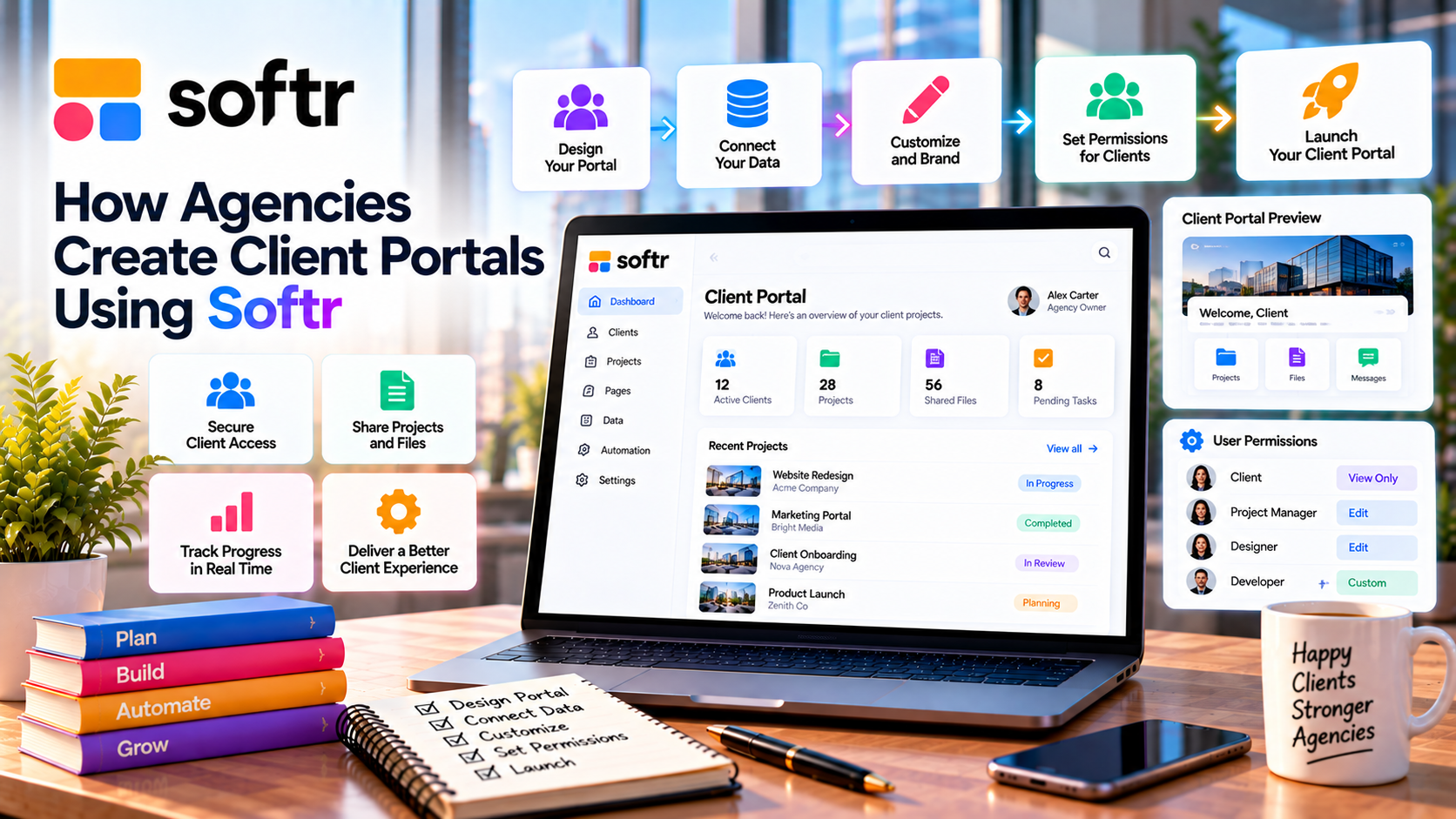
Why Agencies Need Client Portals
As an agency grows, managing client communication becomes more challenging.
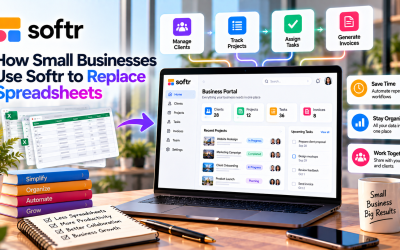
A client portal helps centralize information by providing a single location where clients can:
- Track project progress
- Download shared documents
- View invoices
- Submit requests
- Access reports
- Contact the project team
This reduces email overload and makes collaboration more organized.
Why Agencies Choose Softr
Softr is designed for building business applications quickly.
Instead of developing a portal from scratch, agencies can use:
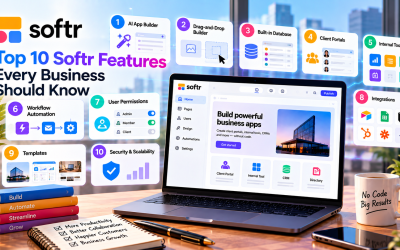
- AI App Builder
- Drag-and-drop editor
- Ready-made templates
- Built-in authentication
- Role-based permissions
- Workflow automation
This allows even small agencies to launch a branded client portal in days instead of months.
Essential Features for Agency Portals
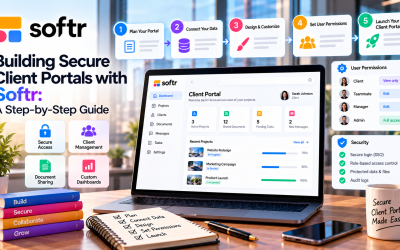
A typical agency portal built with Softr may include:
Client Dashboard
Provide customers with a personalized overview of:
- Active projects
- Upcoming milestones
- Recent activity
- Key performance metrics
Document Library
Share proposals, contracts, design files, reports, and other important documents in one secure location.
Project Updates
Keep clients informed through timelines, task lists, and project status pages without sending constant email updates.
Request Forms
Allow clients to submit:
- Support requests
- Content revisions
- Design feedback
- New project inquiries
Forms automatically organize incoming requests for faster responses.
Billing Information
Give clients access to invoices, payment history, and subscription details through a secure portal.
Secure Access for Every Client
Security is essential when handling confidential business information.
Softr includes:
- Email login
- Google Sign-In
- Magic Links
- One-Time Password (OTP)
- Role-based permissions
Each client only sees their own projects and documents, ensuring privacy and data protection.
Automate Routine Agency Tasks
Automation helps agencies spend less time on administrative work.
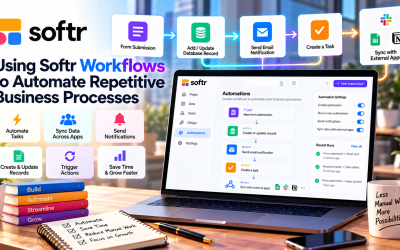
Common workflow automations include:
- Sending welcome emails
- Notifying project managers of new requests
- Updating project status
- Assigning tasks
- Sending reminders
- Tracking completed milestones
These automations improve efficiency while reducing manual effort.
Connect with Business Tools
Most agencies already use several software platforms.
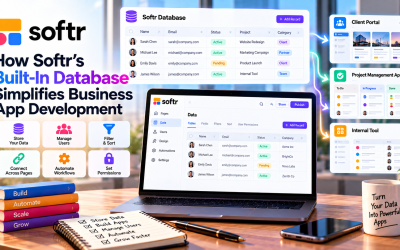
Softr integrates with:
- HubSpot
- Airtable
- Google Sheets
- Notion
- Stripe
- Zapier
- Make
- Salesforce
This allows agencies to connect client portals with existing marketing, sales, and project management workflows.
Benefits for Agencies
Using Softr to build client portals offers several advantages:
- Faster project communication
- Better client experience
- Centralized document management
- Reduced email volume
- Improved data security
- Faster project onboarding
- Lower software development costs
- Professional branded portals
These benefits help agencies deliver a more organized and scalable service.
Who Should Use Softr Client Portals?
Softr is ideal for agencies and service businesses such as:
- Digital marketing agencies
- Creative studios
- Web development companies
- Branding agencies
- Consulting firms
- SEO agencies
- Advertising agencies
- Freelance teams
Any organization that works closely with clients can benefit from a dedicated portal.
Pros and Cons
Pros
- No coding required
- Fast deployment
- Professional templates
- Secure user authentication
- Workflow automation
- Responsive design
- Extensive integrations
- Affordable compared to custom development
Cons
- Advanced enterprise workflows may require additional integrations.
- Highly customized portal designs may require custom code.
- Some advanced collaboration features depend on your subscription plan.
Final Verdict
Softr makes it easy for agencies to create secure, professional client portals without the cost and complexity of custom software development. With built-in authentication, workflow automation, integrations, and a user-friendly drag-and-drop builder, agencies can improve communication while reducing administrative work.
Whether you're managing marketing campaigns, consulting projects, website development, or creative services, Softr provides a flexible platform that enhances the client experience and supports business growth. For agencies looking to deliver more value while saving time, Softr is an excellent no-code solution.


Write Your Review
No reviews yet. Be the first to share your experience!