
Every business application relies on data. Whether you're building a CRM, employee portal, inventory tracker, or customer dashboard, you need a reliable way to store and manage information.
Traditionally, setting up a database required technical knowledge and ongoing maintenance. Softr removes that complexity with its built-in database, allowing businesses to create and manage data directly within the platform. Combined with its no-code builder and AI-powered tools, this feature makes app development faster and more accessible.
In this article, we'll explore how Softr's built-in database simplifies business app development and why it's a valuable feature for organizations of all sizes.
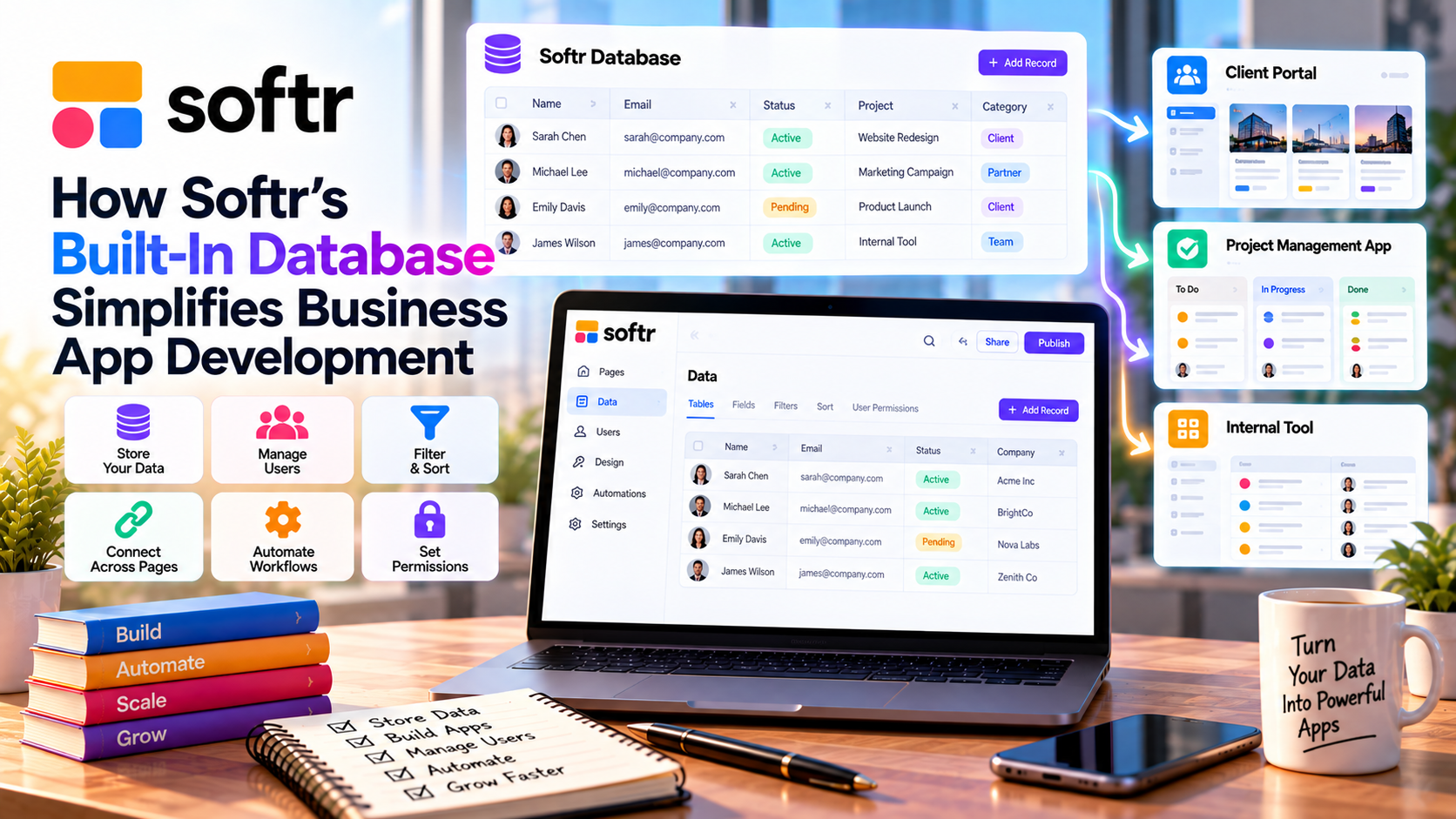
What Is Softr's Built-In Database?
Softr's built-in database is a native data management system designed specifically for no-code applications.
Instead of connecting an external service, users can create tables, store records, and manage relationships directly inside Softr.
The database works seamlessly with the platform's visual editor, forms, workflows, and user permissions, providing an all-in-one development experience.
Faster Setup for New Projects
One of the biggest advantages of the built-in database is speed.
Rather than configuring third-party databases, businesses can:
- Create tables
- Define fields
- Add records
- Upload files
- Organize data
Everything happens inside the same platform, reducing setup time and simplifying project management.
Easy Data Management
Softr's database is designed for non-technical users.
You can easily:
- Add new records
- Edit existing information
- Delete outdated entries
- Filter and search data
- Organize information into tables
Because the interface is intuitive, business teams can manage their own data without relying on developers or database administrators.
Works with Business Applications
The built-in database supports a wide range of business use cases, including:
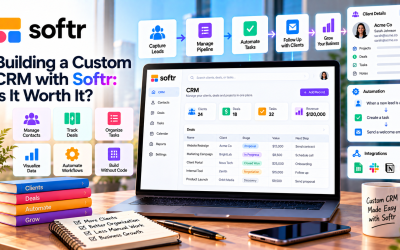
- Customer relationship management (CRM)
- Employee directories
- Project management
- Inventory tracking
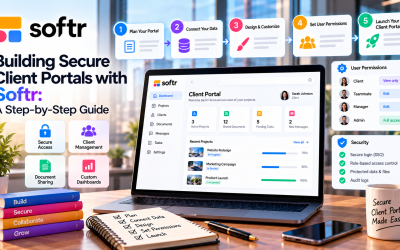
- Client portals
- Knowledge bases
- Membership websites
- Internal dashboards
This flexibility allows businesses to use one platform for multiple operational needs.
Built-In Security
Protecting business data is essential.
Softr combines its database with role-based permissions and secure authentication, allowing administrators to control who can access or edit specific records.
Security features include:
- User authentication
- Role-based access
- Secure cloud hosting
- HTTPS encryption
- Enterprise-grade security options
These tools help businesses keep sensitive information protected.
Integrates with Existing Data Sources
Although the built-in database is powerful, businesses can also connect existing systems when needed.
Supported integrations include:
- Airtable
- Google Sheets
- Notion
- HubSpot
- Salesforce
- SmartSuite
This flexibility allows organizations to migrate gradually or continue using existing data without rebuilding everything.
Supports Workflow Automation
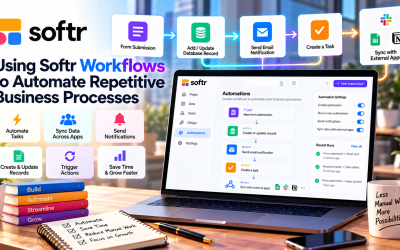
The built-in database works seamlessly with Softr's automation features.
Businesses can automate actions such as:
- Creating records from forms
- Updating customer information
- Sending notifications
- Assigning tasks
- Triggering approval workflows
This reduces repetitive work and keeps data synchronized across teams.
Benefits for Small Businesses
For startups and small businesses, managing databases can be challenging.
Softr simplifies this process by providing:
- No database coding
- Easy maintenance
- Lower software costs
- Faster deployment
- Simplified collaboration
Instead of purchasing multiple tools, businesses can manage applications and data in one place.
Pros and Cons
Pros
- Native database built into the platform
- Beginner-friendly interface
- Faster application setup
- Secure data management
- Seamless integration with workflows
- Works well with AI-generated apps
- Reduces reliance on external tools
Cons
- Very large enterprise projects may require specialized databases.
- Advanced database customization is more limited than traditional database platforms.
- Some advanced capabilities depend on your subscription plan.
Who Should Use Softr's Built-In Database?
The feature is ideal for:
- Small businesses
- Startups
- Marketing agencies
- Consultants
- HR departments
- Sales teams
- Operations managers
- Nonprofits
If your goal is to build business applications quickly without managing database infrastructure, Softr's native database is an excellent choice.
Final Verdict
Softr's built-in database is one of the platform's most valuable features. By combining data management, application development, automation, and user permissions in a single no-code environment, it eliminates much of the complexity traditionally associated with business software development.
Whether you're creating a CRM, client portal, employee directory, or internal dashboard, the built-in database allows you to organize and manage data efficiently while keeping development simple. For businesses seeking a faster and more affordable way to build applications, Softr provides a practical all-in-one solution.


Write Your Review
No reviews yet. Be the first to share your experience!