
A client portal gives customers a secure place to access project updates, invoices, documents, support requests, and other shared resources. Instead of relying on email chains or multiple communication tools, businesses can centralize everything in one easy-to-use platform.
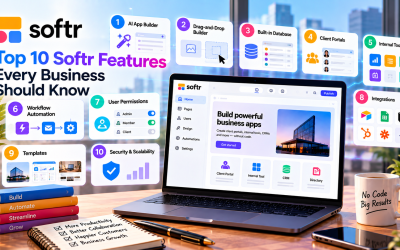
With Softr, creating a secure client portal doesn't require coding. Its visual builder, built-in authentication, role-based permissions, and integrations allow businesses to launch professional portals in just a few hours.
This guide walks you through the key steps to building a secure client portal with Softr.
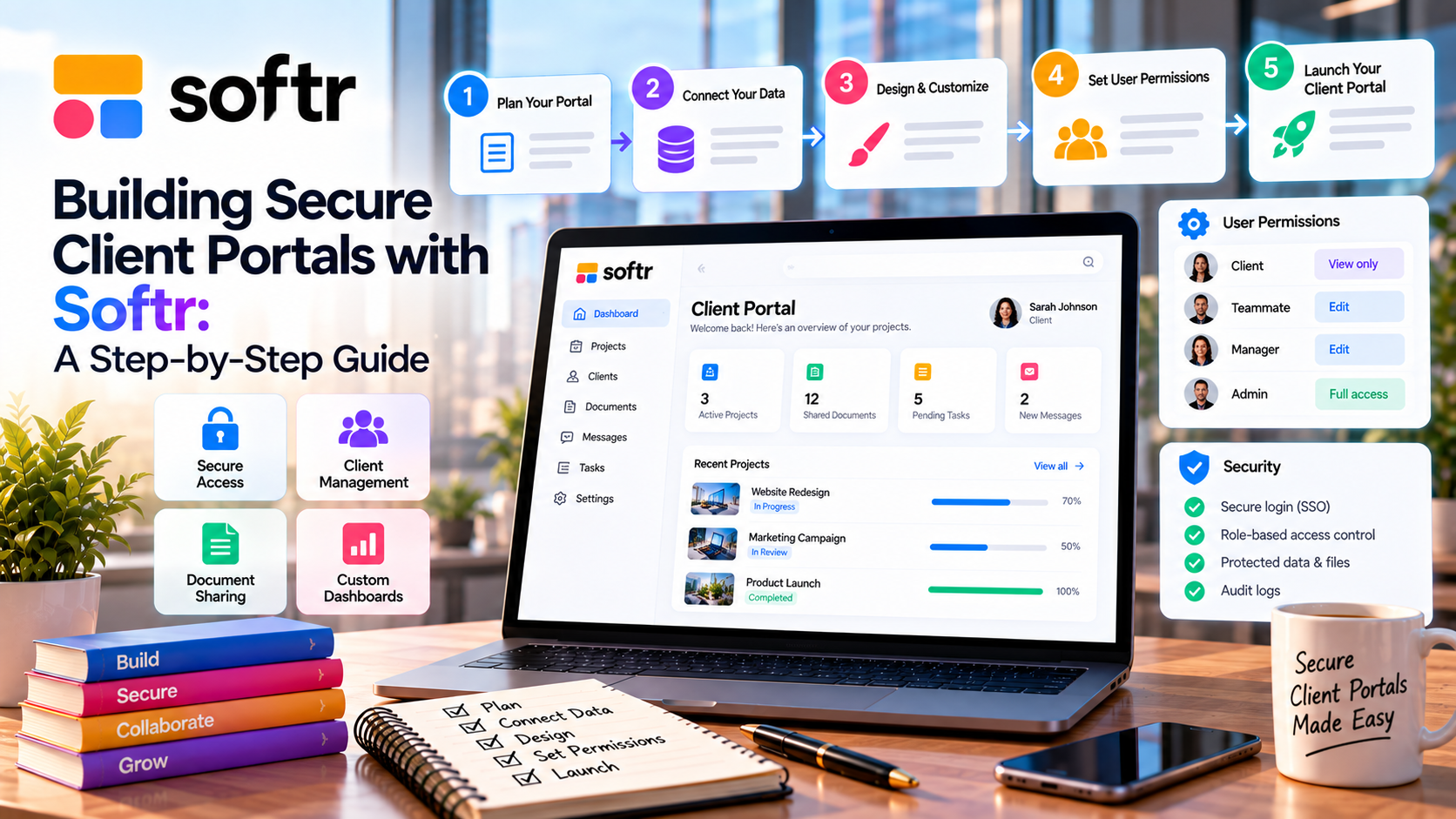
Why Build a Client Portal?
A client portal improves communication and creates a better customer experience.
Common benefits include:
- Secure document sharing
- Project progress tracking
- Centralized communication
- Reduced email clutter
- Faster customer support
- Better data security
For agencies, consultants, SaaS companies, and service providers, a client portal can save time while increasing customer satisfaction.
Step 1: Create a New Softr Application
Start by creating a new application in Softr.
You can either:
- Use the AI App Builder to generate a portal from a text prompt.
- Choose a Client Portal template to speed up development.
Both options provide a solid foundation that you can customize later.
Step 2: Connect Your Data
Every client portal relies on business data.
Softr lets you connect:
- Built-in Database
- Airtable
- Google Sheets
- Notion
- HubSpot
- Salesforce
Typical client data includes:
- Customer profiles
- Projects
- Documents
- Support tickets
- Contracts
- Invoices
Using a connected data source ensures information stays up to date automatically.
Step 3: Design the Portal
Customize the portal using Softr's drag-and-drop editor.
Useful pages include:
- Dashboard
- Project Overview
- File Library
- Billing
- Support Requests
- Contact Information
- Knowledge Base
Add tables, cards, forms, calendars, or charts depending on the information you want clients to access.
Step 4: Configure User Authentication
Security is one of the most important parts of any client portal.
Softr includes built-in authentication options such as:
- Email login
- Google Sign-In
- Magic Links
- One-Time Password (OTP)
- Single Sign-On (Enterprise)
Only authenticated users can access protected content.
Step 5: Set User Roles and Permissions
Not every client should see the same information.
Softr allows administrators to create role-based permissions, such as:
- Administrator
- Team Member
- Client
- Partner
Permissions can restrict access to:
- Pages
- Records
- Files
- Forms
- Dashboards
This ensures each client only sees their own data, improving both privacy and security.
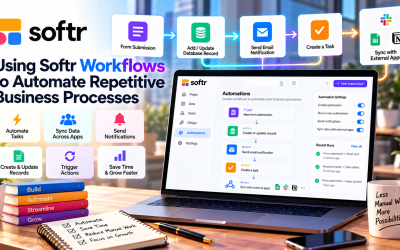
Step 6: Automate Routine Tasks
A client portal becomes even more powerful with automation.
Examples include:
- Send welcome emails to new clients
- Notify teams when forms are submitted
- Update project status automatically
- Create new records from client requests
- Trigger workflows through Zapier or Make
Automation reduces manual work and helps teams respond faster.
Step 7: Test Before Launch
Before publishing your portal:
- Verify user permissions
- Test login functionality
- Review mobile responsiveness
- Check forms and workflows
- Confirm all client data displays correctly
Testing helps prevent security issues and improves the overall user experience.
Best Practices for Secure Client Portals
To keep client information protected:
- Use strong authentication methods.
- Assign permissions based on user roles.
- Avoid exposing unnecessary data.
- Regularly review user access.
- Keep connected databases organized.
- Use HTTPS and secure custom domains.
Following these practices helps maintain trust while reducing security risks.
Who Can Benefit from a Softr Client Portal?
Many industries use Softr to improve customer collaboration, including:
- Marketing agencies
- Consulting firms
- Software companies
- Accounting firms
- Legal services
- Real estate agencies
- HR consultants
- Healthcare organizations (for non-regulated workflows)
Any business that shares information with clients can benefit from a secure portal.
Advantages of Using Softr
Compared with building a custom portal from scratch, Softr offers several advantages:
- No coding required
- Fast deployment
- AI-assisted setup
- Built-in authentication
- Role-based permissions
- Easy integrations
- Responsive design
- Lower development costs
These features make it possible for small businesses to create professional portals without hiring developers.
Final Verdict
Softr makes building secure client portals faster and easier than traditional software development. With its AI App Builder, drag-and-drop editor, built-in authentication, and flexible permission system, businesses can create professional portals that improve communication and protect sensitive information.
Whether you're managing customer projects, sharing documents, or providing ongoing support, Softr offers a scalable no-code solution that grows with your business. For organizations looking to enhance client collaboration while reducing development costs, Softr is an excellent choice in 2026.


Write Your Review
No reviews yet. Be the first to share your experience!