
Building a business application no longer requires months of development or a team of software engineers. Thanks to no-code platforms like Softr, anyone can create professional web applications using a visual editor and AI-powered tools.
Whether you're a small business owner, startup founder, marketer, or operations manager, Softr makes it easy to build client portals, CRMs, employee dashboards, and internal tools in less than an hour.
This guide walks you through the essential steps to launch your first business app quickly.

Step 1: Create Your Softr Account
The first step is signing up for a Softr account. The Free plan is a great starting point, allowing you to explore the platform before upgrading.
Once logged in, you'll be taken to the dashboard where you can create a new application.
Step 2: Choose a Template or Use AI
Softr offers two easy ways to start:
- Use AI App Builder by describing the app you want in plain English.
- Choose a template from dozens of ready-made business applications.
Popular templates include:
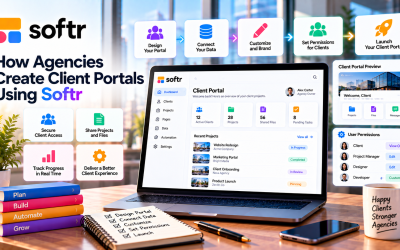
- Client Portal
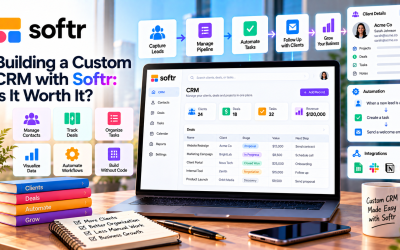
- CRM
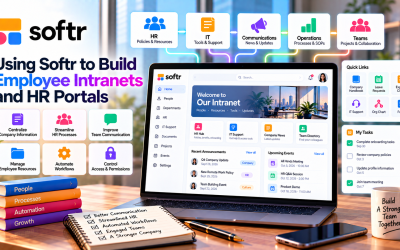
- Employee Directory
- Project Management
- Knowledge Base
- Membership Site
- Business Dashboard
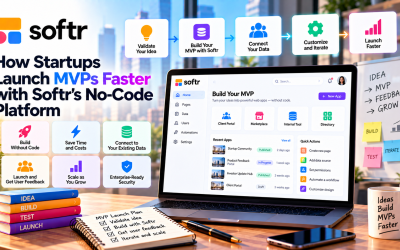
Using a template or AI can save hours of setup time.
Step 3: Customize Your App
Once your app is created, use the drag-and-drop editor to personalize it.
You can easily change:
- Company logo
- Brand colors
- Navigation menu
- Page layouts
- Buttons
- Forms
- Tables
- Dashboard widgets
No coding is required, and changes appear instantly.
Step 4: Add Your Business Data
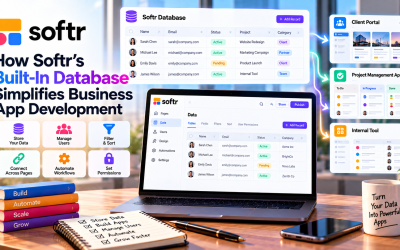
Your application becomes useful when it's connected to data.
Softr supports:
- Built-in Database
- Airtable
- Google Sheets
- Notion
- HubSpot
- SmartSuite
- Salesforce
If you're just starting, the built-in database is the simplest option because everything is managed within Softr.
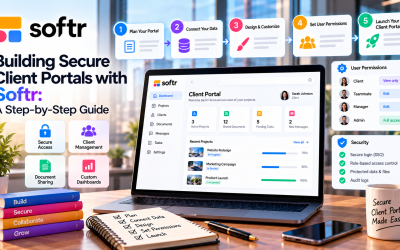
Step 5: Configure User Access
Most business applications require different levels of access.
Softr lets you create role-based permissions for users such as:
- Administrators
- Employees
- Clients
- Partners
- Members
This ensures that each user only sees the pages and information relevant to them.
Step 6: Automate Repetitive Tasks
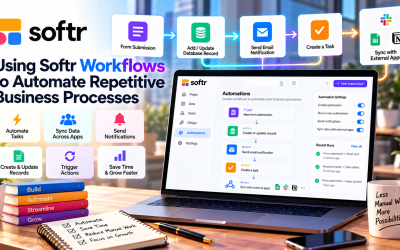
To save time, configure simple workflows that automate common business processes.
Examples include:
- Sending welcome emails
- Creating new records
- Updating customer information
- Approving requests
- Triggering notifications
Automation reduces manual work and improves team productivity.
Step 7: Preview and Publish
Before launching, preview your application on desktop and mobile devices to ensure everything works correctly.
When you're satisfied, publish your app with:
- Custom domain support
- Secure HTTPS connection
- Responsive design
- Built-in hosting
Your business application is now ready for your team or customers.
Tips for First-Time Users
If you're new to Softr, these best practices will help you build faster:
- Start with a template instead of a blank project.
- Keep your first app simple and improve it over time.
- Use consistent branding throughout your application.
- Organize pages with clear navigation.
- Test user permissions before inviting others.
- Explore AI-generated layouts for inspiration.
Small improvements often lead to a better user experience.
Common Beginner Mistakes
Avoid these common issues when building your first app:
- Adding too many pages at once
- Ignoring user permissions
- Using inconsistent naming conventions
- Skipping mobile testing
- Building complex workflows before validating your process
Starting with a simple version allows you to gather feedback and improve your app more effectively.
What Can You Build in Under an Hour?
With Softr, many businesses can create a working application in less than an hour, including:
- Client portals
- Employee directories
- Sales dashboards
- CRM systems
- Project trackers
- Knowledge bases
- Membership websites
- Internal request forms
As your business grows, you can continue expanding these applications without rebuilding them from scratch.
Final Verdict
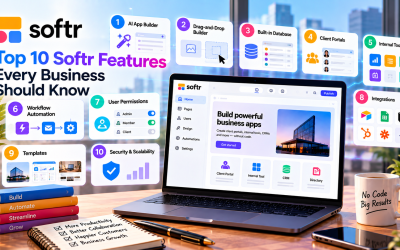
Softr makes business app development accessible to everyone. Its AI-powered App Builder, drag-and-drop interface, built-in database, and extensive integrations allow users to create functional applications in a fraction of the time required by traditional development.
If you're looking for a simple way to build your first business application without coding, Softr is one of the best platforms available in 2026. By starting with a template, connecting your data, and customizing your workflows, you can launch a professional app in less than an hour.

Write Your Review
No reviews yet. Be the first to share your experience!