
What is Softr?
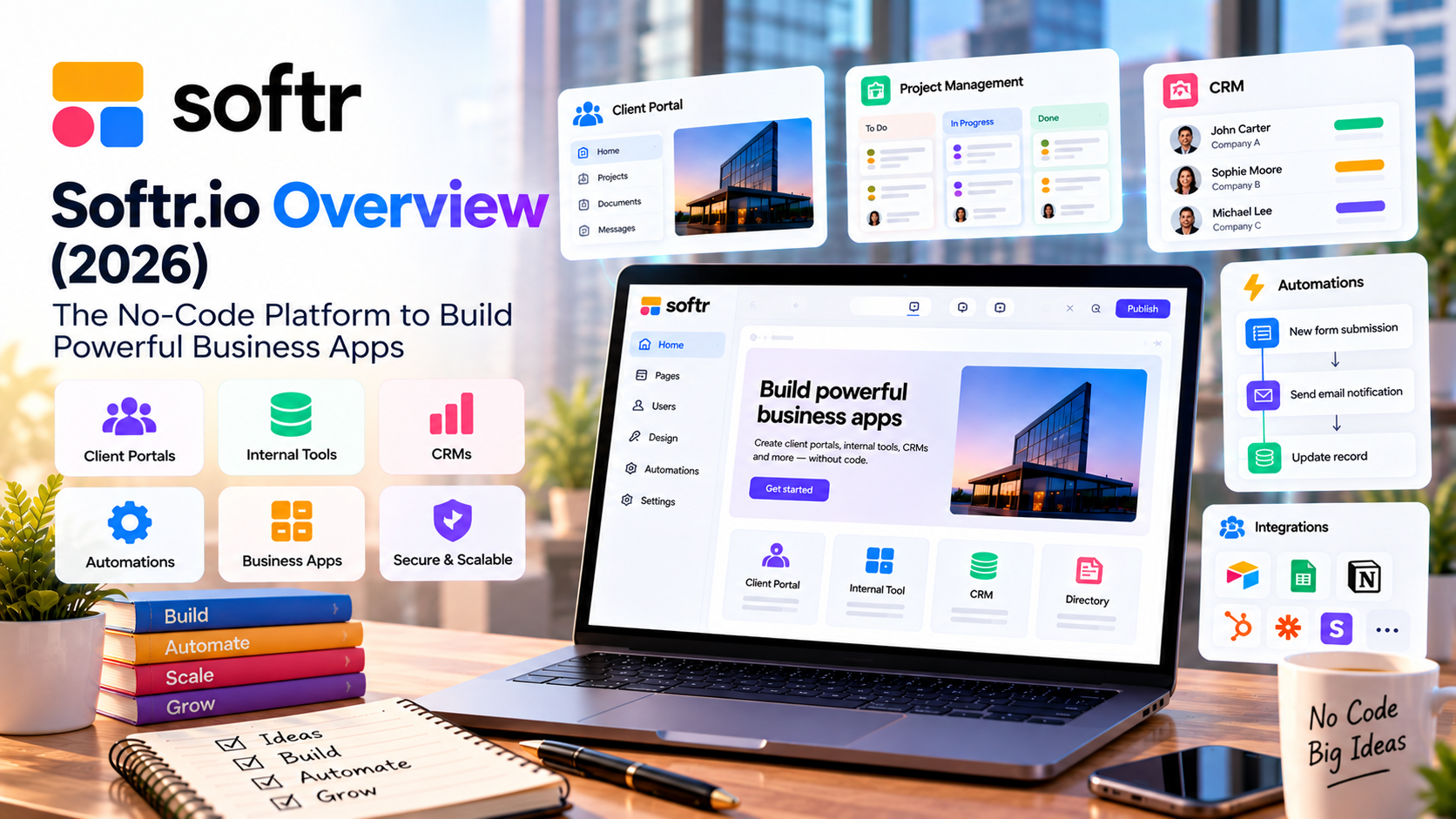
Softr is a modern AI-powered no-code application builder that enables businesses to create internal tools, client portals, partner portals, CRM systems, dashboards, knowledge bases, and business applications without writing code.
Originally known as a frontend builder for Airtable, Softr has evolved into a complete application platform featuring:
- Built-in database
- AI App Builder
- Workflow automation
- User authentication
- Role-based permissions
- REST API support
- 40+ integrations
Today, more than 1 million users and thousands of organizations use Softr to replace spreadsheets and expensive custom software with tailored business applications.
Company Information
| Item | Details |
|---|---|
| Product | Softr |
| Website | Softr.io |
| Category | No-Code / Low-Code Platform |
| Founded | 2020 |
| Headquarters | Berlin, Germany |
| Target Market | SMBs, Startups, Agencies, Enterprises |
| Free Plan | Yes |
| AI Features | Yes |
What Can You Build?
Softr is designed for operational business software rather than consumer mobile apps.
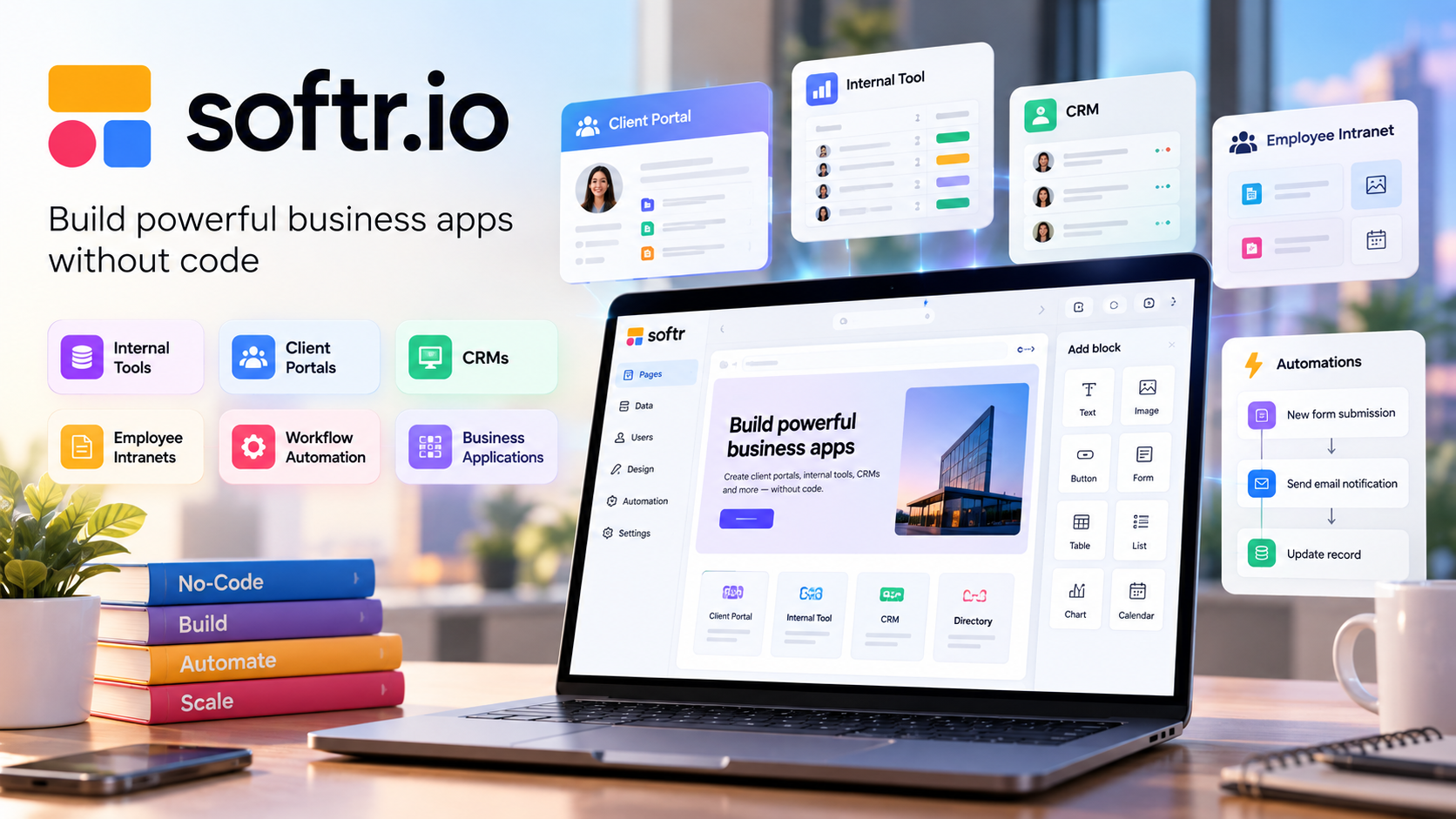
Popular use cases include:
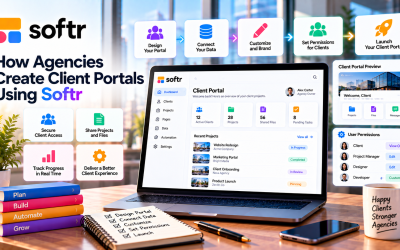
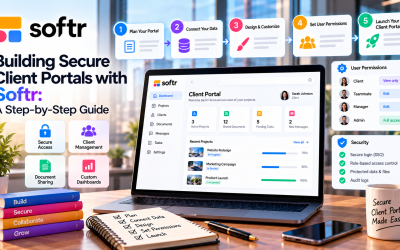
- Client Portals
- Partner Portals
- Vendor Portals
- Employee Intranets
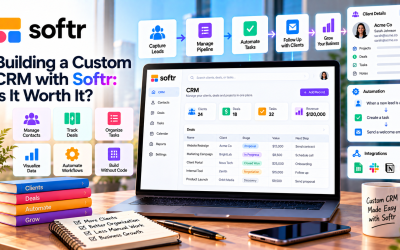
- CRM
- ERP
- Inventory Management
- Project Management
- Knowledge Base
- Dashboards
- Internal Tools
- Membership Sites
- Business Directories
Many organizations replace multiple SaaS products with a single custom Softr application.
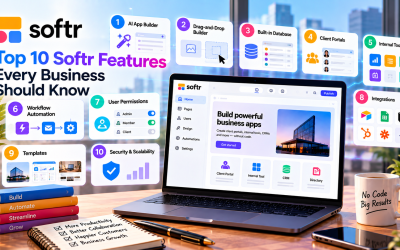
Core Features
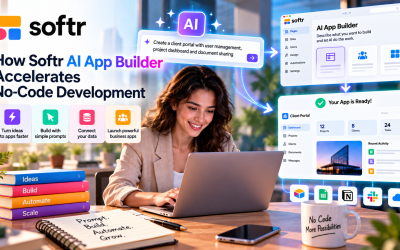
1. AI App Builder
Describe your application in natural language.
Softr AI automatically creates:
- Database
- Pages
- Navigation
- User roles
- Workflows
- Forms
- Business logic
Users can then customize everything visually.
2. Drag-and-Drop Builder
No coding required.
Includes pre-built blocks:
- Tables
- Lists
- Cards
- Charts
- Kanban
- Calendars
- Forms
- Maps
- Buttons
- Dashboards
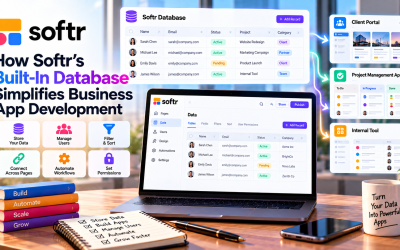
3. Built-in Database
Unlike earlier versions that relied on Airtable, Softr now includes its own database.
Features:
- Relational tables
- Record management
- User data
- File storage
- Search
- Filtering
It also supports external data sources.
4. Workflow Automation
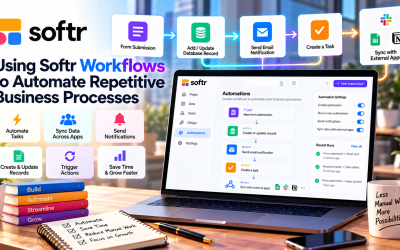
Automate business processes such as:
- Send emails
- Create records
- Update data
- Trigger webhooks
- Multi-step workflows
- Scheduled automations
5. Authentication
Built-in login options:
- Magic Link
- Google Login
- OTP
- Single Sign-On (Enterprise)
6. User Permissions
Role-based access control lets you define:
- Admin
- Employee
- Client
- Partner
- Vendor
- Custom roles
Each role can access only authorized pages and data.
7. Integrations
Softr integrates with:
- Airtable
- Google Sheets
- Notion
- HubSpot
- Salesforce
- SmartSuite
- Xano
- Stripe
- Zapier
- Make
- REST APIs
This allows businesses to connect existing tools without rebuilding workflows.
AI Capabilities
Recent releases position Softr as an AI-first platform.
Key AI features include:
- AI App Generation
- AI Database Creation
- AI Page Builder
- AI Workflow Builder
- AI Component Suggestions
- AI-powered custom components
- MCP/API support
Users can generate a working business app from a simple prompt and refine it visually afterward.
Security
Softr includes enterprise-ready security features:
- SOC 2 Type II
- GDPR compliance
- SSO
- Two-factor authentication (higher plans)
- Audit logs
- Role-based permissions
- Secure server-side database connections
- 99.9% uptime
These capabilities make it suitable for customer-facing and internal business applications.
Pricing (2026)
| Plan | Price (Annual Billing) | Best For |
|---|---|---|
| Free | $0 | Learning and personal projects |
| Basic | $19/month | Freelancers and small businesses |
| Pro | $99/month | Growing teams and agencies |
| Business | $329/month | Large organizations |
| Enterprise | Custom | Enterprises requiring advanced governance |
Every plan includes unlimited apps, with higher tiers increasing user limits, workflow capacity, governance, and advanced features.
Advantages
- Easy to learn for non-technical users
- Fast AI-assisted app creation
- Built-in database and automation
- Strong client portal functionality
- Modern UI templates
- Extensive integrations
- Secure user management
- Good value for SMBs
Limitations
- Less flexible than fully coded applications
- Limited support for highly complex business logic
- Advanced customizations may require APIs or custom code
- Workflow limits on lower-tier plans
- Not intended for complex consumer mobile apps or gaming
Ideal Users
Softr is best suited for:
- Small businesses
- Startups
- SaaS companies
- Marketing agencies
- Consulting firms
- HR teams
- Operations teams
- Sales teams
- Nonprofits
- Educational organizations
Main Competitors
- Glide
- Bubble
- Retool
- Noloco
- Appsmith
- Microsoft Power Apps
- Zoho Creator
- FlutterFlow (for mobile apps)
Overall Verdict
Overall Rating: 4.8/5
| Category | Score |
|---|---|
| Ease of Use | ⭐⭐⭐⭐⭐ |
| Features | ⭐⭐⭐⭐☆ |
| AI Capabilities | ⭐⭐⭐⭐⭐ |
| Integrations | ⭐⭐⭐⭐⭐ |
| Value for Money | ⭐⭐⭐⭐⭐ |
| Enterprise Readiness | ⭐⭐⭐⭐☆ |
Softr is one of the strongest AI-powered no-code platforms for building business software in 2026. Its combination of AI app generation, visual development, built-in database, workflow automation, and enterprise-grade security makes it an excellent choice for organizations that want to create custom operational tools quickly without hiring developers. It is particularly compelling for client portals, internal tools, CRMs, dashboards, and workflow automation, though businesses with highly specialized or algorithm-heavy applications may still require traditional software development.
Write Your Review
No reviews yet. Be the first to share your experience!