
Artificial Intelligence (AI) is no longer a futuristic concept. It has become part of our daily lives, helping us write emails, search for information, generate images, edit videos, write code, analyze data, and automate repetitive tasks.
Whether you're a student, freelancer, business owner, marketer, or software developer, learning how AI works is becoming as important as learning how to use a computer or the internet.
The good news? You don't need to be a programmer or data scientist to start using AI.
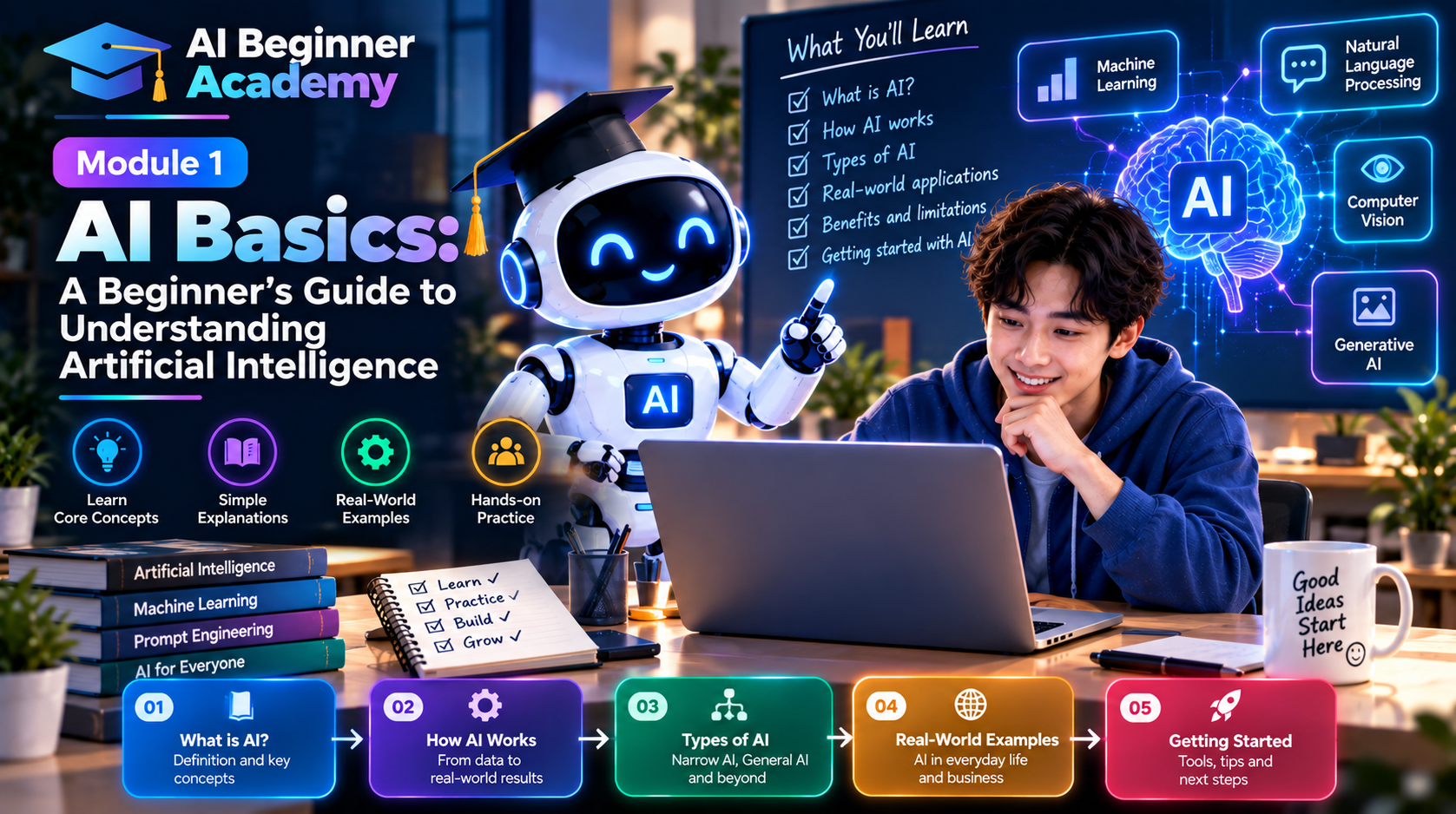
This first module will introduce the fundamentals of Artificial Intelligence in simple language, giving you the knowledge you need before exploring more advanced AI tools and techniques.
What Is Artificial Intelligence?
Artificial Intelligence (AI) refers to computer systems designed to perform tasks that normally require human intelligence.
These tasks include:
- Understanding language
- Recognizing images
- Solving problems
- Making recommendations
- Learning from data
- Generating text, images, videos, and code
Unlike traditional software that follows fixed rules, AI can analyze patterns and produce new outputs based on what it has learned.
For example:
- Netflix recommends movies you may enjoy.
- Google Maps suggests the fastest route.
- Email services filter spam automatically.
- ChatGPT answers questions and generates content.
- AI image generators create artwork from text descriptions.
These are all examples of AI in action.
Why Is AI Becoming So Popular?
Several factors have accelerated AI adoption in recent years:
Better AI Models
Modern Large Language Models (LLMs) can understand natural language, answer complex questions, and generate high-quality content.
Faster Computing
Cloud computing and powerful GPUs allow AI systems to process enormous amounts of information quickly.
More Data
The availability of large datasets has enabled AI models to learn patterns more effectively.
Easy-to-Use Tools
Today's AI tools are designed for everyone—not just engineers. Many applications require nothing more than typing a prompt in plain English.
Different Types of AI
Not all AI systems perform the same tasks. Understanding the main categories will help you choose the right tool.
1. Chat AI
These tools communicate using natural language.
Examples:
- ChatGPT
- Claude
- Google Gemini
- Microsoft Copilot
Common uses:
- Writing
- Brainstorming
- Coding
- Research
- Translation
2. Image AI
These tools create images from text prompts.
Examples:
- Midjourney
- Adobe Firefly
- Canva AI
- Ideogram
- Leonardo AI
Use cases include:
- Marketing graphics
- Logos
- Book covers
- Social media posts
- Product mockups
3. Video AI
AI video generators can create or edit videos from text or images.
Popular tools include:
- Google Veo
- Runway
- Kling AI
- Luma Dream Machine
- CapCut AI
They are commonly used for:
- Marketing videos
- YouTube Shorts
- Product demonstrations
- Advertisements
4. Voice AI
Voice AI converts text into speech or creates realistic AI voices.
Examples:
- ElevenLabs
- PlayHT
- Speechify
Applications include podcasts, audiobooks, training videos, and voice assistants.
5. Coding AI
Coding assistants help developers write, debug, and optimize software.
Popular choices include:
- GitHub Copilot
- Cursor AI
- Codeium
- Amazon Q Developer
6. AI Agents
AI Agents go beyond answering questions. They can plan, reason, use tools, and complete multi-step tasks autonomously.
Examples include:
- Customer support agents
- Research assistants
- Sales automation agents
- Software engineering agents
Agentic AI is one of the fastest-growing areas of enterprise AI.
What Is Generative AI?
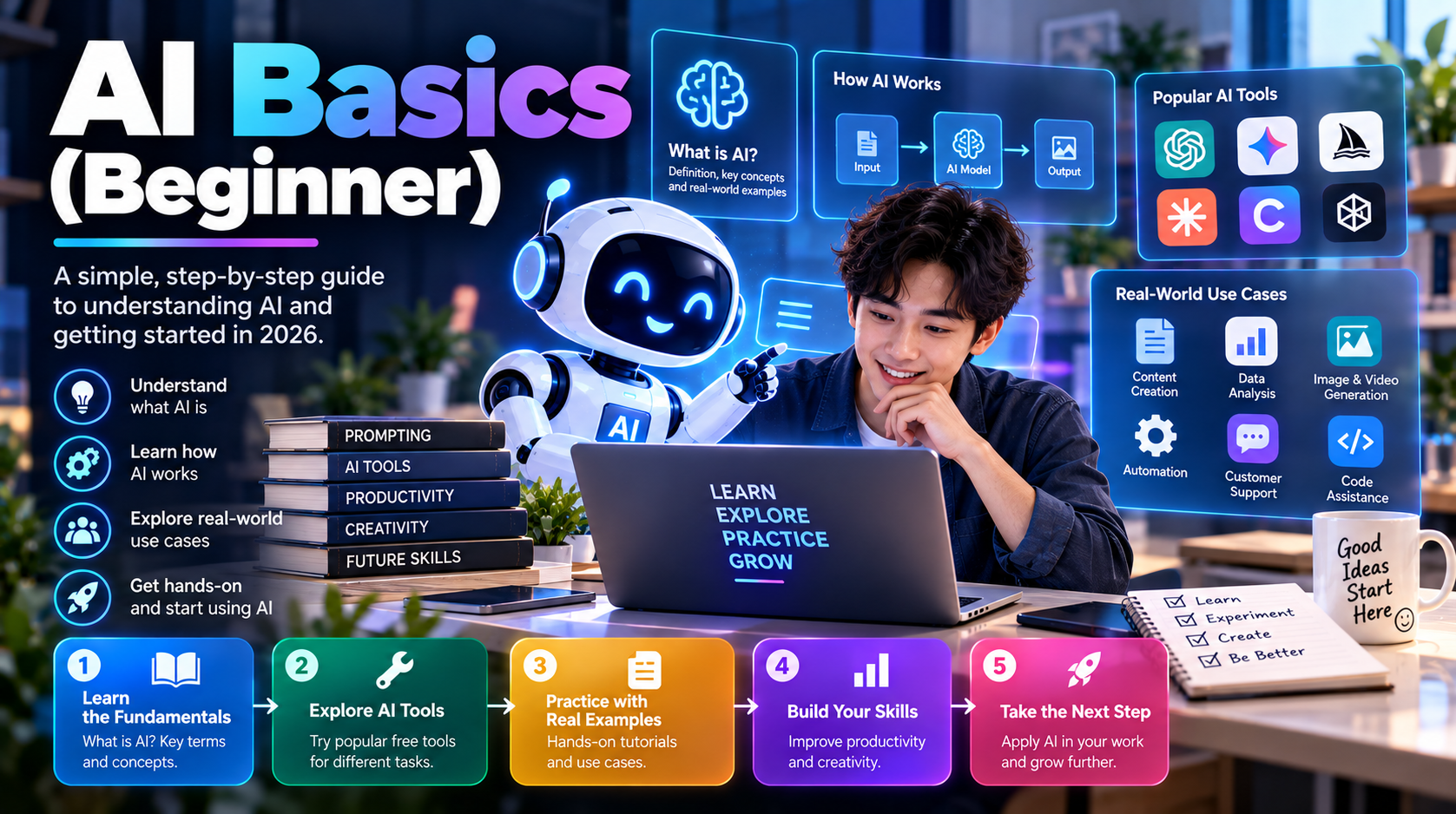
Generative AI is a branch of AI that creates new content instead of simply analyzing existing information.
It can generate:
- Articles
- Emails
- Images
- Videos
- Music
- Computer code
- Presentations
Unlike traditional search engines, Generative AI produces original responses tailored to your request.
What Is an LLM?
LLM stands for Large Language Model.
An LLM is an AI model trained on vast amounts of text, enabling it to understand and generate human-like language.
Popular LLMs include:
- GPT
- Claude
- Gemini
- Llama
- Qwen
- DeepSeek
These models power many of today's AI assistants.
What Is a Prompt?
A prompt is simply the instruction you give an AI.
Examples:
- “Write a professional email.”
- “Summarize this article.”
- “Generate a Python script.”
- “Create a marketing plan.”
- “Design a futuristic logo.”
The quality of your prompt often determines the quality of the AI's response.
Learning to write effective prompts is one of the most valuable AI skills.
Common AI Terms Every Beginner Should Know
| Term | Meaning |
|---|---|
| AI | Artificial Intelligence |
| LLM | Large Language Model |
| Prompt | Instruction given to AI |
| Token | Small unit of text processed by AI |
| Context Window | Maximum amount of information an AI can consider at one time |
| Hallucination | When AI generates incorrect or fabricated information |
| RAG | Retrieval-Augmented Generation, combining AI with external knowledge |
| Agent | An AI system capable of planning and performing tasks |
| Fine-Tuning | Training a model on specialized data |
| Multimodal AI | AI that understands multiple input types, such as text, images, audio, and video |
What Can AI Help You Do?
AI can support almost every profession.
Students
- Summarize textbooks
- Explain difficult concepts
- Generate study notes
- Practice languages
Office Workers
- Write emails
- Create presentations
- Analyze spreadsheets
- Summarize meetings
Content Creators
- Write blog posts
- Generate social media content
- Create images
- Produce videos
Software Developers
- Generate code
- Explain errors
- Write tests
- Document APIs
Business Owners
- Customer support
- Marketing
- Sales automation
- Business analysis
Common Misconceptions About AI
“AI knows everything.”
No. AI can make mistakes and sometimes produces inaccurate or outdated information.
“AI will replace every job.”
AI is more likely to automate specific tasks than entire professions. People who learn to work effectively with AI are likely to become more productive.
“AI is only for programmers.”
Modern AI tools are designed for everyone, regardless of technical background.
“Using AI is cheating.”
AI is a productivity tool. Like calculators or search engines, it is most valuable when used responsibly and with critical thinking.
Tips for Beginners
If you're just starting your AI journey:
- Begin with one or two tools rather than trying everything at once.
- Practice writing clear prompts.
- Verify important information before relying on AI-generated content.
- Experiment with different tools to understand their strengths.
- Focus on solving real problems instead of learning every feature.
Consistency is more valuable than complexity.
What's Next?
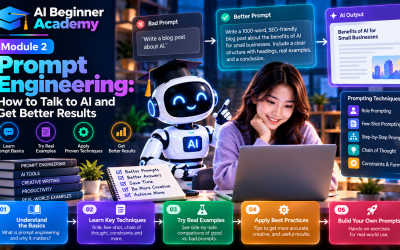
Now that you understand the basics of AI, the next step is learning how to communicate effectively with AI systems.
In Module 2 – Prompt Engineering, you'll learn:
- What makes a good prompt
- Prompt-writing frameworks
- Common prompting mistakes
- Reusable prompt templates
- Techniques for getting higher-quality AI responses
Mastering prompts is the foundation of becoming an effective AI user.
Final Thoughts
Artificial Intelligence is transforming the way we learn, work, and create.
You don't need to understand advanced algorithms or machine learning to benefit from AI. By learning the fundamentals and practicing with the right tools, anyone can begin using AI to save time, improve productivity, and unlock new creative possibilities.
This module is just the beginning. As you progress through the series, you'll build practical AI skills that can be applied in your daily work, business, and personal projects.
Welcome to your AI learning journey.

Write Your Review
No reviews yet. Be the first to share your experience!