
Selecting the right Customer Relationship Management (CRM) platform is one of the most important decisions for any growing business. A CRM doesn't just store customer information—it helps sales teams organize leads, automate follow-ups, improve communication, and ultimately close more deals.
With dozens of CRM solutions on the market, it can be difficult to determine which one best fits your business. Close CRM has earned a strong reputation by focusing on one goal: helping sales teams sell more efficiently. Instead of offering a broad suite of marketing or customer service tools, Close prioritizes communication, automation, and pipeline management.
If you're considering Close CRM, this guide explains everything you need to know before making a purchase.
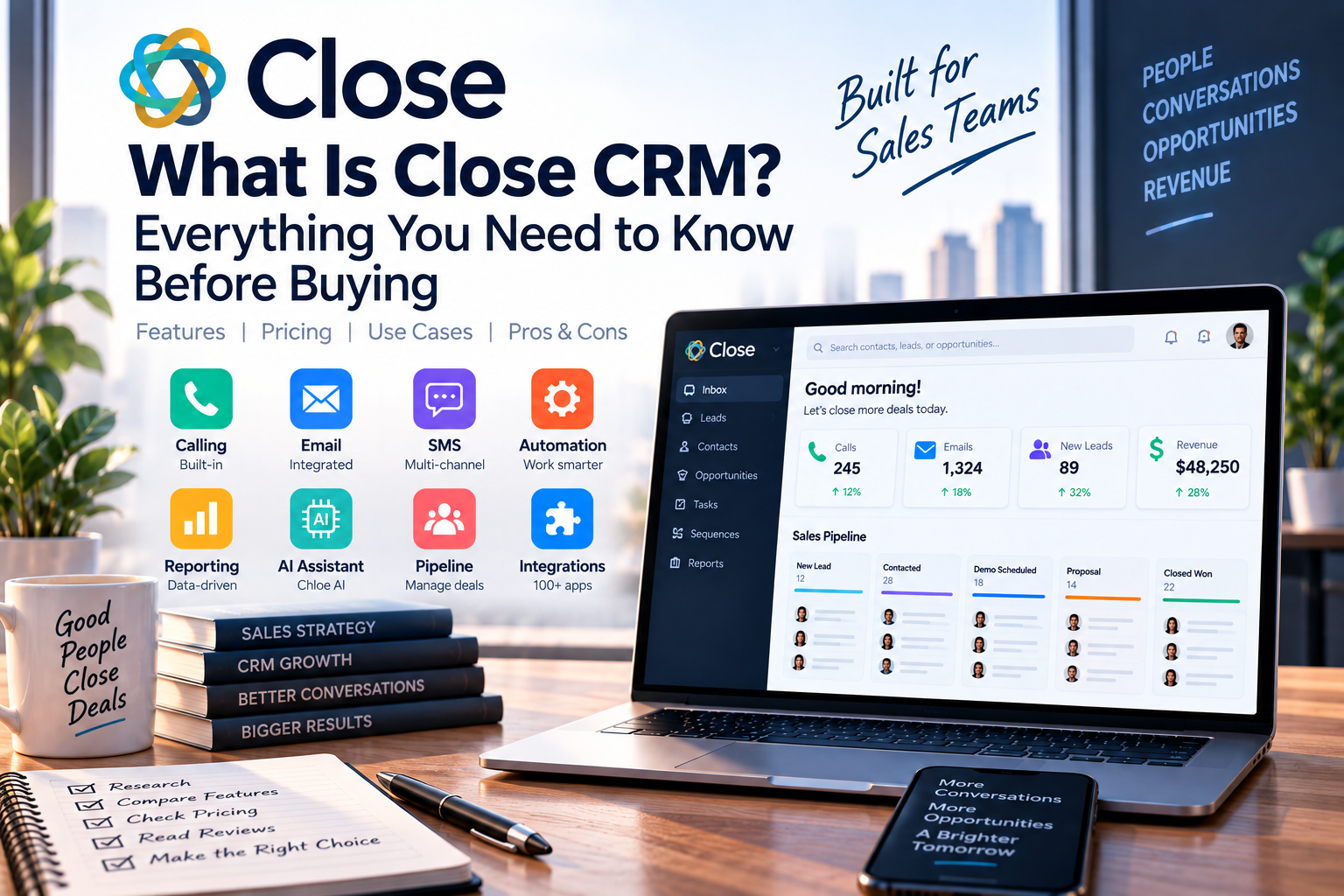
What Is Close CRM?
Close CRM is a cloud-based sales CRM designed specifically for businesses that rely on active sales outreach. The platform combines customer relationship management with built-in communication tools, allowing sales representatives to manage calls, emails, SMS messages, tasks, and opportunities from one centralized workspace.
Founded in 2013 by Elastic Inc., Close was built to solve a common problem: salespeople spending too much time updating CRM records instead of talking to customers. By integrating communication directly into the platform, Close reduces manual work and keeps every customer interaction in one place.
Today, Close CRM is used by thousands of companies worldwide, particularly startups, SaaS businesses, agencies, consulting firms, and B2B sales organizations.
How Does Close CRM Work?
Close CRM follows a simple sales workflow:
- Import or create leads.
- Organize contacts into pipelines.
- Contact prospects via calls, email, or SMS.
- Schedule follow-up tasks and reminders.
- Automate repetitive workflows.
- Track opportunities through each sales stage.
- Analyze team performance with reporting dashboards.
Every interaction is automatically logged, giving sales representatives complete visibility into customer relationships without requiring manual data entry.
Key Features
Built-in Calling
Unlike many CRM platforms, Close includes a native calling system. Users can place and receive calls directly from the browser, record conversations, and automatically save call history.
Features include:
- One-click dialing
- Call recording
- Power Dialer
- Call coaching
- International calling support
This makes Close particularly valuable for outbound sales teams.
Email Integration
Close integrates with Gmail and Outlook, allowing users to manage emails without switching applications.
Features include:
- Two-way email sync
- Email templates
- Open tracking
- Link tracking
- Bulk email sequences
- Shared inbox support
Sales representatives can personalize outreach while maintaining a complete communication history.
SMS Messaging
Text messaging has become an important communication channel for many businesses. Close enables users to send and receive SMS messages directly from the CRM.
Benefits include:
- Faster customer responses
- Appointment reminders
- Follow-up communication
- Automatic message history
AI-Powered Productivity
Close has expanded its AI capabilities to help sales teams work more efficiently.
AI features include:
- Automatic meeting summaries
- AI-generated call notes
- Email writing assistance
- Suggested follow-up messages
- Lead enrichment
- AI voice assistant
These tools minimize administrative tasks, allowing representatives to spend more time engaging with prospects.
Sales Pipeline Management
Close provides visual pipelines that make it easy to monitor opportunities from the first contact to the final sale.
Users can:
- Create custom sales stages
- Track deal values
- Forecast revenue
- Monitor conversion rates
- Identify stalled opportunities
This visibility helps managers make informed sales decisions.
Workflow Automation
Automation helps businesses standardize their sales process.
Examples include:
- Automatic lead assignment
- Follow-up reminders
- Email sequences
- Task creation
- Opportunity updates
These workflows improve efficiency while reducing repetitive manual work.
Pricing Overview
Close offers multiple pricing plans to accommodate businesses at different growth stages.
Base
Suitable for small businesses that need essential CRM features and built-in communication tools.
Startup
Includes additional automation, reporting, and customization features for growing teams.
Professional
Designed for organizations requiring advanced forecasting, workflow automation, and enhanced AI functionality.
Enterprise
Provides premium onboarding, advanced permissions, and dedicated support for larger businesses.
A free trial is available, allowing businesses to test the platform before subscribing.
Pros & Cons
Pros
- Built-in calling, email, and SMS
- Simple and intuitive interface
- Excellent automation capabilities
- AI-powered productivity tools
- Fast onboarding process
- Strong reporting dashboards
- Designed specifically for sales teams
Cons
- No permanently free plan
- Marketing automation is limited
- Enterprise customization is less extensive than Salesforce
- Some advanced features require higher-tier plans
- Calling charges may apply depending on usage
Who Should Buy Close CRM?
Close CRM is an excellent choice for:
SaaS Companies
Manage product demos, free trials, and subscription sales.
Startups
Scale sales operations without investing in overly complex enterprise software.
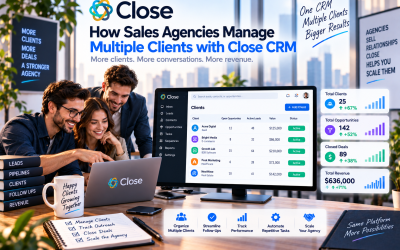
Sales Agencies
Handle multiple client pipelines and automate outreach campaigns.
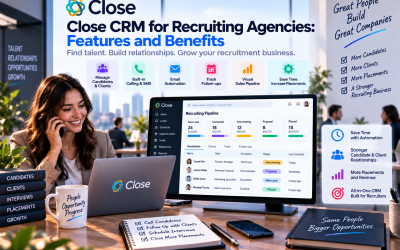
Recruiting Firms
Communicate efficiently with candidates using integrated calling and email.
B2B Service Providers
Track prospects, proposals, and customer communications from a single platform.
Who Should Consider Other Options?
Close may not be the ideal solution for every business.
You may want to explore alternatives if your organization requires:
- Advanced marketing automation
- Customer support ticket management
- Extensive enterprise customization
- A permanently free CRM
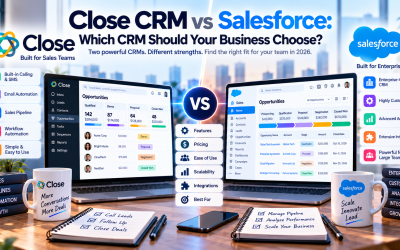
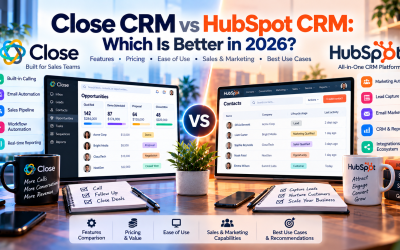
In these cases, platforms like HubSpot, Salesforce, or Zoho CRM may better match your requirements.
Final Verdict
Close CRM stands out because it focuses on what sales professionals need most: efficient communication and streamlined workflows. By combining calling, email, SMS, automation, and AI-powered assistance into one platform, it helps sales teams spend less time managing software and more time building customer relationships.
Although it lacks some of the enterprise customization and marketing capabilities found in larger CRM platforms, Close delivers exceptional value for startups, SMBs, SaaS companies, and outbound sales teams. Its clean interface, minimal learning curve, and productivity-focused design make it one of the most user-friendly sales CRMs available today.
If your primary goal is to improve sales efficiency rather than manage complex enterprise processes, Close CRM is a strong investment and deserves a place on your shortlist.


Write Your Review
No reviews yet. Be the first to share your experience!