
Creating an online course may seem overwhelming at first, but LearnWorlds simplifies the process with its intuitive interface and AI-powered tools. Whether you're a coach, educator, consultant, or entrepreneur, you can build a professional course without technical expertise.
This guide walks you through the essential steps to create and launch your first online course using LearnWorlds.
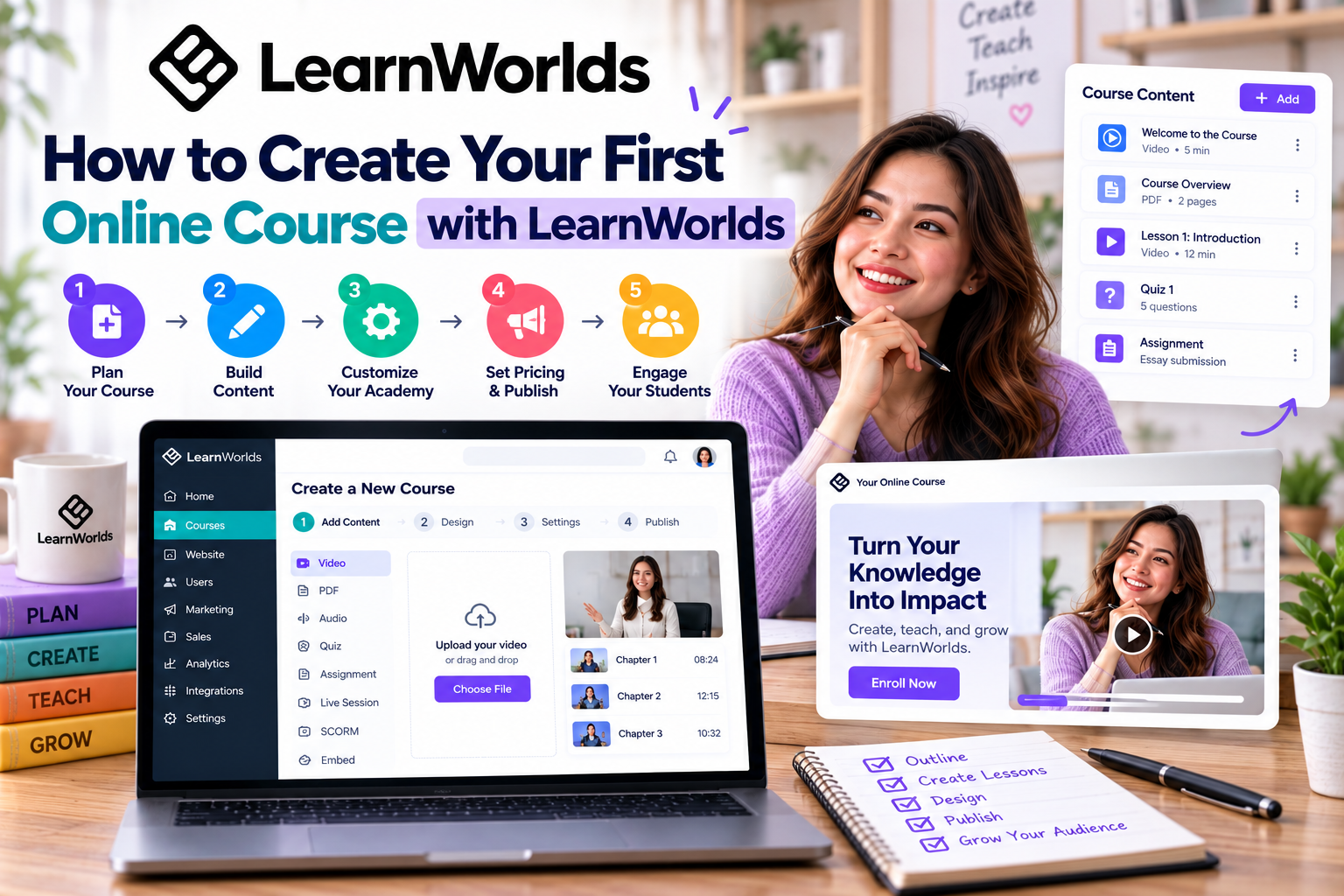
Step 1: Define Your Course Topic
Every successful course starts with a clear objective.
Choose a topic that:
- Solves a specific problem
- Matches your expertise
- Has market demand
- Delivers measurable outcomes
Instead of creating a broad course, focus on helping students achieve one clear result.
For example:
- Digital Marketing for Beginners
- Excel for Business Professionals
- Beginner Yoga at Home
- Photography Fundamentals
A focused topic is easier to market and often converts better.
Step 2: Create Your Course in LearnWorlds
After signing in, navigate to the Courses section and click Create Course.
You'll be asked to enter:
- Course title
- Description
- Cover image
- Instructor information
- Course URL
- Pricing option
Choose whether your course will be:
- Free
- Paid
- Private
- Coming Soon
- Subscription-based
You can always update these settings later.
Step 3: Build Your Course Structure
A well-organized course improves the learning experience.
Divide your content into:
- Modules
- Sections
- Individual lessons
For example:
Module 1: Introduction
- Welcome
- Course overview
- Required resources
Module 2: Core Concepts
- Lesson 1
- Lesson 2
- Quiz
Module 3: Practical Application
- Case study
- Assignment
- Final project
This logical structure helps students progress step by step.
Step 4: Add Learning Content
LearnWorlds supports a variety of lesson types, including:
- Video
- Audio
- eBooks
- Live sessions
- Quizzes
- Assignments
- SCORM packages
Mixing different content formats keeps learners engaged and accommodates different learning styles.
Step 5: Enhance Your Course with AI
One of LearnWorlds' biggest advantages is its built-in AI assistant.
Use AI to:
- Generate course outlines
- Create lesson drafts
- Write quizzes
- Produce learning objectives
- Improve existing content
AI can significantly reduce development time while helping maintain consistency across your course.
Step 6: Customize the Student Experience
Before publishing, personalize your online classroom.
You can customize:
- Course player
- Branding
- Navigation
- Certificates
- Progress tracking
- Completion requirements
A polished learning environment builds trust and enhances the student experience.
Step 7: Preview and Publish
Before making your course available, review everything carefully.
Check:
- Video playback
- Quiz functionality
- Lesson order
- Links and downloads
- Mobile responsiveness
Once everything looks good, click Publish to make your course available to students.
Tips for Success
Keep these best practices in mind:
- Focus on solving one specific problem.
- Break lessons into short, manageable sections.
- Include quizzes to reinforce learning.
- Add assignments that encourage practical application.
- Update your content regularly to keep it relevant.
Remember, your first course doesn't have to be perfect. You can continue improving it based on student feedback.
Final Thoughts
Creating your first online course with LearnWorlds is easier than many beginners expect. From planning your content and organizing lessons to using AI for faster development and publishing with confidence, the platform provides everything you need in one place.
With a clear course structure, engaging content, and consistent improvements, you'll be well on your way to building a successful online education business.
Bài này giữ độ dài khoảng 600 từ, cùng phong cách với Day 1. Tiếp theo sẽ là:
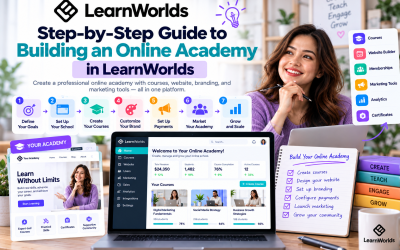
2. Step-by-Step Guide to Building an Online Academy in LearnWorlds

Write Your Review
No reviews yet. Be the first to share your experience!