
Google Ads is one of the fastest ways to generate traffic, leads, and sales. However, even the best ad campaigns can fail if visitors land on pages that don't match their expectations. Many advertisers spend thousands of dollars driving traffic to homepages or generic product pages, resulting in low conversion rates and wasted ad spend.
Unbounce helps solve this problem by allowing marketers to build dedicated landing pages that align with each Google Ads campaign. With features such as Dynamic Text Replacement, Smart Traffic, A/B testing, and advanced analytics, businesses can improve user experience and maximize return on advertising investment.
In this guide, you'll learn how to optimize Google Ads campaigns with Unbounce and turn more clicks into conversions.
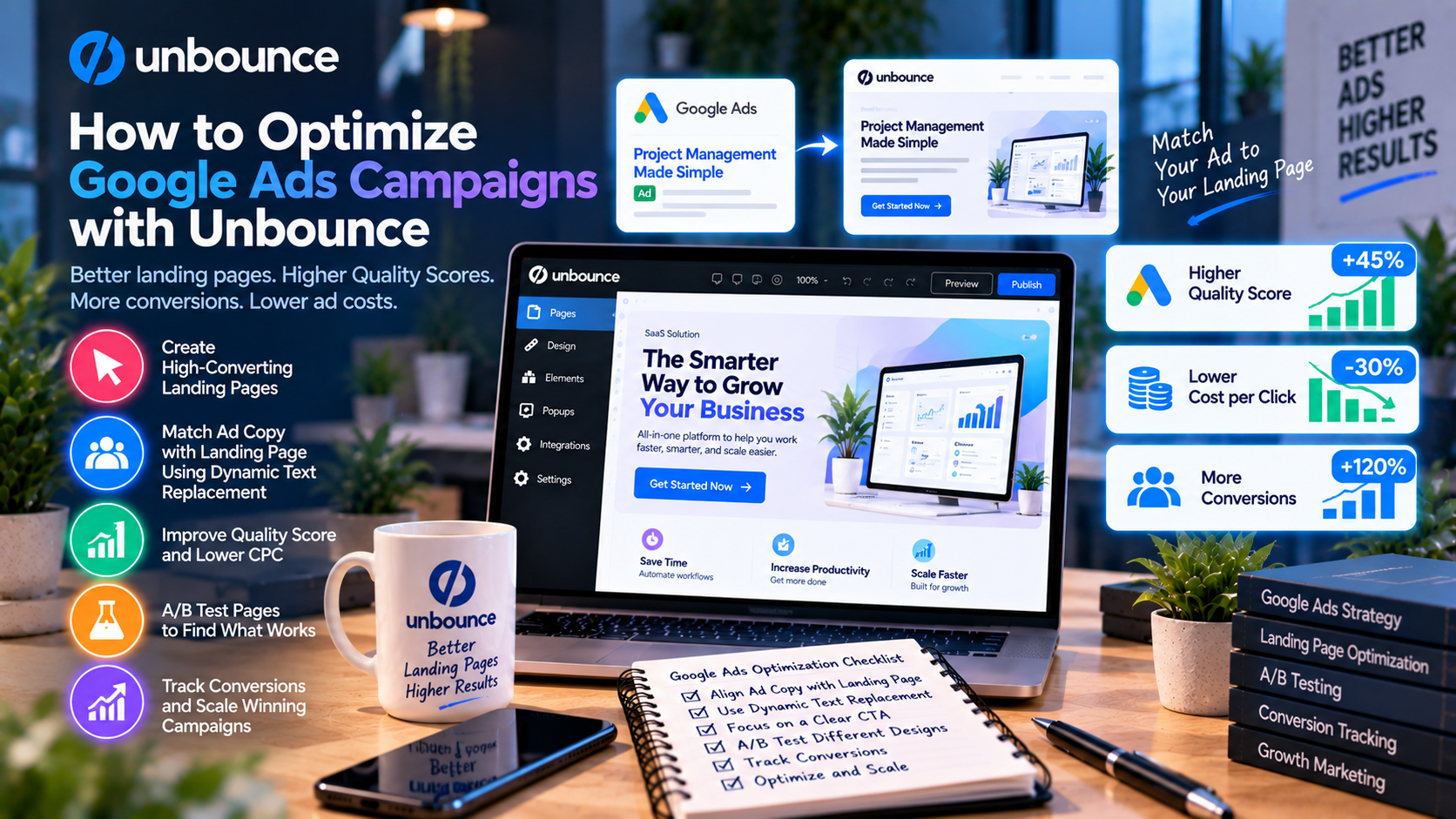
Why Landing Pages Matter for Google Ads
Every Google Ads campaign has one objective: encourage users to take action.
When visitors click an ad, they expect to find exactly what was promised. If they arrive on a page with unrelated content, confusing navigation, or multiple offers, they are more likely to leave without converting.
A dedicated landing page provides:
- Clear messaging
- One call to action
- Faster decision-making
- Better user experience
- Higher conversion potential
This focused approach often outperforms sending traffic to a homepage or category page.
Match Landing Pages to Ad Groups
One of the most effective Google Ads strategies is creating separate landing pages for different ad groups.
For example, instead of using one page for all CRM-related keywords, create pages for:
- CRM for Small Business
- CRM for Sales Teams
- CRM for Startups
- CRM with AI Features
Each landing page should reflect the keywords, benefits, and audience of its corresponding ad group.
This improves relevance and increases the likelihood of conversions.
Use Dynamic Text Replacement
Dynamic Text Replacement (DTR) is one of Unbounce's most valuable features for PPC campaigns.
DTR automatically updates selected landing page text using the keyword that triggered the Google Ad.
For example:
Search Query:
“AI CRM Software”
Landing Page Headline:
“The Best AI CRM Software for Growing Businesses”
Another visitor searching for:
“CRM for Startups”
could see:
“The Best CRM for Startups.”
This personalization creates a seamless transition from advertisement to landing page and improves user confidence.
Build a Strong Value Proposition
Visitors decide within seconds whether to stay on your landing page.
Your headline should clearly explain:
- What you offer
- Who it's for
- Why it's valuable
Support your headline with a concise subheading that reinforces the primary benefit.
Avoid vague marketing language and focus on measurable outcomes whenever possible.
Design a High-Converting Landing Page
A successful Google Ads landing page should include:
- A compelling headline
- Supporting subheadline
- High-quality product image or video
- Customer testimonials
- Trust badges
- Short lead form
- Strong call-to-action button
Remove unnecessary navigation links and keep the page focused on one conversion goal.
Optimize Forms for Lead Generation
Long forms often reduce conversion rates.
Ask only for essential information, such as:
- Name
- Company
- Phone number (if necessary)
Reducing the number of required fields makes it easier for visitors to complete the form.
Use Smart Traffic for Better Performance
Different users respond to different messaging.
Unbounce's Smart Traffic analyzes visitor characteristics—including device, location, browser, and referral source—and automatically directs each visitor to the landing page variation most likely to convert.
Unlike traditional optimization methods, Smart Traffic continuously learns and improves over time, helping marketers increase conversions with less manual effort.
Improve Results with A/B Testing
No landing page is perfect from the start.
Unbounce allows you to test different versions of your page by experimenting with:
- Headlines
- CTA buttons
- Images
- Pricing
- Form length
- Customer testimonials
- Colors
- Page layouts
Testing one element at a time helps identify which changes have the greatest impact on conversion rates.
Optimize for Mobile Users
A large percentage of Google Ads traffic comes from mobile devices.
Ensure your landing page:
- Loads quickly
- Uses responsive layouts
- Displays readable text
- Has large, easy-to-click buttons
- Minimizes unnecessary scrolling
A smooth mobile experience can significantly improve conversion performance.
Track Campaign Performance
Optimization requires accurate data.
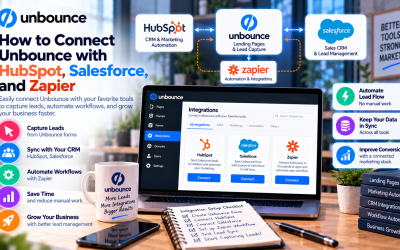
Integrate Unbounce with tools such as:
- Google Analytics
- Google Ads
- HubSpot
- Salesforce
- Zapier
Monitor important metrics including:
- Click-through rate (CTR)
- Conversion rate
- Cost per lead (CPL)
- Bounce rate
- Return on ad spend (ROAS)
- Quality Score
Regular analysis helps identify opportunities for improvement.
Best Practices for Google Ads Landing Pages
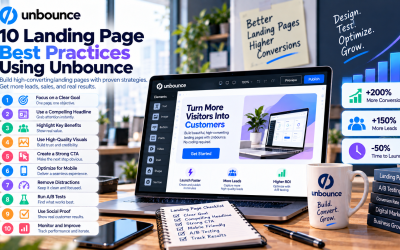
To maximize campaign performance:
- Create one landing page for each advertising campaign.
- Match landing page messaging to ad copy.
- Use Dynamic Text Replacement for keyword personalization.
- Keep forms short.
- Highlight customer benefits instead of product features.
- Include testimonials and trust signals.
- Test headlines and CTAs regularly.
- Enable Smart Traffic for high-volume campaigns.
- Optimize pages for mobile devices.
- Continuously monitor analytics.
Following these best practices can improve both user experience and campaign results.
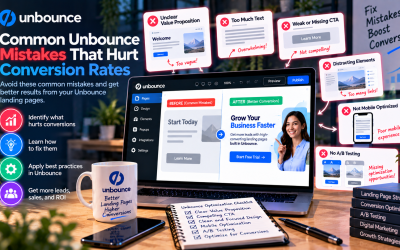
Common Mistakes to Avoid
Many advertisers reduce campaign effectiveness by making avoidable mistakes.
Common errors include:
- Sending traffic to a homepage
- Using generic landing page headlines
- Including multiple calls to action
- Asking for too much information
- Ignoring mobile optimization
- Not testing landing pages
- Failing to monitor conversion data
Avoiding these mistakes can help maximize every advertising dollar.
Who Should Use Unbounce for Google Ads?
Unbounce is ideal for businesses and professionals running paid search campaigns, including:
- SaaS companies
- Ecommerce brands
- Marketing agencies
- B2B organizations
- Consultants
- Local service businesses
- Online educators
- Lead generation teams
Whether your goal is generating leads, increasing product sales, or promoting events, Unbounce provides the tools needed to build landing pages that convert.
Final Verdict
Google Ads success depends on more than compelling advertisements. Visitors need landing pages that deliver relevant messaging, clear value, and a frictionless conversion experience. Unbounce provides marketers with a complete platform to create, personalize, and optimize these landing pages without requiring coding skills.
Features such as Dynamic Text Replacement, Smart Traffic, A/B testing, responsive design, and seamless integrations make Unbounce an excellent choice for businesses looking to maximize their advertising performance. By combining these tools with ongoing analysis and testing, marketers can improve conversion rates, reduce wasted ad spend, and achieve a higher return on investment from every Google Ads campaign.
Write Your Review
No reviews yet. Be the first to share your experience!