
Webinars and online events have become essential marketing tools for businesses looking to educate prospects, build brand authority, and generate qualified leads. Whether you're hosting a product demo, industry conference, online workshop, or training session, the success of your event often depends on one critical factor—registrations.
A dedicated registration page can significantly improve sign-up rates compared to directing visitors to a general website. This is where Unbounce excels. With its no-code landing page builder, AI-powered optimization features, and lead capture tools, Unbounce helps businesses create high-converting registration pages that encourage more people to attend events.
In this article, we'll explore how businesses use Unbounce to increase webinar registrations, improve event marketing campaigns, and generate more qualified leads.
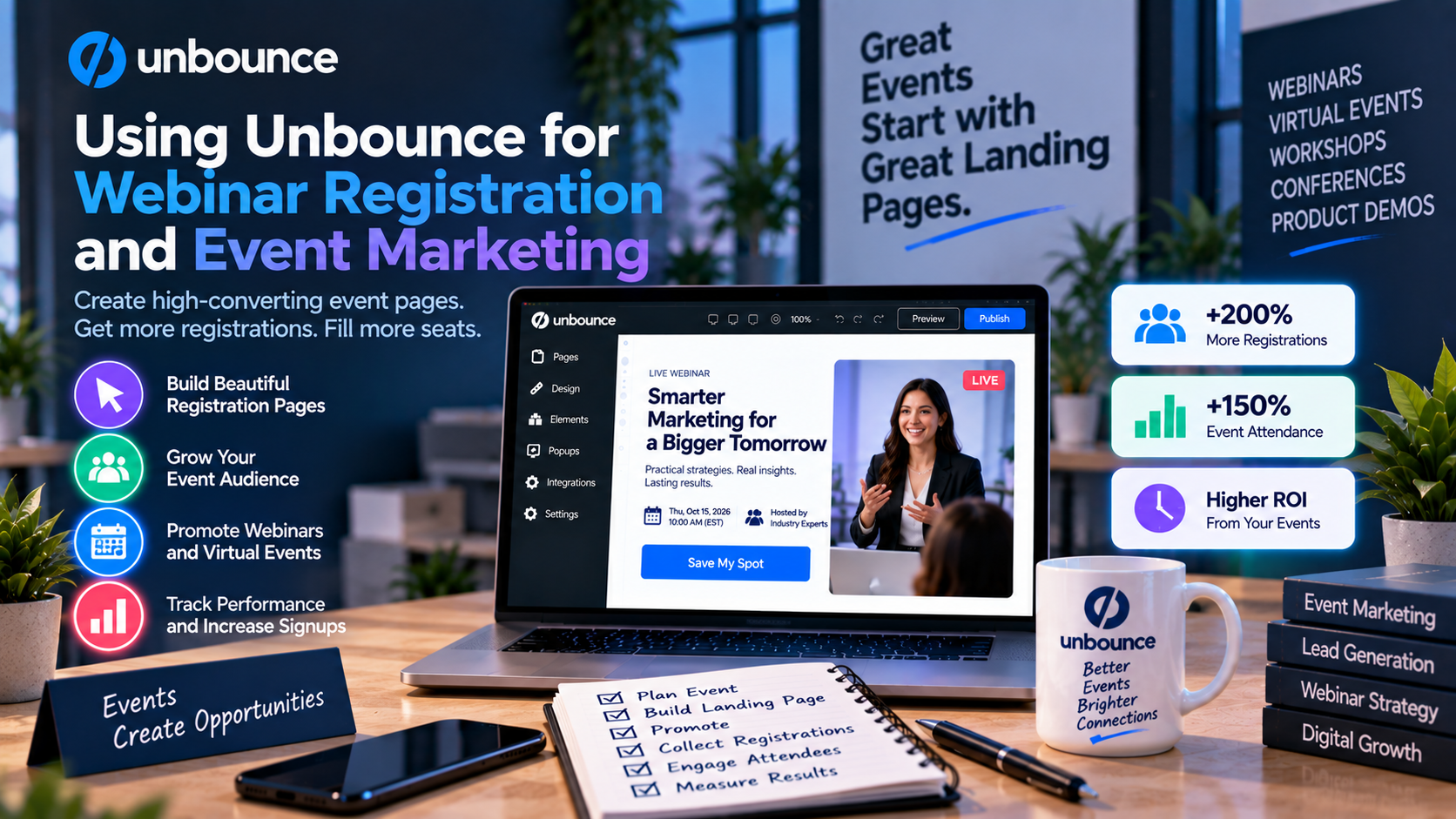
Why Dedicated Registration Pages Matter
Many organizations promote webinars by sending visitors to their homepage or a generic event page. While these pages provide useful information, they often contain navigation menus, unrelated content, and multiple calls to action that distract potential attendees.
A dedicated Unbounce landing page focuses on one objective—encouraging visitors to register.
An effective webinar registration page typically includes:
- A compelling event title
- Date and time
- Speaker information
- Event agenda
- Key learning outcomes
- Registration form
- Call-to-action button
- Testimonials or social proof
Removing distractions helps visitors complete the registration process more quickly.
Build Registration Pages Without Coding
Marketing teams often need to launch webinar campaigns on short notice.
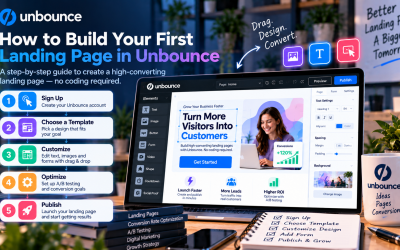
Unbounce's drag-and-drop builder allows users to create professional registration pages without relying on developers.
Teams can easily customize:
- Headlines
- Images
- Videos
- Registration forms
- Countdown timers
- CTA buttons
- Brand colors
- Layouts
This flexibility enables businesses to launch campaigns quickly while maintaining a professional appearance.
Increase Registrations with High-Converting Landing Pages
Successful webinar landing pages focus on communicating value rather than simply describing the event.
Businesses use Unbounce to highlight:
- Problems the webinar will solve
- Practical takeaways
- Industry insights
- Guest speakers
- Customer success stories
- Limited seat availability
A clear value proposition encourages more visitors to register.
Optimize Paid Advertising Campaigns
Many organizations promote webinars through:
- Google Ads
- LinkedIn Ads
- Facebook Ads
- Instagram Ads
- Email marketing
- Content marketing
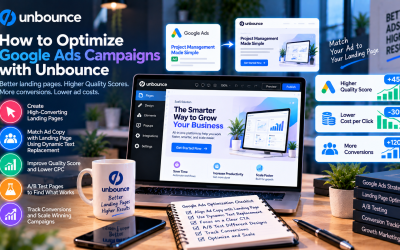
Instead of directing advertising traffic to a homepage, Unbounce enables marketers to create dedicated landing pages that match each campaign's messaging.
This consistency between advertisements and landing pages often improves conversion rates and reduces visitor drop-off.
Personalize Messaging with Dynamic Text Replacement
Different audiences search for different topics.
With Dynamic Text Replacement, Unbounce can automatically update selected landing page text to match the keywords visitors use in Google Ads.
For example:
A search for:
“AI marketing webinar”
can display the headline:
“Join Our AI Marketing Webinar.”
Another visitor searching for:
“Digital marketing workshop”
may see:
“Register for Our Digital Marketing Workshop.”
This personalization improves relevance and creates a more engaging visitor experience.
Improve Conversions with Smart Traffic
Every audience segment responds differently.
Some visitors may prefer technical presentations, while others are more interested in business outcomes or industry trends.
Unbounce's Smart Traffic uses artificial intelligence to analyze visitor behavior and automatically direct users to the landing page variation most likely to generate a registration.
As more people visit your pages, the AI continuously learns and improves its recommendations.
Test Registration Pages with A/B Testing
No landing page is perfect from the beginning.
Unbounce's built-in A/B testing allows marketers to compare different versions of registration pages by testing elements such as:
- Headlines
- Event descriptions
- Speaker photos
- Registration forms
- CTA buttons
- Page layouts
- Promotional offers
Testing these elements helps identify which version generates the highest registration rate.
Capture More Registrations with Popups and Sticky Bars
Not every visitor registers immediately.
Unbounce Popups and Sticky Bars provide additional opportunities to encourage sign-ups.
Popular strategies include:
- Exit-intent reminders
- Early bird registration offers
- Countdown promotions
- Bonus downloadable resources
- Free event reminders
- Exclusive attendee benefits
These tools help recover visitors who might otherwise leave without registering.
Integrate with Webinar and Marketing Platforms
Managing webinar registrations becomes much easier when your landing pages connect with the rest of your marketing technology stack.
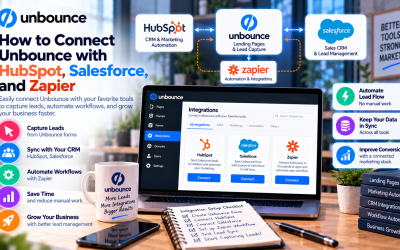
Unbounce integrates with many popular tools, including:
- Zoom
- GoTo Webinar
- HubSpot
- Mailchimp
- Salesforce
- ActiveCampaign
- Zapier
- Google Analytics
These integrations automatically send registrants to your CRM, email marketing platform, or webinar software, reducing manual work and improving campaign efficiency.
Real-World Event Marketing Use Cases
Organizations use Unbounce for a wide variety of online and in-person events.
Examples include:
SaaS Product Demonstrations
Generate registrations for live product walkthroughs and customer onboarding sessions.
Educational Webinars
Promote online courses, workshops, and certification programs.
Business Conferences
Collect attendee registrations for virtual and hybrid conferences.
Corporate Training
Register employees or clients for internal training sessions and professional development events.
Product Launch Events
Build excitement around new products with dedicated event registration pages and promotional campaigns.
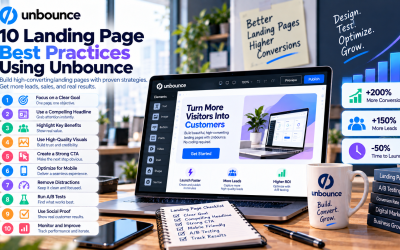
Best Practices for Webinar Landing Pages
To maximize registration rates:
- Focus on one clear call to action.
- Use a benefit-driven headline.
- Clearly explain what attendees will learn.
- Keep registration forms short.
- Include speaker credentials and event details.
- Add testimonials or customer logos to build trust.
- Use countdown timers to create urgency.
- Test headlines and CTA buttons with A/B testing.
- Personalize messaging using Dynamic Text Replacement.
- Enable Smart Traffic for campaigns with high visitor volumes.
Following these best practices can significantly improve webinar attendance and lead generation.
Why Businesses Choose Unbounce for Event Marketing
Businesses choose Unbounce because it combines ease of use with powerful optimization tools.
Key features include:
- No-code landing page builder
- Professional registration templates
- AI-powered Smart Traffic
- Dynamic Text Replacement
- Built-in A/B testing
- Popups and Sticky Bars
- Mobile-responsive design
- Fast page publishing
- CRM and webinar platform integrations
These capabilities allow marketing teams to launch event campaigns quickly while continuously improving registration performance.
Final Verdict
Whether you're promoting a webinar, virtual summit, training session, or live event, the quality of your registration page plays a major role in campaign success. Unbounce provides businesses with a complete set of tools to create focused, high-converting registration pages without the need for coding or complex development.
Its drag-and-drop builder, Smart Traffic, Dynamic Text Replacement, A/B testing, and lead capture features help marketers attract more attendees, improve campaign performance, and generate qualified leads from every event.
For organizations that regularly host webinars or educational events, Unbounce is a powerful platform for increasing registrations, simplifying campaign management, and maximizing the return on event marketing investments.
Write Your Review
No reviews yet. Be the first to share your experience!