
Creating a great landing page is only the first step toward increasing conversions. Even experienced marketers can't always predict which headline, image, or call-to-action (CTA) will perform best. That's why A/B testing has become one of the most effective methods for improving landing page performance.
Unbounce includes built-in A/B testing tools that allow marketers to compare multiple versions of a landing page and make decisions based on real user behavior instead of assumptions. In this guide, we'll explain what A/B testing is, how it works in Unbounce, and the best practices for improving your conversion rates.
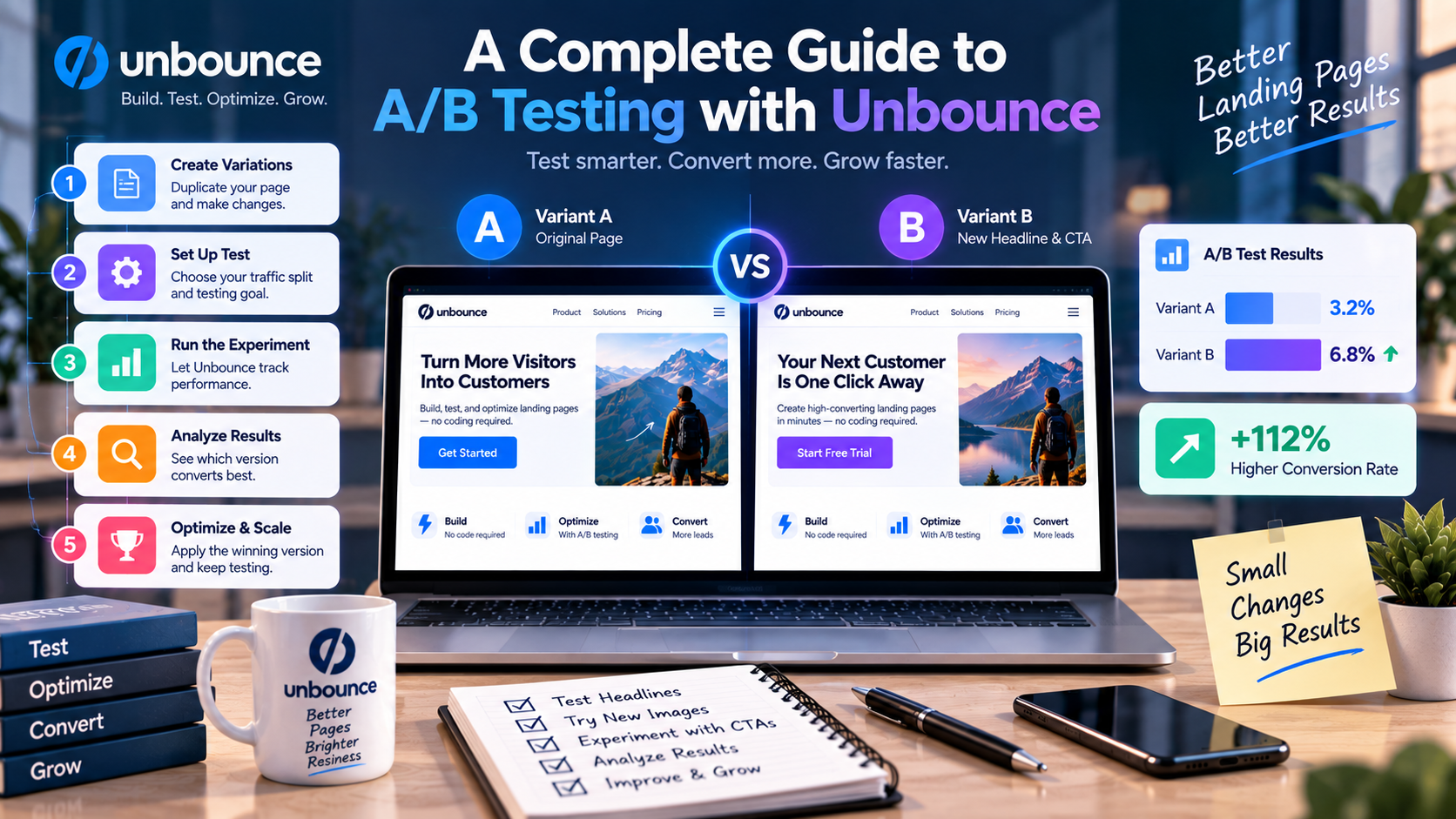
What Is A/B Testing?
A/B testing, also known as split testing, is a marketing technique that compares two or more versions of the same landing page to determine which one performs better.
Instead of showing every visitor the same page, traffic is divided among different versions. Each variation is measured based on a specific conversion goal, such as:
- Form submissions
- Free trial registrations
- Product purchases
- Newsletter sign-ups
- Demo requests
- Webinar registrations
After enough data has been collected, marketers can identify which version produces the highest conversion rate.
Why Is A/B Testing Important?
Small changes can have a significant impact on user behavior.
For example, changing a headline, button color, or CTA wording may increase conversions without increasing advertising costs.
Rather than relying on guesswork, A/B testing helps businesses:
- Improve conversion rates
- Reduce bounce rates
- Increase return on ad spend (ROAS)
- Generate more qualified leads
- Understand customer preferences
- Make data-driven marketing decisions
Continuous testing is one of the key principles of Conversion Rate Optimization (CRO).
How Unbounce A/B Testing Works
Unbounce makes A/B testing simple, even for beginners.
Step 1: Create Your Landing Page
Start by building your landing page using Unbounce's drag-and-drop editor or choose one of the platform's professionally designed templates.
This page becomes your control version.
Step 2: Duplicate the Page
Instead of creating another page from scratch, simply duplicate the original page.
This duplicated version becomes Variation B.
Step 3: Change One Element
To produce reliable results, modify only one major element at a time.
Common elements to test include:
- Headlines
- Hero images
- CTA buttons
- Form length
- Pricing tables
- Testimonials
- Colors
- Product descriptions
Changing too many elements simultaneously makes it difficult to identify which change influenced performance.
Step 4: Split Traffic
Unbounce automatically distributes visitors between your page variations.
For example:
- Version A receives 50% of traffic
- Version B receives 50% of traffic
This balanced distribution allows for a fair comparison.
Step 5: Measure Results
As visitors interact with your landing pages, Unbounce tracks important metrics, including:
- Number of visitors
- Conversion rate
- Form submissions
- Click-through rate
- Winning variation
Once sufficient data has been collected, marketers can determine which version performs better.
What Should You Test?
Although every campaign is different, certain landing page elements often have the greatest impact on conversions.
Headlines
Your headline is usually the first thing visitors notice.
Test:
- Short vs. long headlines
- Benefit-focused messaging
- Question-based headlines
- Value propositions
Call-to-Action Buttons
Your CTA directly influences visitor behavior.
Experiment with:
- Button text
- Colors
- Size
- Placement
- Design
Examples include:
- Start Free Trial
- Book a Demo
- Get Started
- Download Now
Images and Videos
Visual content affects trust and engagement.
Consider testing:
- Product screenshots
- Lifestyle photography
- Customer images
- Explainer videos
- Animation
Lead Capture Forms
Long forms may collect more information, while shorter forms often increase submission rates.
Test:
- Number of fields
- Required information
- Form placement
- Multi-step forms
Social Proof
Visitors are more likely to convert when they trust your business.
Try testing:
- Customer testimonials
- Reviews
- Case studies
- Client logos
- Awards and certifications
Best Practices for Successful A/B Testing
Test One Major Change at a Time
If you change multiple elements simultaneously, it becomes difficult to determine which modification improved conversions.
Keep each experiment focused.
Allow Enough Traffic
Ending a test too early can produce misleading conclusions.
Wait until your landing page receives enough visitors to generate meaningful results before selecting a winner.
Focus on High-Impact Elements
Prioritize testing changes that are most likely to influence user decisions, such as headlines, offers, forms, and CTAs.
Minor design tweaks often produce smaller improvements.
Keep Testing
There is rarely a “perfect” landing page.
Successful marketers continuously test new ideas to improve performance over time.
Optimization is an ongoing process rather than a one-time project.
Combining A/B Testing with Other Unbounce Features
A/B testing becomes even more powerful when combined with other Unbounce tools.
Smart Traffic
After identifying effective page variations, Smart Traffic can automatically direct visitors to the version most likely to convert based on AI predictions.
Dynamic Text Replacement
Create personalized landing page experiences by matching headlines with visitors' Google Ads search queries.
Popups and Sticky Bars
Capture additional leads from visitors who don't convert immediately.
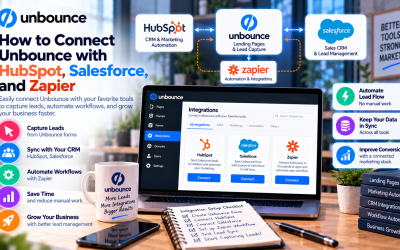
CRM Integrations
Automatically send new leads to platforms such as HubSpot, Salesforce, or Mailchimp for follow-up.
Together, these features create a complete conversion optimization workflow.
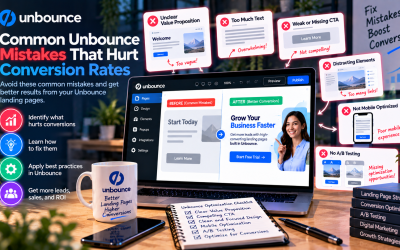
Common Mistakes to Avoid
Many marketers reduce the effectiveness of A/B testing by making avoidable mistakes.
Some of the most common include:
- Testing too many elements at once
- Stopping experiments too early
- Using low-quality traffic
- Ignoring mobile users
- Measuring the wrong conversion goal
- Making decisions without sufficient data
Avoiding these issues will produce more reliable results and better long-term performance.
Who Should Use Unbounce A/B Testing?
Built-in A/B testing is valuable for almost any organization focused on online marketing, including:
- SaaS companies
- Ecommerce brands
- Digital marketing agencies
- Startup founders
- B2B businesses
- PPC advertisers
- Lead generation teams
Whether you're collecting email subscribers or selling products, testing helps improve campaign effectiveness.
Final Verdict
A/B testing is one of the most effective ways to improve landing page performance, and Unbounce makes the process accessible for businesses of all sizes. With its intuitive interface, built-in analytics, and seamless integration with features like Smart Traffic and Dynamic Text Replacement, marketers can continuously optimize their campaigns based on real user behavior.
Instead of relying on assumptions, Unbounce empowers businesses to make data-driven decisions that increase conversions, generate more qualified leads, and maximize return on marketing investment. If you're serious about improving your landing page results, A/B testing should be a core part of your optimization strategy—and Unbounce provides everything you need to get started.
Write Your Review
No reviews yet. Be the first to share your experience!