
Creating a landing page is only the first step toward a successful marketing campaign. The real challenge is building pages that convert visitors into leads or customers. That's exactly what Unbounce is designed to do.
Unlike traditional website builders, Unbounce focuses entirely on conversion rate optimization (CRO). It combines a no-code landing page builder with AI-powered optimization, A/B testing, lead capture tools, and marketing integrations to help businesses maximize the return on their advertising campaigns.
In this guide, we'll explain how Unbounce works and walk through the complete process—from creating your first landing page to optimizing it for higher conversions.
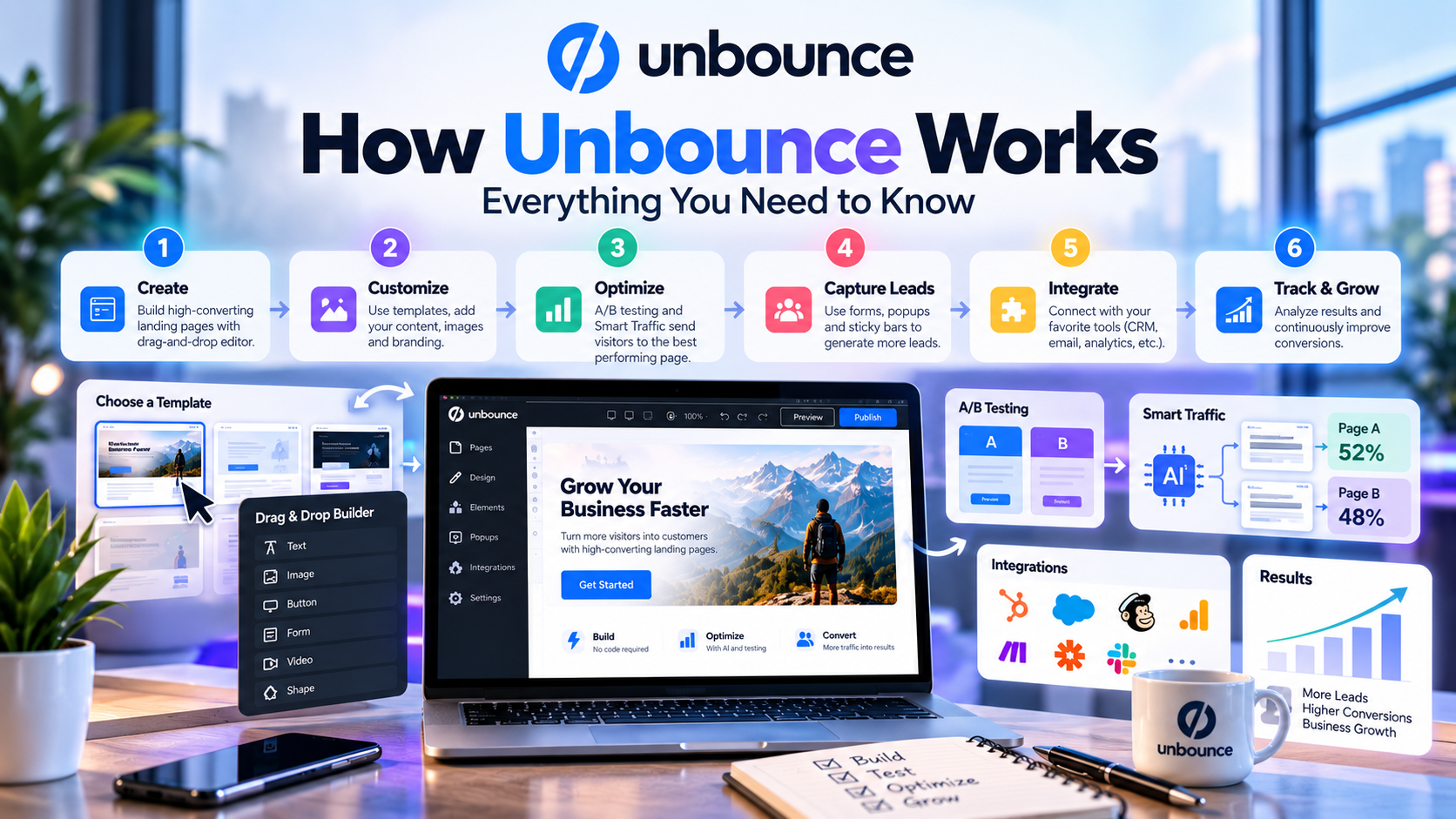
What Is Unbounce?
Unbounce is a cloud-based landing page platform that enables businesses to design, publish, and optimize landing pages without coding. It is widely used by marketers, agencies, SaaS companies, ecommerce brands, and startups to generate leads and improve campaign performance.
Rather than replacing your website, Unbounce works alongside it by creating dedicated pages for specific marketing campaigns, such as Google Ads, Facebook Ads, email promotions, product launches, or webinar registrations.
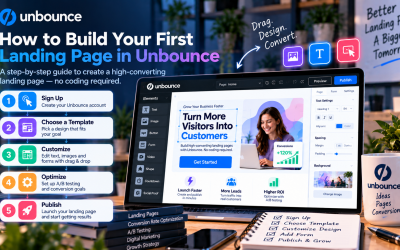
Step 1: Choose a Landing Page Template
Every campaign begins with a landing page.
Unbounce offers a library of professionally designed templates for various industries and marketing goals, including:
- Lead generation
- SaaS free trials
- Ecommerce promotions
- Product launches
- Webinar registration
- Event marketing
- Newsletter signups
- Consultation requests
Users can either customize an existing template or build a page from scratch.
Step 2: Customize Your Page with the Drag-and-Drop Builder
Once you've selected a template, Unbounce's visual editor allows you to personalize every aspect of the page.
You can easily add or modify:
- Headlines
- Images
- Videos
- Forms
- Buttons
- Testimonials
- Pricing sections
- Countdown timers
- Call-to-action (CTA) buttons
Because the editor is completely visual, no programming knowledge is required.
This enables marketing teams to publish landing pages without waiting for developers.
Step 3: Create a Strong Call to Action
The purpose of every landing page is to encourage visitors to take a specific action.
Depending on your campaign, your CTA may be:
- Start a Free Trial
- Book a Demo
- Download an eBook
- Register for a Webinar
- Subscribe to a Newsletter
- Request a Quote
- Buy Now
Unbounce makes it easy to design attention-grabbing CTA buttons and forms that encourage visitors to convert.
Step 4: Publish Your Landing Page
After designing your page, publishing only takes a few clicks.
You can publish landing pages using:
- Your own custom domain
- Existing business domains
- WordPress integration
- Multiple campaign-specific URLs
Since Unbounce hosts every page on its cloud infrastructure, there's no need to manage servers or web hosting.
SSL certificates and page hosting are included.
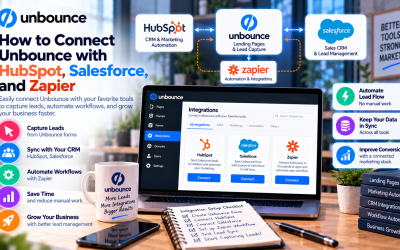
Step 5: Connect Your Marketing Tools
A landing page becomes much more valuable when it's connected to your marketing ecosystem.
Unbounce integrates with hundreds of popular tools, including:
- HubSpot
- Salesforce
- Mailchimp
- ActiveCampaign
- Google Analytics
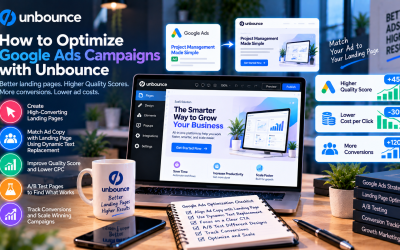
- Google Ads
- Meta Pixel
- Zapier
These integrations allow leads to flow automatically into your CRM or email marketing platform without manual work.
Step 6: Collect and Manage Leads
Lead generation is one of Unbounce's primary strengths.
Visitors can submit information through customizable forms, allowing businesses to collect:
- Name
- Email address
- Phone number
- Company name
- Job title
- Custom fields
Collected leads can then be synchronized with CRM systems or marketing automation software for immediate follow-up.
Step 7: Optimize with A/B Testing
One landing page is rarely the best landing page.
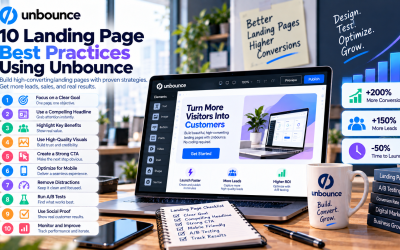
Unbounce includes built-in A/B testing, allowing marketers to compare multiple versions of the same page.
Common elements to test include:
- Headlines
- Hero images
- CTA buttons
- Colors
- Form length
- Testimonials
- Pricing sections
By analyzing conversion data, marketers can continuously improve campaign performance.
Step 8: Improve Results with Smart Traffic
One of Unbounce's most innovative features is Smart Traffic.
Instead of sending every visitor to the same landing page, Smart Traffic uses artificial intelligence to automatically determine which page variation each visitor is most likely to convert on.
The system analyzes visitor attributes such as device type, location, browser, and previous performance data.
As more visitors arrive, Smart Traffic continuously learns and improves its routing decisions, helping businesses increase conversions without manually managing traffic distribution.
Step 9: Capture More Visitors with Popups and Sticky Bars
Not every visitor converts immediately.
Unbounce helps recover potential leads using:
- Exit-intent popups
- Promotional popups
- Sticky announcement bars
- Limited-time offers
- Newsletter signup forms
These tools encourage visitors to take action before leaving the page.
Step 10: Monitor Performance
Once your campaign is live, Unbounce provides performance insights to help you understand visitor behavior.
Key metrics include:
- Visitors
- Conversion rate
- Form submissions
- A/B test performance
- Traffic sources
- Page performance
These insights help marketers make informed decisions and continually optimize campaigns.
Why Businesses Use Unbounce
Companies choose Unbounce because it simplifies the entire landing page workflow.
Instead of relying on designers, developers, and multiple marketing tools, businesses can:
- Build landing pages faster
- Launch campaigns quickly
- Test ideas with A/B testing
- Improve conversions using AI
- Capture more qualified leads
- Integrate with existing marketing software
This combination of simplicity and optimization makes Unbounce particularly valuable for performance marketing.
Who Benefits Most from Unbounce?
Unbounce is ideal for:
- SaaS companies
- Digital marketing agencies
- Ecommerce businesses
- Startup founders
- PPC advertisers
- B2B sales teams
- Marketing consultants
- Lead generation specialists
Whether you're promoting a single product or managing dozens of client campaigns, Unbounce provides scalable tools to support your marketing goals.
Final Thoughts
Unbounce works by combining a user-friendly landing page builder with advanced conversion optimization features. From designing pages and collecting leads to running A/B tests and using AI-powered Smart Traffic, the platform helps businesses improve the effectiveness of every marketing campaign.
For beginners, the intuitive drag-and-drop editor makes it easy to get started. For experienced marketers, advanced optimization tools provide the flexibility needed to maximize ROI.
If your goal is to generate more leads, improve advertising performance, and increase conversion rates without relying on developers, Unbounce is one of the most complete landing page platforms available today.
Write Your Review
No reviews yet. Be the first to share your experience!