
If you're running online advertising, collecting leads, or promoting a product, a dedicated landing page can significantly improve your conversion rates. Unlike a homepage, a landing page is designed with a single goal—to encourage visitors to take a specific action, such as signing up, requesting a demo, or making a purchase.
This is where Unbounce comes in. Unbounce is one of the most popular landing page platforms available today, helping businesses create, test, and optimize landing pages without writing code. In this beginner's guide, we'll explain what Unbounce is, how it works, and why it has become a trusted solution for marketers worldwide.
What Is Unbounce?
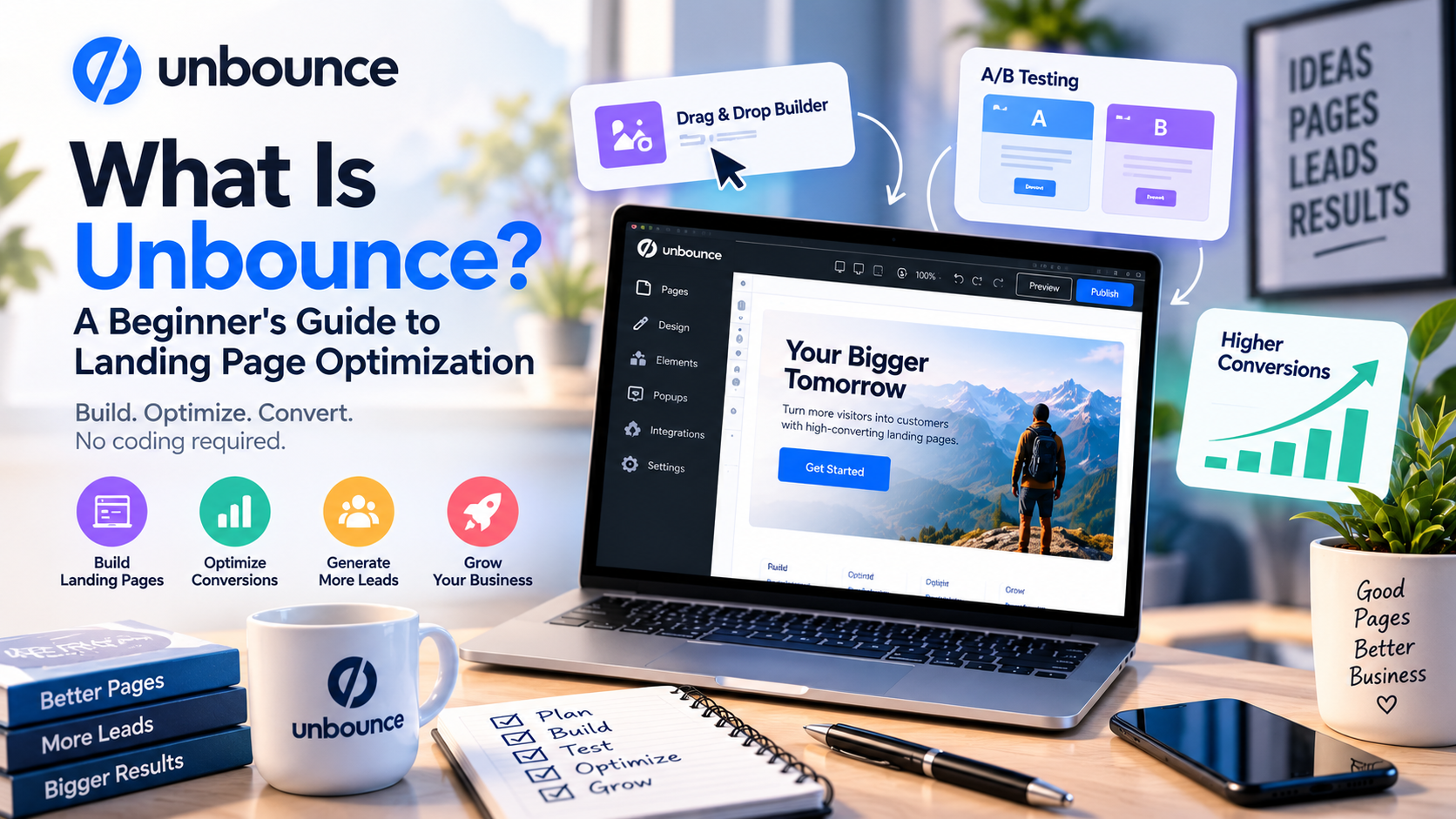
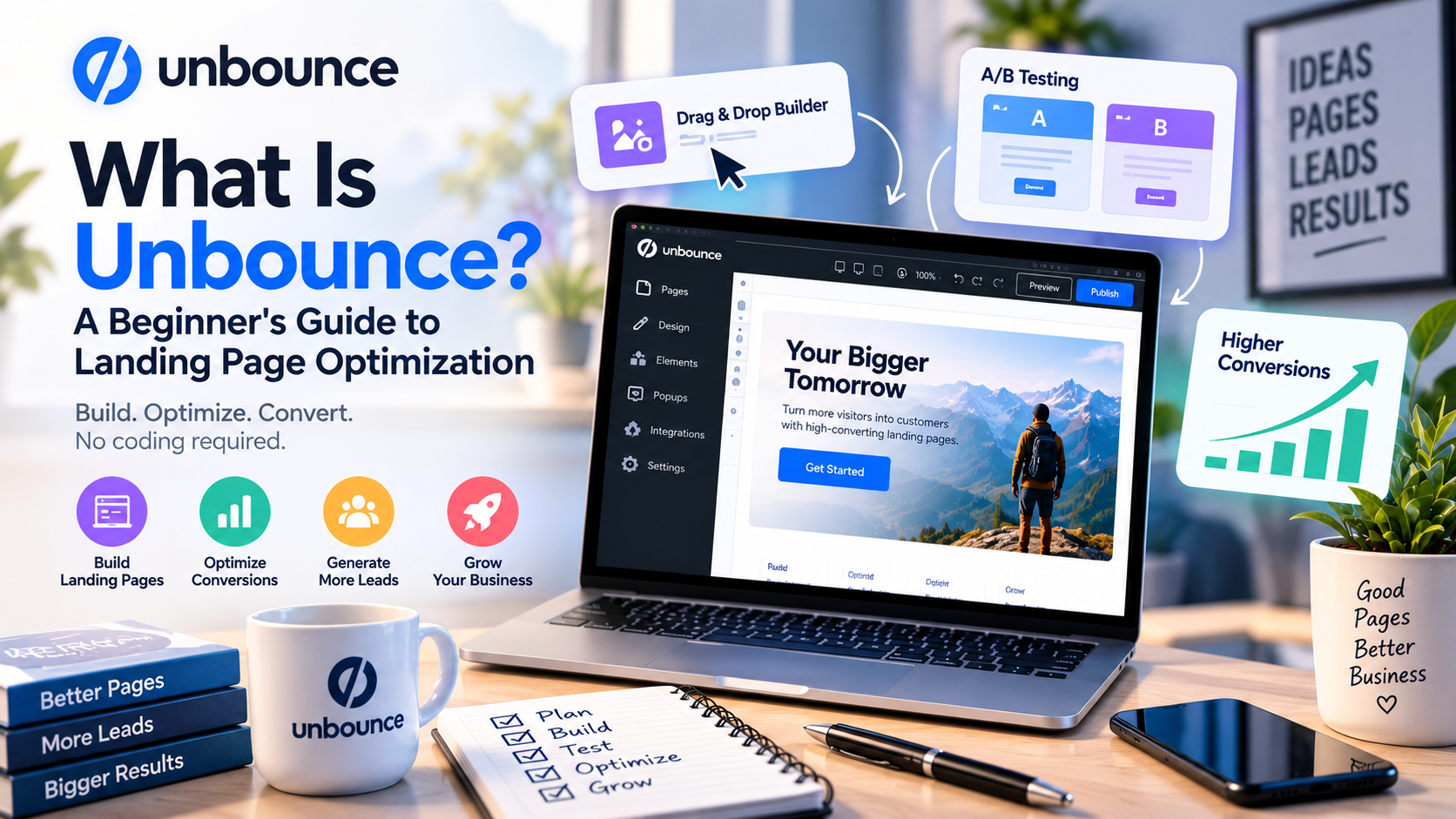
Unbounce is a cloud-based landing page builder that enables businesses to create professional, high-converting landing pages through a simple drag-and-drop editor. The platform was built specifically for conversion rate optimization (CRO), making it different from traditional website builders.
Instead of creating an entire website, Unbounce focuses on helping marketers build pages that convert visitors into leads or customers. Whether you're launching a new product, running Google Ads, collecting email subscribers, or promoting a webinar, Unbounce provides the tools needed to create optimized landing pages quickly.
Because it is hosted in the cloud, users don't need to install software or manage servers. Everything can be built, published, and optimized from a web browser.
Why Landing Pages Matter
Many beginners wonder why they need a landing page instead of sending visitors to their website's homepage.
The answer is simple: homepages usually contain multiple navigation links, products, and information that can distract visitors. A landing page removes these distractions and focuses on a single conversion goal.
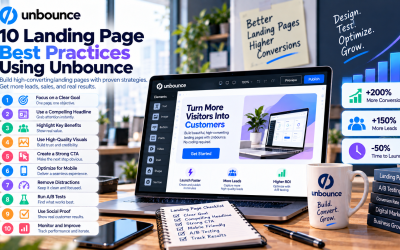
An effective landing page typically includes:
- A compelling headline
- Clear value proposition
- Engaging visuals
- Customer testimonials
- Lead capture form
- Strong call-to-action (CTA)
This focused approach often results in higher conversion rates than sending traffic to a general website.
Key Features of Unbounce
Drag-and-Drop Page Builder
Unbounce's visual editor allows users to build landing pages without coding knowledge. You can easily move elements, customize layouts, and publish pages within minutes.
Professional Templates
The platform offers a large collection of professionally designed templates for industries such as SaaS, ecommerce, consulting, education, healthcare, and real estate. These templates help beginners launch campaigns faster.
AI-Powered Smart Traffic
Smart Traffic uses artificial intelligence to analyze visitor behavior and automatically send each visitor to the landing page variant most likely to convert. This helps improve campaign performance without manual optimization.
A/B Testing
Testing is one of the most important parts of conversion optimization. Unbounce allows users to create multiple versions of a landing page and compare their performance to determine which design, headline, or call-to-action generates the best results.
Dynamic Text Replacement
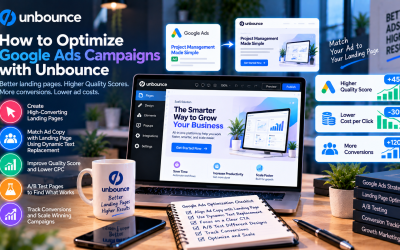
For businesses running Google Ads, Dynamic Text Replacement automatically changes specific landing page text to match the visitor's search keywords. This creates a more personalized experience and can improve ad relevance.
Popups and Sticky Bars
Beyond landing pages, Unbounce includes tools for creating popups and sticky bars that help capture leads, announce promotions, or encourage visitors to take action before leaving the website.
How Unbounce Works
Using Unbounce is straightforward, even for beginners.
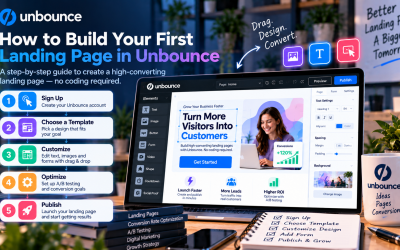
First, choose a landing page template or start with a blank canvas. Next, customize the page using the drag-and-drop editor by adding images, forms, videos, testimonials, and call-to-action buttons.
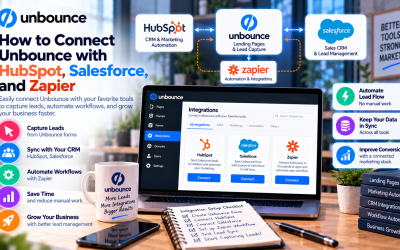
After publishing your landing page on a custom domain, you can connect it with email marketing platforms, CRM software, analytics tools, and advertising platforms.
As visitors begin interacting with the page, Unbounce provides analytics and testing tools that help you improve performance over time.
Benefits of Using Unbounce
Unbounce offers several advantages for businesses looking to improve online marketing performance.
Some of its biggest benefits include:
- No coding skills required
- Fast landing page creation
- AI-powered optimization
- Built-in A/B testing
- Responsive page designs
- Extensive third-party integrations
- Improved lead generation
- Better conversion rates
These features allow marketing teams to launch campaigns faster while continuously optimizing their results.
Who Should Use Unbounce?
Unbounce is suitable for a wide variety of businesses and professionals, including:
- SaaS companies
- Ecommerce brands
- Digital marketing agencies
- Small businesses
- Startup founders
- Freelancers
- B2B sales teams
- PPC specialists
- Content marketers
Anyone focused on lead generation or conversion optimization can benefit from its specialized features.
Is Unbounce Beginner-Friendly?
Yes. One of Unbounce's greatest strengths is its ease of use.
The interface is clean and intuitive, making it accessible even for users with no design or development experience. Beginners can launch their first landing page in a short amount of time, while experienced marketers can take advantage of advanced features such as Smart Traffic, A/B testing, and Dynamic Text Replacement.
In addition, Unbounce provides helpful documentation, tutorials, webinars, and customer support to assist new users.
Final Thoughts
Unbounce is much more than a simple landing page builder. It is a complete conversion optimization platform designed to help businesses generate more leads and maximize the effectiveness of their marketing campaigns.
With its drag-and-drop builder, AI-powered optimization, professional templates, and powerful testing tools, Unbounce makes it easy for beginners to create landing pages that deliver measurable results.
If you're looking to improve your digital marketing performance without hiring developers or designers, Unbounce is an excellent platform to start with. Whether you're running paid advertising, promoting webinars, launching products, or collecting leads, it provides the tools needed to turn more visitors into customers.
Write Your Review
No reviews yet. Be the first to share your experience!