
Modern B2B sales teams need more than just a list of contacts—they need accurate data, efficient workflows, and tools that help them connect with the right prospects at the right time. Apollo.io has become one of the most popular sales intelligence platforms because it combines prospecting, outreach automation, CRM integration, and AI-powered insights into a single solution.
If you're new to Apollo.io, getting started can feel overwhelming because the platform offers a wide range of features. The good news is that you don't need to master everything on day one. By following a structured setup process, you can begin generating qualified leads and launching outreach campaigns within just a few hours.
This beginner's guide walks you through the essential steps to start using Apollo.io effectively.
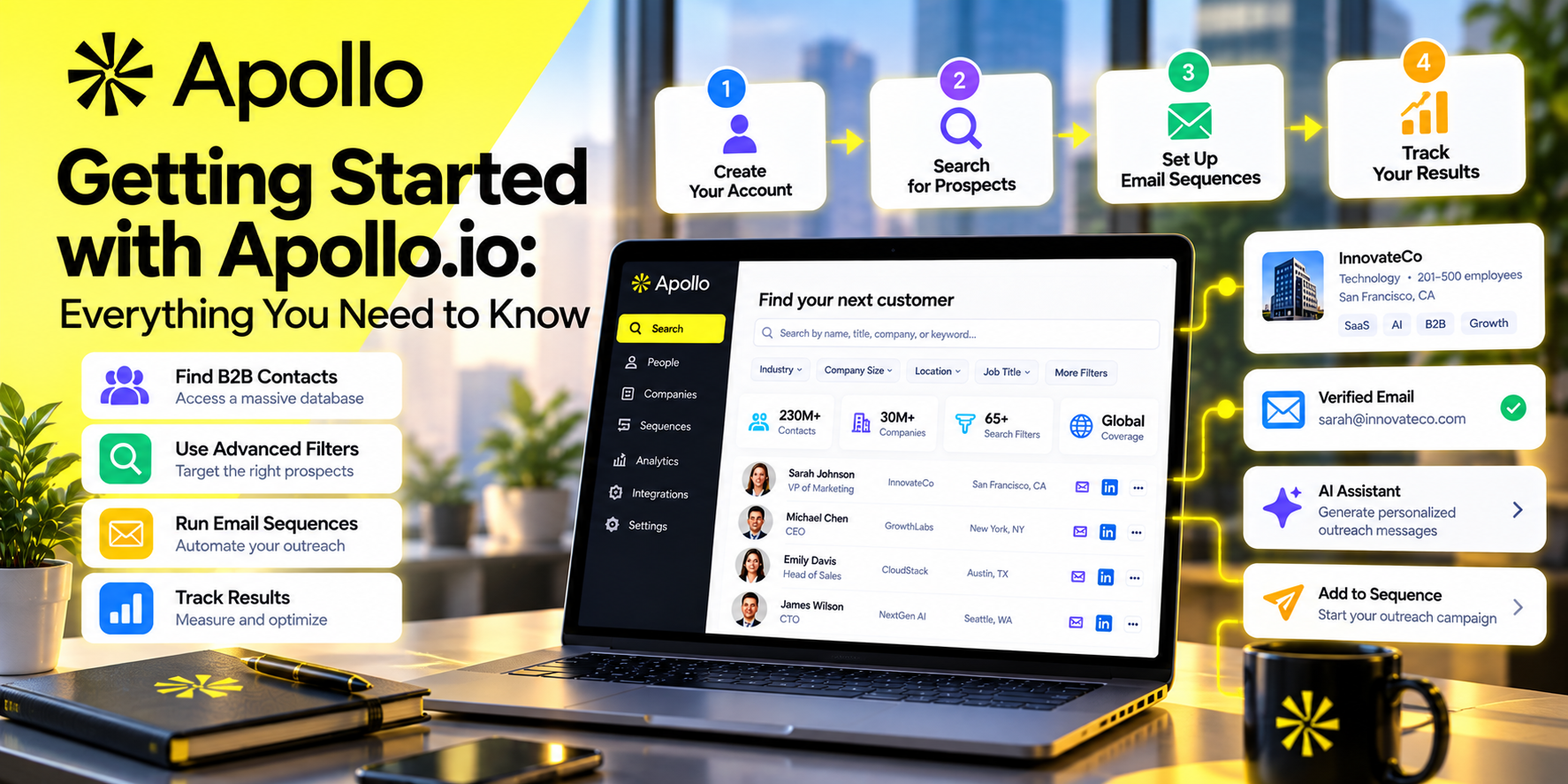
Step 1: Create Your Apollo.io Account
The first step is to sign up for an Apollo.io account.
New users can begin with the Free Plan, which provides access to core prospecting features and a limited number of monthly credits. This is a great way to explore the platform before upgrading to a paid subscription.
During registration, you'll typically provide:
- Your business email address
- Company information
- Team size
- Primary sales goals
After verifying your email, you'll be taken to the Apollo dashboard.
Step 2: Complete Your Workspace Setup
Before searching for leads, spend a few minutes configuring your workspace.
Recommended settings include:
- Upload your profile photo
- Add your company details
- Set your preferred time zone
- Connect your business email
- Configure your email signature
- Enable notifications
These small steps help ensure a smoother experience when sending outreach campaigns and collaborating with teammates.
Step 3: Connect Your CRM
One of Apollo.io's biggest strengths is its ability to integrate with popular Customer Relationship Management (CRM) platforms.
Supported integrations include:
- Salesforce
- HubSpot
- Microsoft Dynamics
- Pipedrive
Connecting your CRM allows Apollo.io to:
- Sync contacts automatically
- Update company records
- Track activities
- Reduce duplicate entries
- Keep customer information organized
If you're already using a CRM, connecting it early will save time and improve workflow efficiency.
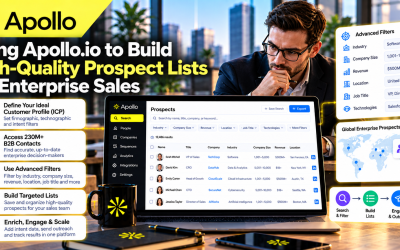
Step 4: Define Your Ideal Customer Profile (ICP)
Before searching for prospects, identify your Ideal Customer Profile (ICP).
Ask yourself questions such as:
- Which industries do we serve?
- What company size is our target?
- Who are the decision-makers?
- Which countries or regions are important?
- What technologies do our customers use?
- What common business challenges do they face?
Having a clear ICP helps you build more targeted prospect lists and improve campaign performance.
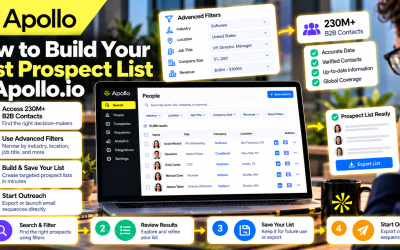
Step 5: Search for Qualified Prospects
Apollo.io's advanced search engine is one of its most valuable features.
You can narrow your search using filters such as:
- Industry
- Job title
- Company size
- Employee count
- Revenue
- Geographic location
- Funding stage
- Hiring activity
- Technologies used
- Seniority level
For example, instead of searching for “marketing companies,” you can target Marketing Directors at SaaS businesses with 50–500 employees in the United States that recently received funding.
The more specific your search, the higher the quality of your prospect list.
Step 6: Save and Organize Prospect Lists
Once you've identified relevant contacts, save them into organized prospect lists.
You might create separate lists for:
- SaaS companies
- Enterprise accounts
- Small businesses
- Existing prospects
- Marketing agencies
- Quarterly campaigns
Keeping lists organized makes it easier to personalize outreach and track campaign performance.
Step 7: Verify Contact Information
Before launching any campaign, review the available contact information.
Apollo.io provides verified business email addresses and, where available, direct phone numbers.
Although the platform continuously updates its database, it's still a good practice to review important contacts before beginning large-scale outreach.
Accurate contact information improves email deliverability and reduces bounce rates.
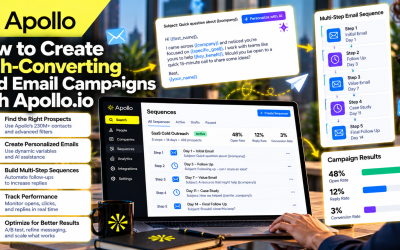
Step 8: Create Your First Email Sequence
Apollo.io includes built-in sales engagement tools that allow users to automate outreach.
A basic sequence might include:
Email 1: Personalized introduction
Email 2: Follow-up after three days
Email 3: Share a relevant case study or resource
Email 4: Final follow-up with a clear call to action
Keep your emails:
- Personalized
- Short and easy to read
- Focused on customer value
- Free from excessive sales language
Personalized messaging generally produces better response rates than generic templates.
Step 9: Use AI to Improve Prospecting
Apollo.io's AI capabilities help users work more efficiently.
AI can assist with:
- Company research
- Prospect summaries
- Outreach suggestions
- Account prioritization
- Workflow recommendations
Instead of manually researching every company, sales representatives can quickly understand a prospect's business and prepare more relevant conversations.
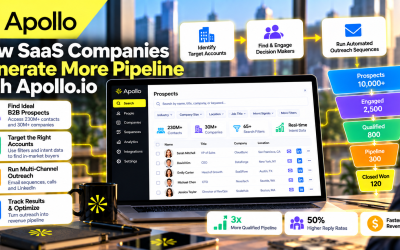
Step 10: Track Performance and Optimize
Launching a campaign is only the beginning.
Apollo.io provides analytics that allow you to monitor:
- Email open rates
- Click-through rates
- Reply rates
- Meetings booked
- Pipeline growth
- Campaign performance
Review these metrics regularly to identify what's working and where improvements can be made.
Small adjustments—such as changing subject lines, refining audience segments, or updating follow-up timing—can significantly improve results over time.
Best Practices for New Apollo.io Users
If you're just starting, keep these recommendations in mind:
- Focus on building highly targeted prospect lists instead of large generic lists.
- Personalize your outreach whenever possible.
- Start with small campaigns before scaling.
- Keep your CRM synchronized.
- Regularly clean and organize your prospect database.
- Test different email sequences and messaging styles.
- Review campaign analytics to continuously improve performance.
- Stay informed about new Apollo.io features and AI capabilities.
Following these best practices will help you maximize the value of the platform from the beginning.
Common Mistakes to Avoid
Many beginners make similar mistakes when using sales intelligence tools.
Avoid these common pitfalls:
- Targeting too broad an audience.
- Sending generic cold emails to every prospect.
- Ignoring CRM synchronization.
- Overlooking campaign analytics.
- Failing to follow up consistently.
- Using all available credits without a clear strategy.
A thoughtful, data-driven approach will produce better long-term results than simply sending more emails.
Final Thoughts
Apollo.io is designed to simplify the entire B2B sales process—from finding qualified prospects to managing outreach and tracking performance. While the platform offers a wide range of advanced features, new users can become productive quickly by focusing on the fundamentals: defining an ideal customer profile, building targeted prospect lists, creating personalized email sequences, and monitoring campaign results.
As your business grows, you can take advantage of Apollo.io's more advanced capabilities, including AI-powered prospect research, workflow automation, buying intent signals, and deeper CRM integrations.
Whether you're a startup founder, sales representative, marketing professional, or business development manager, Apollo.io provides a scalable platform that can help you generate more qualified leads while reducing manual work.



Write Your Review
No reviews yet. Be the first to share your experience!